
-

If you are dealing with slow WiFi on laptop while your phone, tablet, or another computer works fine, the issue is usually linked to that specific laptop instead of the full internet connection. The problem may come from signal strength, background apps, outdated drivers, browser settings, VPN use, or old saved network settings. This guide…
-
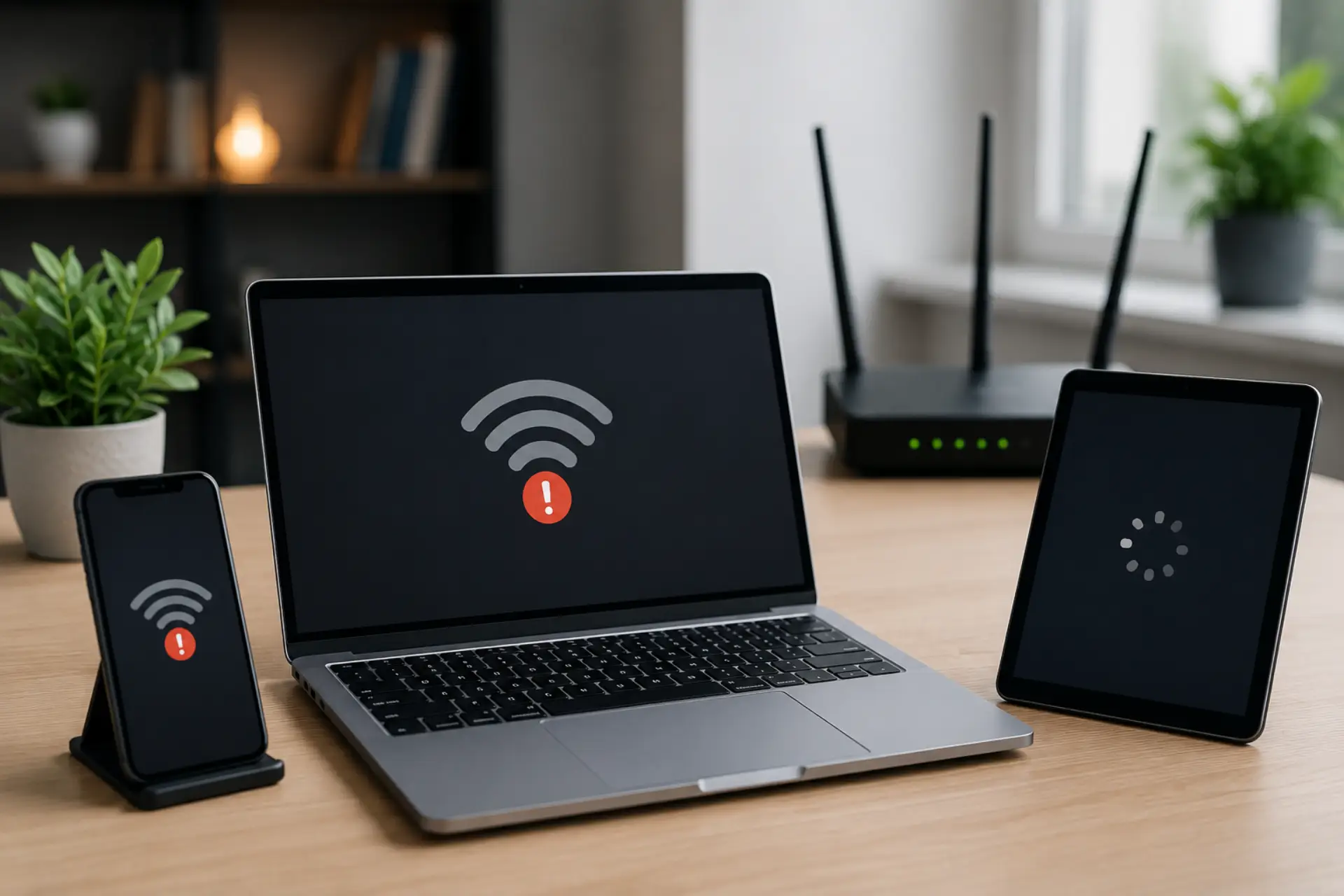
If your internet slow on one device but other phones, laptops, tablets, or computers work fine, the issue is usually inside that specific device, not the whole internet line. It may be caused by a weak signal, outdated software, background apps, wrong network settings, VPN use, browser problems, or a device hardware limitation. This guide…
-
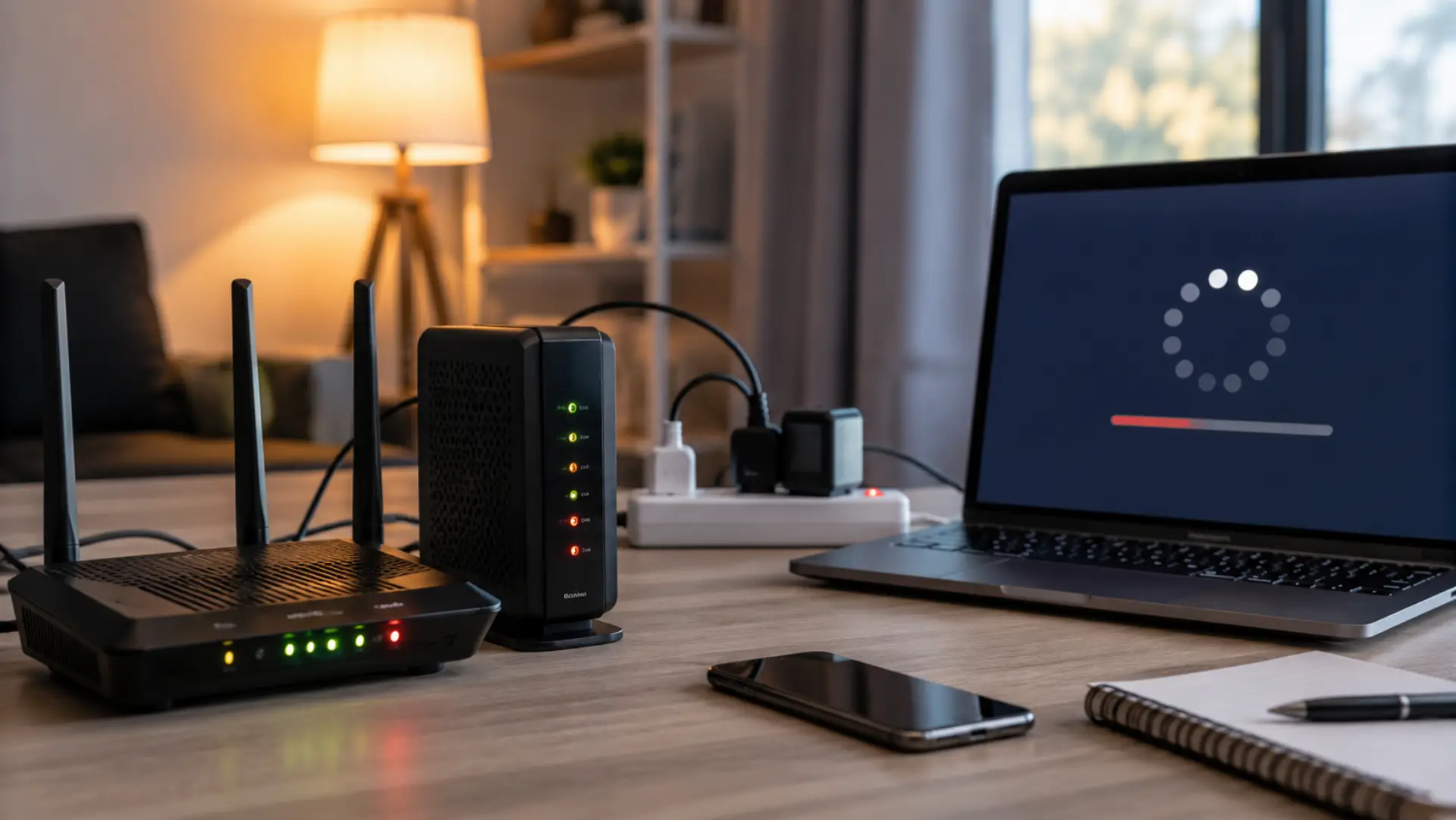
If your internet is slow after a power outage problem started as soon as electricity came back, the cause is usually your modem, router, local service line, or device connection. A sudden power cut can make network equipment restart in the wrong order, which may leave the connection unstable even when the device lights look…
-
Internet speed fluctuates during the day because your connection is affected by shared bandwidth, household device usage, WiFi interference, and peak-hour network congestion. Many users notice slow WiFi in the afternoon or evening when more people and devices are online. This does not always mean your internet is damaged. In most cases, WiFi speed drops…
-
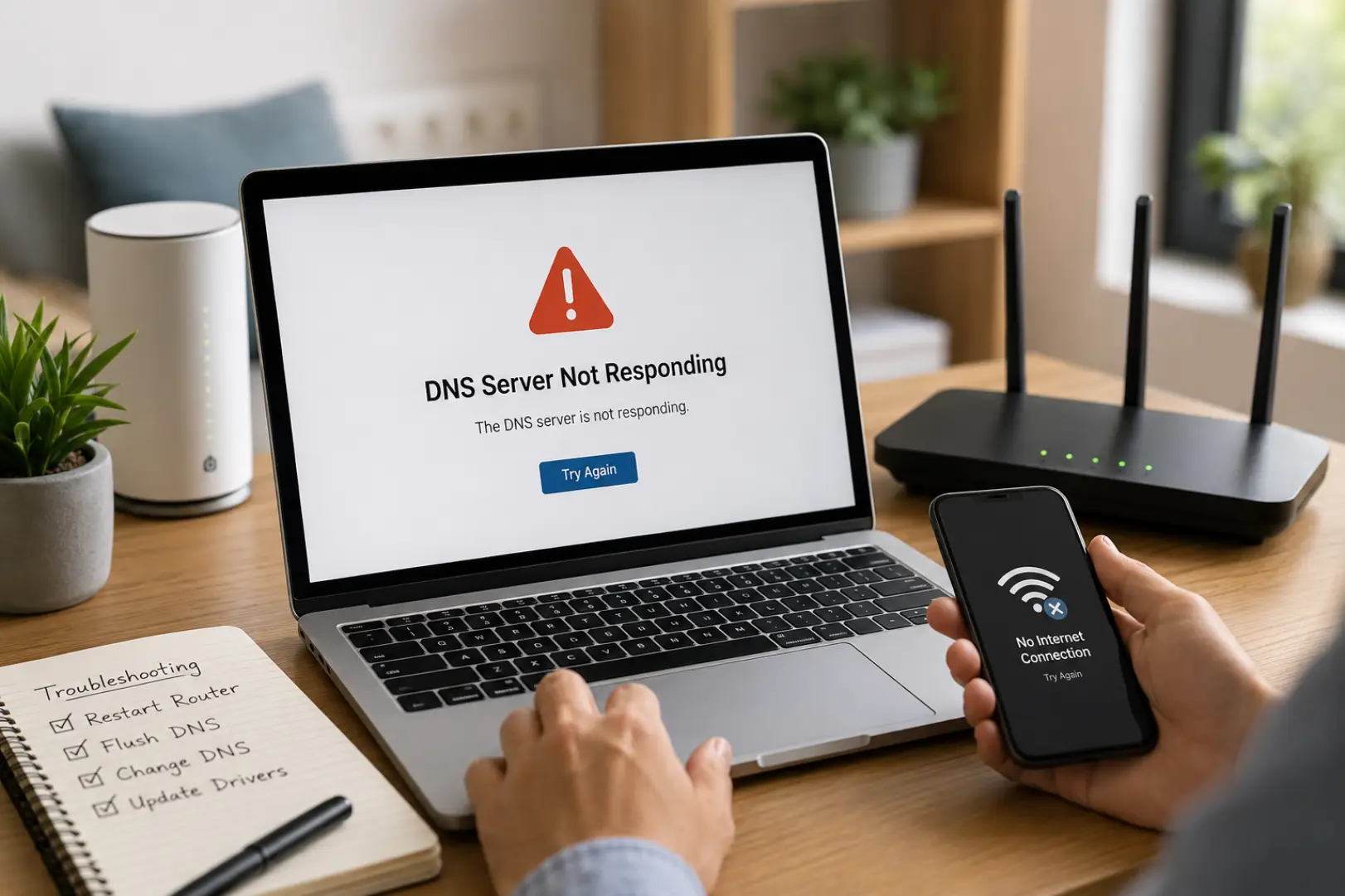
A DNS Server Not Responding error prevents your device from connecting to websites because it cannot communicate with the DNS server responsible for translating domain names into IP addresses. The issue is commonly caused by router problems, incorrect DNS settings, ISP outages, corrupted DNS cache files, or network adapter errors. If you’re wondering How to…
-
WiFi doesn’t have a valid IP configuration is a Windows network error that means your computer is connected to Wi-Fi but cannot get the correct IP address settings from your router. When this happens, your laptop or desktop may show “No Internet,” “Unidentified Network,” or “Connected, no internet,” even though the Wi-Fi signal looks active.…
-
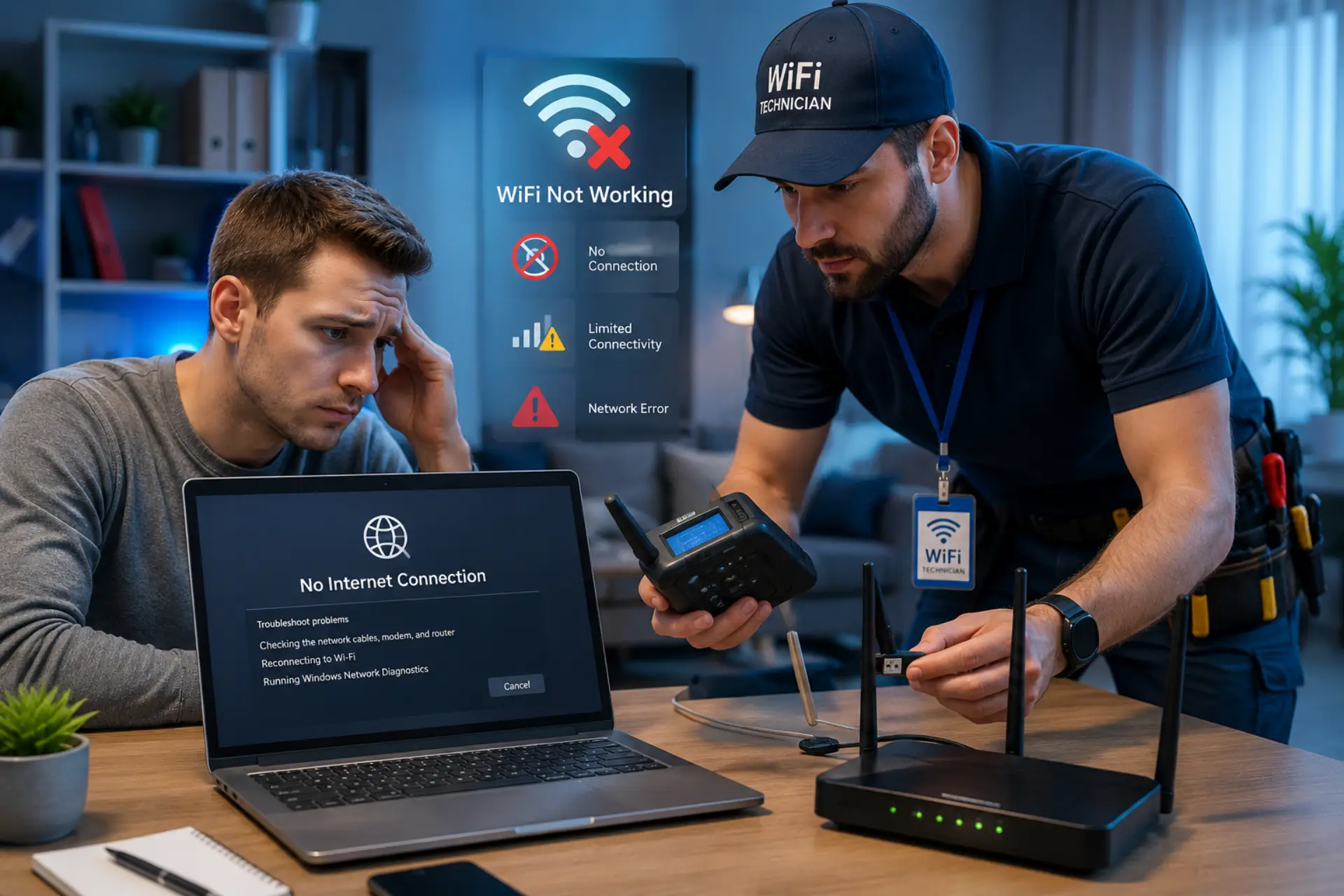
If your wifi adapter not working, it usually means your system is unable to detect or use the wireless network adapter properly. This can stop internet access completely, even if your WiFi router is working fine. The issue is mostly caused by driver errors, disabled settings, or system misconfiguration rather than hardware failure. Below is…
-

A fast speed test slow internet issue can be confusing. Your speed test shows good Mbps, but websites open slowly, videos buffer, games lag, or apps take time to load. This usually happens because speed test results do not always show the full real-world performance of your internet connection. A speed test mainly checks download…
-
If your internet works fine during the day but becomes slow at night, you are not alone. Many people face buffering videos, slow websites, lagging games, frozen video calls, and weak WiFi performance during evening hours. The main reason internet speed drops at night is higher internet usage. When more people in the home and…
-
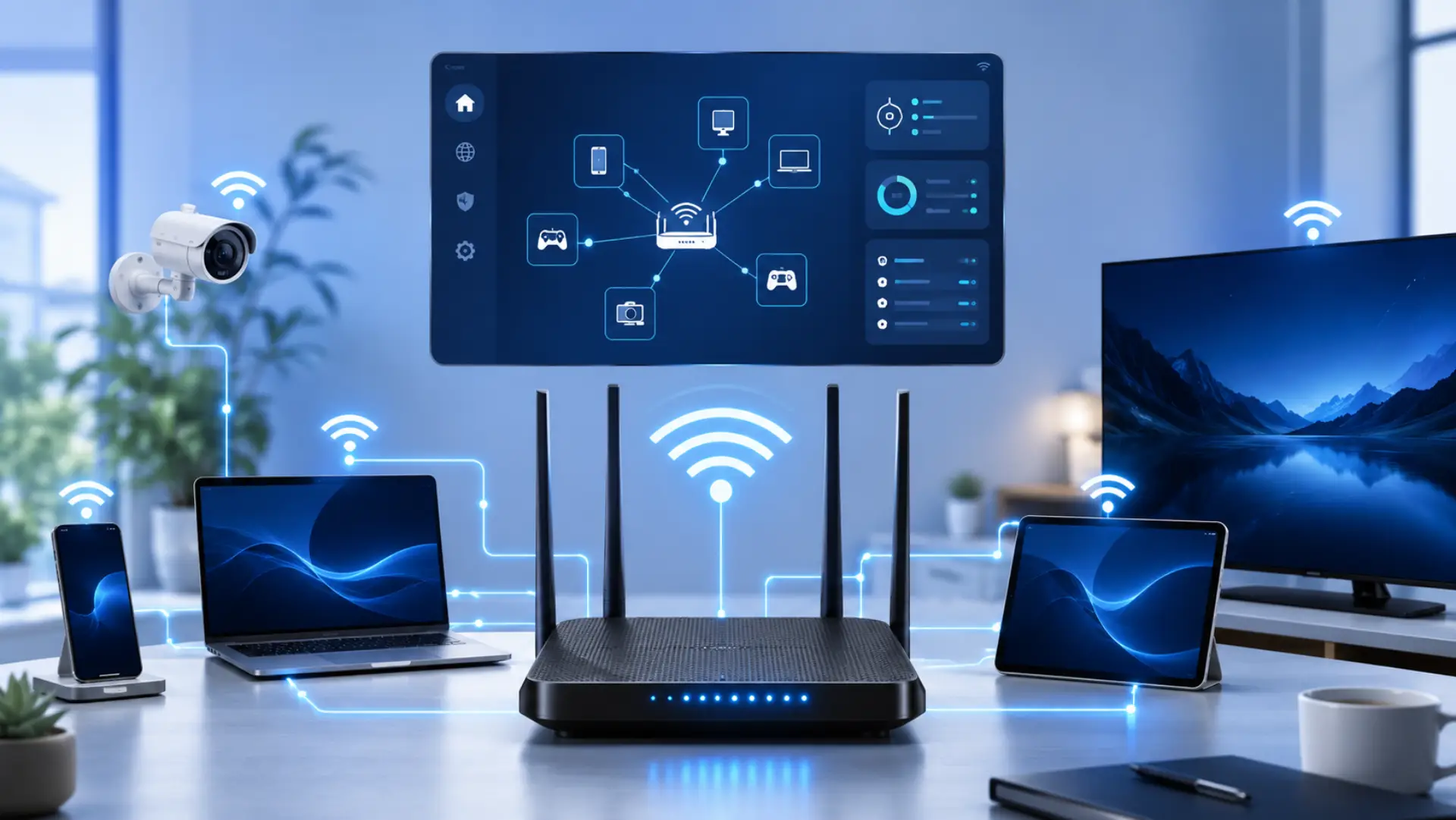
Slow internet, buffering, or sudden speed drops can happen when too many devices are using the same network. The quickest way to confirm this is to check connected devices on WiFi through your router or its official app. This helps you see every phone, laptop, smart TV, camera, or unknown device currently linked to your…