
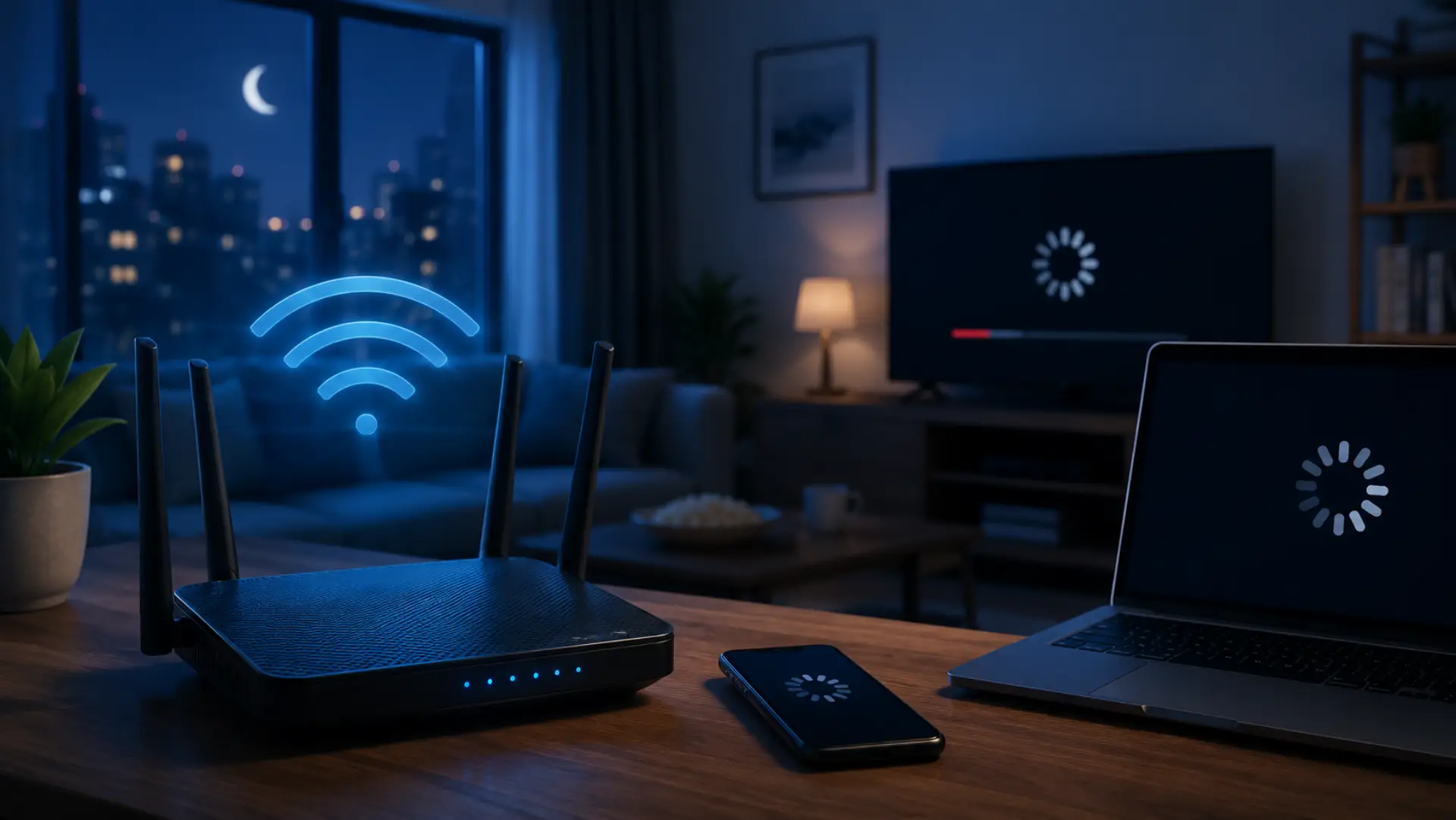
If your internet works fine during the day but becomes slow at night, you are not alone. Many people face buffering videos, slow websites, lagging games, frozen video calls, and weak WiFi performance during evening hours.
The main reason internet speed drops at night is higher internet usage. When more people in the home and nearby area go online at the same time, your router, WiFi signal, and internet connection have to handle more load.
Why Internet Speed Drops at Night
Internet speed can change throughout the day. During the morning or afternoon, fewer people may be using the connection. At night, the demand increases because most people are home.
Streaming, gaming, video calls, downloads, social media, and smart devices all use bandwidth. When many activities happen together, the available speed gets divided between devices.
Sometimes the issue is not your internet package. The real problem may be weak WiFi coverage, router overload, poor router placement, background updates, or network congestion during busy hours.
Main Reasons Internet Becomes Slow at Night
Too Many Devices Are Connected
A home network can have many connected devices. Phones, laptops, tablets, smart TVs, gaming consoles, cameras, and smart home devices may all use the same router.
At night, more of these devices become active. Even unused devices can still sync data, update apps, or use background internet.
Heavy Streaming Uses More Bandwidth
Streaming is one of the biggest causes of nighttime slowdowns. HD and 4K videos need a strong and stable connection.
If two or three people are streaming at the same time, the internet can feel slow for everyone else. This is even worse if the router is old or the WiFi signal is weak.
Online Gaming Needs Stable Ping
Gaming is not only about download speed. Online games need low ping and stable latency.
At night, gaming can lag when other devices are streaming, downloading, or uploading files. A speed test may look fine, but your game can still feel delayed.
Router Overload
Your router controls your home internet traffic. If it is old or weak, it may struggle when many devices connect at the same time.
Router overload can cause buffering, high ping, slow browsing, and random disconnections. A fast internet plan cannot perform well if the router cannot handle the load.
Poor Router Placement
Router placement has a major effect on WiFi performance. If the router is inside a cabinet, behind a TV, near metal objects, or placed on the floor, the signal can become weak.
A router works best in an open, central, and slightly elevated position. WiFi needs clear space to spread properly.
WiFi Interference from Nearby Networks
If you live in an apartment or crowded area, nearby WiFi networks can interfere with your connection. This happens when many routers use similar wireless channels.
The 2.4GHz band is usually more crowded but covers longer distance. The 5GHz band is usually faster but works better near the router.
Background Downloads and Updates
Phones, laptops, gaming consoles, and smart TVs often download updates automatically. These updates can use a large amount of bandwidth without you noticing.
If your internet suddenly slows down in the evening, check for app updates, cloud backups, and large downloads running in the background.
Upload Usage Can Slow Everything
Upload speed matters too. Video calls, cloud backups, security cameras, file sharing, and online gaming all use upload.
When upload speed is fully used, the whole internet can feel slow. Websites may load late, calls may freeze, and games may lag.
Weak WiFi Coverage in Large Homes
One router may not cover every room properly. Walls, floors, mirrors, doors, and distance can weaken the WiFi signal.
If speed is good near the router but poor in bedrooms or far rooms, the problem is likely WiFi coverage, not your internet package.
App, VPN, or Server Problems
Sometimes your internet is not the issue. The problem may be with a streaming app, website, game server, IPTV service, or VPN.
If only one app is slow, test other apps. If speed improves after turning off VPN, the VPN server may be causing the slowdown.
How to Check the Real Problem
Before upgrading your internet package, test your connection properly. A bigger plan will not fix poor WiFi placement or router interference.
Start by testing speed near the router. Then test again in the room where the internet feels slow. If the speed is much lower in that room, your WiFi coverage is weak.
You can also test with an Ethernet cable. If wired speed is stable but WiFi is slow, the issue is your wireless setup.
Compare speed in the morning, afternoon, evening, and late night. If speed mostly drops during evening hours, the issue may be peak-time usage or network congestion.
Check how many devices are connected to your router. Remove unknown devices and disconnect old phones, tablets, or guest devices you do not use.
Pause large downloads, cloud backups, and app updates. If speed improves, background usage was part of the problem.
How to Fix Internet Slowdowns at Night
Place the Router in an Open Area
Keep your router in an open and central location to improve WiFi signal. Avoid cabinets, TV units, metal objects, closed corners, and floor placement.
A higher position, such as a shelf or table, usually gives better signal coverage.
Use the Right WiFi Band
Use 5GHz WiFi for devices close to the router. This is better for streaming, gaming, and video calls.
Use 2.4GHz for devices that are farther away or only need basic internet access.
Disconnect Unused Devices
Remove old phones, guest devices, unused tablets, and unknown connections from your network. Fewer connected devices can improve performance during busy evening hours.
Use Ethernet for Important Devices
For gaming consoles, smart TVs, office laptops, and desktop computers, Ethernet is more stable than WiFi. A wired connection gives better speed, lower ping, and fewer interruptions.
Schedule Heavy Downloads
Avoid downloading large files, games, and software updates during busy evening hours. Schedule heavy downloads for off-peak times so other users can stream, browse, and call smoothly.
Change WiFi Channel
Nearby WiFi networks can interfere with your connection. Changing the WiFi channel can reduce this problem.
Many modern routers select the best channel automatically, but manual adjustment can also help in crowded areas.
Use Mesh WiFi for Better Coverage
If your home has weak signal areas, one router may not be enough. A mesh WiFi system can improve coverage in bedrooms, upstairs areas, home offices, and far corners.
Update Router Firmware
Router firmware updates can improve performance. Check your router app or settings and update it when needed.
Restart the Router Properly
A proper restart can clear temporary router issues. Turn it off, wait around 30 seconds, and turn it back on. Do not restart it again and again, because repeated restarts may create more instability.
Contact Your Internet Provider
If wired speed also drops every night, the issue may be outside your home. Contact your internet provider and share speed test results from different times of the day.
Best Setup for Better Internet at Night
A strong home network is not only about buying a fast plan. Router quality, placement, WiFi band, device load, and coverage all matter.
For better nighttime performance, keep your router in an open place, use 5GHz for nearby devices, and use Ethernet for smart TVs or gaming consoles.
You should also avoid large downloads in the evening, remove unknown devices, and keep cloud backups outside busy hours.
If your home has weak signal areas, a mesh WiFi system or wired access point can give better coverage than a single router.
Summary
If internet speed drops at night, the issue is usually caused by higher evening usage, too many connected devices, router overload, weak WiFi signal, background downloads, upload congestion, or busy network hours.
Start with simple checks before upgrading your package when facing slow WiFi issues. Test speed near the router, compare WiFi with Ethernet, check connected devices, pause downloads, and test at different times.
A fast internet plan is helpful, but a proper WiFi setup is just as important. With the right router location, better device management, and clean WiFi settings, you can reduce night-time slowdowns and enjoy smoother streaming, browsing, gaming, and video calls.
FAQs
Why does the internet speed drop at night?
Internet speed drops at night because evening is usually the busiest time for home internet use. More people stream, game, browse, video call, and use smart TVs at the same time.
Why internet slow down at night, even when my package is fast?
Internet slows down at night even with a fast package because speed also depends on router quality, WiFi coverage, connected devices, background downloads, and network load.
What causes slow internet at night?
Slow internet at night is often caused by multiple connected devices, HD streaming, online gaming, app updates, cloud backups, weak router placement, and WiFi interference.
Why is my WiFi slow at night but fine during the day?
WiFi slow at night usually happens because more devices are active in the evening. Nearby routers, crowded WiFi channels, and poor router placement can also affect performance.
What is internet congestion at night?
Internet congestion at night means too many users or devices are using the network at the same time. This can happen inside your home or on the wider internet provider network.
Why does peak hour internet slow happen?
Peak hour internet slow happens because evening is the highest usage period. Streaming, gaming, video calls, downloads, and social media use all increase at the same time.
Why do WiFi speed drops at night happen in apartments?
WiFi speed drops at night are common in apartments because many nearby routers are active together. When networks use similar channels, interference can slow down your connection.
Why is my internet slow during evening only?
Internet slow during evening usually means your connection is affected by peak-time usage. Check connected devices, downloads, streaming activity, and router placement.
Can router placement make internet speed drops at night worse?
Yes. If your router is hidden inside a cabinet, behind a TV, near metal objects, or far from main rooms, the WiFi signal becomes weaker, especially when more devices are online.
How can I fix slow internet at night?
To fix slow internet at night, place your router in an open area, use 5GHz WiFi for nearby devices, disconnect unused devices, pause large downloads, use Ethernet, and consider mesh WiFi for weak coverage areas.
Leave a Reply