
Category: Wifi Solutions
-

Full-home WiFi coverage depends on more than just paying for a fast internet plan. A good internet speed for Dubai homes should still be supported by the right router, coverage layout, and device capacity. A reliable setup needs the right router, correct placement, enough access points, and proper support for the size and layout of…
-
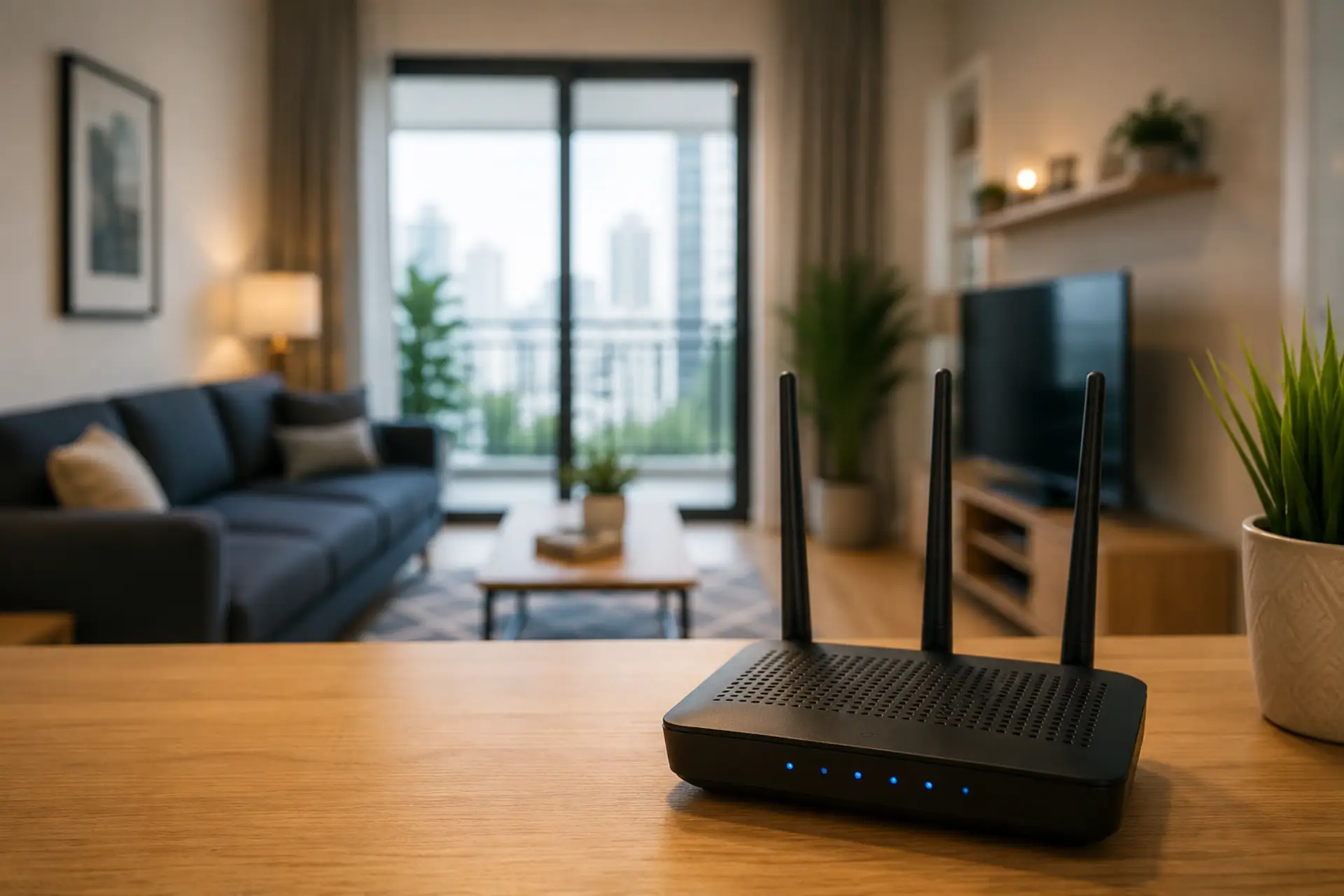
To extend WiFi coverage in an apartment, start with the basics: place the router in a central open area, reduce signal blockage, avoid interference, test your speed in different rooms, and use the right device only when needed. These basic steps are also useful when you want to boost your WiFi signal before buying extra…
-
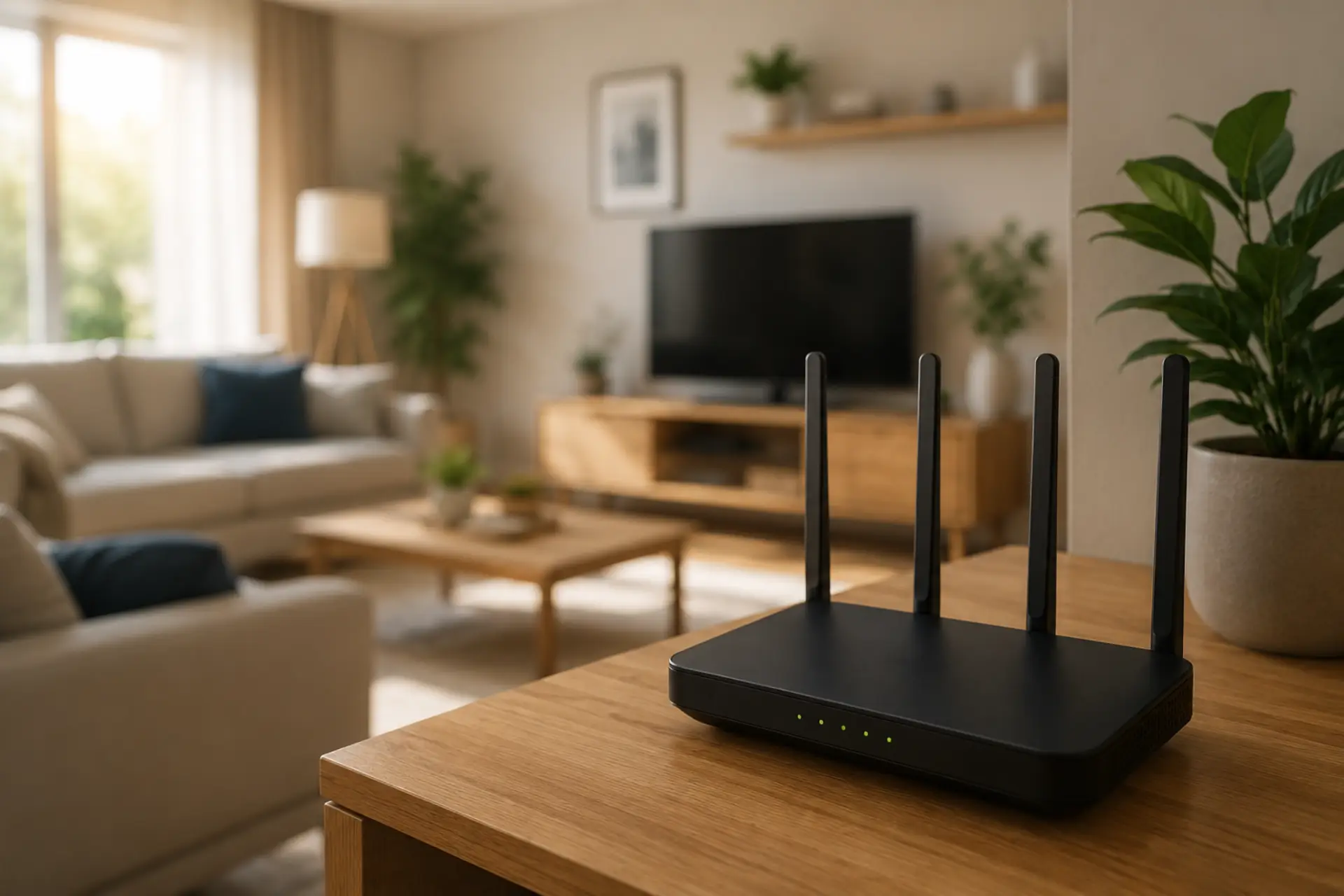
Good router placement helps your internet feel faster, more stable, and easier to use across the home. Better placement is also one of the easiest ways to boost your WiFi signal before buying extra equipment. Even with a strong internet plan, a poorly positioned WiFi router can create dead zones, unstable connections, and slow performance…
-
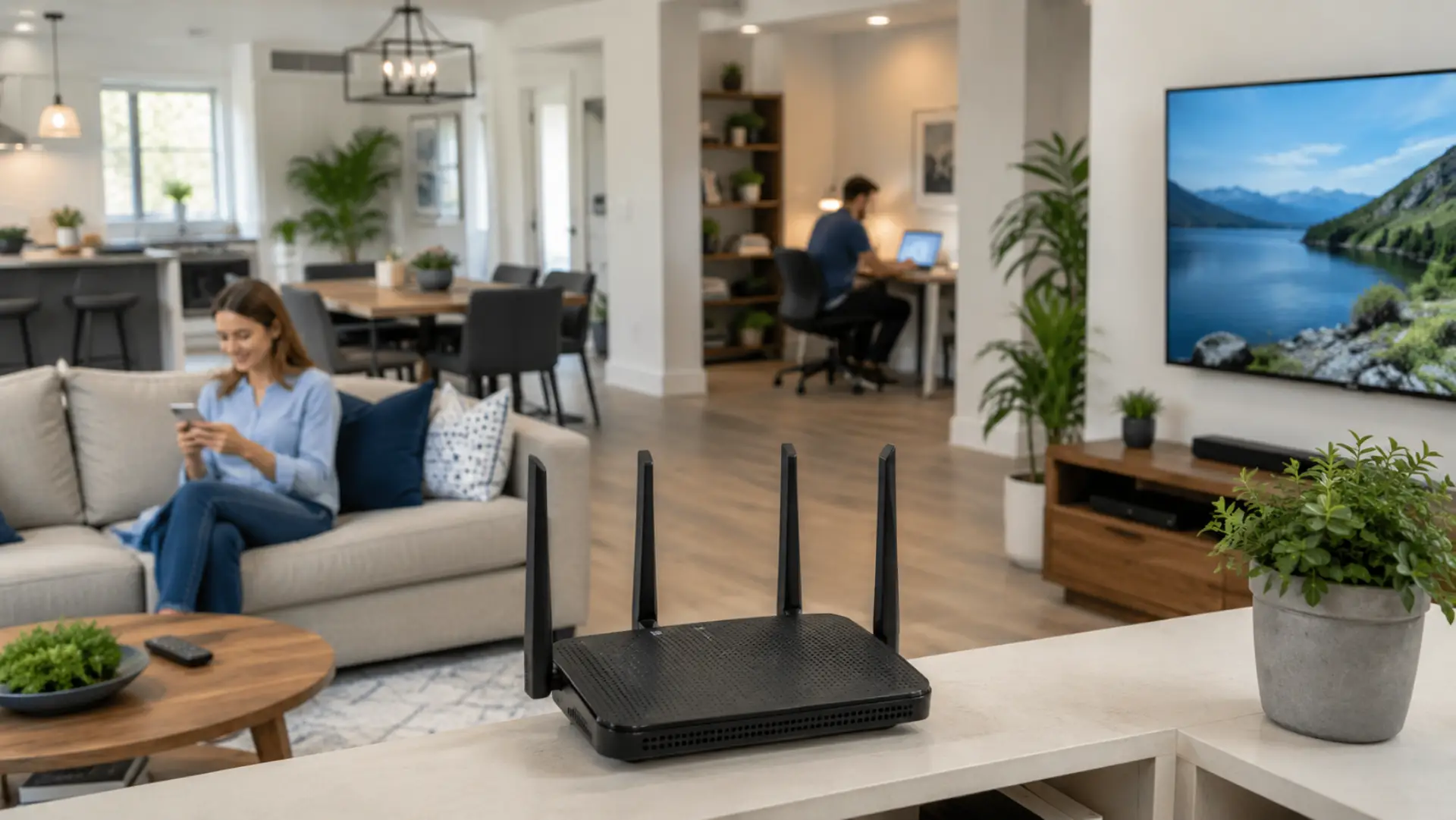
To increase WiFi range at home, start by checking where your connection becomes weak and why the signal is not reaching properly. In many homes, poor WiFi range is caused by bad router location, thick walls, device overload, outdated equipment, or interference from nearby electronics. If the issue is limited to certain rooms, it may…
-
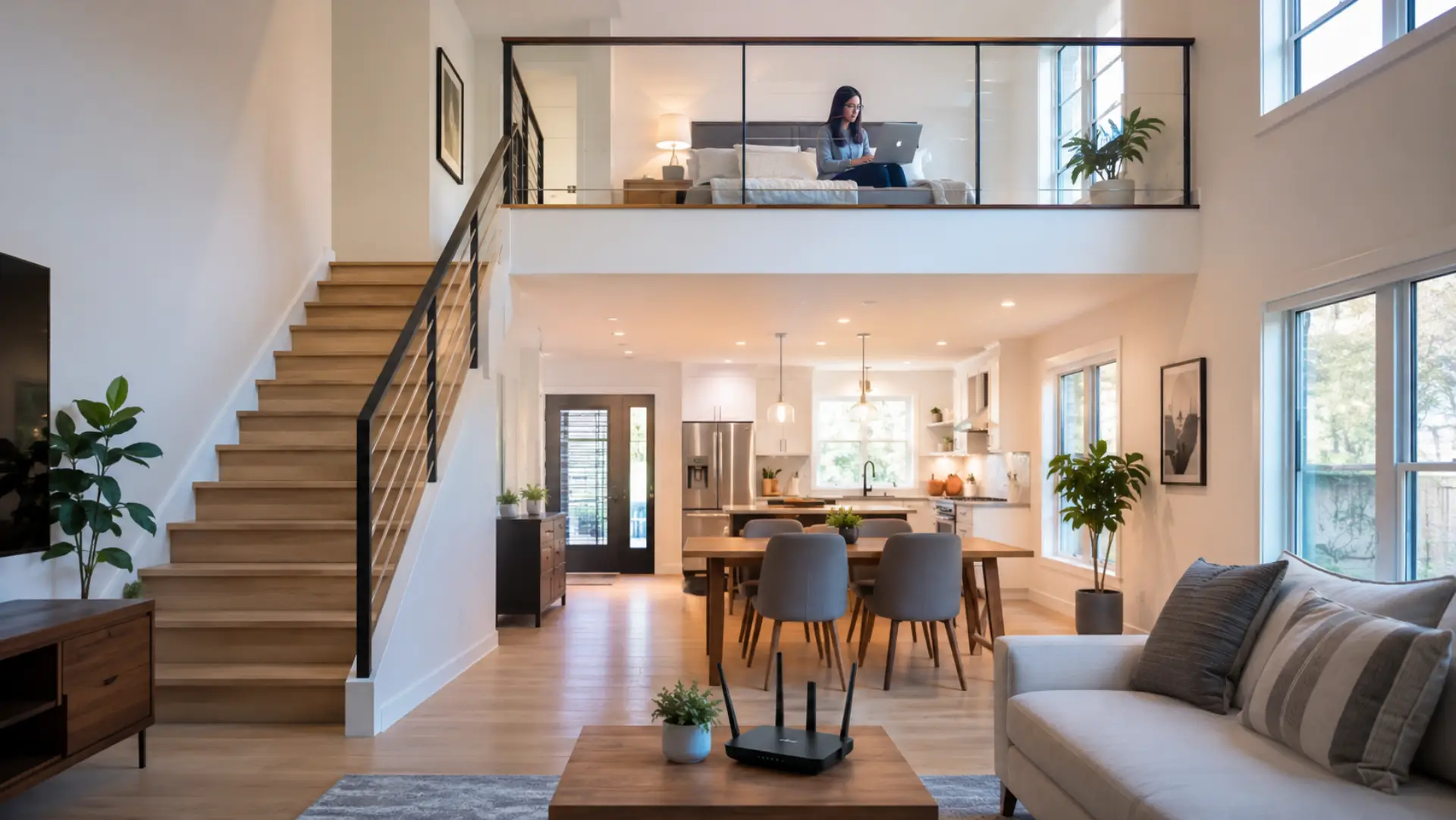
Getting strong WiFi upstairs can be difficult when the router is placed on a lower floor, blocked by thick walls, or forced to serve too many rooms at once. This problem is similar to WiFi dead spots in Dubai villas, where one router struggles to reach every room and floor. If your WiFi upstairs feels…
-
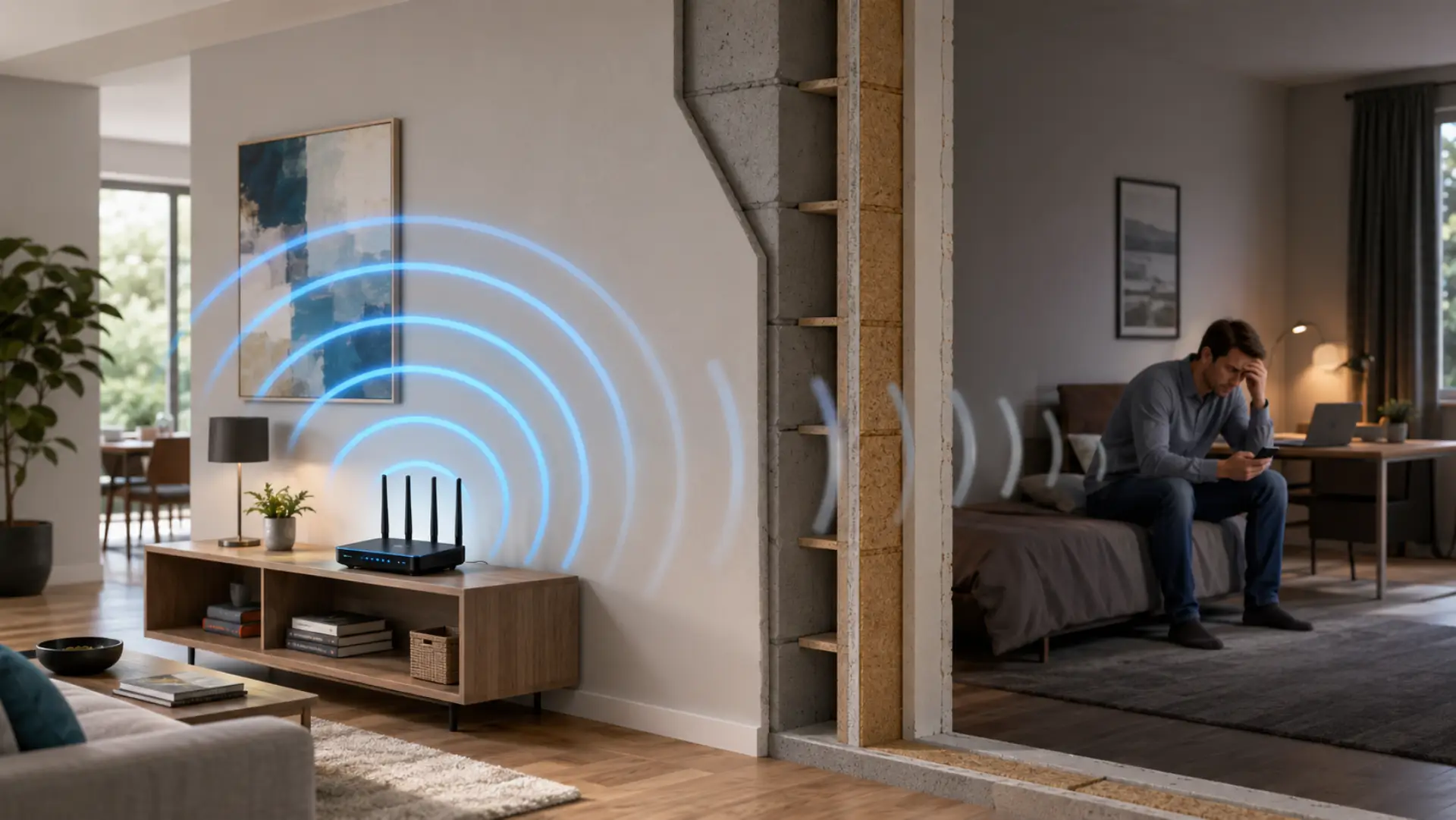
To Boost wifi signal through walls, place your router in a central open area, keep it away from metal and appliances, use the 2.4 GHz band for longer reach, and add mesh WiFi or wired access points if thick surfaces block coverage. If weak rooms are part of a larger villa layout, the issue may…
-
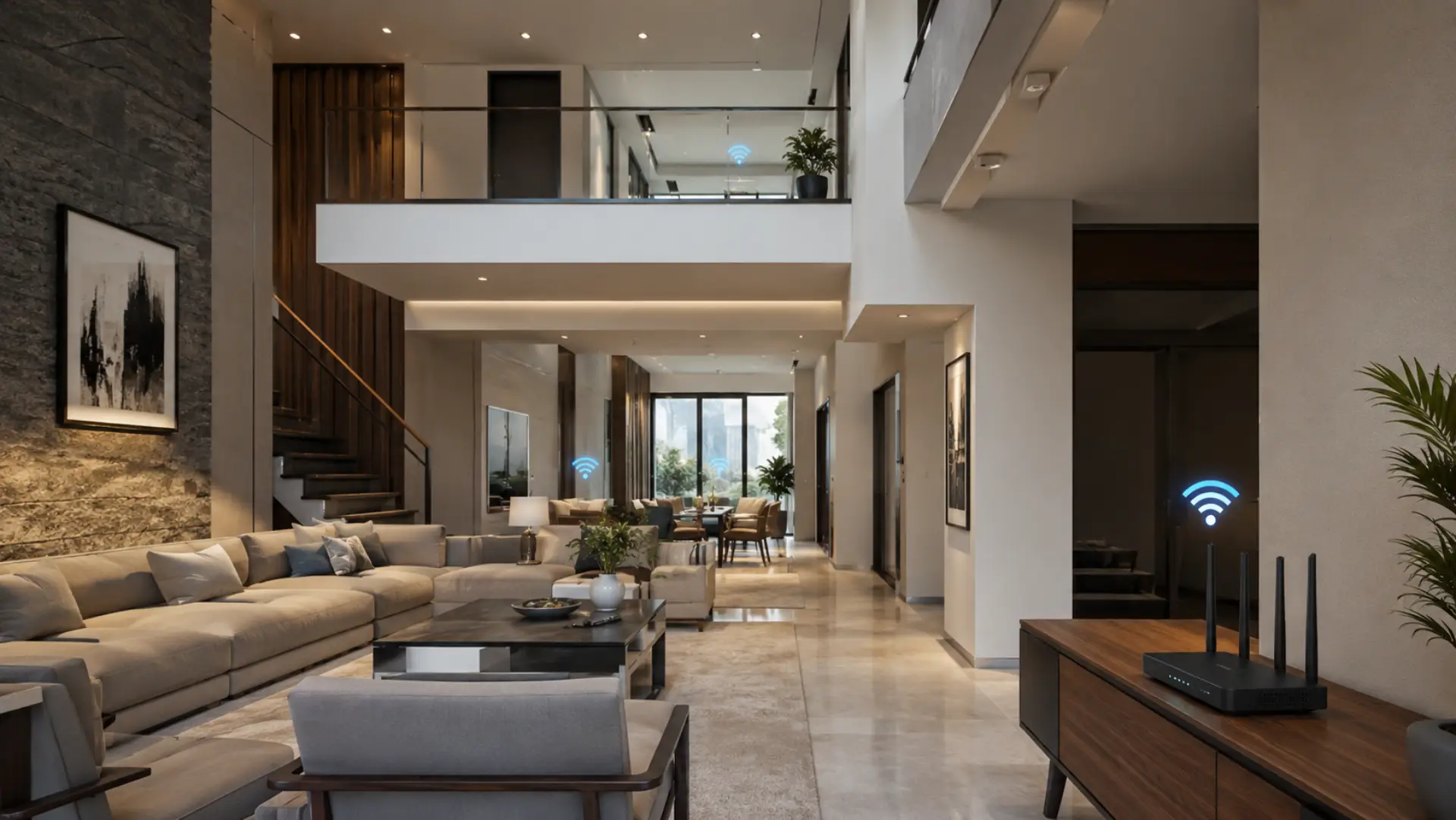
WiFi dead spots are areas in a villa where the internet signal is weak, unstable, or completely unavailable. These weak areas are similar to common WiFi dead zones that appear when the signal cannot reach certain rooms properly. In Dubai villas, this usually happens because large layouts, thick walls, multiple floors, closed rooms, and outdoor…
-
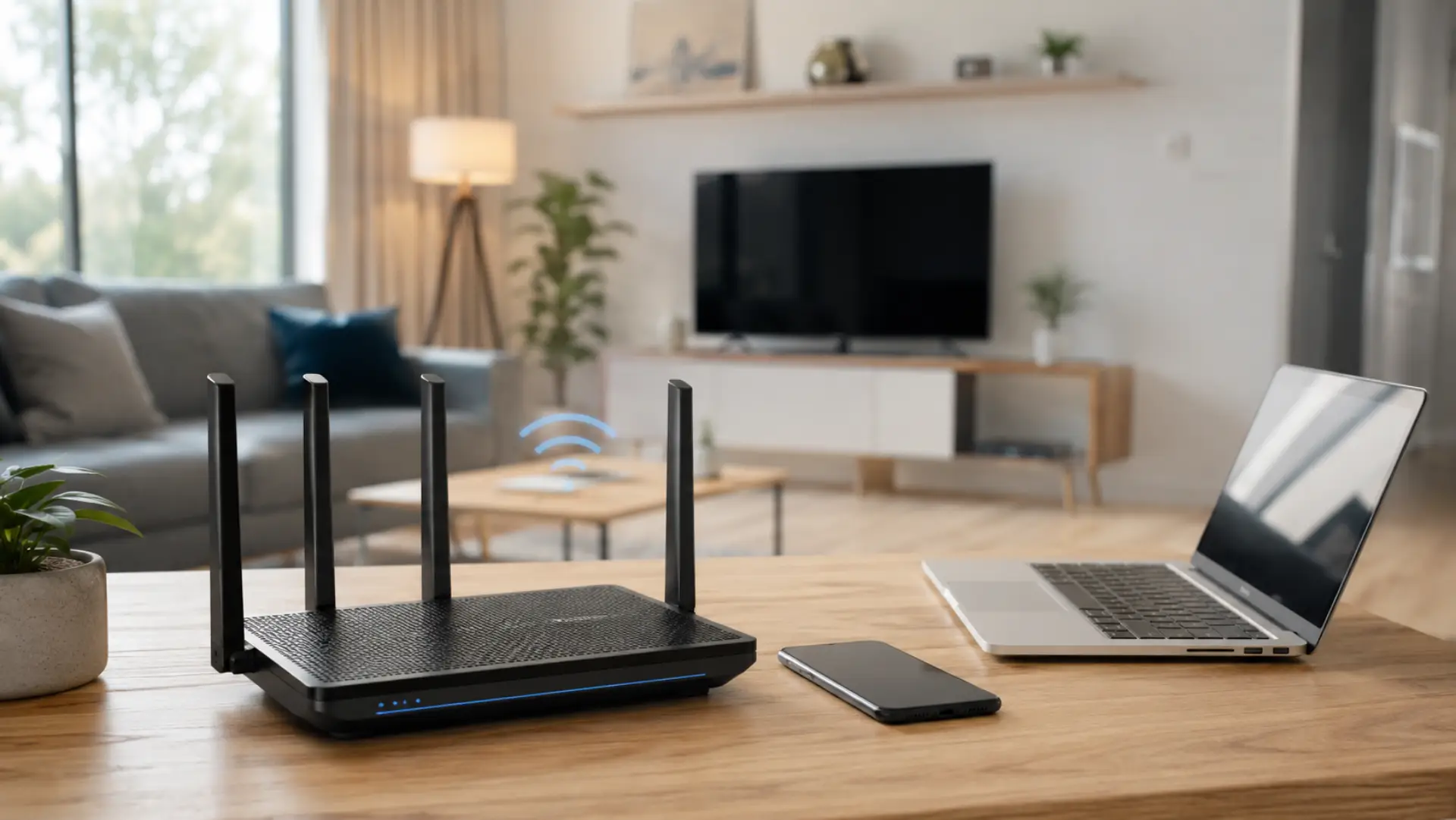
WiFi packet loss happens when data does not move smoothly between your device, router, and internet service. This can make your connection feel unstable even when WiFi is connected. You may notice lag, buffering, frozen calls, delayed loading, or poor gaming response. In online matches, the same unstable connection may appear as wifi lagging during…
-
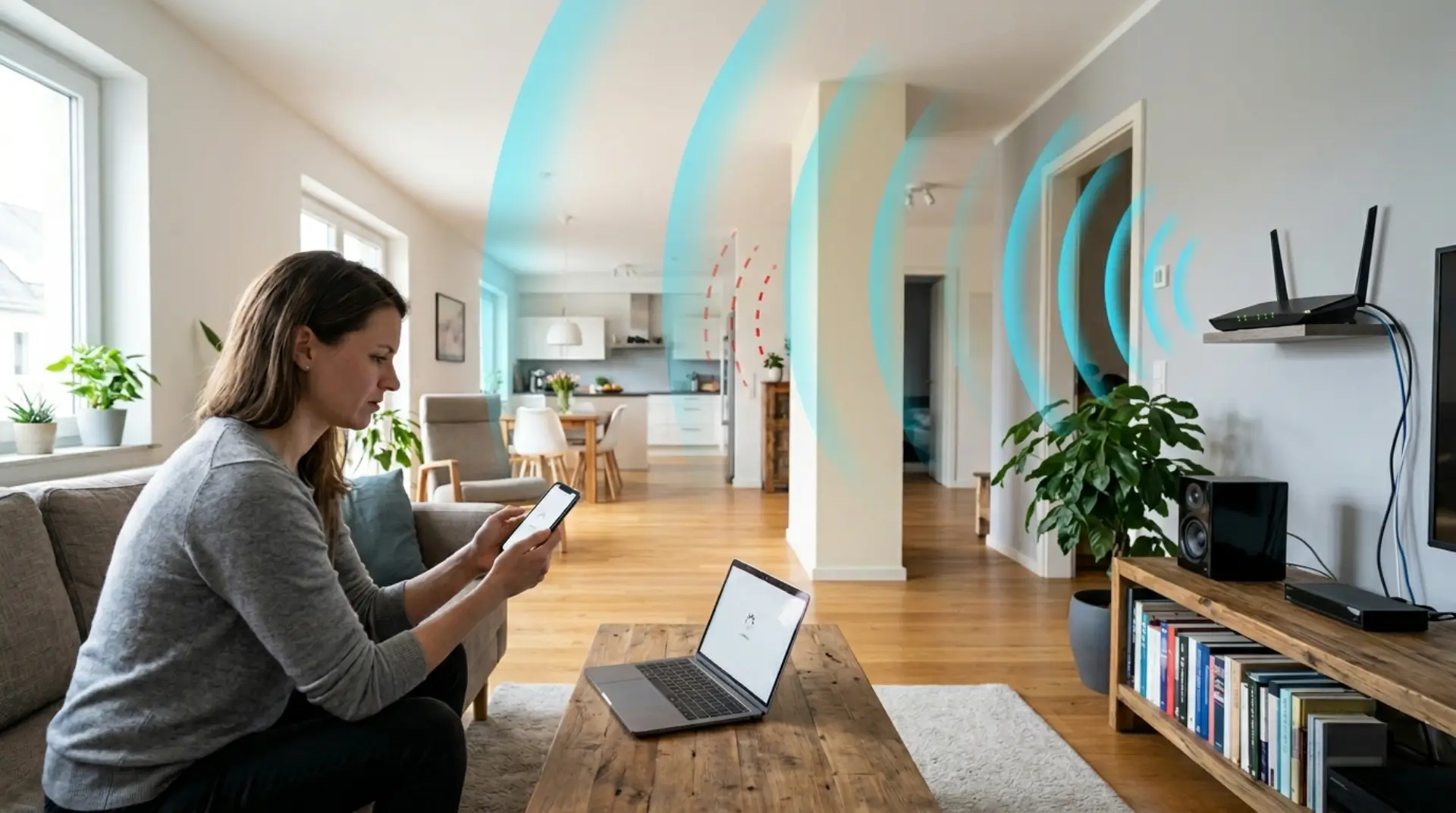
A slow WiFi connection is not always caused by your internet plan. Many times, the real problem is poor wireless coverage. Your internet may work perfectly near the router, but become weak in the bedroom, kitchen, upstairs room, basement, garage, or home office. These weak-signal areas are called WiFi dead zones or WiFi dead spots.…
-
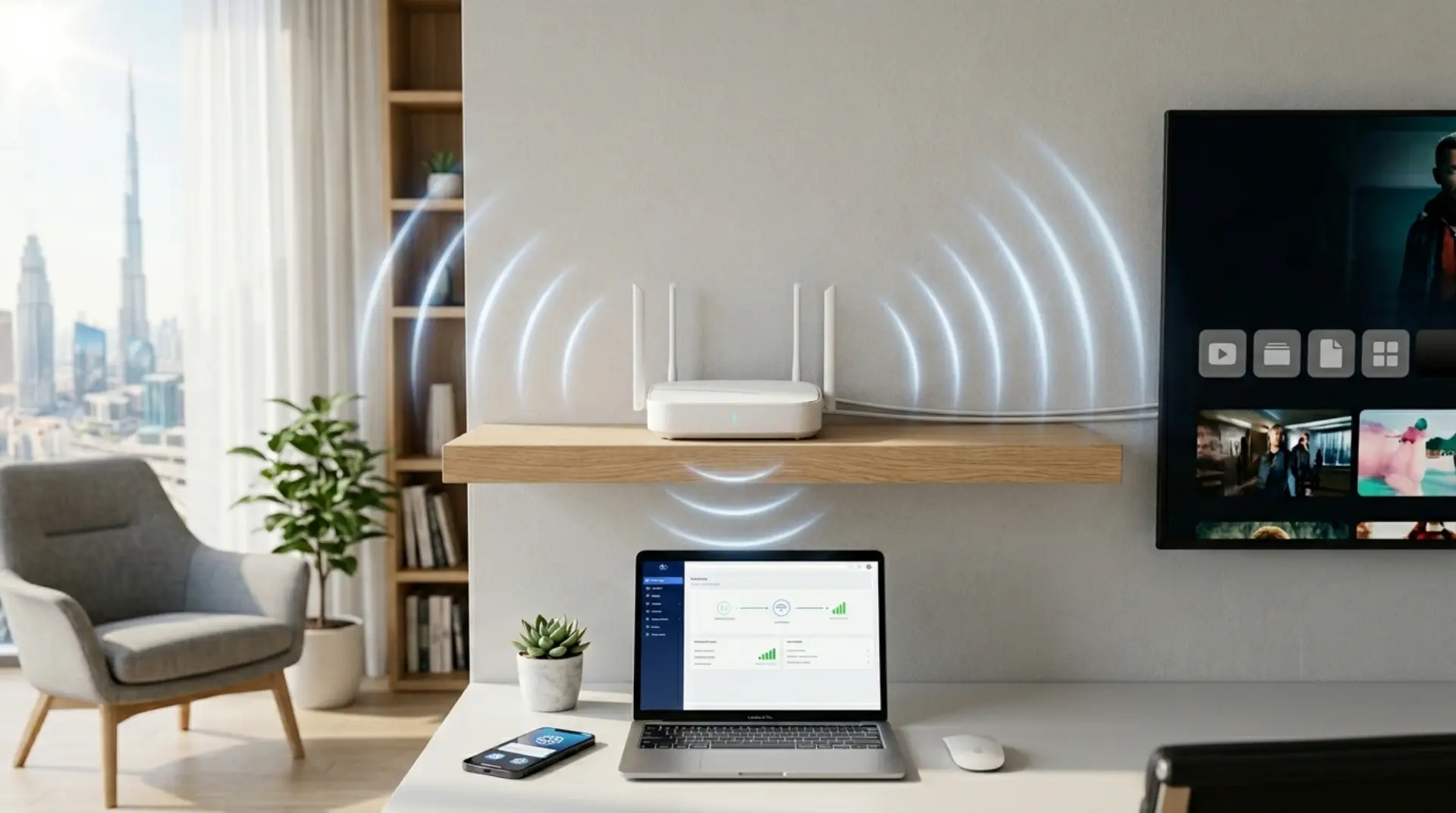
Your WiFi may look connected, but the speed still feels painfully slow. Pages load late, video calls freeze, online classes lag, and streaming keeps buffering even when your router lights look normal. This is a common problem in many Dubai and UAE homes, apartments, villas, and offices. However, replacing the router is not always the…