
Category: WiFi Guides
-
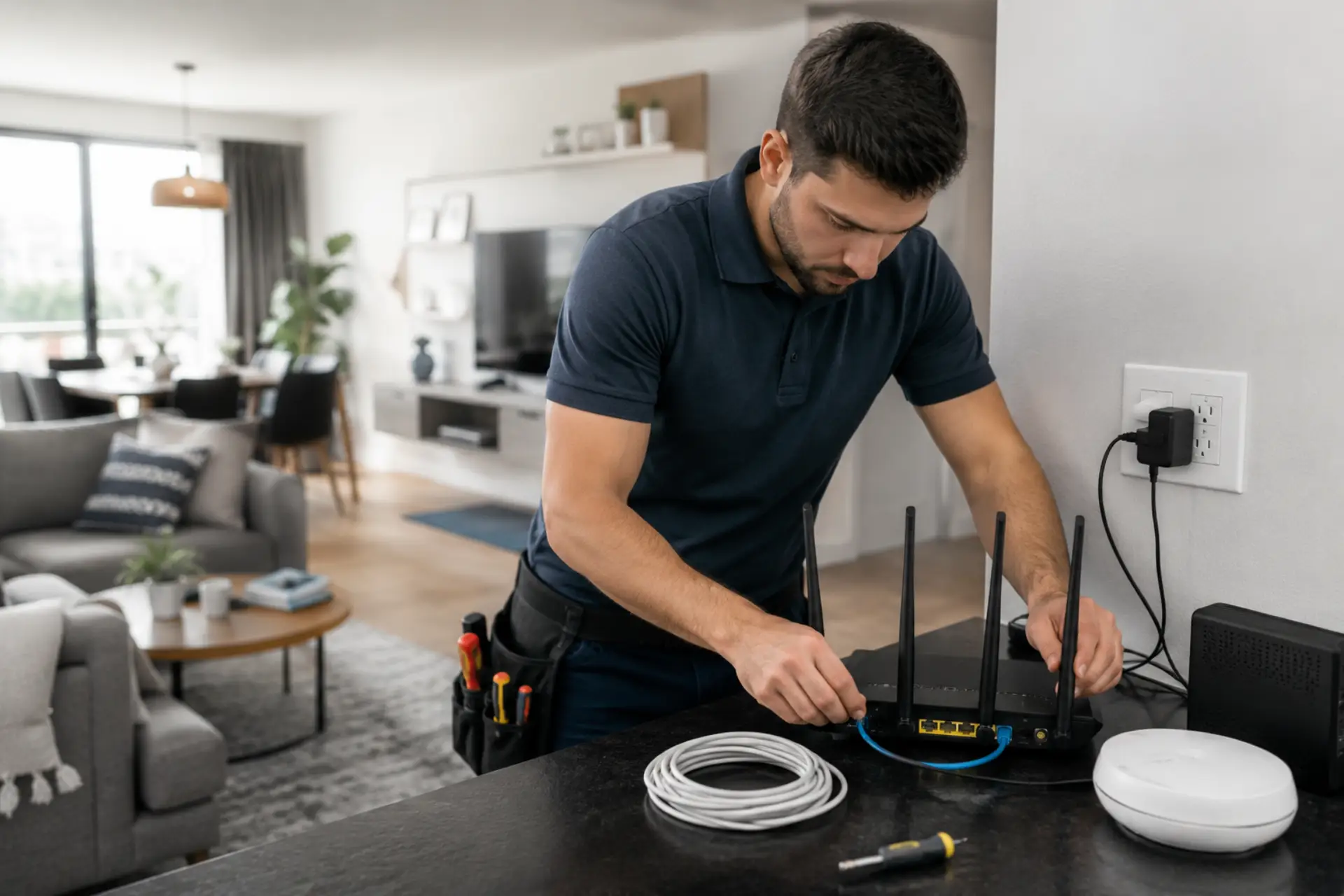
A Professional WiFi Installation ensures your internet network is designed, installed, and tested for reliable coverage, stable speeds, and secure connectivity. Instead of simply connecting a router, professionals evaluate your property, identify signal challenges, optimize equipment placement, and configure the network for long-term performance. Whether for a home or commercial property, a properly planned installation…
-
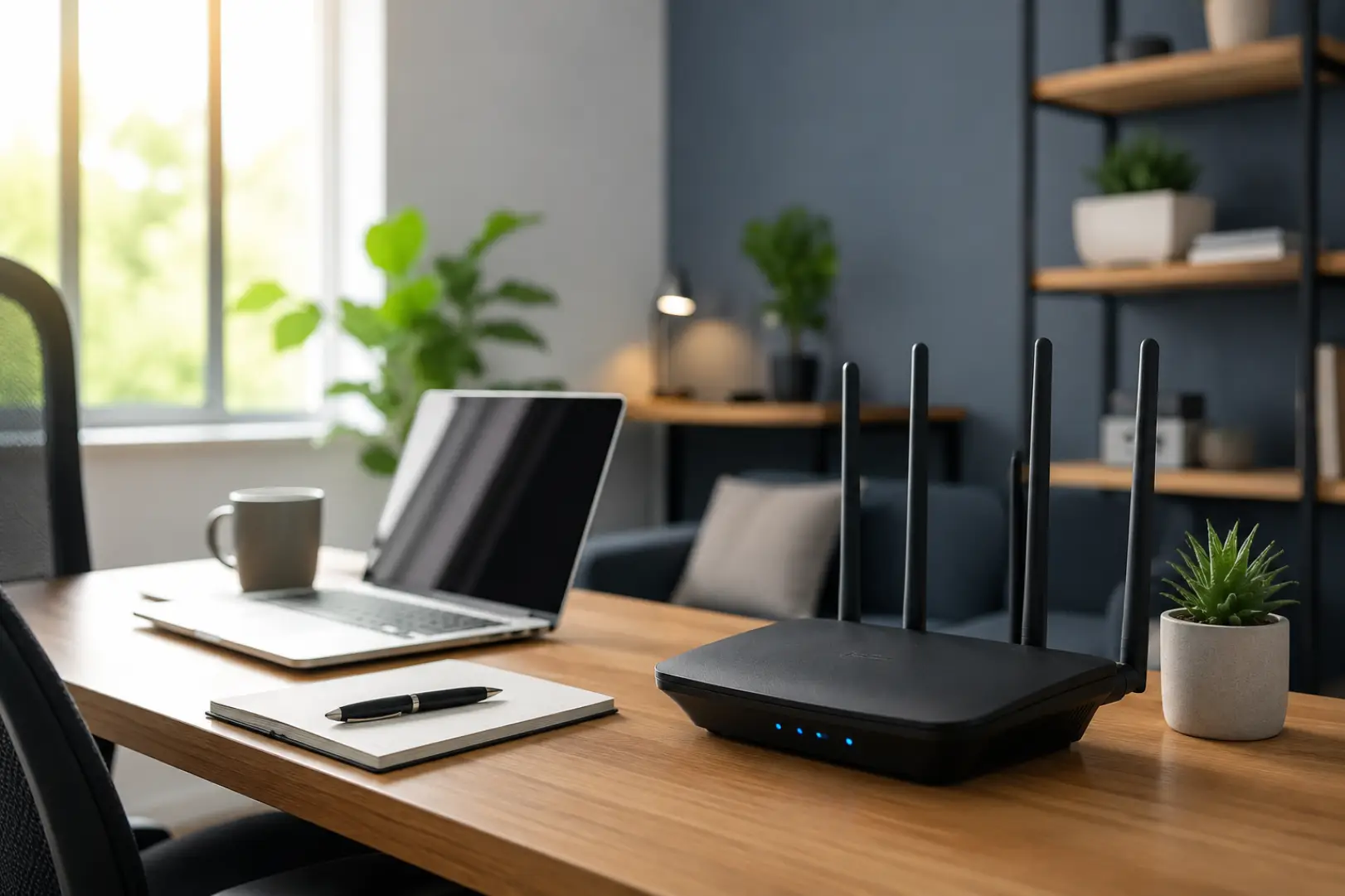
A reliable WiFi Setup for Remote Workers is one of the most important investments for anyone working from home in 2026. Modern professionals rely on video conferencing, cloud-based software, AI tools, virtual desktops, and real-time collaboration platforms throughout the workday. Even a short connection drop can interrupt meetings, delay projects, and reduce productivity. Creating a…
-
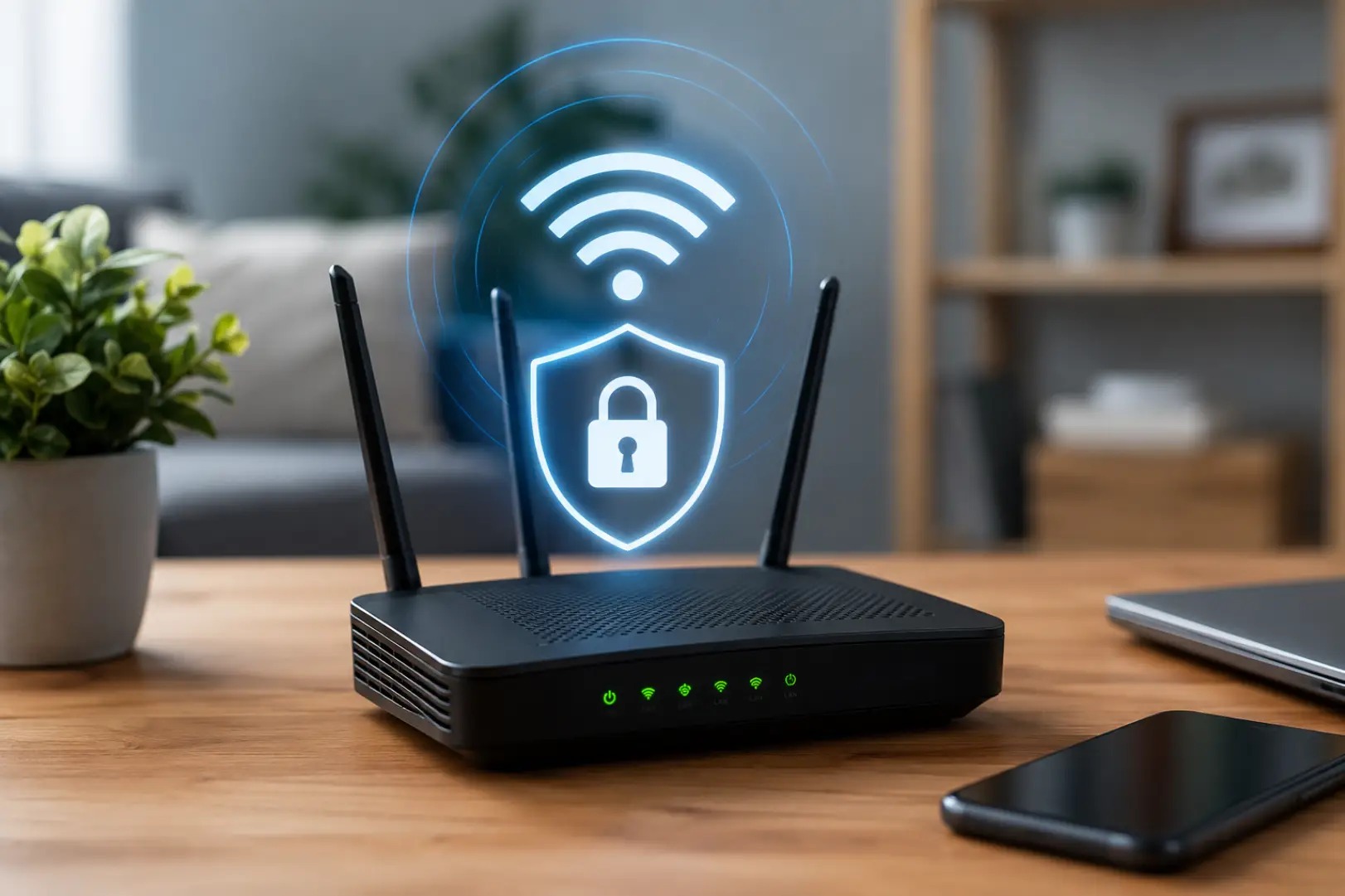
A proper Wireless Network Setup protects your internet connection, personal information, smart devices, and connected computers from unauthorized access. A secure network setup helps protect passwords, router access, guest devices, and connected equipment from the beginning. The process involves securing the router, choosing strong encryption, creating unique passwords, updating firmware, separating guest devices, and checking…
-
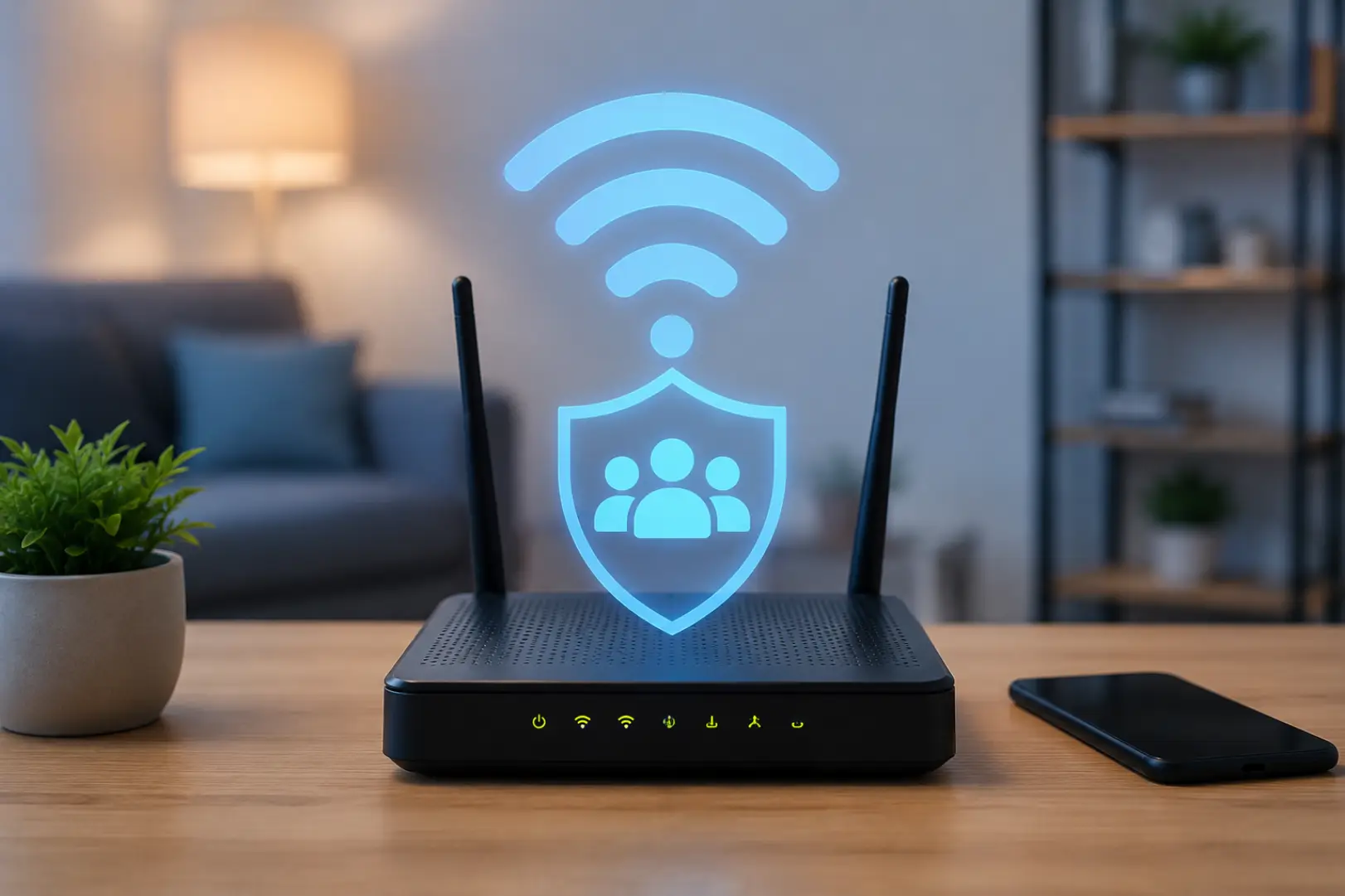
A Guest WiFi Setup creates a separate wireless connection for visitors, customers, temporary users, or smart devices. Instead of sharing the password for your main connection, you provide access through an isolated network with its own name, password, permissions, and usage limits. A guest WiFi network is useful when visitors need internet access without joining…
-

A proper WiFi 6 setup helps Dubai homes achieve faster wireless speeds, better device performance, and more stable coverage across rooms. A full-home WiFi coverage plan helps make sure faster wireless speeds reach every important room. It is especially useful in apartments, villas, and smart homes where many phones, laptops, TVs, cameras, and work devices…
-
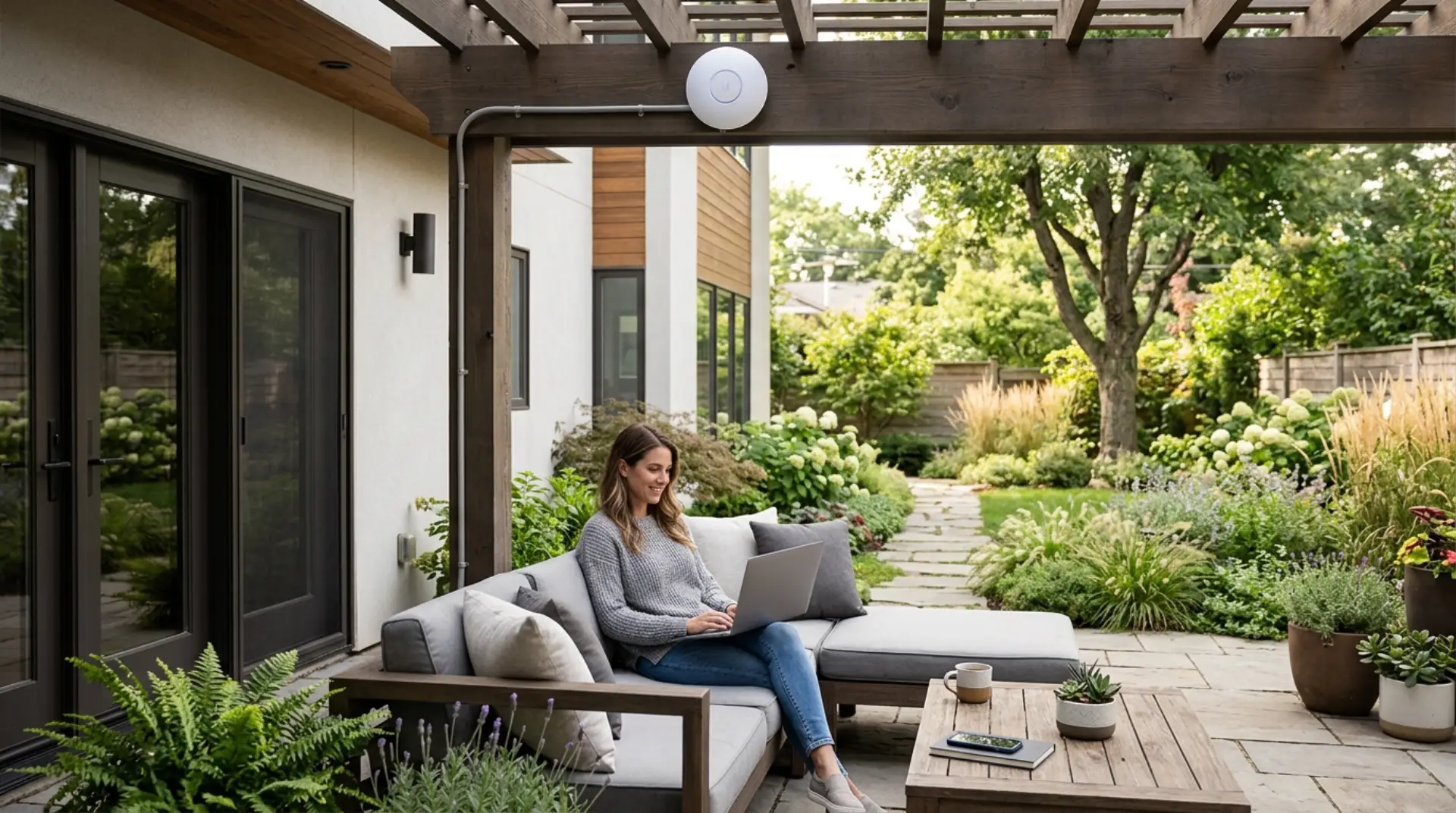
Reliable outdoor WiFi helps you use the internet in your garden, patio, backyard, pool area, balcony, terrace, or outdoor seating space without weak signals or frequent disconnections. A standard indoor router often cannot cover open outdoor areas properly because walls, glass doors, distance, weather, and interference can reduce signal strength. Thick walls may need steps…
-
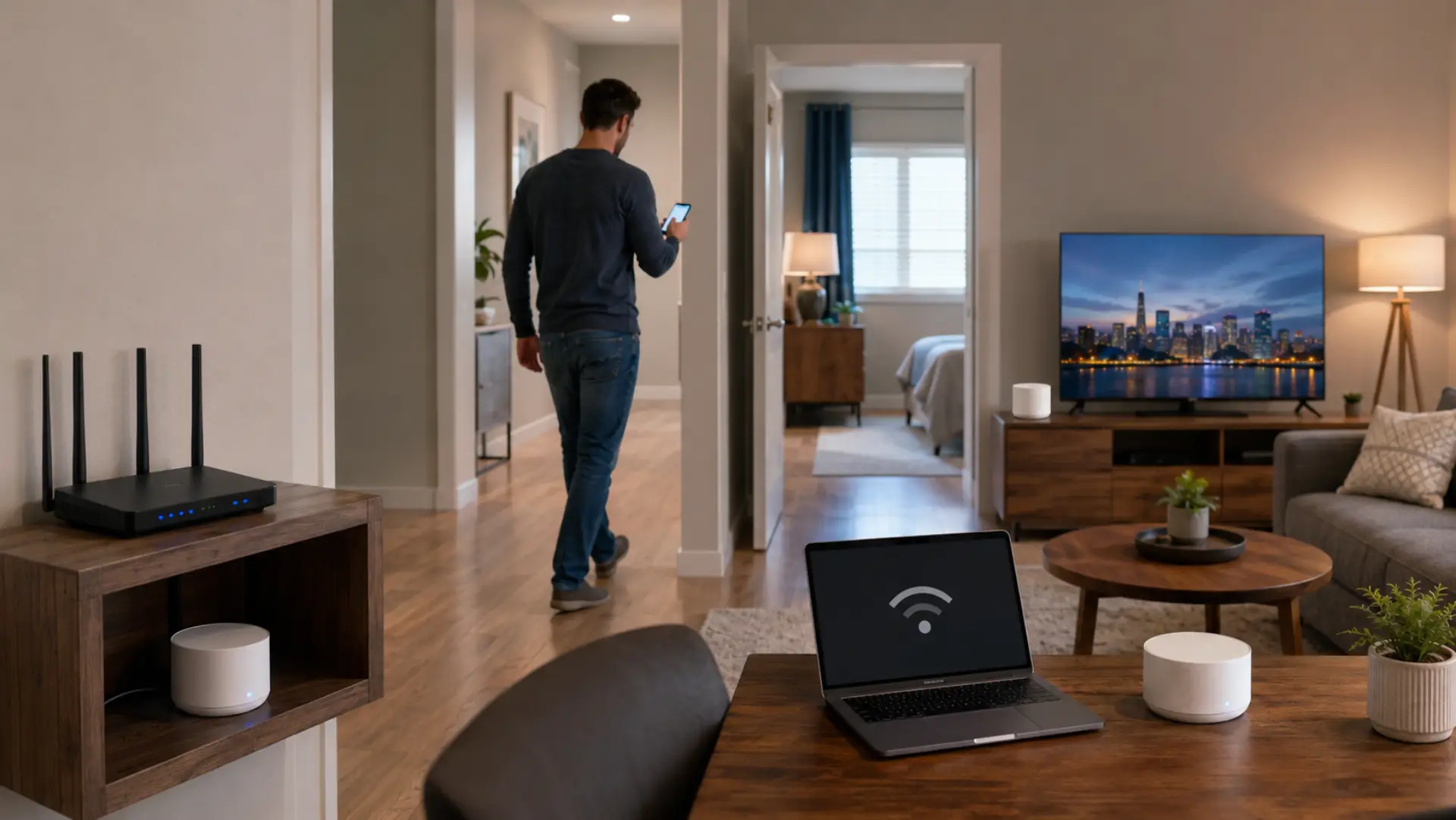
WiFi roaming happens when your phone, laptop, tablet, or smart device moves between a router, mesh node, extender, or access point while staying connected to the same home network. Device-specific WiFi problems can also affect how phones, laptops, TVs, printers, and cameras move between wireless points. When this process does not work properly, you may…
-
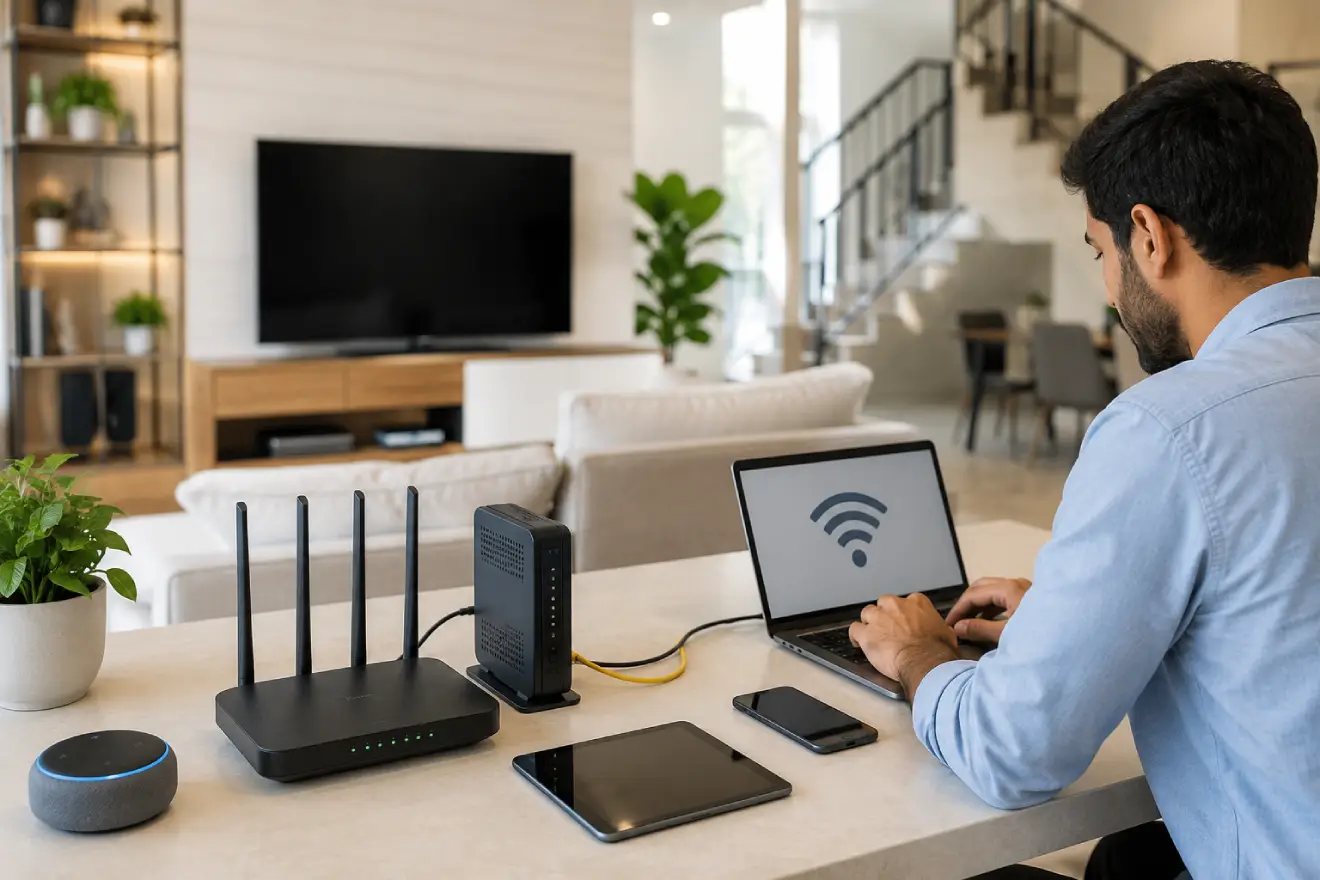
A proper WiFi setup in a new house helps every room get stable internet, better speed, and fewer connection problems from the beginning. A router setup Dubai checklist can help confirm the basic setup steps before connecting all home devices. The best way to set up WiFi is to choose the right internet plan, place…
-
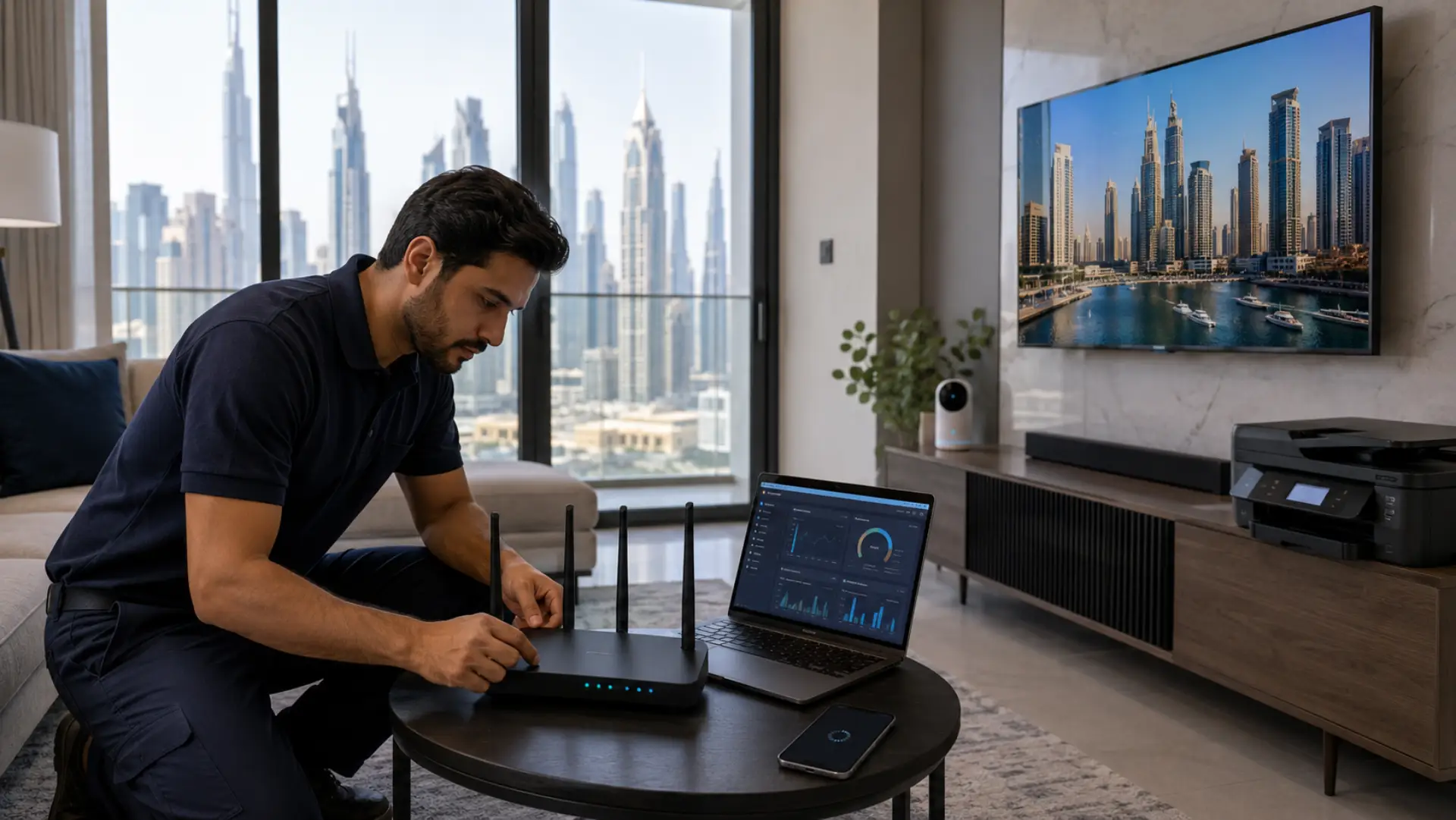
Device-specific WiFi problems happen when one phone, laptop, smart TV, printer, camera, or gaming console struggles online while other devices work normally. Sometimes the cause is simple, such as outdated software, saved network errors, or poor placement. But when the same WiFi issue keeps coming back after basic checks, a technician may be needed to…
-
A WiFi authentication error happens when your device cannot verify the login details needed to join a wireless network. This is different from WiFi connected but no internet, where the device joins the network but still cannot browse. This problem usually appears when the saved password is wrong, the router security mode has changed, the…