
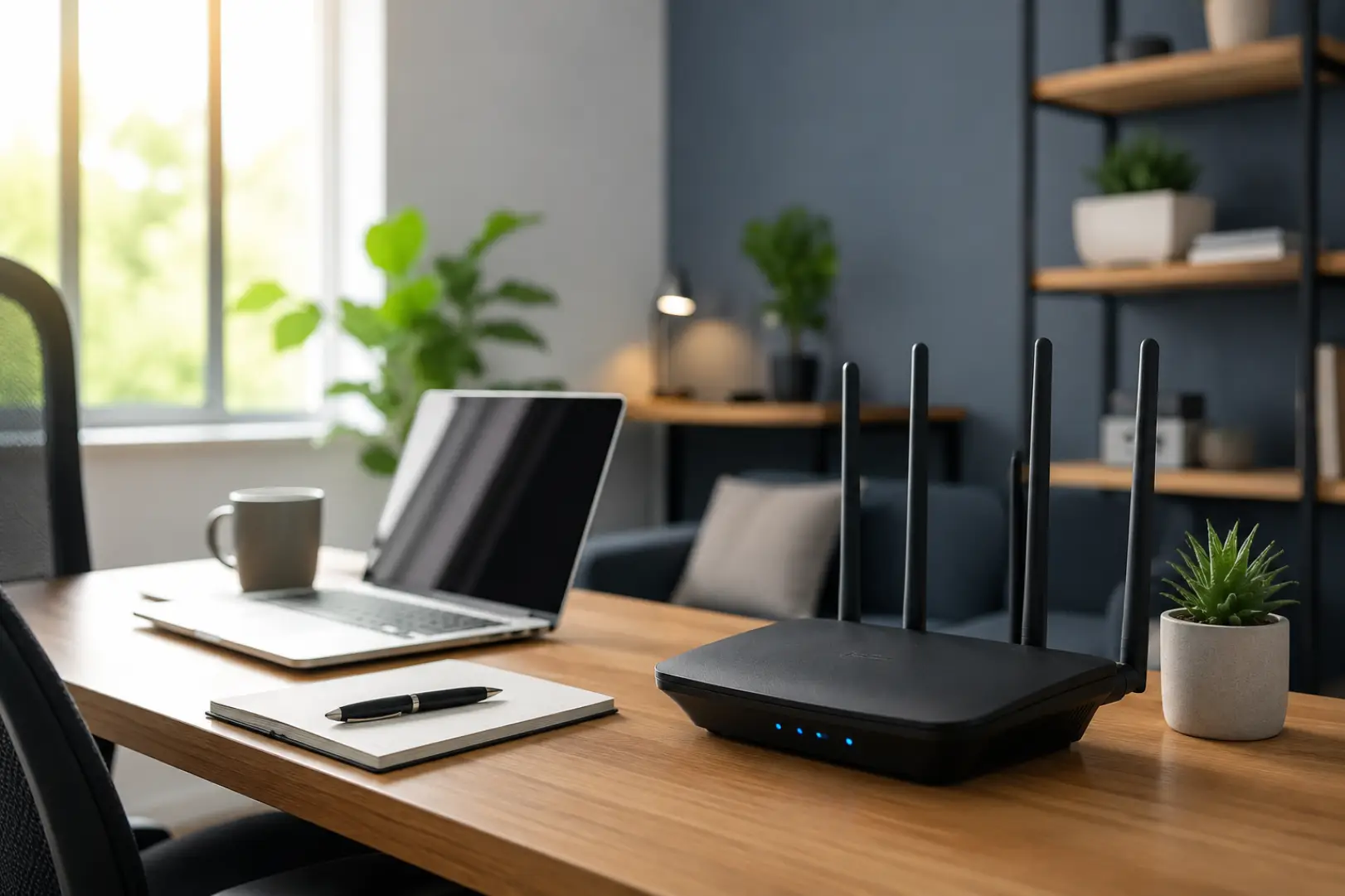
A reliable WiFi Setup for Remote Workers is one of the most important investments for anyone working from home in 2026. Modern professionals rely on video conferencing, cloud-based software, AI tools, virtual desktops, and real-time collaboration platforms throughout the workday. Even a short connection drop can interrupt meetings, delay projects, and reduce productivity. Creating a dependable wireless environment is no longer just about buying an expensive router—it requires the right equipment, proper placement, strong security, and ongoing optimization. By building a network designed for today’s work demands, remote professionals can enjoy consistent performance, fewer interruptions, and a smoother work experience every day.
Why Remote Workers Need a Better WiFi Setup
Working from home places much greater demands on a wireless network than casual internet browsing or streaming entertainment. A typical workday may include multiple video meetings, large cloud uploads, file synchronization, VPN connections, and AI-powered applications running simultaneously. Every connected device competes for available bandwidth, making network stability just as important as raw speed.
A properly planned WiFi Setup ensures that these tasks run smoothly without frequent buffering, dropped video calls, or sudden slowdowns. Instead of reacting to connection problems, remote workers should build a network capable of supporting current and future technology requirements.
Start with the Right Internet Connection
Before upgrading networking hardware, it is important to evaluate your broadband service. Even the most advanced router cannot deliver speeds that exceed your internet provider’s capabilities. Choosing the right Internet setup begins with selecting an internet plan that matches both the number of users in your home and the type of work you perform.
Professionals who mainly use email and web applications may require only moderate bandwidth, while designers, software developers, video editors, and cloud-based teams benefit from significantly faster connections. Upload speed deserves equal attention because video conferencing, cloud backups, and collaborative platforms rely heavily on outgoing data.
Reliable fiber internet remains the preferred option whenever it is available because it offers low latency, stable performance, and symmetrical upload and download speeds that are ideal for modern Remote work.
Choose a Modern Router That Supports Today’s Workloads
The router serves as the foundation of every wireless network. Older WiFi 4 and WiFi 5 models often struggle when multiple devices connect simultaneously, especially in homes filled with smart devices.
For the best WiFi setup at home, choosing a WiFi 6 or WiFi 7 router provides noticeable improvements in efficiency, capacity, and overall reliability. These newer standards are designed to manage dozens of connected devices while maintaining consistent speeds across laptops, smartphones, tablets, smart TVs, security cameras, and voice assistants.
Modern routers also include technologies that intelligently distribute wireless resources, reducing congestion during busy working hours. Features such as automatic firmware updates, WPA3 security, Quality of Service (QoS), and intelligent traffic management help create a network that stays reliable even under heavy daily use.
Router Placement Has a Bigger Impact Than Most People Realize
Many connectivity issues are caused by poor router placement rather than outdated hardware. Wireless signals naturally weaken when they pass through concrete walls, metal structures, mirrors, and large furniture. Simply relocating a router can often improve performance without spending additional money.
For the strongest signal, place the router in an open, elevated location near the center of the home rather than inside a cabinet or tucked into a corner. Correct router placement at home can improve signal quality across multiple rooms without changing your existing equipment. Keeping it away from microwaves, cordless phones, and other electronic devices also helps reduce interference.
These simple adjustments improve wireless coverage across the entire house and create a more stable working environment for laptops and other business devices.
Optimize Your Network Instead of Constantly Upgrading Equipment
Many people assume slow WiFi automatically means they need new hardware, but proper WiFi optimization often delivers significant improvements without replacing existing equipment.
Keeping router firmware updated ensures you receive the latest security patches and performance improvements. Selecting less congested wireless channels reduces interference from neighboring networks, while using the appropriate frequency band allows devices to perform more efficiently. Restarting networking equipment occasionally can also refresh system resources and eliminate temporary performance issues.
Small configuration changes frequently produce noticeable improvements in stability, particularly during long work sessions involving cloud applications and continuous video communication. Many of these adjustments are also part of improving WiFi speed at home, especially when outdated settings are limiting overall network performance.
Build a Secure Home WiFi Environment
A fast network is only valuable if it is secure. Every remote worker handles sensitive information, whether it involves company documents, client communications, or financial data. Protecting your home WiFi should therefore be considered part of your overall cybersecurity strategy.
Strong WPA3 encryption, unique administrator passwords, and regular firmware updates significantly reduce security risks. Creating a separate guest network for visitors also prevents unauthorized devices from accessing your primary business network.
Good security practices not only protect confidential information but also prevent unknown users from consuming bandwidth that should remain available for work-related activities. If you want a complete walkthrough, follow our Secure Wireless Network Setup guide to configure WPA3 security, strong passwords, guest networks, and other essential protections for a safer home office network.
Organize Your Home Network for Better Performance
As more connected devices enter modern households, effective Home network management becomes increasingly important. Smart televisions, gaming consoles, streaming devices, smart speakers, security cameras, and household appliances all compete for wireless resources throughout the day.
Quality of Service settings available on many modern routers allow work-related traffic to receive higher priority than entertainment devices. This ensures that video meetings remain stable even when other family members are streaming movies or downloading large files.
Taking a few minutes to organize network priorities creates a noticeable improvement in everyday reliability without requiring additional internet bandwidth.
Design a Home Network Setup That Can Grow with You
A professional Home network setup should support future technology rather than only current needs. Many households continue adding smart devices every year, increasing network demand over time.
Investing in quality networking equipment today reduces the need for frequent upgrades later. Using Ethernet connections for desktop computers, docking stations, or network storage devices further improves stability by reducing wireless congestion. Battery backup systems can also help maintain connectivity during short power interruptions, allowing important meetings or file transfers to continue uninterrupted.
Planning for future expansion creates a more dependable network that continues delivering consistent performance for years.
Getting Fast Home Internet Throughout the Day
Achieving Fast home internet involves more than purchasing a high-speed broadband package. Daily network habits also influence overall performance.
Scheduling large software downloads outside working hours prevents unnecessary congestion during meetings. Disconnecting unused devices frees additional bandwidth, while limiting background cloud synchronization during important presentations reduces interruptions.
Monitoring bandwidth usage regularly also helps identify devices that may be consuming excessive network resources without your knowledge.
Improve WiFi Signal Without Major Upgrades
Weak wireless signals often affect rooms located farther from the router. Before purchasing additional equipment, it is worth identifying the exact source of the problem.
To Improve WiFi signal, begin by testing different router locations and checking for physical obstacles that may block wireless transmissions. Sometimes moving the router only a few feet dramatically improves signal quality across multiple rooms.
If signal problems remain after optimizing placement, additional networking equipment may provide the best long-term solution.
Expanding WiFi Coverage in Larger Homes
Maintaining consistent WiFi coverage becomes more challenging as homes increase in size. Thick walls, multiple floors, and long hallways all reduce wireless performance.
Mesh networking systems have become the preferred solution because they create a seamless wireless experience throughout the property without requiring users to reconnect as they move between rooms. Unlike traditional repeaters, mesh systems intelligently manage roaming while maintaining stronger and more consistent connections.
For homes with only one isolated weak area, however, a WiFi extender may still provide a practical and affordable solution.
Monitor Internet Speed Regularly
Testing your Internet speed on a regular basis helps identify whether slow performance originates from your internet provider or your internal network.
Comparing wireless and wired speed test results provides valuable insight into network health. If wired connections consistently perform well while wireless speeds remain low, the issue usually involves router placement, interference, or wireless configuration rather than the broadband service itself.
Routine testing also makes it easier to recognize performance changes before they begin affecting productivity.
Maintain Strong Network Performance Over Time
Excellent Network performance requires regular maintenance rather than one-time setup. Networking equipment operates continuously, making periodic updates essential for long-term reliability.
Checking firmware updates, reviewing connected devices, verifying security settings, and occasionally restarting networking hardware help maintain consistent performance throughout the year. These simple maintenance tasks often prevent connectivity problems before they become noticeable during important work sessions.
Signal Strength Is Just as Important as Internet Speed
Many people focus only on broadband speed while overlooking Signal strength, which plays an equally important role in overall performance. A fast internet connection cannot compensate for a weak wireless signal caused by interference or poor router placement.
Maintaining a strong wireless connection ensures smoother video meetings, lower latency, faster cloud synchronization, and more reliable communication throughout the workday. For professionals whose work depends on uninterrupted connectivity, both speed and signal quality must work together.
FAQs
What is the best WiFi setup for remote workers in 2026?
A WiFi 6 or WiFi 7 router paired with a reliable fiber internet connection provides the best overall experience. Proper router placement, strong security, and regular optimization help maintain consistent performance for daily work.
How much internet speed do remote workers actually need?
Most professionals can work comfortably with 100–300 Mbps, while households with multiple remote workers or heavy cloud workloads should consider plans of 500 Mbps or more for smoother multitasking.
Is Ethernet better than WiFi for working from home?
Yes. Ethernet delivers the most stable connection with lower latency and fewer interruptions. However, a properly configured modern WiFi network performs exceptionally well for most remote work activities.
Should I buy a mesh WiFi system or a WiFi extender?
Mesh systems are generally the better long-term solution because they provide seamless wireless coverage across larger homes. WiFi extenders work well when only one room experiences weak connectivity.
Where should I place my router?
Place it in an elevated, open, central location away from thick walls, large metal objects, and electronic interference. Good placement alone can significantly improve wireless performance.
How often should I update my router?
Firmware updates should be installed whenever they become available. They improve security, fix software bugs, and often enhance wireless performance and compatibility.
Why does my WiFi slow down during video meetings?
Multiple connected devices, background downloads, crowded wireless channels, or poor signal quality can all reduce network performance. Prioritizing work traffic and optimizing router placement usually resolve these issues.
How can I make my home network more reliable?
Use modern networking hardware, secure your wireless network, keep firmware updated, prioritize work devices, and perform regular maintenance. These practices help create a stable and dependable network for everyday remote work.
Conclusion
The best WiFi Setup for Remote Workers in 2026 is built on more than high internet speeds. It combines modern networking hardware, intelligent router placement, strong security, consistent maintenance, and thoughtful network management to create a reliable working environment. As remote work continues to evolve alongside cloud computing and AI-powered applications, investing in a well-designed wireless network ensures greater productivity, smoother communication, and dependable performance throughout every workday.
Leave a Reply