
Category: Device Issues
-
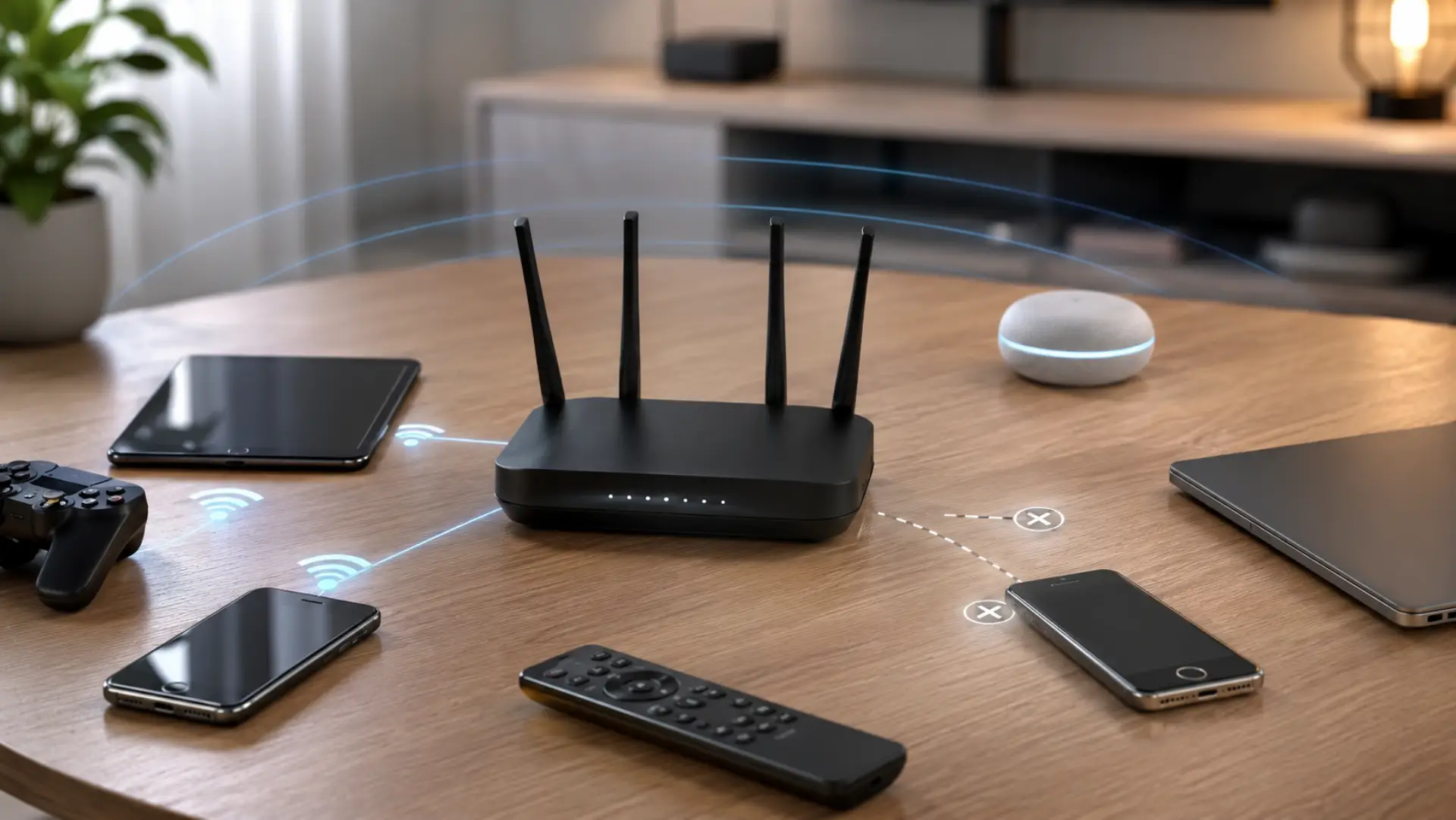
How to remove Old devices from Router settings helps keep your home network cleaner, safer, and easier to manage. Safe router settings help you manage old devices without breaking the main WiFi connection. Over time, phones, laptops, tablets, smart TVs, cameras, and guest gadgets may stay saved on your router even after they are no…
-
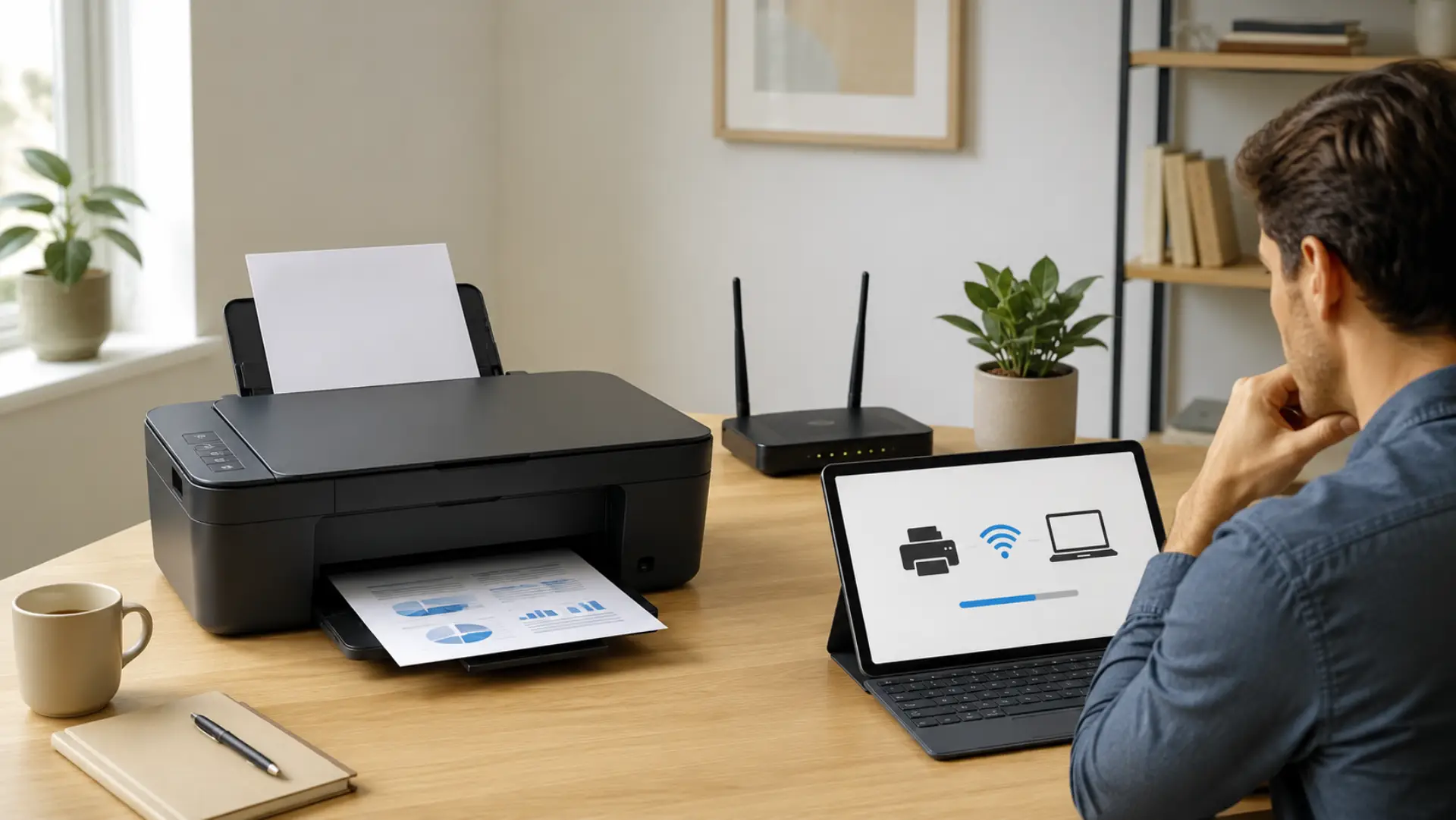
A stable printer wifi connection lets you print from laptops, phones, tablets, and office devices without using cables. When a printer does not connect, the issue is usually linked to weak signal, wrong WiFi details, outdated saved networks, router changes, or a missed setup step. A stable WiFi connection also depends on correct router settings,…
-
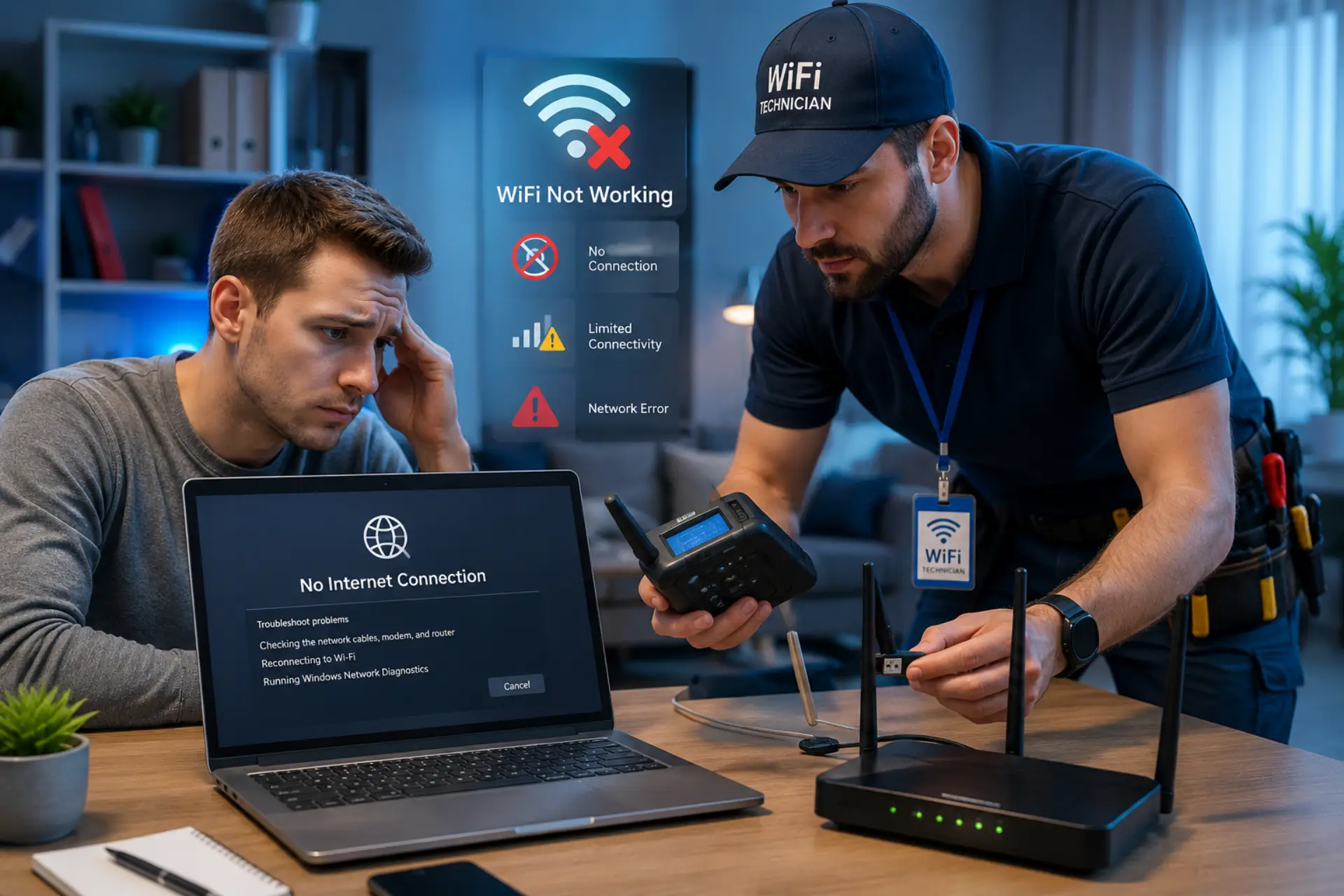
If your wifi adapter not working, it usually means your system is unable to detect or use the wireless network adapter properly. This can stop internet access completely, even if your WiFi router is working fine. The issue is mostly caused by driver errors, disabled settings, or system misconfiguration rather than hardware failure. Below is…
-
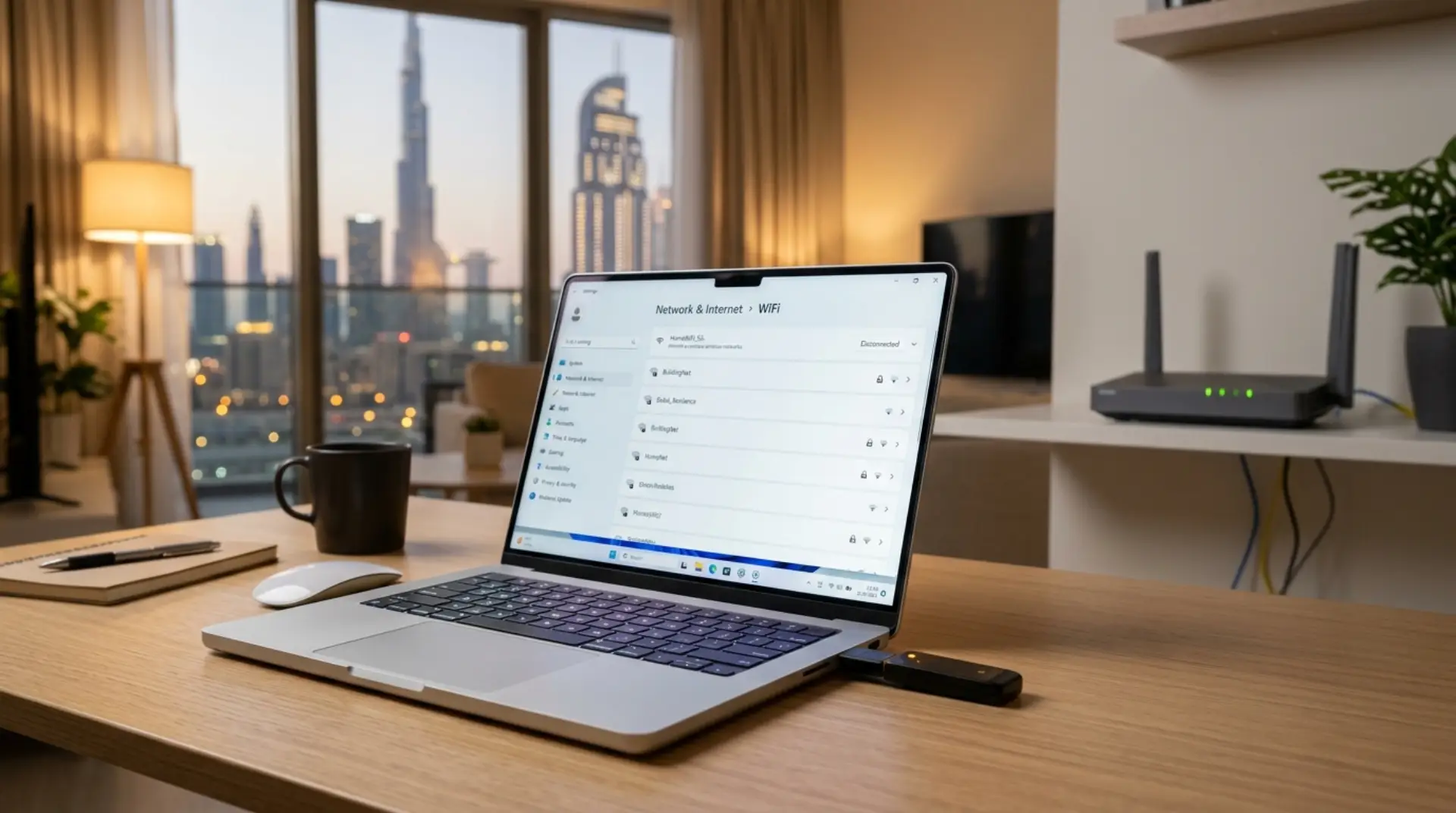
Your internet may be active, your router may be fine, but your laptop or desktop still refuses to connect to WiFi. Sometimes the WiFi option disappears completely. Other times, your device says no networks are available even when your phone connects without any problem. When your WiFi adapter is not working, the problem is usually…
-
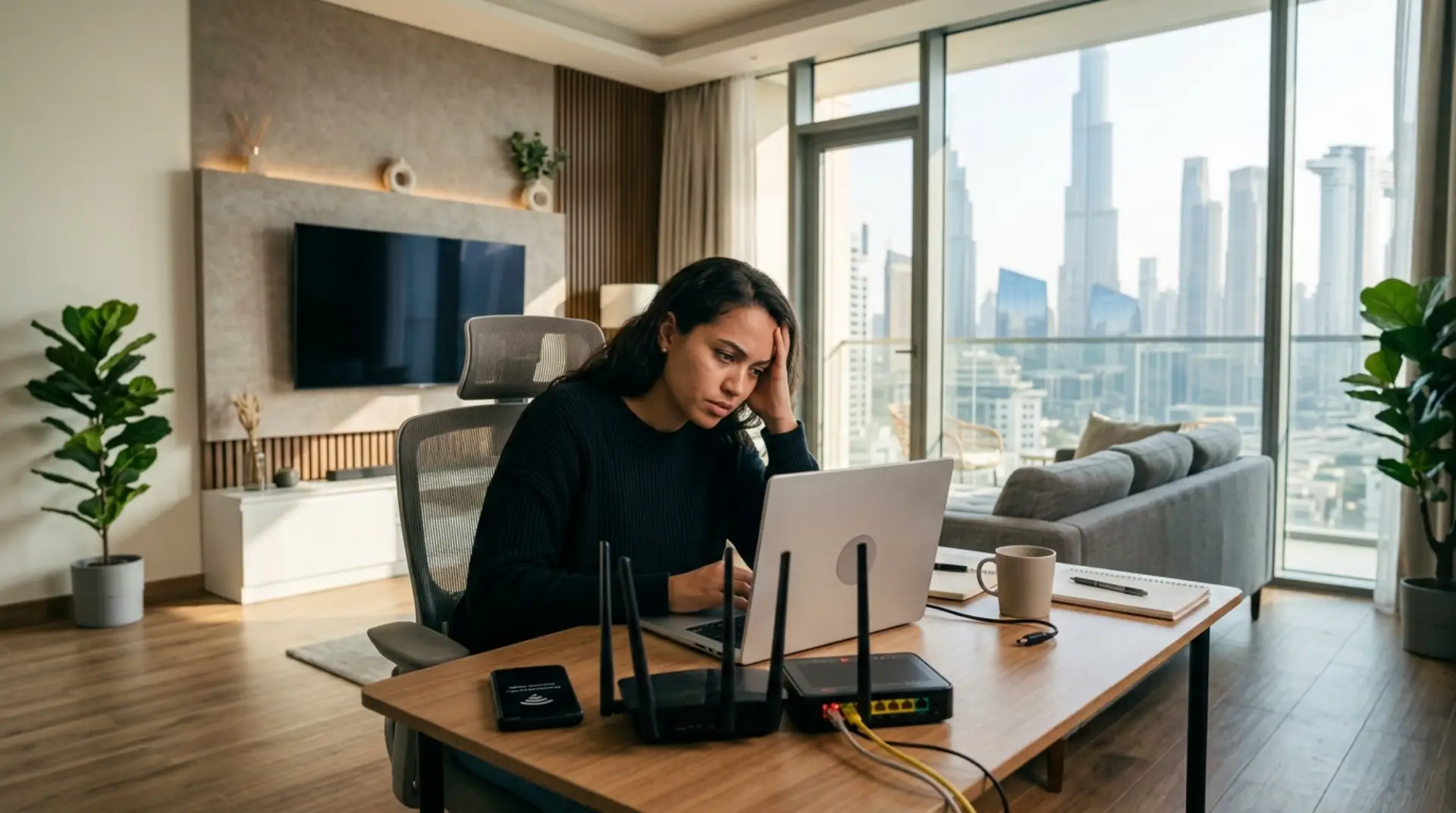
You are getting ready for a work call in your Dubai apartment, the kids are opening Netflix on the smart TV, and someone is about to start an online gaming session. Suddenly, everything stops. The WiFi icon is still showing, but pages will not load. When your router is not connecting to the Internet, the…
-
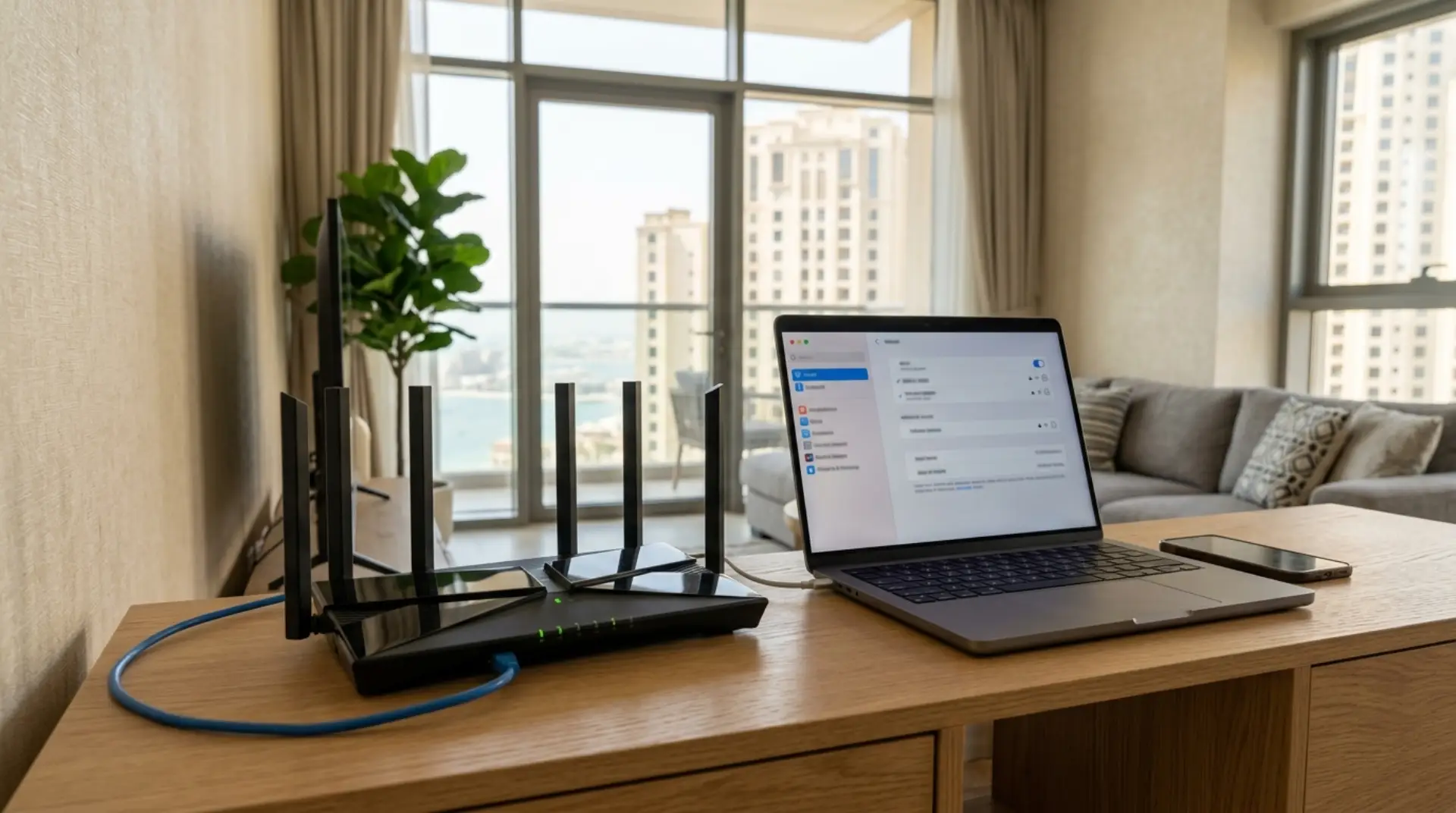
Your internet may be working near the TV, but the bedroom keeps dropping calls. The kids are gaming, your laptop freezes during a Zoom meeting, and your smart doorbell refuses to connect after a password change. In many Dubai apartments, villas, and small offices, these problems are not always caused by the Etisalat line itself.…
-
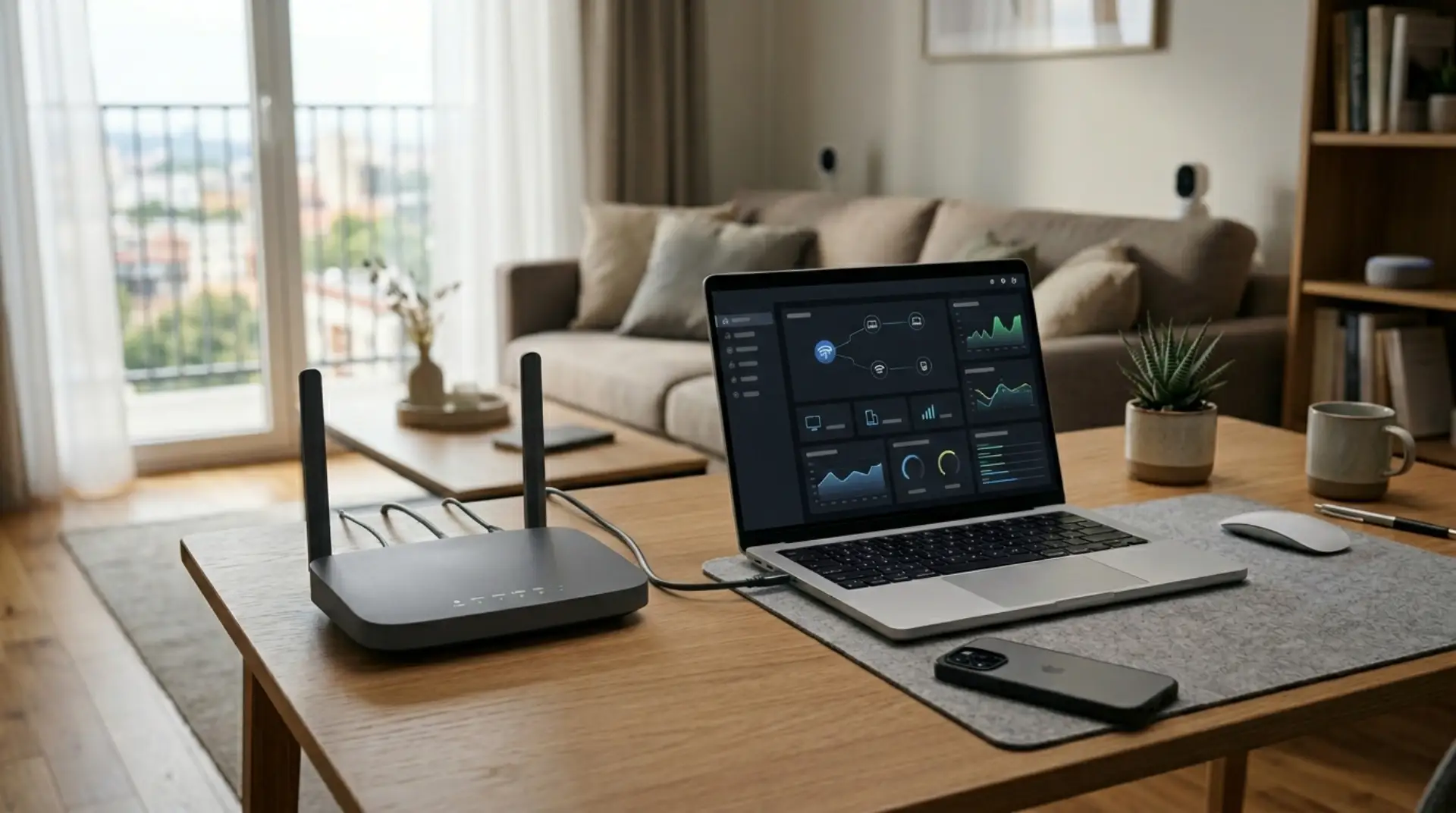
Your WiFi may look normal from the outside, but small warning signs can mean your router needs attention. Maybe work calls drop when everyone is home. Maybe smart cameras disconnect at night. Maybe visitors use your main WiFi password, and now you are not sure which phones, laptops, TVs, and smart devices are connected to…
-
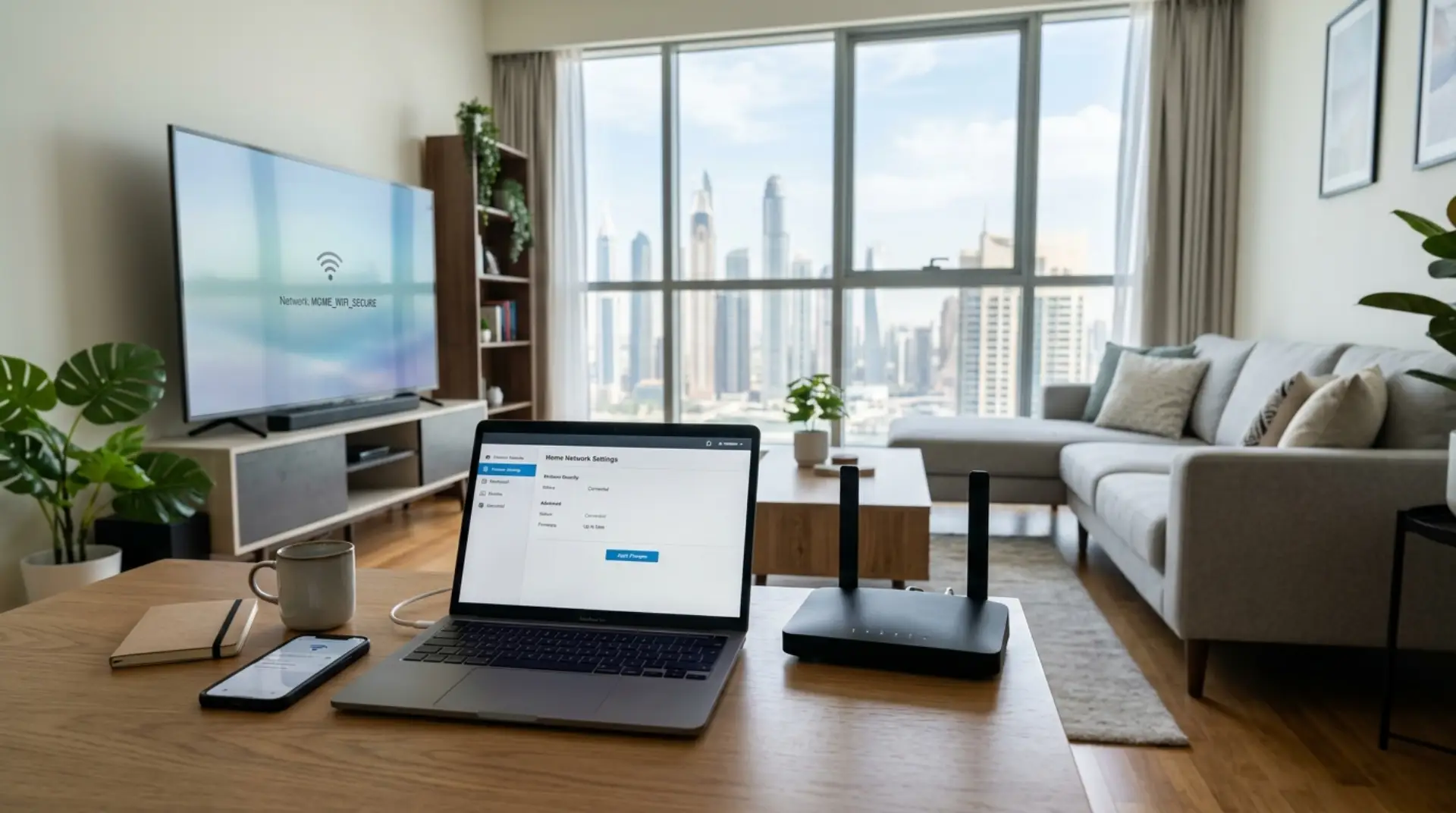
Your video call freezes in the middle of a meeting, the smart TV keeps buffering, your child’s tablet disconnects, and your phone shows full WiFi bars but slow internet speed. In many Dubai apartments and villas, these problems are not always caused by the internet provider alone. Sometimes the real issue is poor router placement,…
-
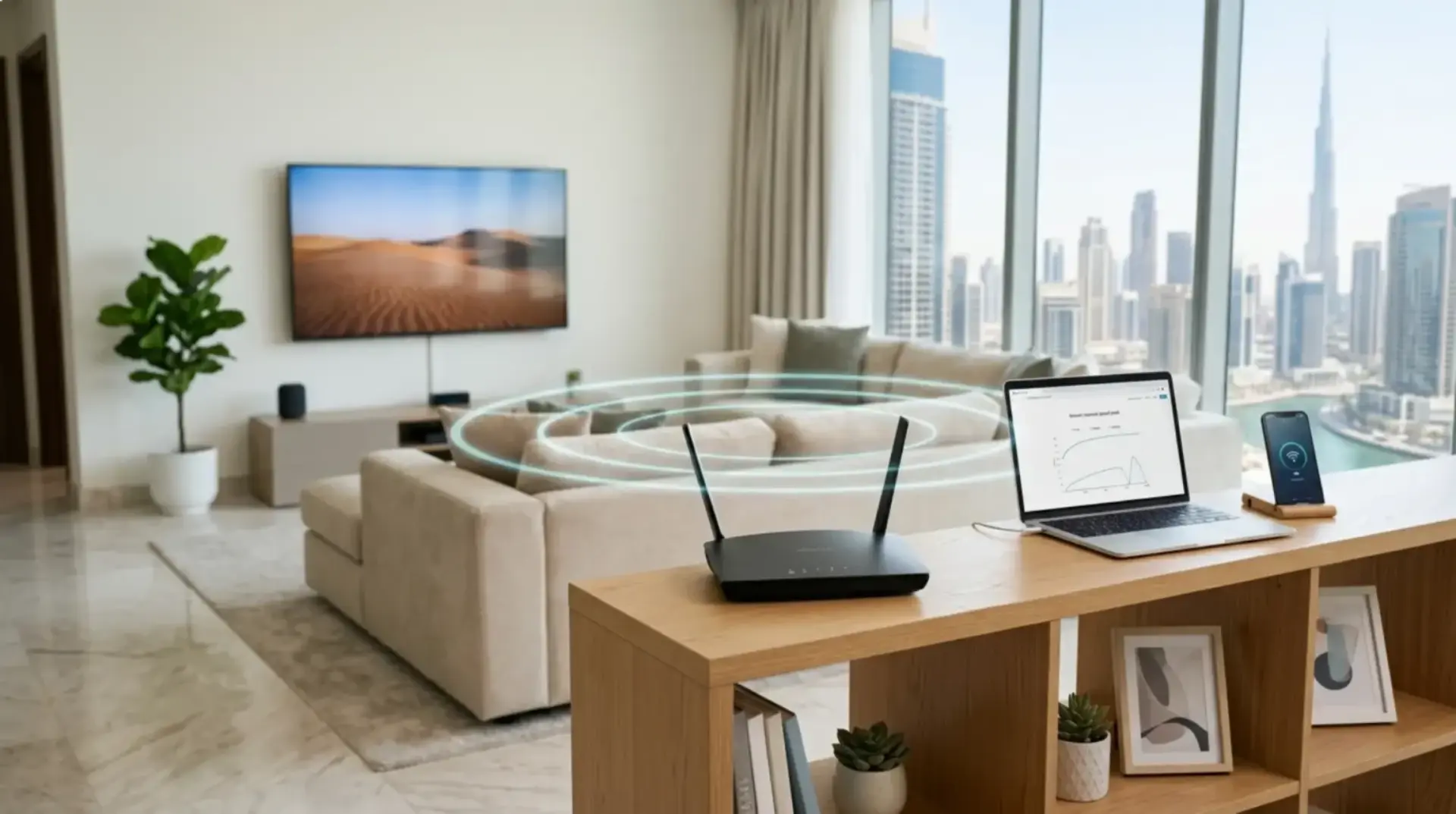
One of the most common WiFi mistakes at home is setting up the router once, hiding it inside a TV cabinet, using the default password, and never checking it again. Then the video calls start freezing, online games lag, smart TVs buffer, and nobody knows whether the issue is the router, the modem, the internet…
-
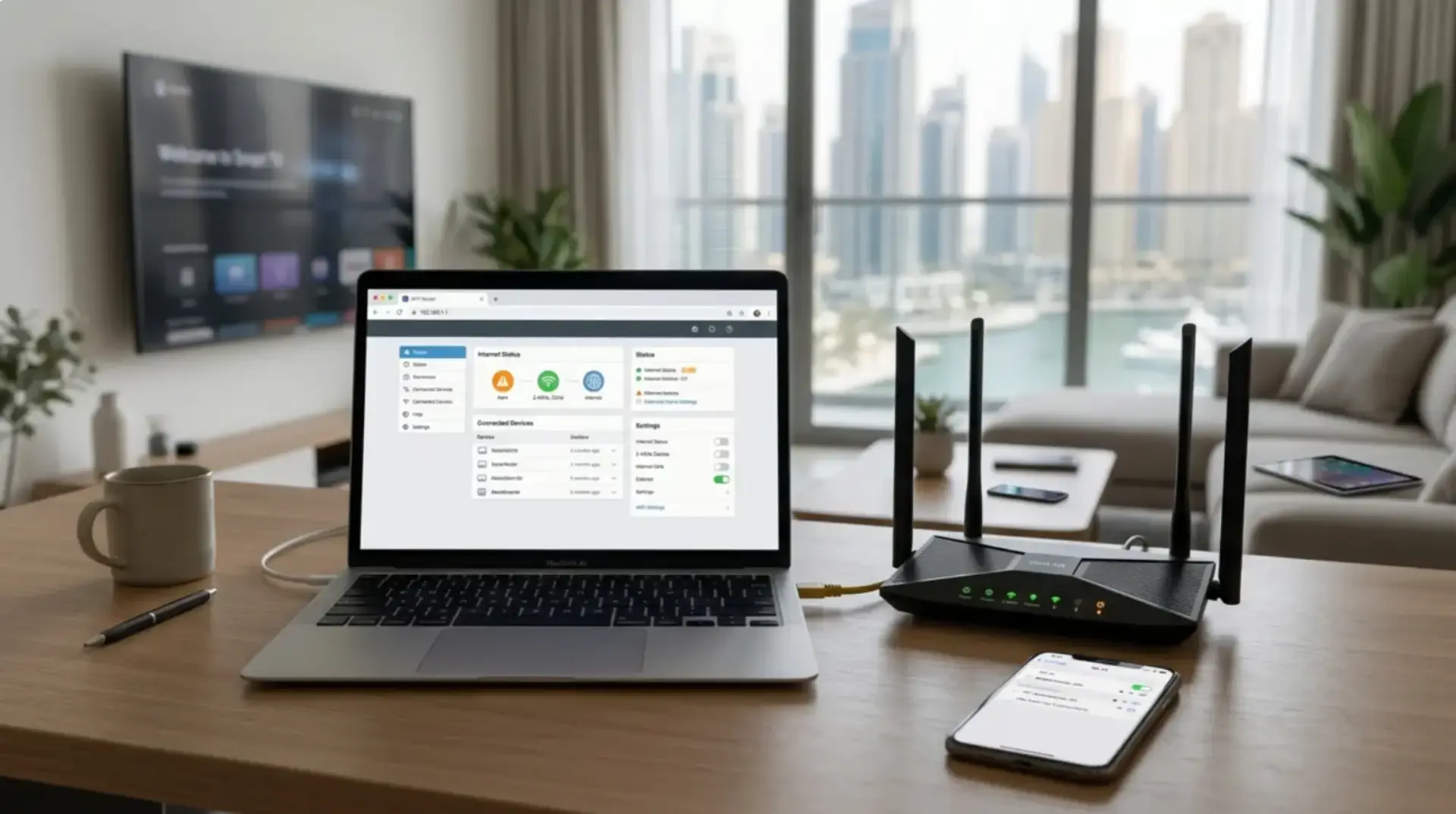
Your video call works fine in the living room, but the moment you move to the bedroom, the voice starts breaking. The smart TV buffers at night, gaming feels delayed, and guests keep asking for the WiFi password. Sometimes the internet drops even though the router lights look normal. In many Dubai homes, apartments, villas,…