
Category: WiFi Guides
-
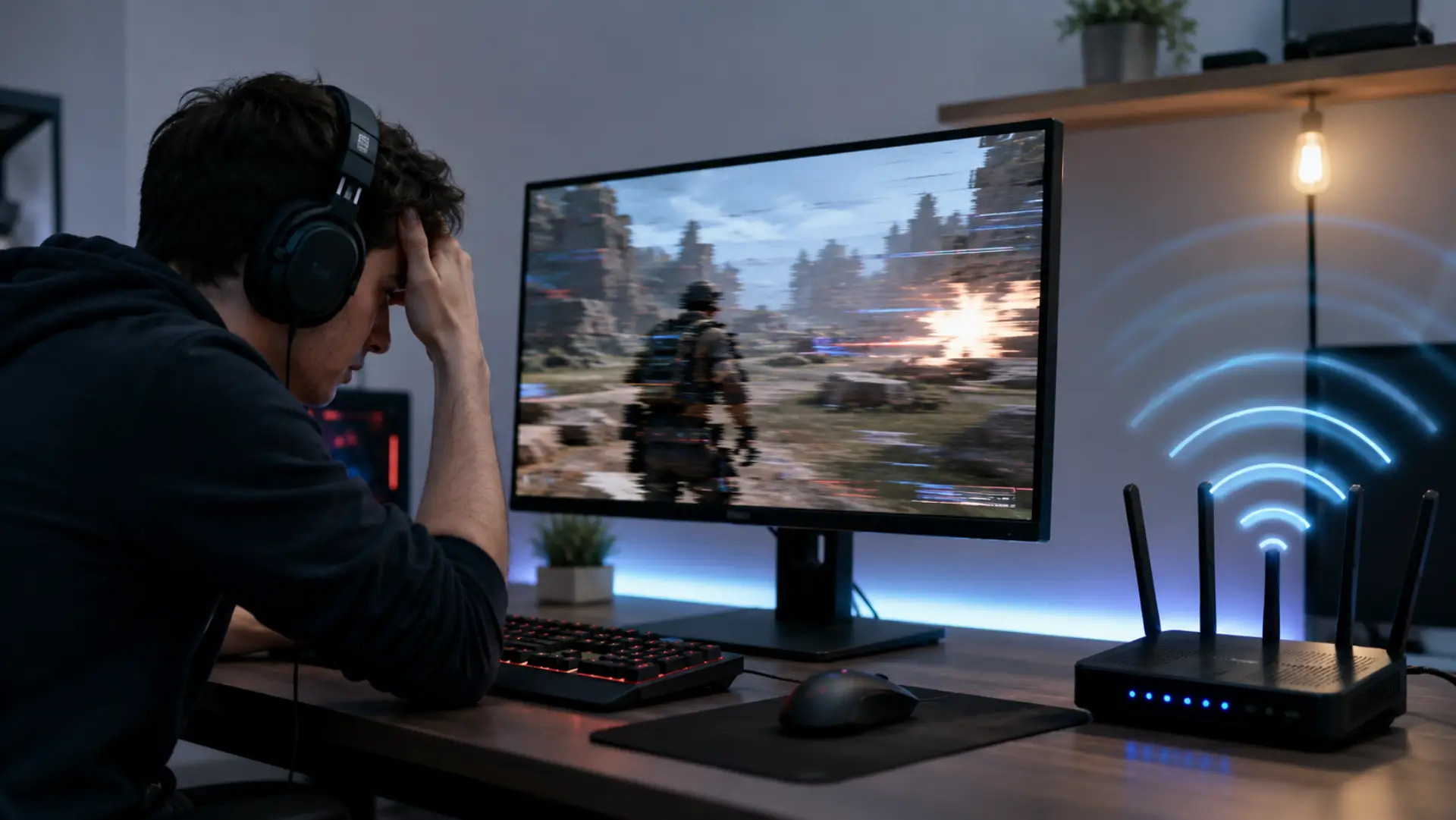
WiFi lagging during gaming can make online matches feel delayed, unstable, and frustrating. For gaming setups, the best router settings for gaming can help reduce delay when the network is busy or poorly configured. The problem usually stems from poor signal quality, network traffic overload, router issues, or inconsistent response times between your device and…
-
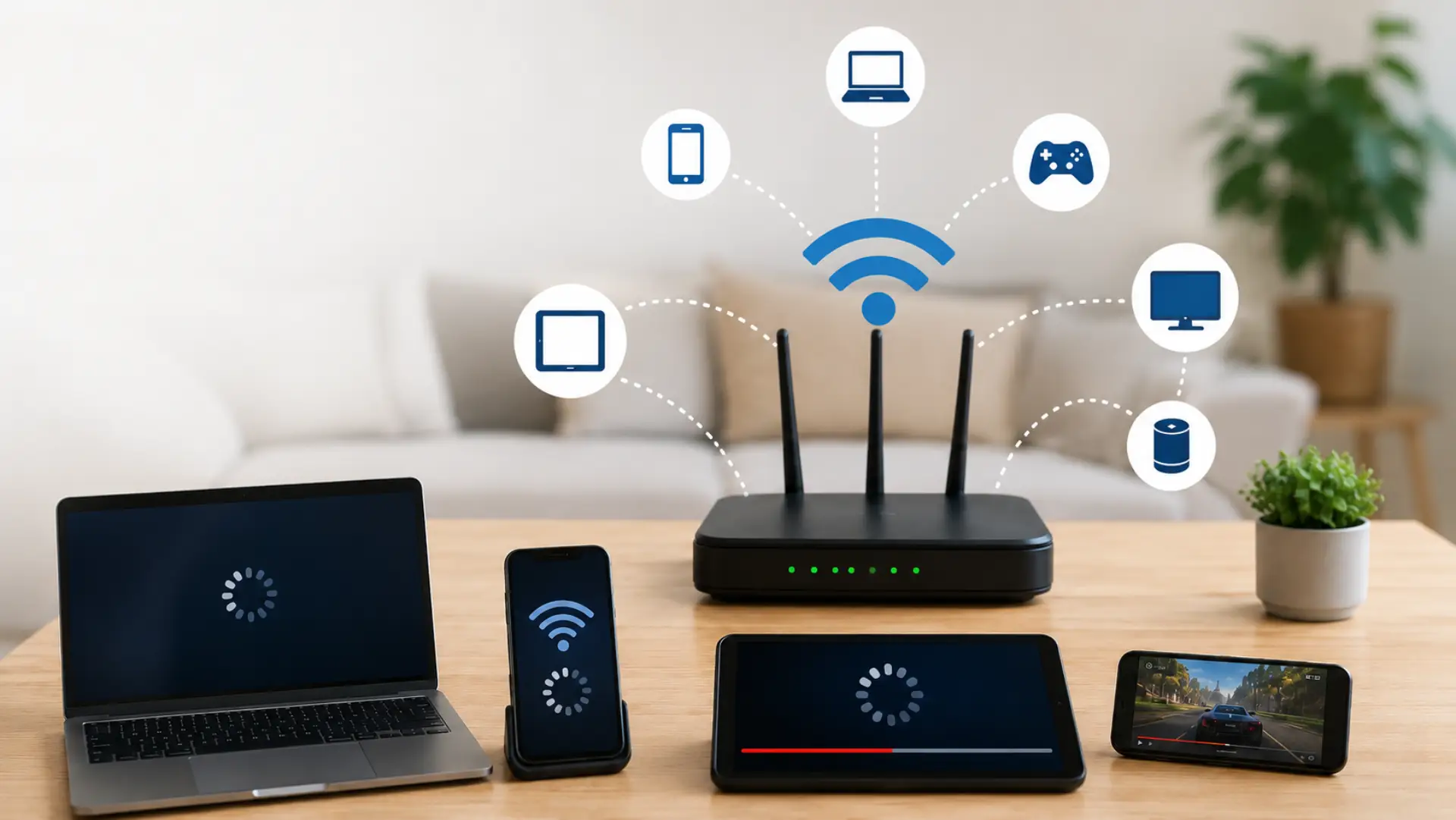
When multiple devices are on WiFi, the connection can slow down because all active devices share the available bandwidth. The slowdown usually happens when several devices are streaming, downloading, gaming, video calling, or syncing data at the same time. Heavy usage during peak hours can also cause internet speed drops when multiple users are active simultaneously. A…
-
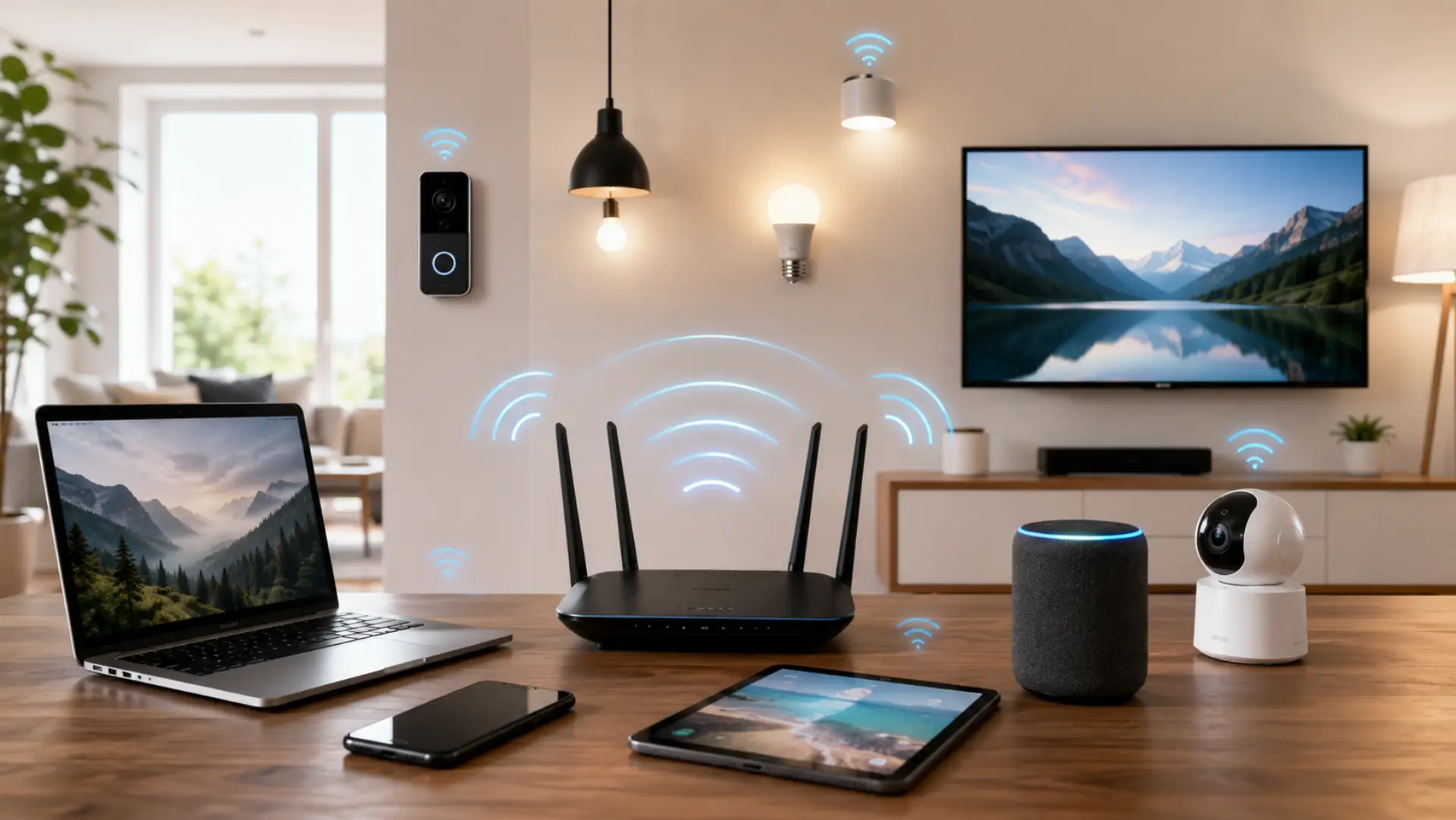
If you are asking how many devices can WiFi handle, the direct answer is that most home networks can support many devices, but smooth performance depends on your router, internet plan, signal strength, and how active each device is. The right number also depends on choosing a good internet speed for Dubai homes based on…
-
Choosing a good internet speed for Dubai homes depends on how many people live in the house, how many devices are connected, and what you do online every day. A small apartment may work well with a basic plan, while a villa with smart TVs, gaming consoles, cameras, phones, laptops, and smart home devices may…
-
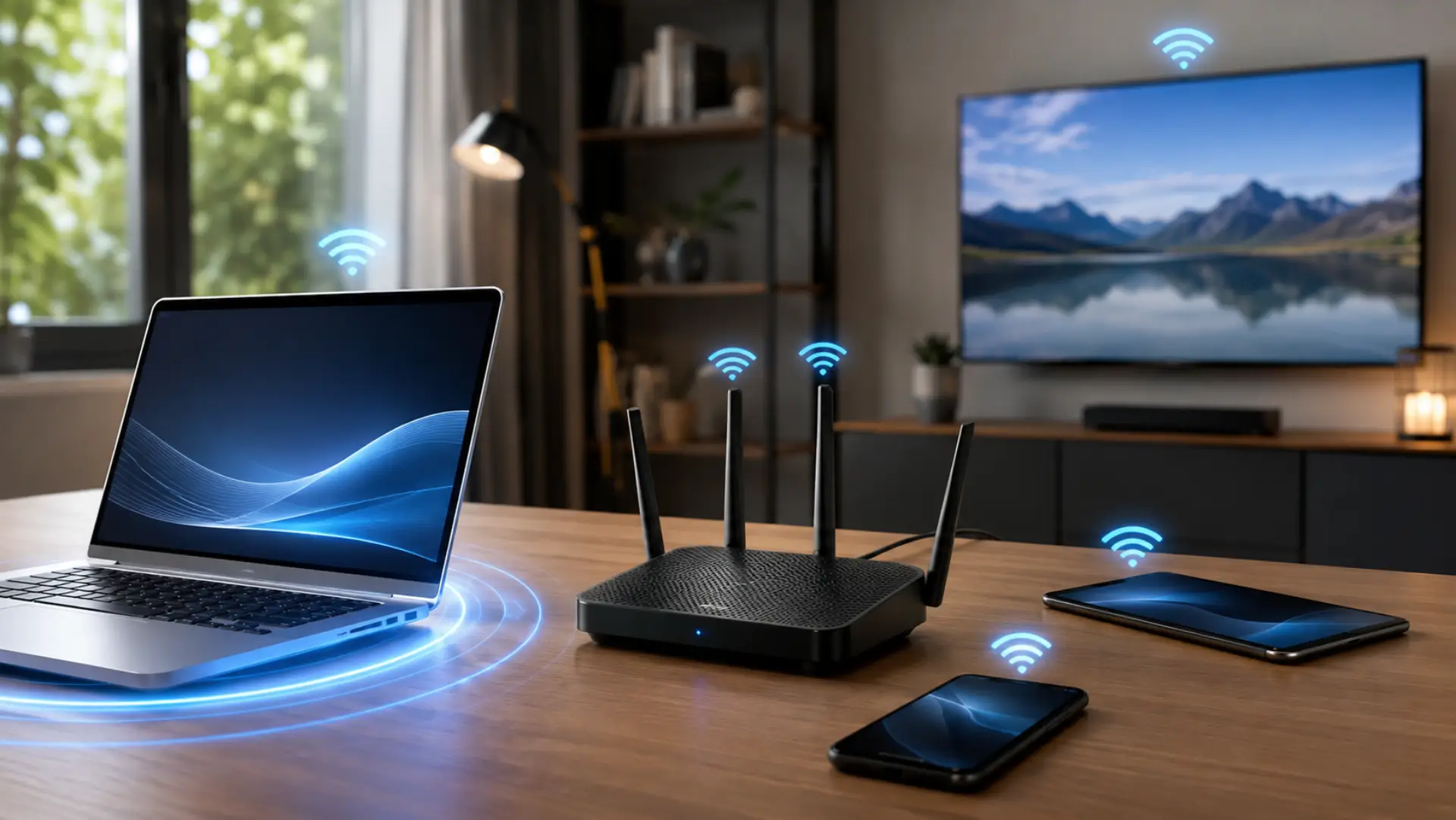
If you want to prioritize a device on WiFi, the goal is to give one phone, laptop, tablet, computer, smart TV, or gaming console a stronger share of your network when many devices are using the internet at the same time. This can help important devices stay faster and more stable during video calls, online…
-
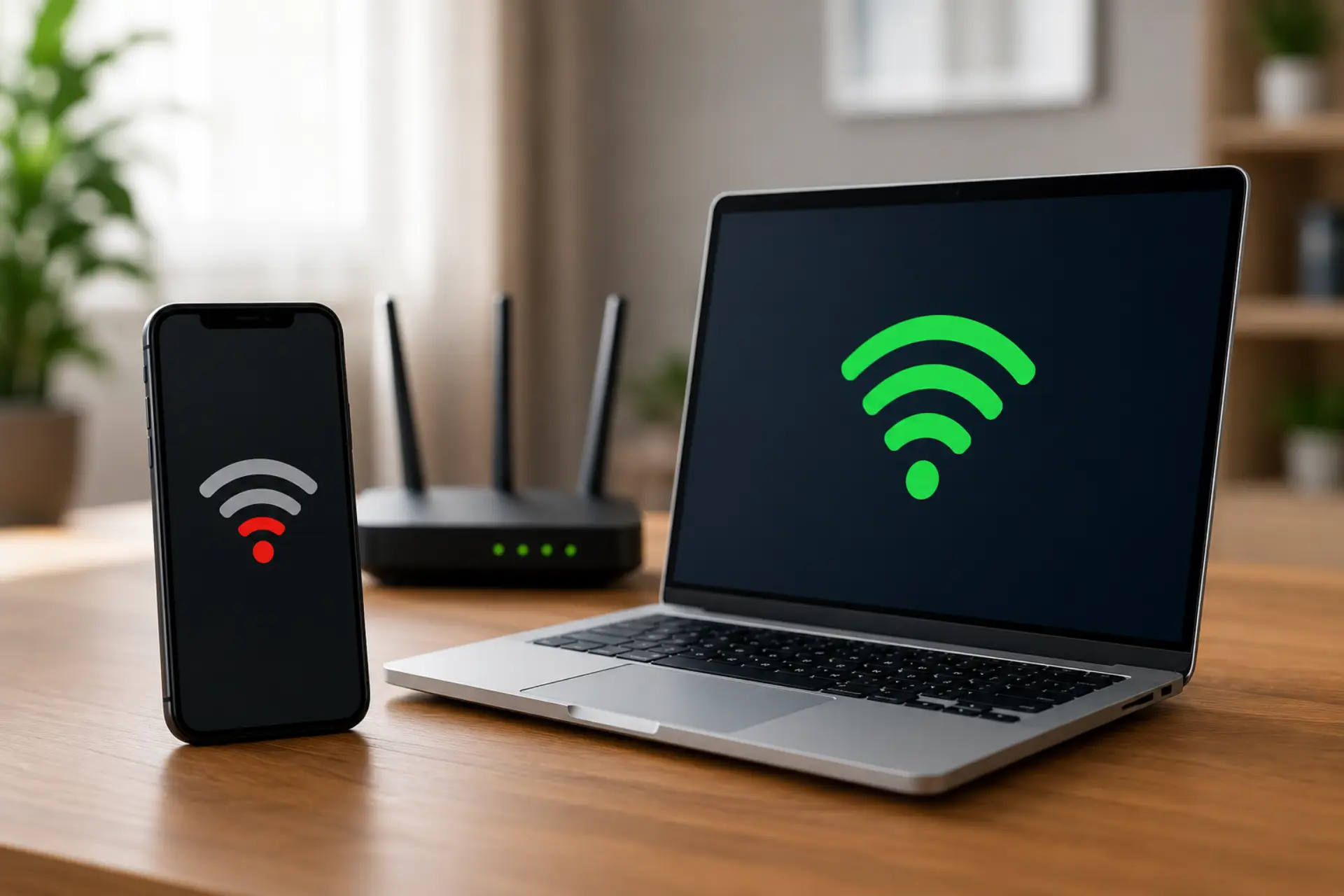
If your WiFi slow on phone but fast on laptop issue happens while both devices are connected to the same router, the problem is usually linked to the phone, its settings, signal quality, background activity, or how it connects to the network. Your internet line may be working fine, but one device can still perform…
-

If you are dealing with slow WiFi on phone issues, but your laptop, tablet, or another mobile device works fine, the problem is usually connected to that specific phone instead of the full internet connection. When only one phone is affected, the issue is usually similar to an internet slow on one device problem instead…
-

If you are dealing with slow WiFi on laptop while your phone, tablet, or another computer works fine, the issue is usually linked to that specific laptop instead of the full internet connection. The problem may come from signal strength, background apps, outdated drivers, browser settings, VPN use, or old saved network settings. This guide…
-
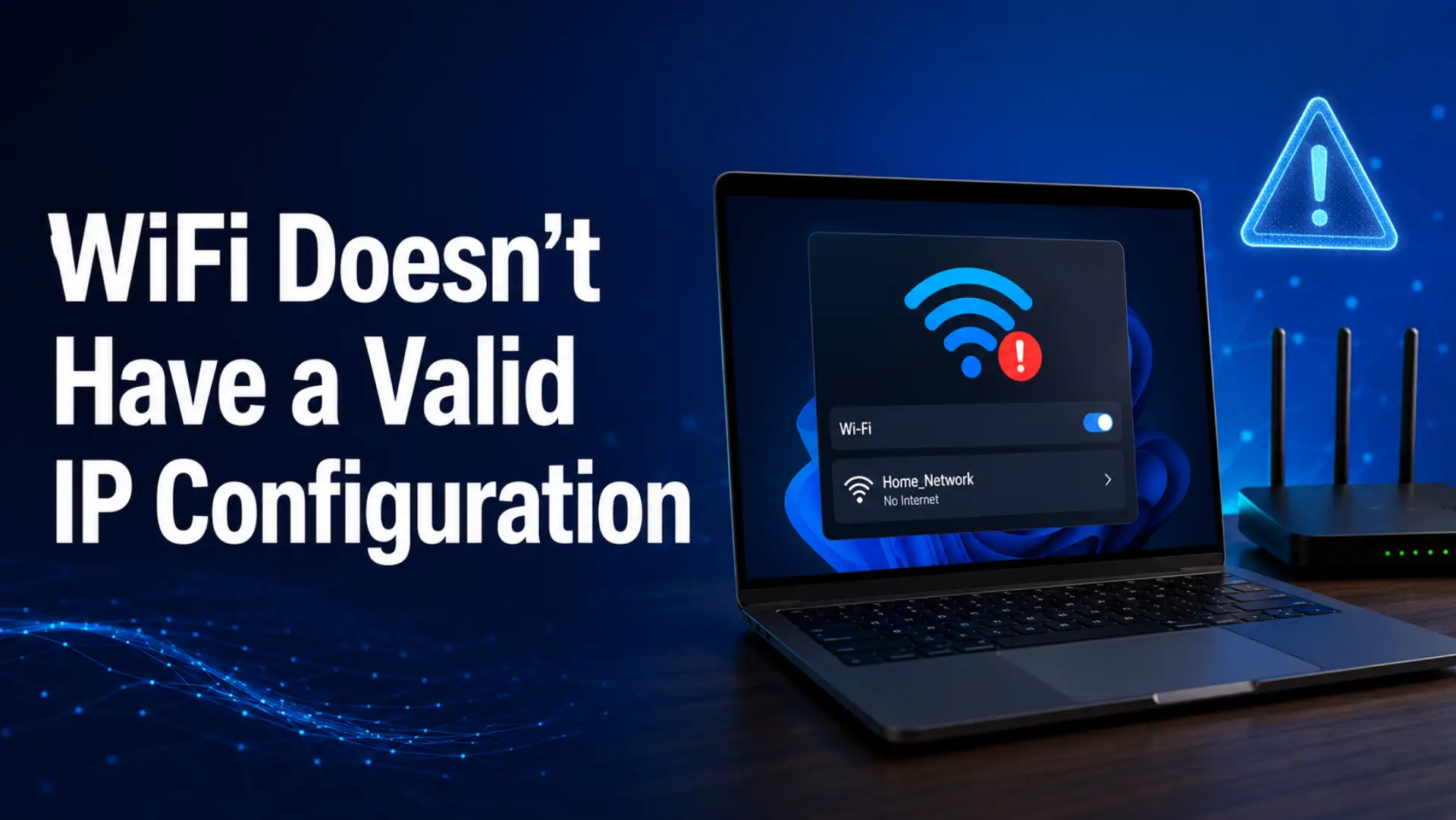
WiFi doesn’t have a valid IP configuration is a Windows network error that means your computer is connected to Wi-Fi but cannot get the correct IP address settings from your router. When this happens, your laptop or desktop may show “No Internet,” “Unidentified Network,” or “Connected, no internet,” even though the Wi-Fi signal looks active.…
-

A fast speed test slow internet issue can be confusing. Your speed test shows good Mbps, but websites open slowly, videos buffer, games lag, or apps take time to load. This usually happens because speed test results do not always show the full real-world performance of your internet connection. A speed test mainly checks download…