
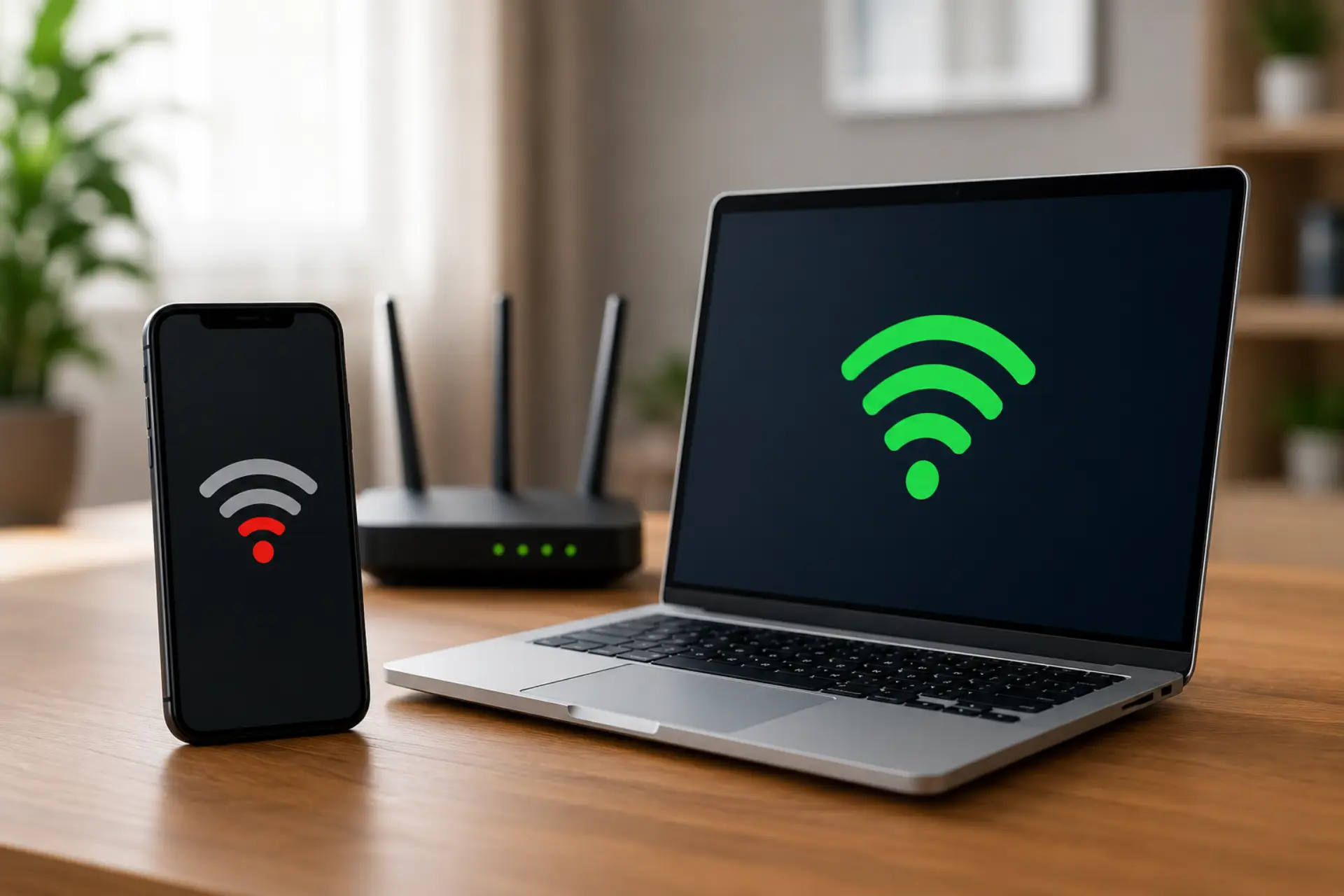
If your WiFi slow on phone but fast on laptop issue happens while both devices are connected to the same router, the problem is usually linked to the phone, its settings, signal quality, background activity, or how it connects to the network. Your internet line may be working fine, but one device can still perform badly because every phone, laptop, tablet, or computer handles wireless signals differently.
A slow WiFi on phone problem can happen because of old software, poor network settings, VPN use. The same phone-focused causes are also covered in our guide on slow WiFi on phone. app updates, router band issues, or a temporary device error. This guide explains the most common reasons and simple fixes you can try before changing advanced router settings or calling your internet provider.
Reasons WiFi Is Slow on Phone but Fast on Laptop
Your phone may have a weaker wireless antenna
Phones are smaller than laptops, so their antennas are usually less powerful.
A laptop may hold a stronger connection from the same room.
This can make the phone slower even when the router is working properly.
Your phone may be connected to a crowded network band
Many phones automatically connect to 2.4 GHz, which can become busy in apartments or crowded areas.
A laptop may connect to 5 GHz and feel much faster.
Checking the connected band can help you find the speed difference. Choosing the right band can improve WiFi speed, especially when one device is stuck on a slower or crowded network band.
Background apps may be using data
Apps can update, sync photos, download files, or refresh content in the background.
This can make the phone feel slow while your laptop works normally.
Closing unused apps can quickly improve performance.
A VPN or private DNS can slow the phone
VPN apps, proxy settings, or private DNS options can route traffic through slower servers.
Your laptop may not be using the same settings.
Turning these off for testing can show whether they are causing the slowdown.
Saved network settings may be corrupted
Sometimes a phone keeps old or faulty WiFi settings.
Forgetting the network and reconnecting can refresh the connection.
This is one of the easiest first fixes.
The phone may have software or system issues
Outdated phone software can affect wireless performance.
System bugs may also cause random speed drops.
Installing updates can fix known network problems.
Router distance can affect each device differently
A wall, door, floor, or furniture can reduce signal strength.
Your phone may be more affected than a laptop in the same area.
Testing near the router helps confirm this.
The issue may be limited to one device
If only one phone is slow and other devices work well, the router is probably not the main cause.
The phone settings, apps, storage, or hardware should be checked first.
This saves time and avoids unnecessary router changes.
Common Reasons Your Phone WiFi Is Slower Than Your Laptop
1. The Phone Has a Weak Signal
A weak WiFi signal is one of the most common reasons a phone becomes slow while a laptop stays fast. Phones often have smaller antennas, so they may struggle more when the router is far away or blocked by walls.
Move the phone close to the router and test the speed again. If the phone becomes faster near the router, better placement can help boost your WiFi signal in weak rooms. If it works better near the router, the issue is likely signal coverage, not your internet plan.
2. The Phone Is Connected to the Wrong WiFi Band
Many routers use both 2.4 GHz and 5 GHz bands. The 2.4 GHz band covers a longer distance but can be slower and more crowded. The 5 GHz band is usually faster but works better at shorter distances.
Your laptop may be using 5 GHz while your phone is using 2.4 GHz. If your router shows separate network names, connect your phone to the faster band and test again.
3. Background Apps Are Using Phone Data
Phones often run many apps in the background. Cloud backup, social media refresh, app updates, video downloads, and system sync can use bandwidth without you noticing.
If your internet slow issue happens only on the phone, check which apps are using data. If the same problem happens on a laptop instead, the issue may match common slow WiFi on laptop causes. Close heavy apps, pause updates, and test again.
4. VPN or Proxy Settings Are Slowing the Phone
A VPN can protect privacy, but it can also reduce speed if the server is far away or overloaded. Proxy apps and private DNS settings can also affect browsing speed.
Turn off VPN, proxy, or private DNS settings for a few minutes and test again. If the phone becomes faster, the setting was likely causing the internet issue.
5. The Phone Has a WiFi Settings Error
Sometimes the saved network profile becomes faulty. This can cause slow loading, unstable browsing, or a WiFi connection problem even when the password and router are correct.
Open your phone settings, forget the network, restart the phone, and reconnect with the correct password. This gives your phone a fresh WiFi connection.
6. The Phone Software Is Outdated
Old system software can cause wireless bugs, speed drops, and compatibility issues with newer routers. App updates can also affect browsing and streaming performance.
Check for system updates on your Android or iPhone. After updating, restart the phone and test the connection again.
7. The Router May Be Giving Better Priority to the Laptop
Some routers use automatic device priority, Quality of Service, or smart traffic control. This may give more bandwidth to a laptop, gaming device, or streaming device.
Log in to your router app or admin page and check connected devices. If any device priority setting is active, balance it so your phone also gets stable speed.
8. The Phone Storage or Performance Is Low
A phone with low storage, too many open apps, or weak processing power can make internet browsing feel slow. The connection may be fine, but the phone may load websites and apps slowly.
Clear cache, remove unused apps, restart the phone, and make sure there is enough free storage. This can help the device respond faster.
9. The Phone Keeps Disconnecting from WiFi
If your WiFi disconnecting problem happens often, speed may drop because the phone keeps switching between WiFi and mobile data. This can make videos buffer, and apps load slowly.
Disable auto-switch features temporarily and stay connected to one network while testing. Also, check whether the router is too far from the phone.
Easy Fixes for WiFi Slow on Phone but Fast on Laptop
Restart Your Phone and Router
Start with a simple restart. Turn off your phone, restart the router, wait a few minutes, and reconnect. This clears temporary network errors and refreshes the connection.
Forget and Reconnect to the Network
Go to WiFi settings, select your network, and tap “Forget.” Then reconnect with the password. This can solve many saved settings errors without advanced changes.
Turn Off VPN and Data-Saving Apps
VPNs, ad blockers, firewall apps, and data-saving browsers can sometimes slow down browsing. Turn them off and test the phone again.
Move Closer to the Router
Test the phone in the same room as the router. If the speed improves, the issue is coverage. In that case, move the router to a better location or use a mesh system.
Test Another Phone
If another phone works fast on the same network, your main phone is likely the problem. If all phones are slow but the laptop is fast, your router band settings may need adjustment.
Check Phone App Usage
Look for apps using heavy data in the background. Pause downloads, stop cloud syncing, and close video apps before testing.
Use a Speed Test Correctly
Use a wifi speed test app or website on both devices from the same location. To check wifi speed properly, test one device at a time so results are not affected by another download.
If you ask, “why is my wifi speed good on laptop but low on phone?” compare the phone result near the router and far from the router. This shows whether the issue is signal, device settings, or router band selection.
Reset Network Settings
If nothing works, reset network settings on the phone. This removes saved WiFi networks, Bluetooth connections, and mobile network settings. After the reset, reconnect to your WiFi and test again.
How to Improve Phone WiFi Performance
To fix wifi performance on your phone, start with basic steps before changing advanced router options. Restart the device, reconnect to the network, update software, and remove apps that may be using bandwidth.
You can also improve WiFi speed by placing the router in an open area, reducing interference, using the 5 GHz band when close to the router, and keeping your phone updated.
If your mobile internet slow problem happens on both WiFi and cellular data, the issue may be inside the phone itself. In that case, check storage, software updates, SIM settings, and background apps.
When the Problem Is Not the Router
If your laptop, tablet, and computer are all fast but one phone is slow, the router is probably not the main problem. The issue is more likely connected to the phone WiFi settings, apps, signal handling, or hardware.
However, if multiple phones are slow and only the laptop is fast, check router band settings, device priority, and coverage. Some routers handle Mobile WiFi devices differently from laptops, especially when smart connect or band steering is enabled.
Sometimes the same network can also create a slow WiFi on laptop issue because of weak signal, outdated drivers, VPN settings, or background apps, so it is useful to check both devices before changing router settings.
Helpful Checklist
Use this quick checklist before calling your internet provider:
- Restart your phone.
- Restart your router.
- Move closer to the router.
- Turn off VPN.
- Forget and reconnect to WiFi.
- Close background apps.
- Update your phone software.
- Test the phone near the router.
- Compare results with another phone.
- Reset network settings if needed.
Conclusion
When one phone is slow but the laptop is fast, the problem is usually not the full internet service. It is often caused by signal strength, router band selection, background apps, VPN settings, outdated software, or saved network errors.
Start with simple checks first. Test your WiFi speed near the router, compare devices fairly, and watch the WiFi signal strength on the phone. If the issue stays on only one device after all basic fixes, the phone may need deeper software troubleshooting or hardware inspection.
When should you call a technician?
Call a WiFi technician if several devices are slow, the router keeps disconnecting, or the speed is poor near the router.
You should also get help if the issue continues after resets and updates.
A technician can check router placement, signal coverage, and device connection quality.
FAQs
Why is my WiFi slow on phone but fast on laptop?
Your phone may have weaker signal strength, background apps, VPN settings, or old network settings. Your laptop may be connected to a faster WiFi band or may have a stronger wireless antenna. Test both devices in the same location to compare the connection fairly.
Why is WiFi slow on phone but not other devices?
WiFi slow on phone but not other devices usually means the issue is inside that phone. It may be caused by outdated software, poor signal reception, background apps, or saved WiFi errors. Restart the phone, forget the network, and reconnect to test again.
Why WiFi is slow on phone but fast on laptop Windows 10?
WiFi may be slow on your phone but fast on a Windows 10 laptop because both devices use different antennas, bands, and settings. Your laptop may be connected to 5 GHz while the phone is using a weaker or crowded band. Check the phone’s WiFi settings and test it near the router.
Can one phone be slow while other devices are fast?
Yes, one phone can be slow even when other devices are working normally. This can happen due to phone settings, app activity, low storage, VPN use, or weak hardware. If only one phone has the issue, check that device before changing router settings.
How can I run a Speed test correctly?
Run a Speed test on one device at a time while standing near the router. Close downloads, streaming apps, and background updates before testing. Compare phone and laptop results from the same place for a fair result.
How to boost WiFi signal on laptop?
To boost WiFi signal on laptop, move closer to the router and avoid thick walls or metal objects. Update the WiFi driver and connect to the 5 GHz band if your router supports it. If coverage is still weak, use a WiFi extender or mesh system.
Why is WiFi slow on laptop but fast on other devices?
WiFi slow on laptop but fast on other devices can happen because of outdated drivers, old hardware, or wrong network settings. The laptop may also be connected to a weak band or placed in a poor signal area. Update the driver, restart the router, and test the laptop near the router.
Why is my phone internet so slow but WiFi is fast?
If your phone internet is slow but WiFi is fast on other devices, the phone may have background apps, VPN settings, or low storage. Sometimes private DNS, app updates, or old network settings can also slow browsing. Clear cache, close unused apps, and reconnect to WiFi.
Why does my phone connect to WiFi but load slowly?
Your phone may connect to WiFi but load slowly because of weak signal, background data use, or software issues. A saved network error can also make browsing unstable. Forget the WiFi network, reconnect, and restart the phone.
Can VPN make WiFi slow on my phone?
Yes, VPN apps can slow WiFi if the server is overloaded or far away. Your laptop may feel fast because it may not be using the same VPN settings. Turn off the VPN and test the phone connection again.
Is resetting network settings safe?
Yes, resetting network settings is usually safe, but it removes saved WiFi passwords and Bluetooth connections. You will need to reconnect to your WiFi network again. Use this step after trying restart, reconnect, and software updates.
Why is my computer slow, but the internet fast?
Your computer may feel slow even when the internet is fast because of low storage, heavy apps, or high CPU usage. In this case, the internet connection may not be the real problem. Restart the computer, close unused apps, and check system performance.
Leave a Reply