
Category: WiFi Guides
-
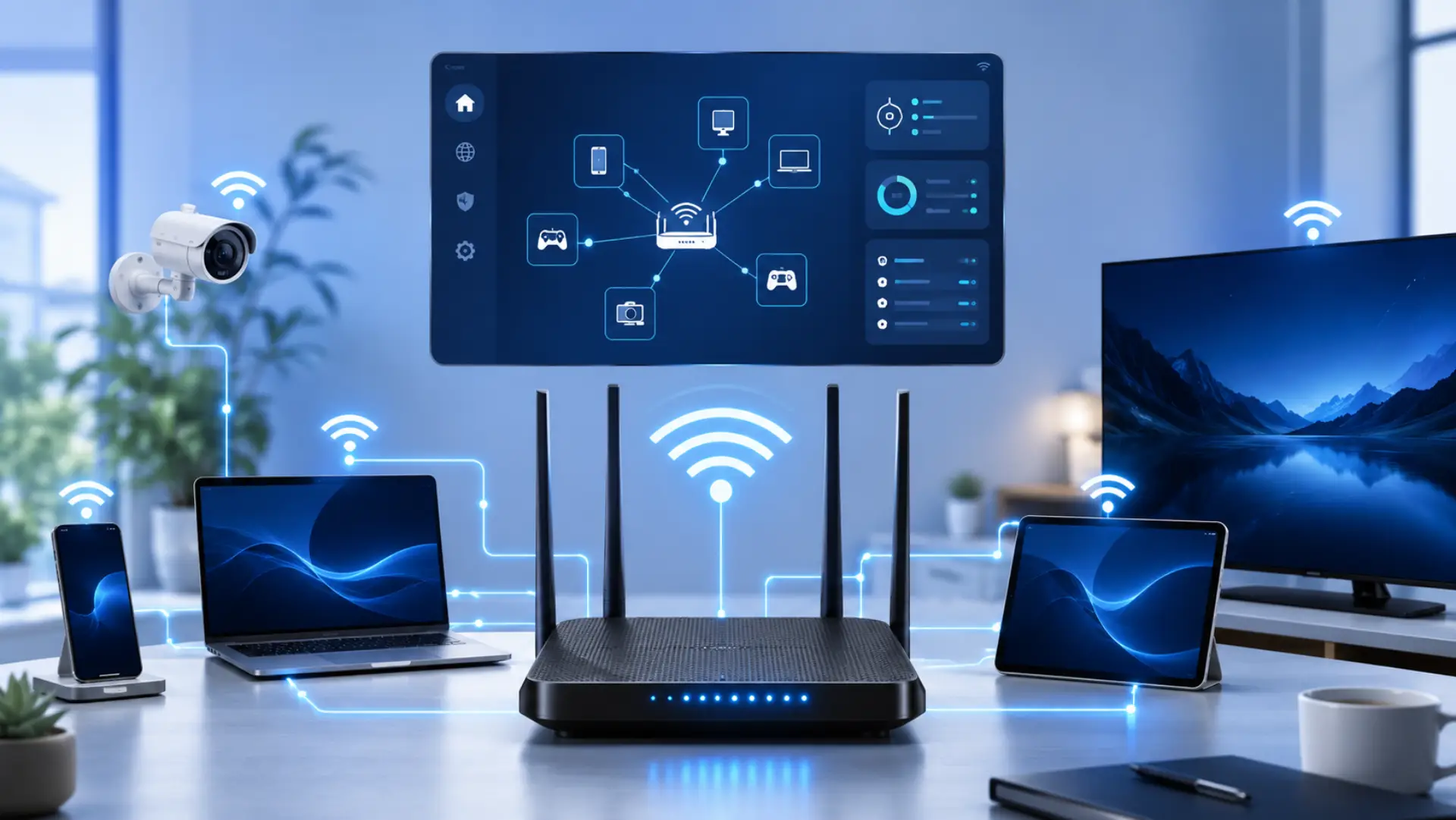
Slow internet, buffering, or sudden speed drops can happen when too many devices are using the same network. The quickest way to confirm this is to check connected devices on WiFi through your router or its official app. This helps you see every phone, laptop, smart TV, camera, or unknown device currently linked to your…
-
Slow WiFi can make everything harder. A video call freezes, Netflix keeps buffering, your laptop takes forever to load pages, and even your smart TV feels useless. The frustrating part is that your internet plan may be fast, but your home WiFi still performs badly. The good news is that many WiFi speed problems can…
-
Slow WiFi can ruin a normal day very quickly. One moment, you are joining a video call, streaming a movie, uploading work files, or using CCTV cameras, and the next moment, everything starts buffering. Before changing your router or blaming your internet provider, you should first test your connection properly. A simple speed check can…
-
Your laptop is already connected to WiFi, but you cannot remember the password. This usually happens when you want to connect your phone, tablet, printer, smart TV, or another laptop to the same network. The good news is that Windows 10 and Windows 11 save WiFi passwords after you connect once. So, in many cases,…
-
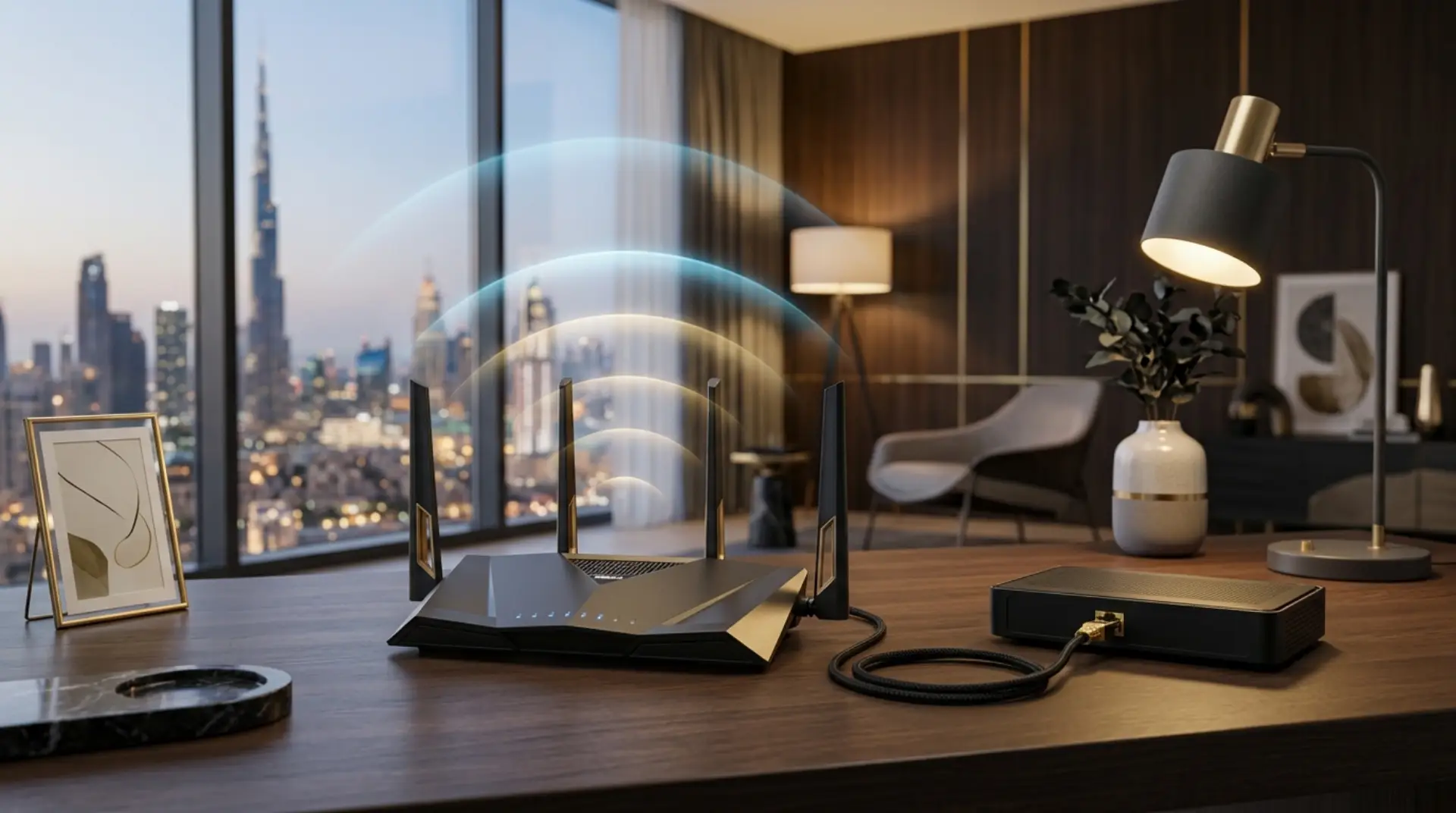
A new internet connection can quickly become frustrating when the modem lights are blinking, the router is not showing WiFi, or your devices say “connected without internet.”If you are unsure what each light means, understanding the router lights’ meaning can help you quickly identify whether the modem, router, or internet line is causing the issue.…
-
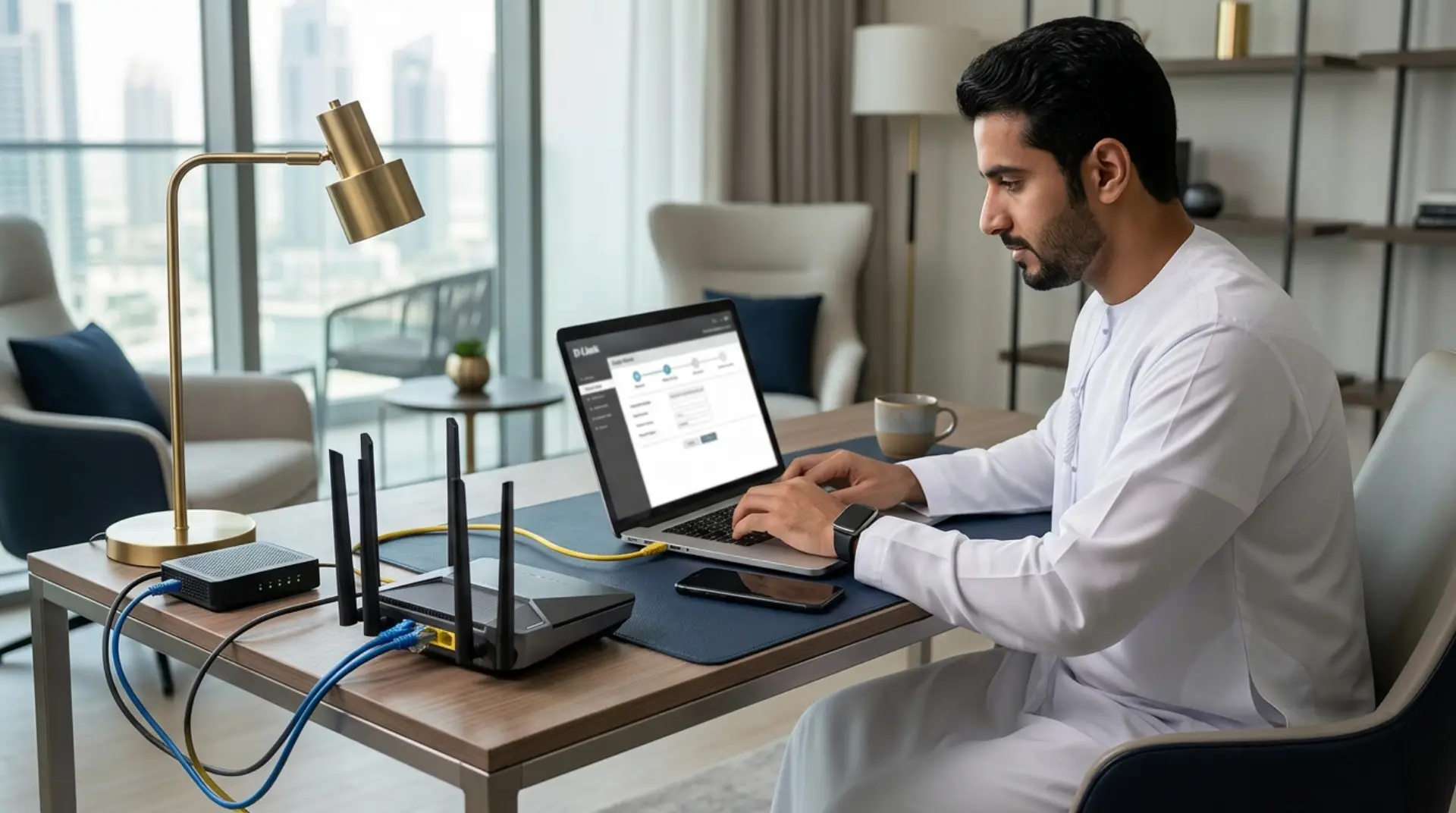
A D-Link router should make your internet simple, not stressful. However, many users in Dubai face the same issues after buying or resetting a router: no internet, weak WiFi, wrong login settings, password confusion, or devices not connecting. For D-Link router setup, connect the router to your modem, open the router login page, enter the…
-
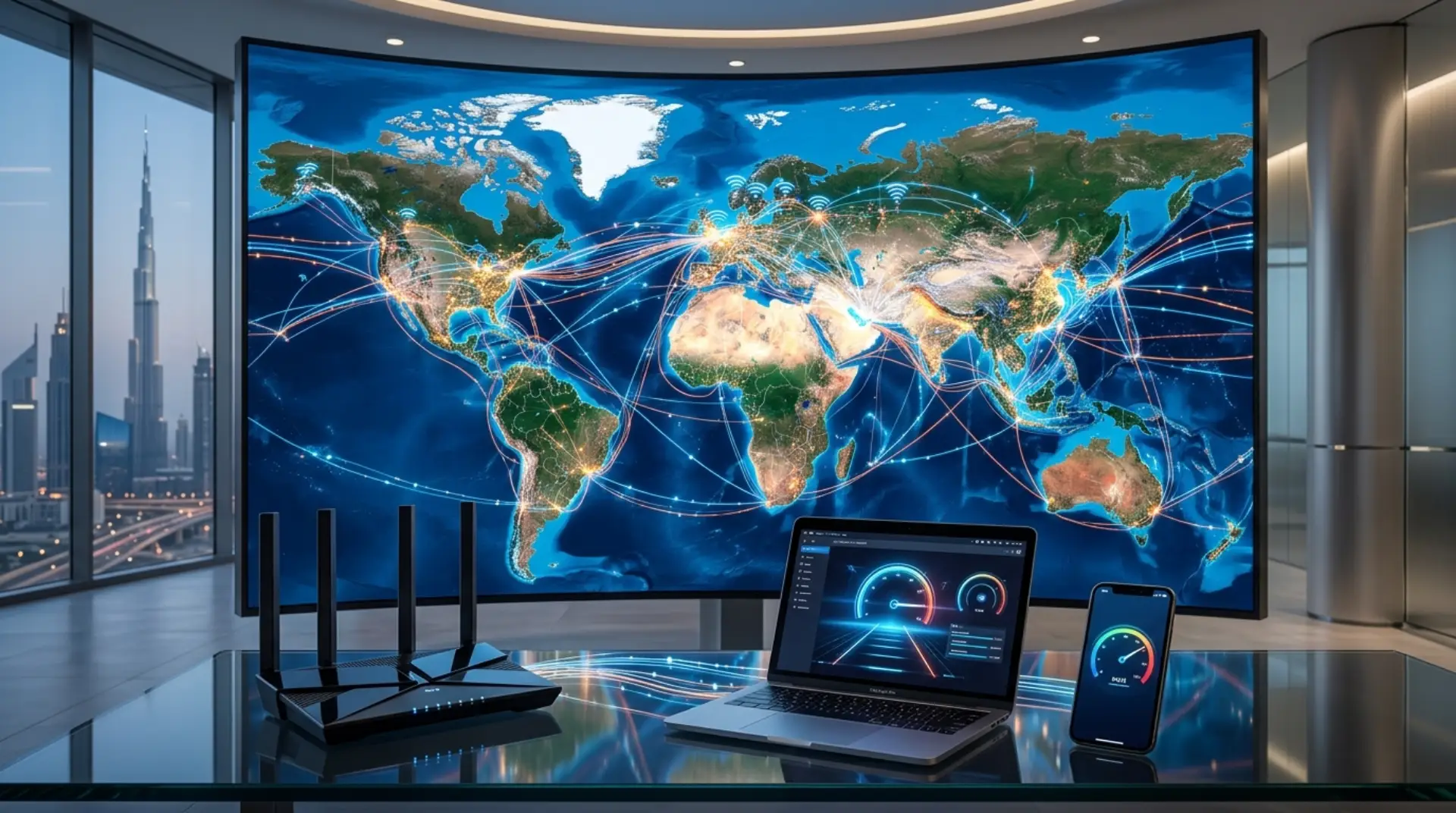
Slow internet is frustrating, especially when you are gaming, attending online meetings, streaming, studying, or running a business. Many people search for the Fastest Internet in the world to see what real high-speed internet looks like and how their own connection compares. However, internet speed is not only about the country you live in. Your…
-

A new router should make your WiFi better, not more confusing. However, many Dubai home users buy a Linksys router, connect the cables, and still face a weak signal, no internet, wrong settings, or login problems. Linksys Router Setup usually means connecting the router to your modem, opening the Linksys app or web setup page,…
-
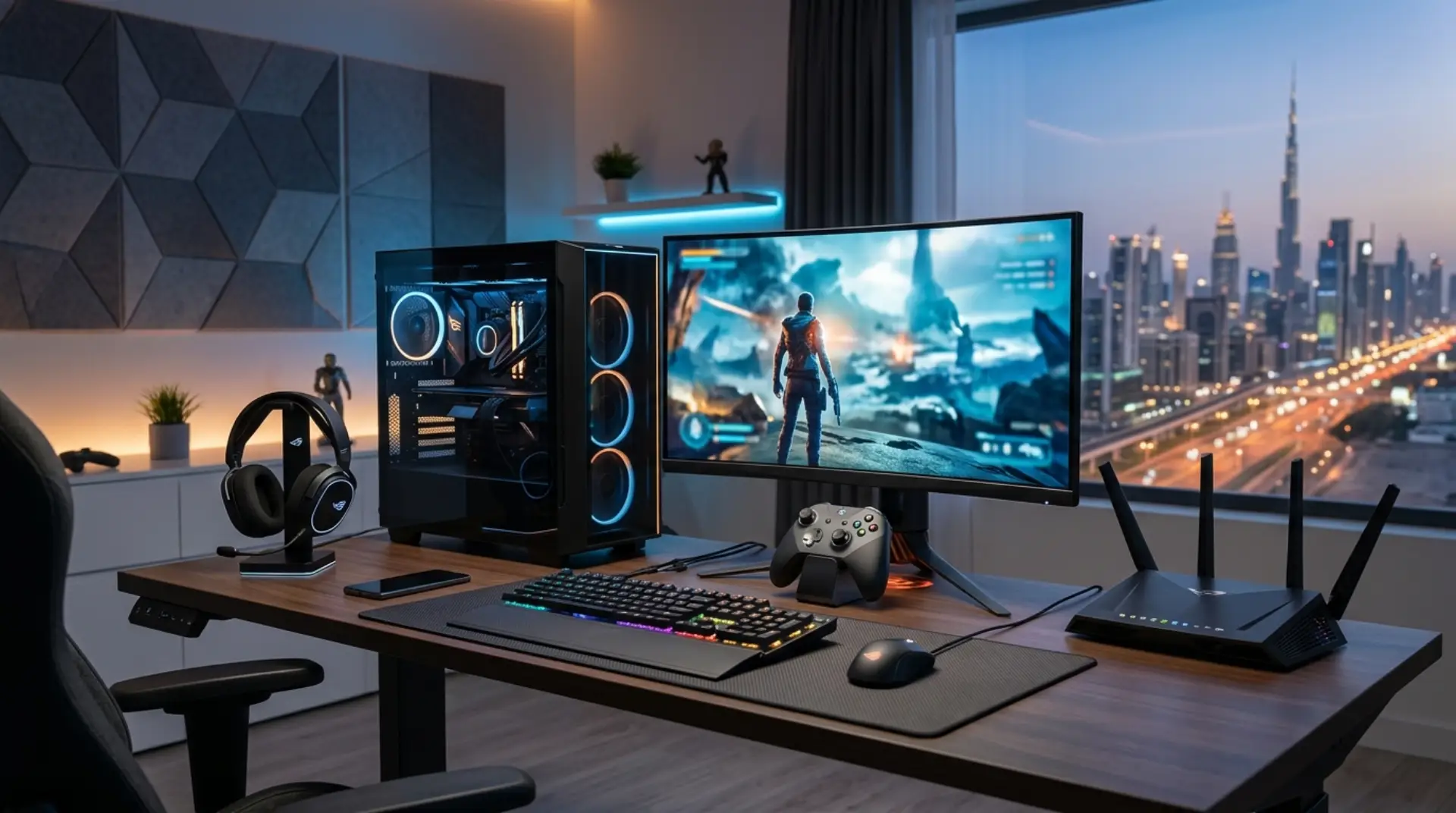
You are in the middle of a match, your aim is perfect, and suddenly the game freezes for one second. By the time the screen moves again, you are already out. For many home gamers in Dubai and across the UAE, the problem is not always the game server or the console. Often, the issue…
-
Your internet works fine near the TV, but the bedroom has Slow WiFi. A video call drops in the study. The kids complain about gaming lag. Then someone says, “Maybe the modem is bad,” while someone else blames the router. This is where most home internet confusion starts. A modem and a router are not…