
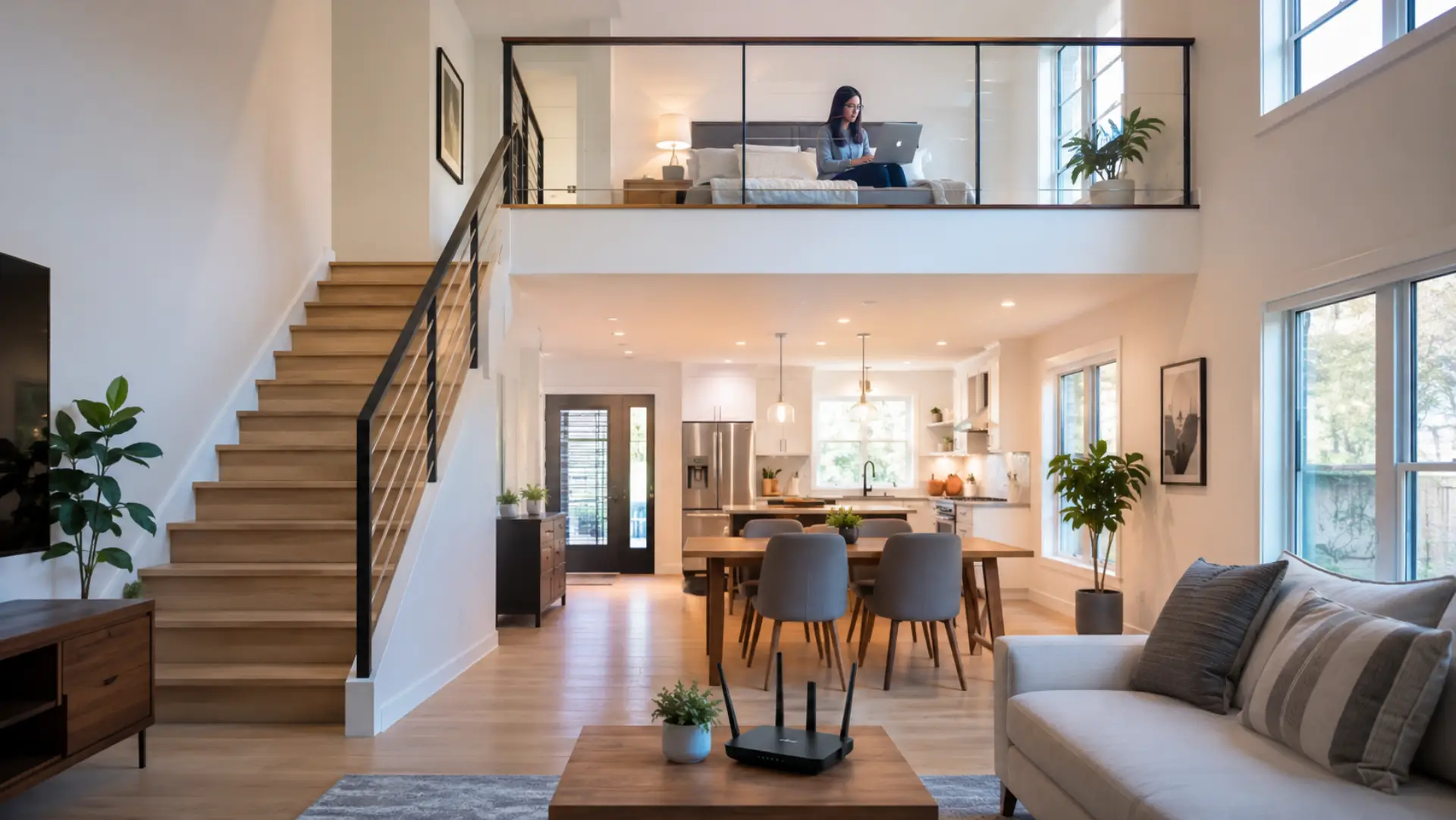
Getting strong WiFi upstairs can be difficult when the router is placed on a lower floor, blocked by thick walls, or forced to serve too many rooms at once. This problem is similar to WiFi dead spots in Dubai villas, where one router struggles to reach every room and floor. If your WiFi upstairs feels unreliable, the problem is usually caused by distance, building materials, poor equipment position, or limited network capacity.
The most effective solution is to improve the router location first, then test the connection, reduce interference, and add the right network device only when needed. A simple change can sometimes solve the problem, but larger homes may need extra hardware for stable coverage.
Key Takeaways
- Place the router in a central, open area instead of hiding it in a cabinet.
- Keep the router away from walls, metal objects, mirrors, and large appliances.
- Run a WiFi speed test near the router before blaming the upper floor.
- Use wired backhaul, access points, or mesh systems for larger homes.
- Avoid adding random devices before checking the real cause of the problem.
- Call a WiFi technician in Dubai if several rooms have poor coverage after basic checks
Why Internet Gets Weak on the Upper Floor
A router sends the WiFi signal outward, but floors, concrete, steel, glass, and furniture can reduce how far it travels. The upper floor often receives weaker service because the router is usually placed downstairs, near the provider’s modem or main cable point.
The problem becomes worse when the router is in a corner room, behind a TV, inside a cabinet, or close to thick walls. In many homes, the second floor is not receiving enough WiFi coverage because the network was never planned for full-house use.
Start With the Router Location
Before buying any device, check the basic setup. Good router placement is one of the easiest ways to improve coverage across both floors. The router should be placed in an open area, slightly elevated, and closer to the center of the home.
Avoid placing it on the floor, behind furniture, near microwave ovens, or inside closed shelves. If possible, move it away from the far corner of the house. A router placed in the middle area of the lower floor can often serve the upper rooms better than one hidden near the entrance.
Check Whether the Problem Is Coverage or Speed
A common mistake is assuming every upstairs problem is caused by weak WiFi. Sometimes the internet package, router quality, cable connection, or overloaded devices are the real reason.
Test the speed near the router first. Then test again in the room where the problem happens. If the speed is good near the router but poor on the upper floor, the issue is most likely coverage. If both areas are slow, the problem may be with the internet line, modem, or router itself.
Understand the Router’s Natural Limit
Every router has a WiFi range, and that range depends on the router model, antenna design, wall thickness, and interference around the house. A small router may work well in an apartment but struggle in a villa, duplex, or large multi-floor home.
There is also a practical WiFi limit. Even a strong router cannot always push a stable connection through concrete floors and multiple walls. When the distance and barriers are too much, adding a proper network point is better than forcing one router to do everything.
Improve the Setup Before Adding Extra Devices
First, restart the modem and router in the correct order. Turn off both devices, wait for about one minute, turn on the modem first, and then turn on the router after the modem becomes stable. This can clear temporary network faults.
Next, remove unnecessary connected devices, update the router firmware if available, and make sure the router is not overheating. If one room has a WiFi issue while other rooms work fine, the problem may be caused by distance, wall material, or local interference in that specific area.
When a Booster or Extender Can Help
A WiFi booster can help in small homes where the upper floor only needs a light improvement. A WiFi extender works best when it is placed where the main router signal is still strong. It works best when placed between the router and the weak area, not inside the room where the signal is already poor.
A WiFi extender may also help for basic browsing, messaging, and light streaming. However, extenders can reduce speed if they connect wirelessly to a weak source. For better results, place the extender where it still receives a strong signal from the main router.
When Mesh Is the Better Option
For larger homes, mesh WiFi is often more reliable because it uses multiple units that work together under one network name. This helps devices move between floors without manually switching networks.
Mesh systems are useful when several bedrooms, offices, or living areas need stable service. They are also better than simple extenders when the home has thick walls, long hallways, or multiple floors.
Use a Wired Network Point for the Strongest Result
The most reliable solution is a properly installed WiFi access point connected by Ethernet cable. A router installation service in Dubai can help plan cabling, access points, and router placement for multi-floor homes. This gives the upper floor its own strong network source instead of depending on a weak wireless link from downstairs.
This setup is especially useful for home offices, gaming rooms, smart TVs, and video calls. If Ethernet cabling is already available in the house, using it can greatly improve wireless coverage without overloading the main router.
Improve Daily Connection Quality
If the WiFi connection drops often, check whether your device is far from the router or switching between bands. The 2.4 GHz band travels farther but is usually slower, while 5 GHz is faster but has a shorter reach.
For better signal strength, keep the router clear of obstacles and avoid placing it near other electronic devices. Also, make sure the router is modern enough for your home size. Older routers may not handle many phones, laptops, cameras, and smart devices at the same time.
Why Speed Drops Even After Coverage Improves
Good coverage does not always guarantee strong wifi speed. If many people are streaming, gaming, downloading, or using video calls at the same time, the network can still feel slow.
Router quality also affects WiFi performance. A low-end router may struggle with multiple floors and many connected devices. In that case, upgrading the router or adding a wired network point can be more effective than only changing settings.
When to Call a Professional
You may need expert help if the network stays unstable after moving the router, restarting equipment, and testing different rooms. A professional wifi technician can inspect the modem, router, cables, interference, and full network layout instead of guessing.
This is useful when you have slow WiFi in several rooms, repeated dropouts, or poor service in important areas such as bedrooms, offices, or living rooms. A proper check can identify whether you need a new router, cable run, access point, or full home coverage setup.
Best Way to Fix the Problem
The best way to fix wifi coverage between floors is to test the source first, improve the router position, and then choose the right device based on the home layout. Small homes may only need better placement or an extender, while larger homes usually need mesh or a wired access point.
Do not keep adding random devices without testing. A planned setup gives better results, reduces dead zones, and keeps the connection stable across both floors.
FAQs
Why is the internet weak on the second floor?
Internet becomes weak on the second floor when the router signal is blocked by walls, ceilings, furniture, or distance. This usually happens when the router is placed in a lower-floor corner or hidden behind objects. Moving the router to a better position or adding a proper network point can improve coverage.
Where should I place my router for better upper-floor coverage?
Place the router in an open, central area where the signal can travel more evenly across the home. Avoid keeping it inside a cabinet, behind a TV, near metal objects, or close to large appliances. A slightly elevated position can also help improve upstairs coverage.
Is an extender enough for a two-floor home?
An extender can help if the upper floor is not too far from the main router. It should be placed where it still receives a strong source signal, not inside the weakest room. For larger homes, mesh WiFi or a wired access point is usually a better long-term solution.
Why does my phone work downstairs but not on the upper floor?
Your phone may work downstairs but fail upstairs because the signal becomes weaker as it passes through floors, walls, and furniture. Concrete, steel, and thick building materials can reduce coverage quickly. Testing the phone near the router helps confirm whether the issue is with the device or the network coverage.
Should I use 2.4 GHz or 5 GHz for the upper floor?
The 2.4 GHz band usually works better for upper-floor rooms because it travels farther and passes through walls more easily. The 5 GHz band is faster, but it loses strength more quickly over distance. Testing both bands can help you choose the one that stays more stable upstairs.
Does a mesh system improve coverage between floors?
Yes, a mesh system can improve coverage between floors when one router cannot serve the whole home properly. It uses multiple units to spread the network across different areas under one network name. Correct placement of each mesh unit is important for stable performance.
Why is the connection strong but still slow upstairs?
A connection may look strong but still feel slow because of interference, old router hardware, too many connected devices, or limited internet speed from the provider. The problem may not always be coverage alone. Testing speed near the router and then upstairs helps identify the real cause.
What is the most reliable solution for upper-floor internet?
A wired WiFi access point is usually the most reliable solution for strong upper-floor internet. It uses an Ethernet cable to deliver a stable connection to another part of the home. This setup is ideal for workrooms, streaming areas, gaming setups, and larger multi-floor homes.
Leave a Reply