
Category: Internet Issues
-
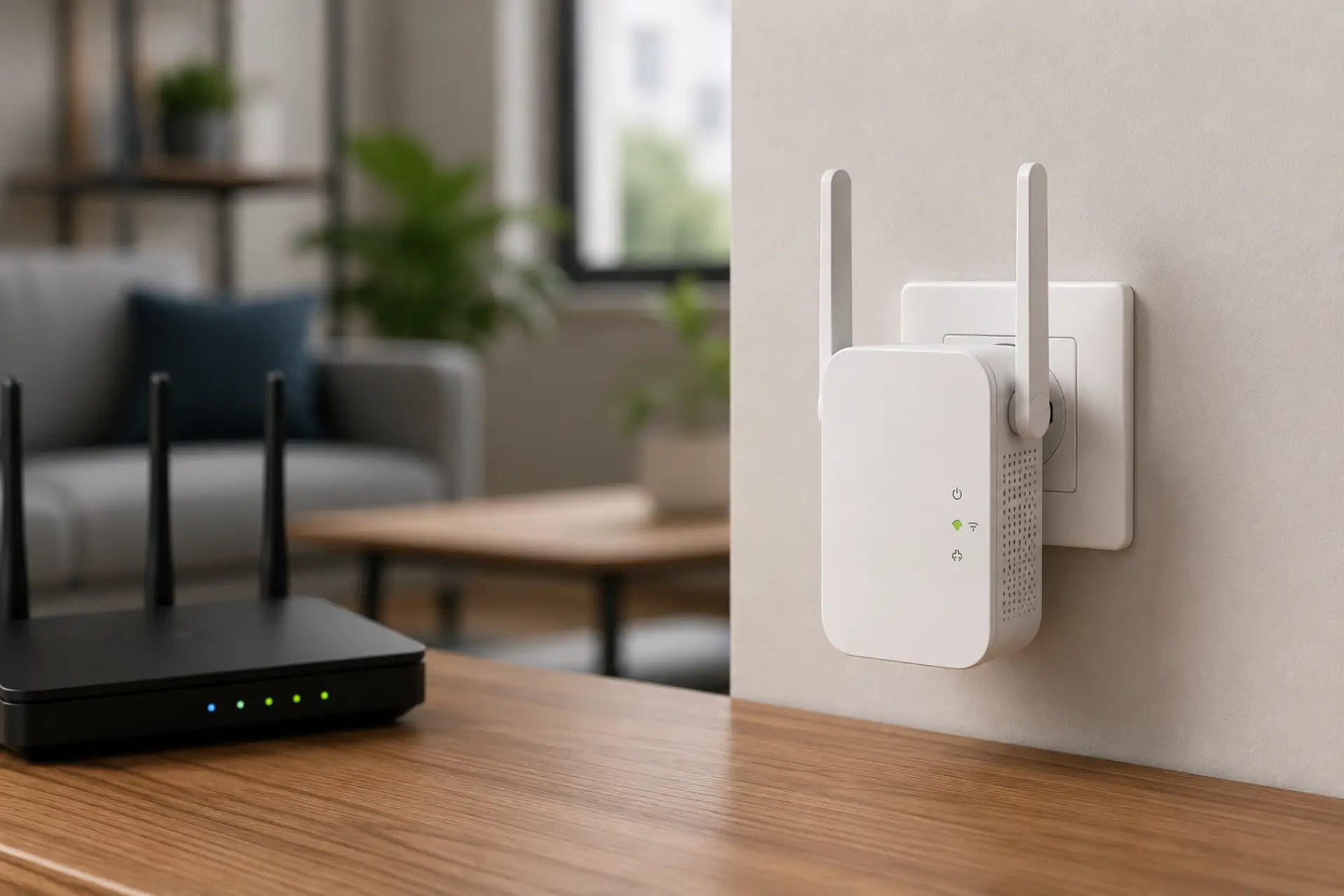
A WiFi extender no internet problem happens when your phone, laptop, or smart TV connects to the extender network but cannot open websites or apps. The extender may show connected status, yet the internet access does not pass through from the main router. This usually comes from a weak router link, wrong password, IP conflict,…
-
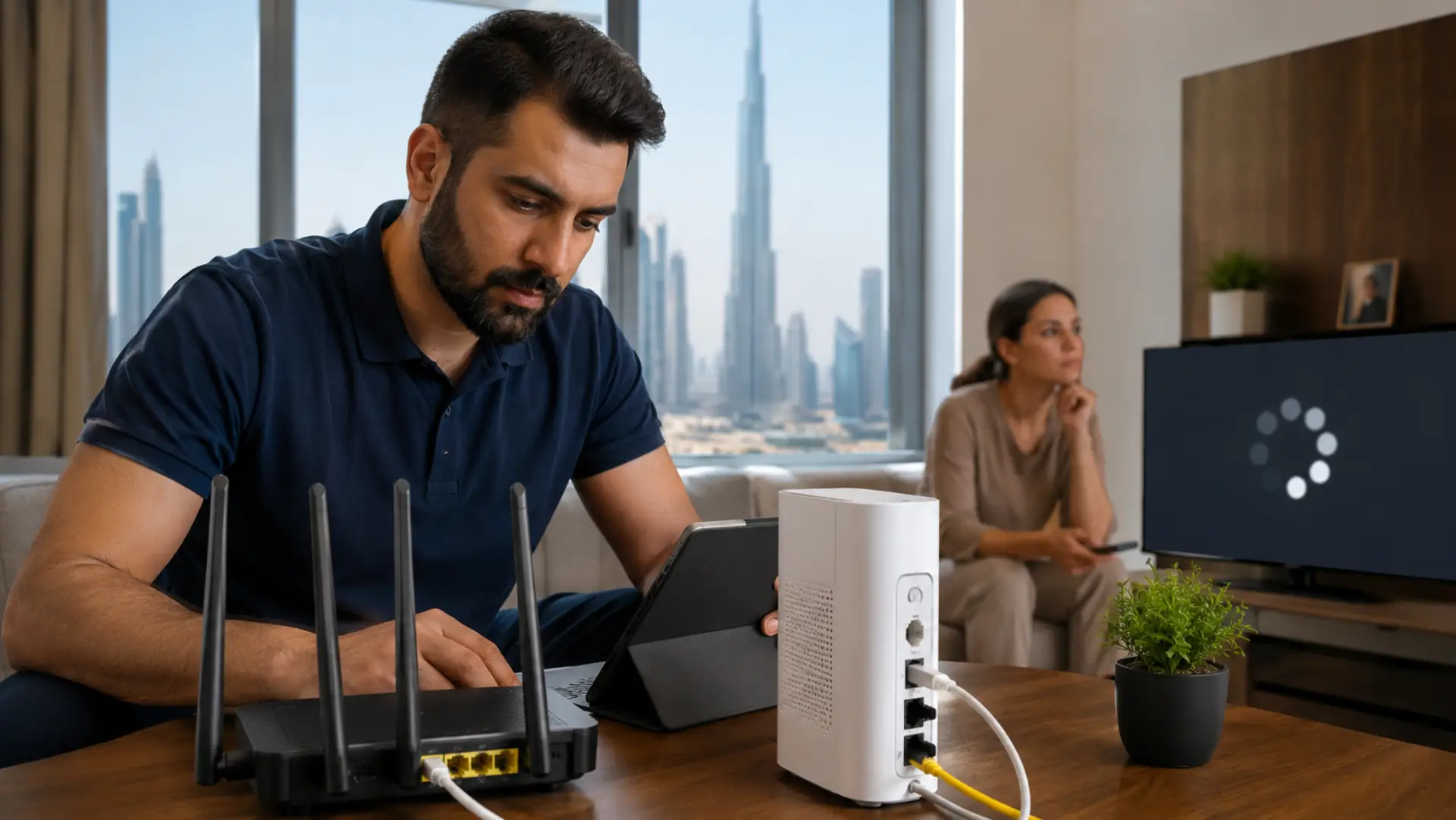
If you are dealing with slow internet in UAE, the problem may not always come from your service provider. Many cases stem from common causes of slow WiFi, such as weak coverage, router overload, poor placement, or interference. In many Dubai homes, offices, apartments, and villas, internet speed problems are often caused by router placement,…
-

A WiFi technician can help when your internet stays slow, unstable, or unreliable even after basic troubleshooting. If the same issue affects several rooms or devices, a WiFi technician in Dubai can inspect the router, cabling, signal coverage, and device load properly. Many users restart the router, move closer to it, or run a speed…
-

An unstable internet connection can make browsing, video calls, streaming, online work, and gaming frustrating. The problem may appear as sudden lag, buffering, pages loading slowly, or the network going offline for a few seconds and coming back again. Sudden internet speed drops can also make the connection feel unstable, even when the network is…
-
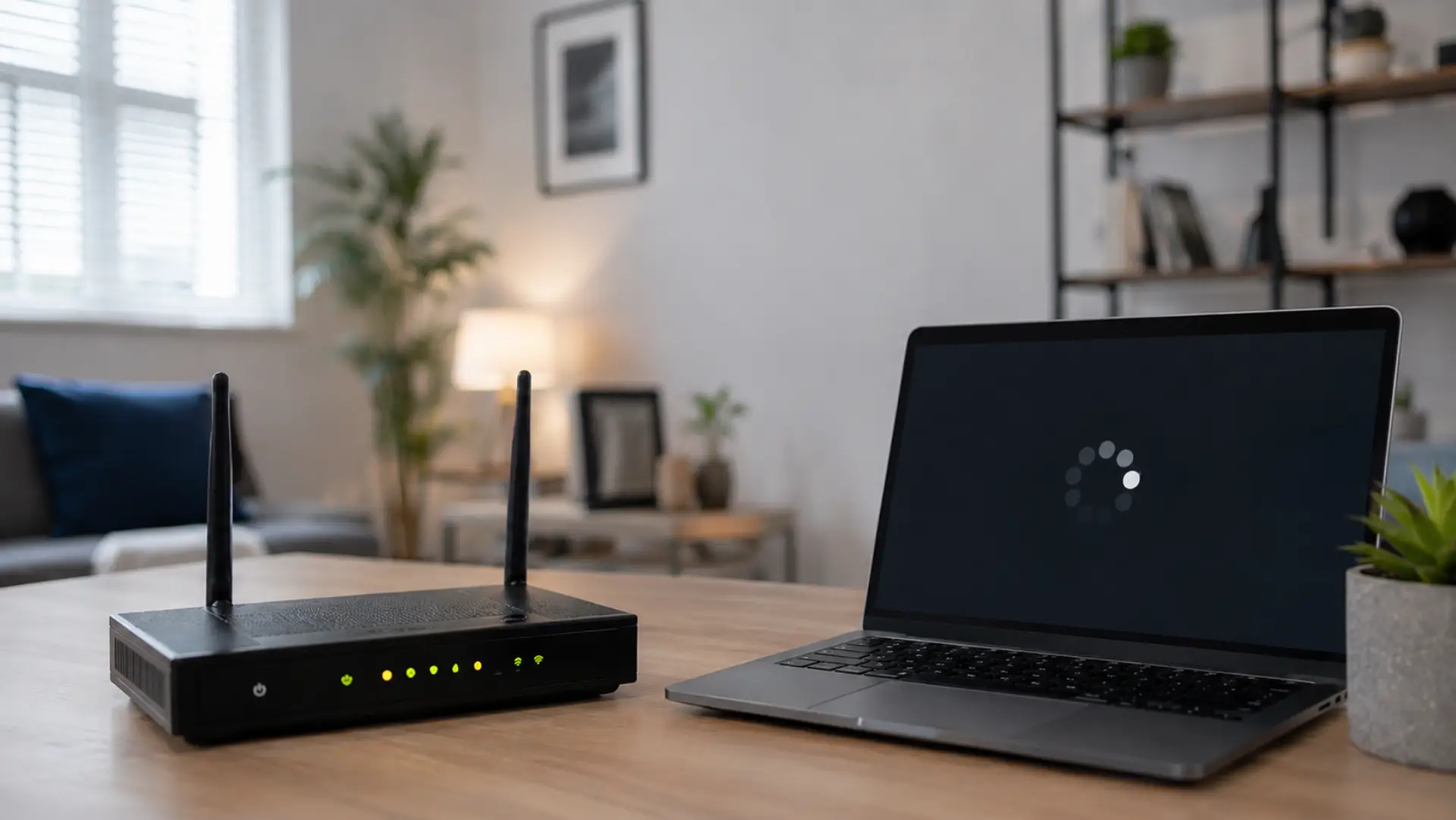
When your internet keeps dropping, it can interrupt video calls, office work, online classes, gaming, streaming, and normal browsing. In most homes, this happens because of router glitches, poor signal coverage, loose cables, outdated firmware, overloaded devices, or a service fault from the internet provider. These symptoms often overlap with common causes of slow WiFi,…
-
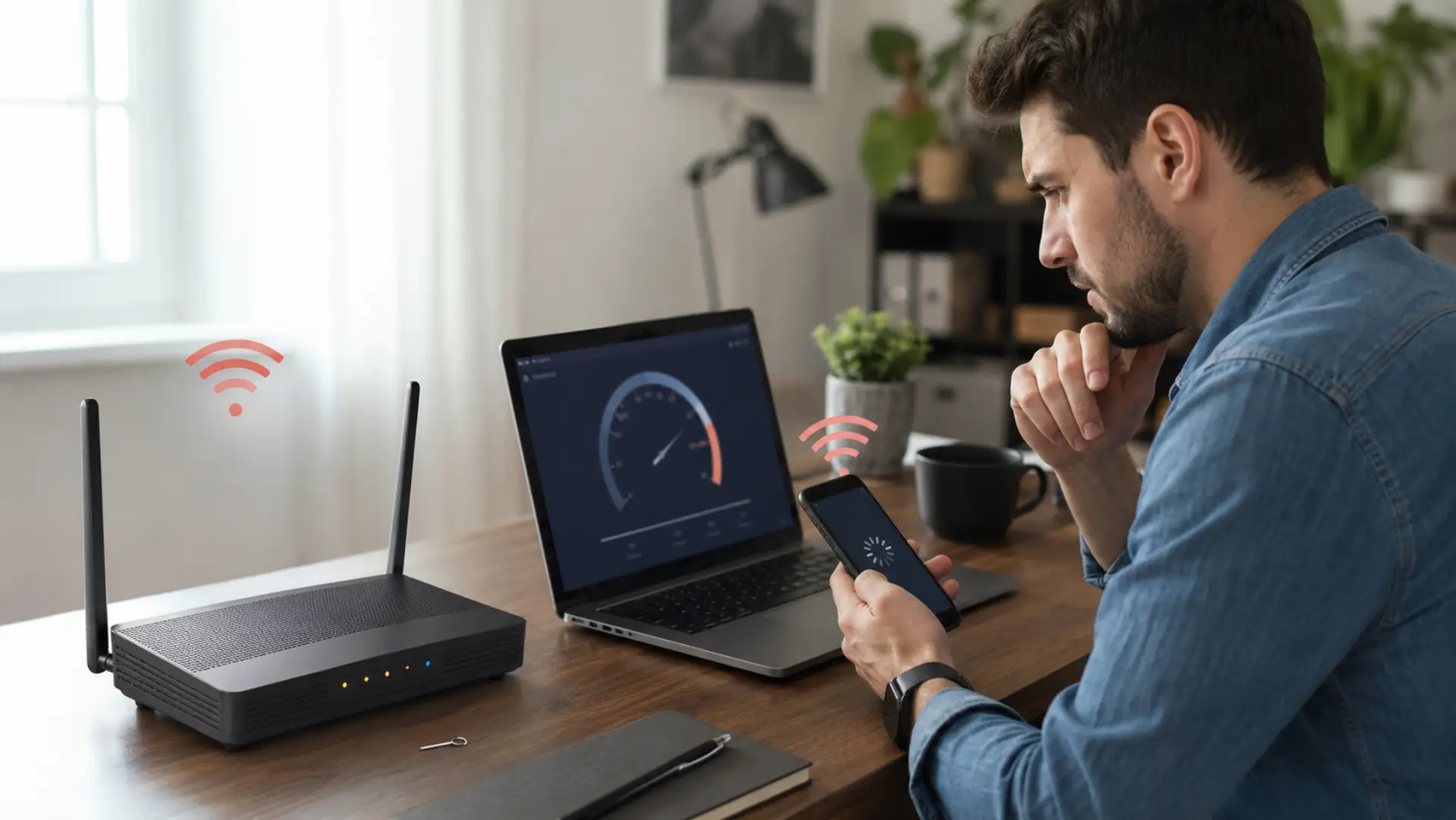
If you are facing slow internet after router reset, the router may have lost saved preferences, changed wireless channels, returned to default security settings, or reconnected devices in a less efficient way. The good news is that most cases can be fixed by checking the basics first, then adjusting the network step by step. Why…
-
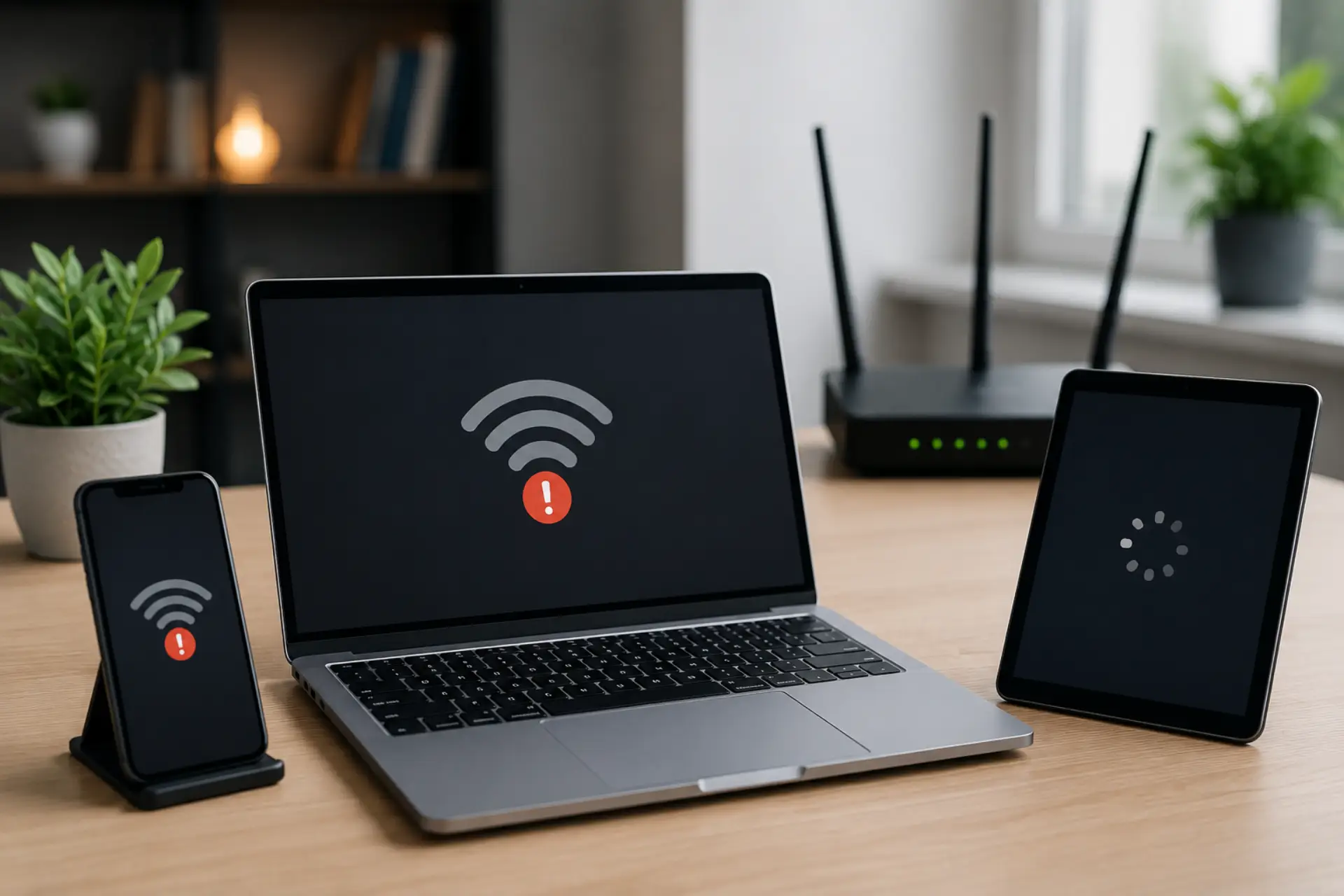
If your internet slow on one device but other phones, laptops, tablets, or computers work fine, the issue is usually inside that specific device, not the whole internet line. It may be caused by a weak signal, outdated software, background apps, wrong network settings, VPN use, browser problems, or a device hardware limitation. This guide…
-
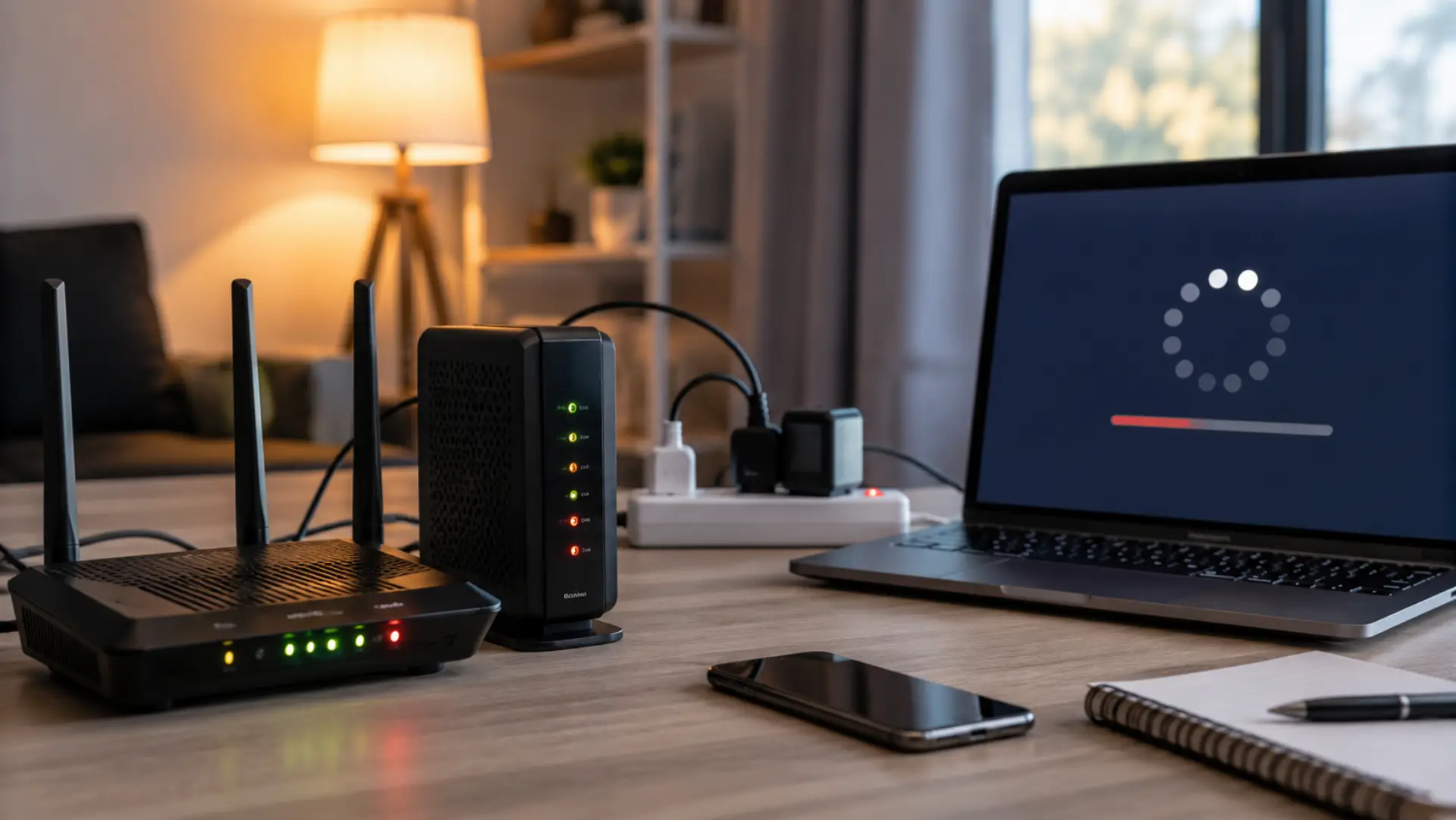
If your internet is slow after a power outage problem started as soon as electricity came back, the cause is usually your modem, router, local service line, or device connection. A sudden power cut can make network equipment restart in the wrong order, which may leave the connection unstable even when the device lights look…
-
Internet speed fluctuates during the day because your connection is affected by shared bandwidth, household device usage, WiFi interference, and peak-hour network congestion. Many users notice slow WiFi in the afternoon or evening when more people and devices are online. This does not always mean your internet is damaged. In most cases, WiFi speed drops…
-
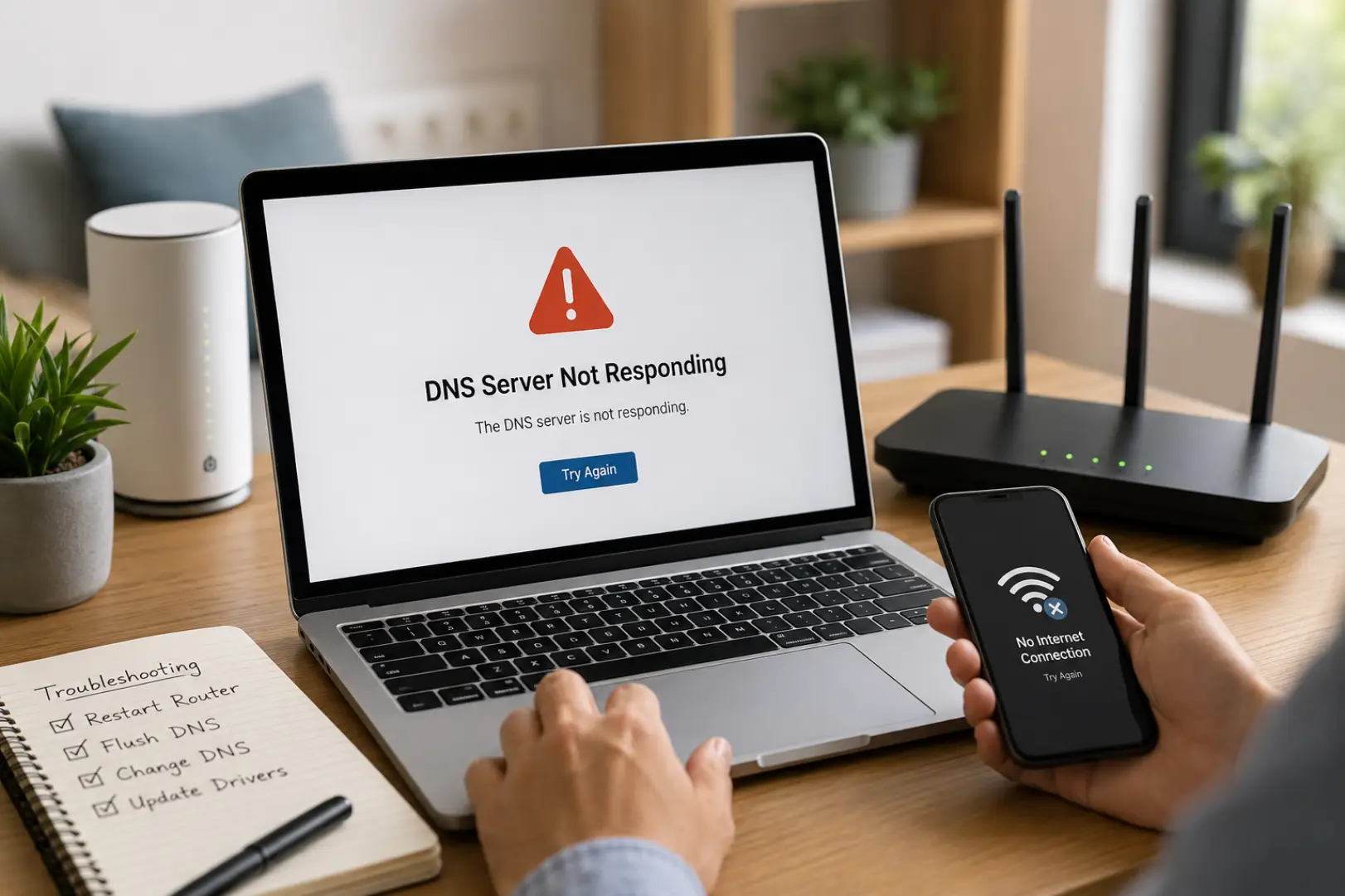
A DNS Server Not Responding error prevents your device from connecting to websites because it cannot communicate with the DNS server responsible for translating domain names into IP addresses. The issue is commonly caused by router problems, incorrect DNS settings, ISP outages, corrupted DNS cache files, or network adapter errors. If you’re wondering How to…