
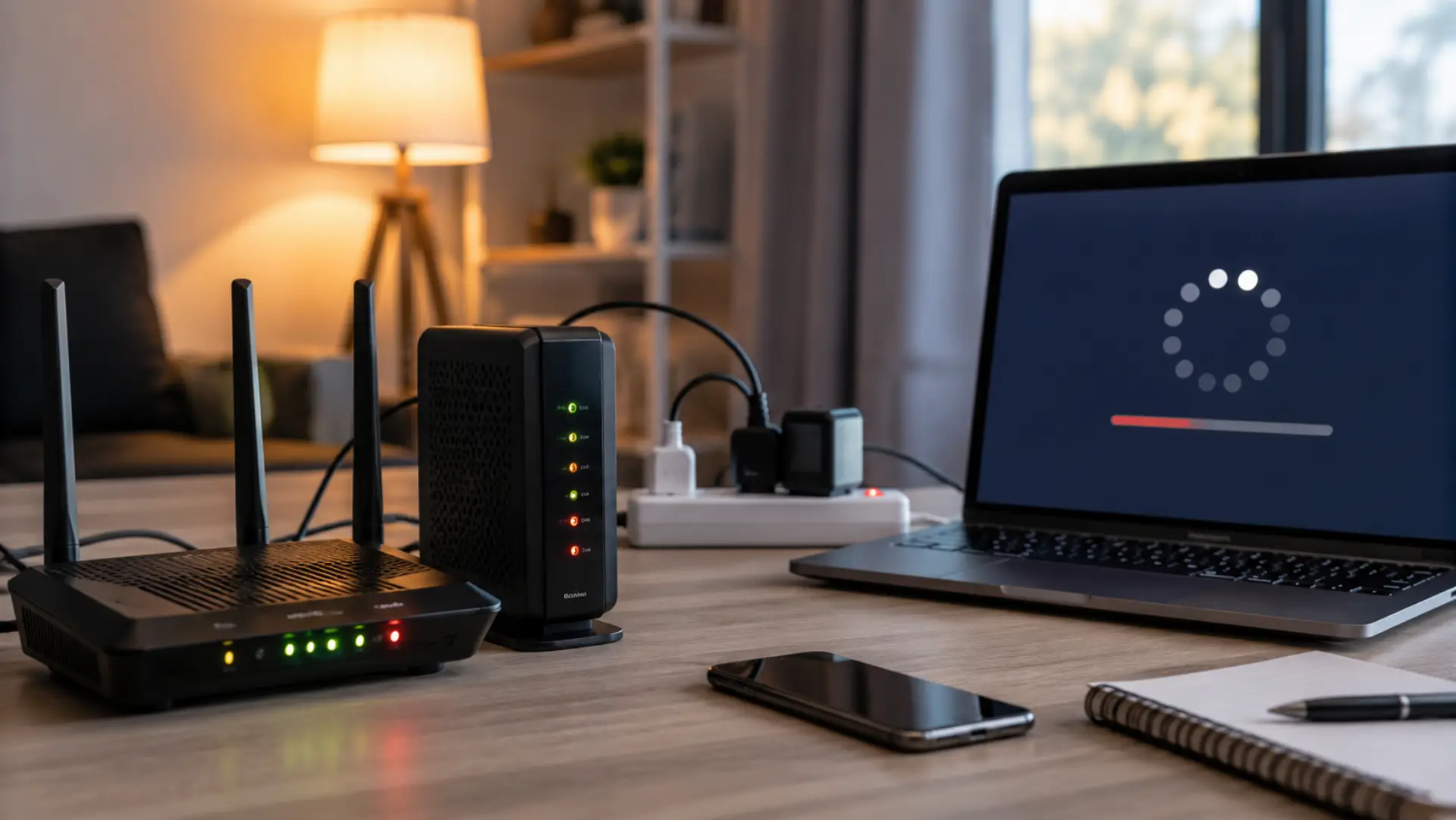
If your internet is slow after a power outage problem started as soon as electricity came back, the cause is usually your modem, router, local service line, or device connection. A sudden power cut can make network equipment restart in the wrong order, which may leave the connection unstable even when the device lights look normal.
The best approach is to check the basics first. If your internet slow in UAE issue starts suddenly, do not change the advanced settings immediately. A clean restart, cable check, and simple speed test can often show whether the fault is inside your home or coming from your internet provider.
Here is a simple step-by-step guide to fix slow internet at home.
Slow Internet After Power Outage: Start With a Proper Restart
Turn off your modem and router from the power socket. Wait for at least one minute. Plug in the modem first and let its lights become stable. After that, plug in the router and wait a few minutes before testing the connection.
This order matters because the router depends on the modem to receive a working signal. If both devices start at the same time, the router may connect before the modem is fully ready, which can create slow browsing, buffering, or unstable wireless performance.
If dubai internet slow, call our service line for quick WiFi checks, router fixes, and reliable home internet support.
Check the Modem Lights
Look at the lights on your modem and understand router light meanings. The names can vary by model, but you may see Power, Internet, Online, WAN, DSL, or Fibre. A stable online light usually means the modem is connected to your provider.
If the light is red, off, or blinking for too long, it may be a modem connection issue. In that case, your wireless network may appear on your phone, but the actual service behind it may be weak or unavailable.
Test With an Ethernet Cable
Connect a laptop or computer directly to the router with an Ethernet cable and run a speed test. This helps you separate a wireless signal fault from a real service fault.
If the wired speed is normal but wireless performance is poor, your router placement, wireless band, or interference may be the cause. If the wired speed is also poor, the issue may be with the modem, provider line, or local network recovery after the outage.
Check Router Placement and Device Load
After power returns, many devices reconnect at the same time. Phones, smart TVs, cameras, laptops, and smart home products can all request data together. This short burst of activity can make the connection feel weak for a while.
Move close to the router and test again. If speed improves near the router, your coverage is the main concern, and you may need to boost WiFi signal. Keep the router in an open area, away from thick walls, metal objects, microwaves, and closed cabinets.
Look for Changed Settings
Some older routers may lose settings after a sudden shutdown. Check whether your network name, password, and security mode are still correct. Also, confirm that both 2.4GHz and 5GHz bands are enabled if your device supports them.
Avoid a factory restore unless you know your ISP settings or your provider tells you to do it. A factory restore can remove your network name, password, and custom setup.
Inspect Cables and Power Adapters
A loose cable can make the connection unstable after electricity comes back. Check the power adapter, Ethernet cable, fibre cable, DSL cable, or coaxial cable, depending on your setup.
Also, check the extension board or surge protector. If your modem or router turns off when the cable moves slightly, the adapter or socket may be the real cause.
Run Speed Tests the Right Way
Test speed near the router, far from the router, and with a wired connection. Do not rely on one test only. Close heavy apps, pause downloads, and make sure no one is streaming during the test.
If the speed is low everywhere, contact your provider. If speed is good near the router but poor in bedrooms or upstairs areas, your home may need better coverage rather than a new internet plan.
When to Contact Your Internet Provider
Call your provider if the modem lights are not stable, the wired speed is much lower than your plan, or the connection keeps dropping after basic checks. Explain that the trouble started after the outage, so the support team can check line signals and area service status.
You should also contact them if nearby homes are facing similar trouble. In that case, your home equipment may be fine, and the provider may still be restoring service in your area.
How to Prevent This Next Time
Use a good surge protector for your modem and router. If outages are common in your area, a small UPS can keep your network equipment running during short interruptions. This can reduce sudden shutdowns and help protect your devices from voltage spikes.
Keep router firmware updated, but only update it from the official router app or admin panel. Also, save your network name and password in a safe place so you can set things up again if the settings are lost.
When Should You Call a WiFi Technician?
Call a WiFi technician if the problem continues after restarting your modem and router, checking cables, and testing the connection near the router. A technician can check weak WiFi coverage, damaged cables, router settings, modem faults, or internet line issues.
Professional help is also useful if your connection works in one room but becomes slow in other areas, or if the internet becomes slow after every outage. In that case, the issue may be linked to router placement, wiring, power adapter, modem, or coverage gaps.
Summary
A slow connection after electricity returns is usually fixable with a proper restart, light check, cable inspection, and basic speed test. Start simple before making big changes. This type of slow internet speed issue may come from your home equipment, but if everything looks normal and the speed is still weak, your provider may need to check the line or local service status.
Facing slow WiFi? Learn common causes of slow WiFi and easy fixes to improve speed, coverage, and internet performance at home or office in UAE today.
FAQs
Why is my WiFi slow after a power outage?
This usually happens when the router restarts before the modem is ready, your device connects to a weaker band, or the router becomes overloaded. Restart the modem first, then the router.
Why is my internet not working after power outage?
Check the modem lights first. If the online or internet light is off, red, or blinking for too long, the provider signal may not be stable yet.
What should I do if my router reset after power outage?
Your WiFi name, password, and custom settings may be removed. Log in to the router app or admin panel and set up your network again.
Should I run an internet speed test after power returns?
Yes. Test once near the router and once with an Ethernet cable. This helps you compare wireless performance with the actual connection coming from the router.
Is a WiFi speed test enough to find the problem?
A wireless test is useful, but it does not show everything. If wireless speed is poor, also test with a cable to confirm whether the problem is coverage or the main line.
What causes a WiFi speed drop after electricity comes back?
It can happen when too many devices reconnect at once, the router starts incorrectly, or the device connects to a weaker signal. A clean restart and better placement can help.
Is it an internet outage or a WiFi outage?
If wired and wireless devices both fail, it may be a provider-side fault. If only wireless devices are affected, the issue is more likely inside your home network.
When should I call a WiFi technician?
Call a technician if the internet problem continues after basic checks, or if the same WiFi issue happens after every outage. A technician can inspect coverage, wiring, equipment, and router setup.
Leave a Reply