
-
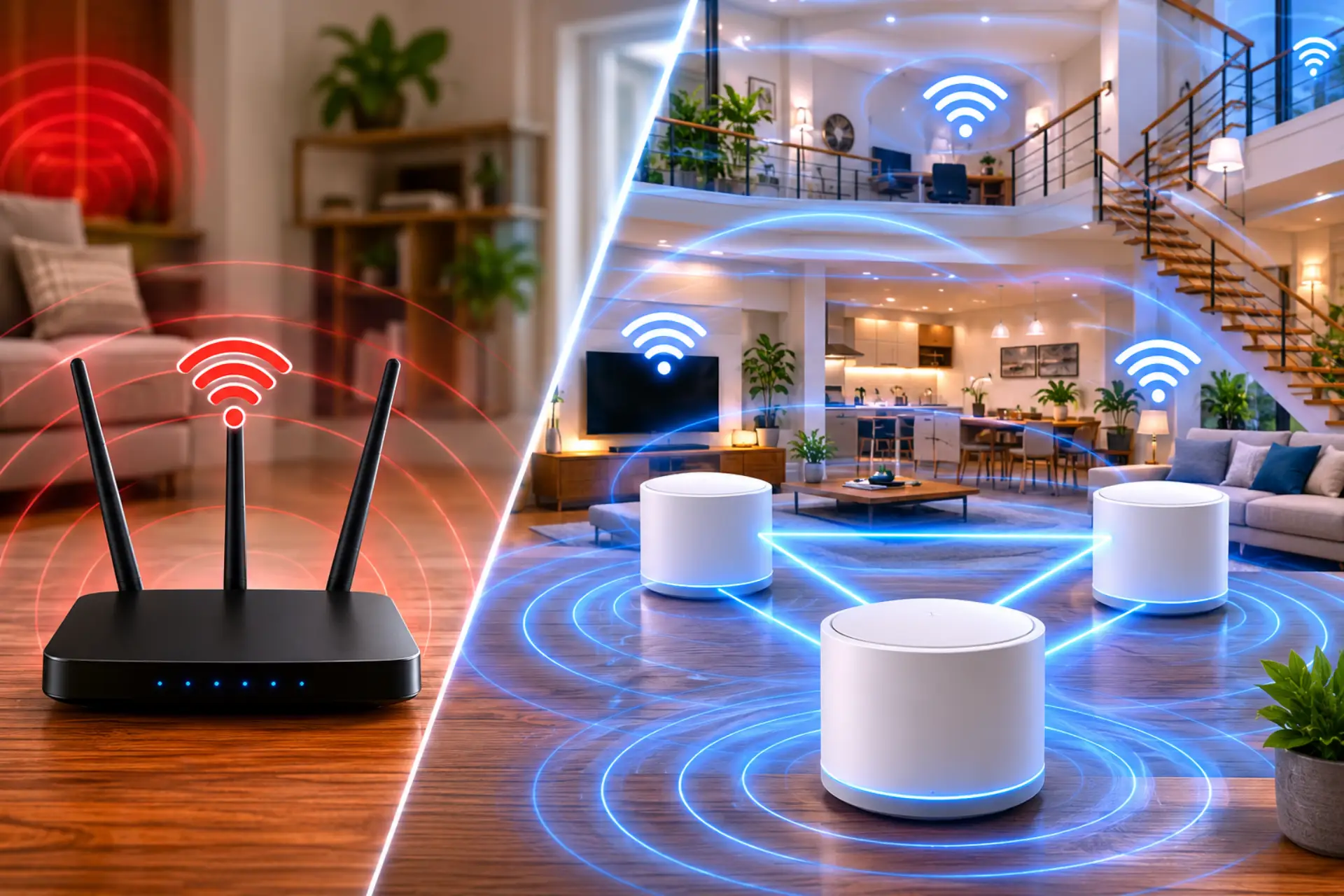
Mesh WiFi vs router is an important comparison when your home internet works well in one room but becomes weak, unstable, or slow in other areas. This usually means you should test whether the issue is WiFi coverage or the main internet speed before choosing hardware. A normal setup can be enough for small homes,…
-
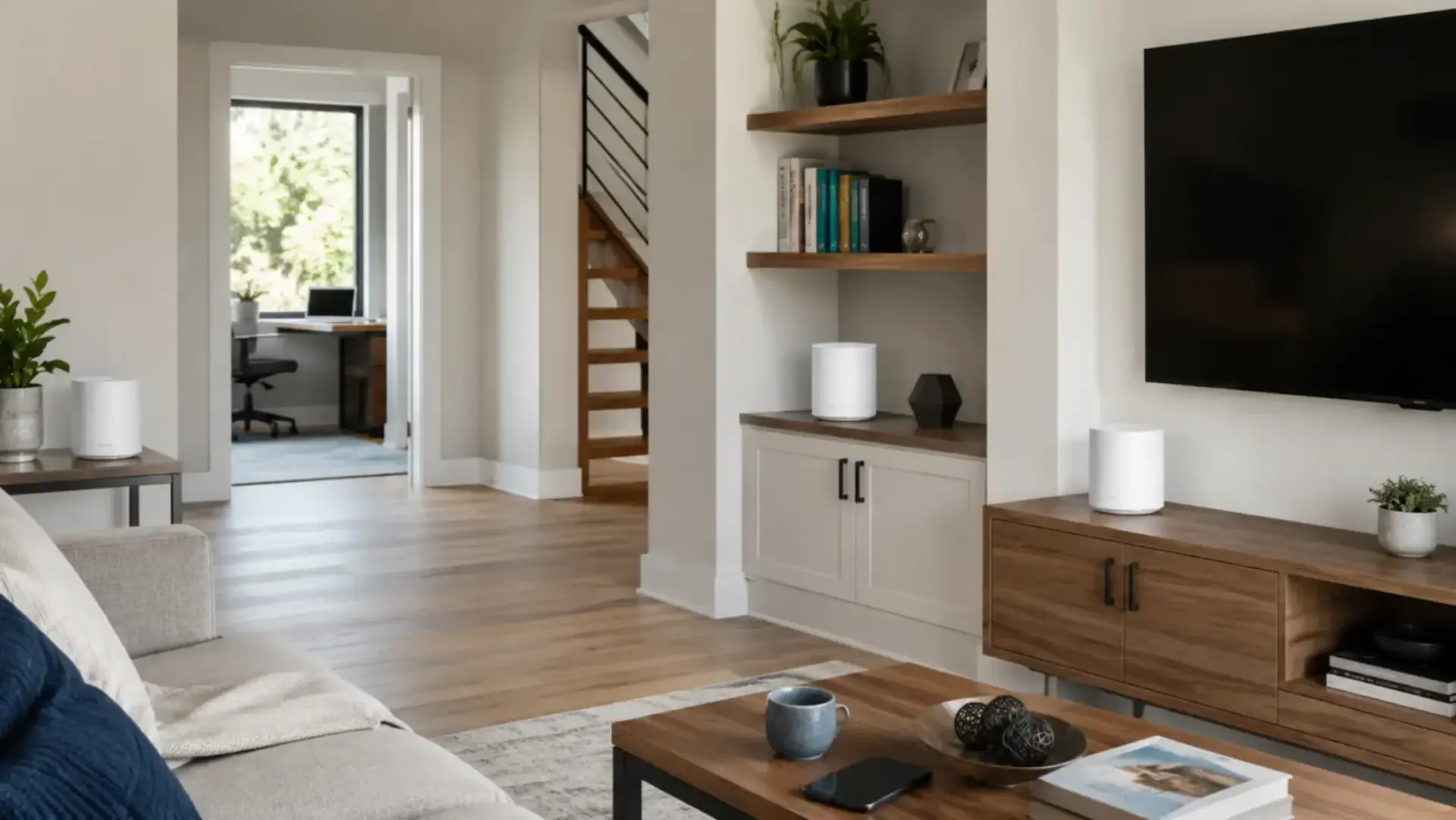
A Mesh WiFi System is a home wireless setup that uses one main unit and extra nodes to spread internet coverage across different rooms, floors, or large areas. Instead of relying on a single router, it provides wider, more stable coverage so devices can stay connected as you move around the home. This system is…
-
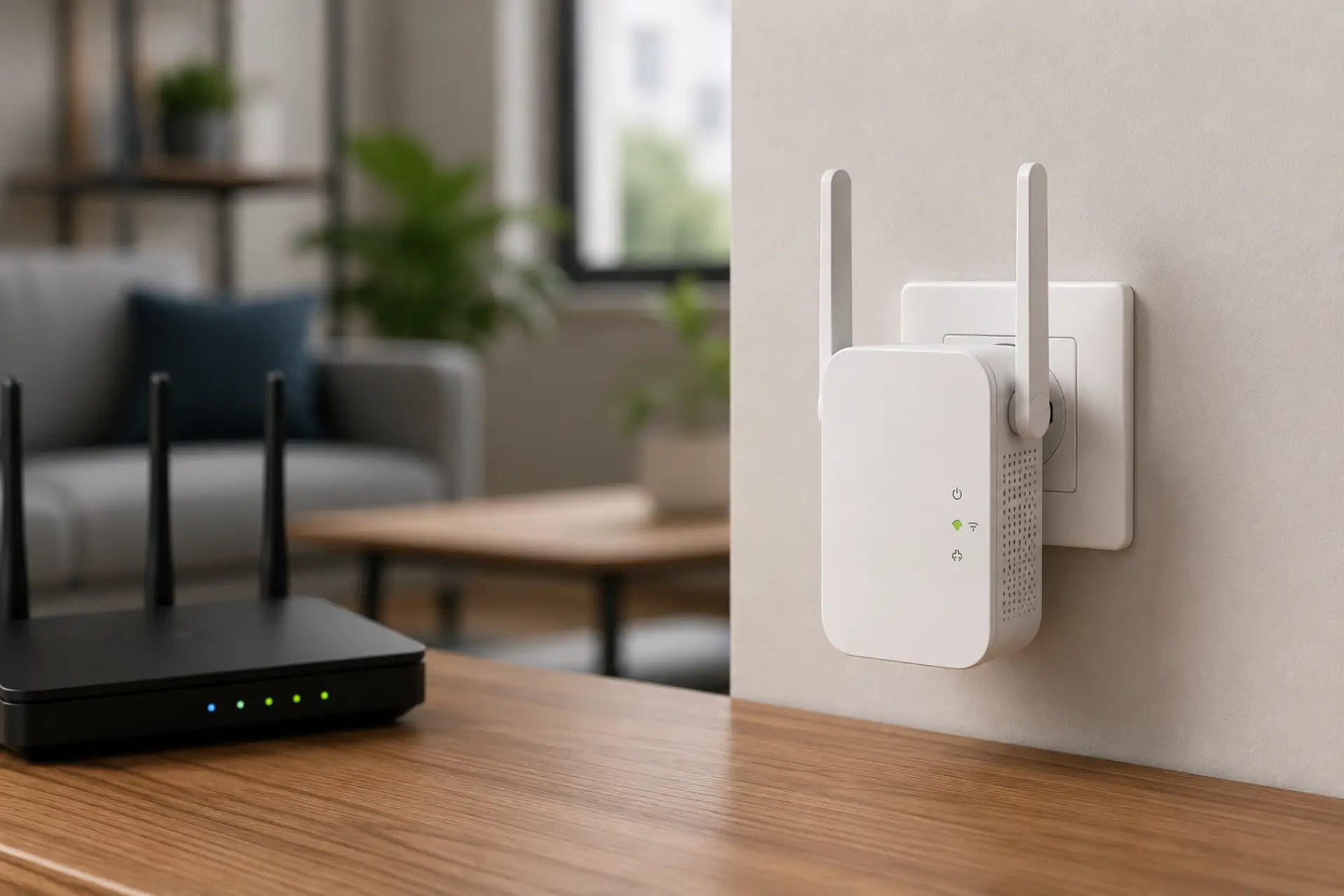
A WiFi extender no internet problem happens when your phone, laptop, or smart TV connects to the extender network but cannot open websites or apps. The extender may show connected status, yet the internet access does not pass through from the main router. This usually comes from a weak router link, wrong password, IP conflict,…
-
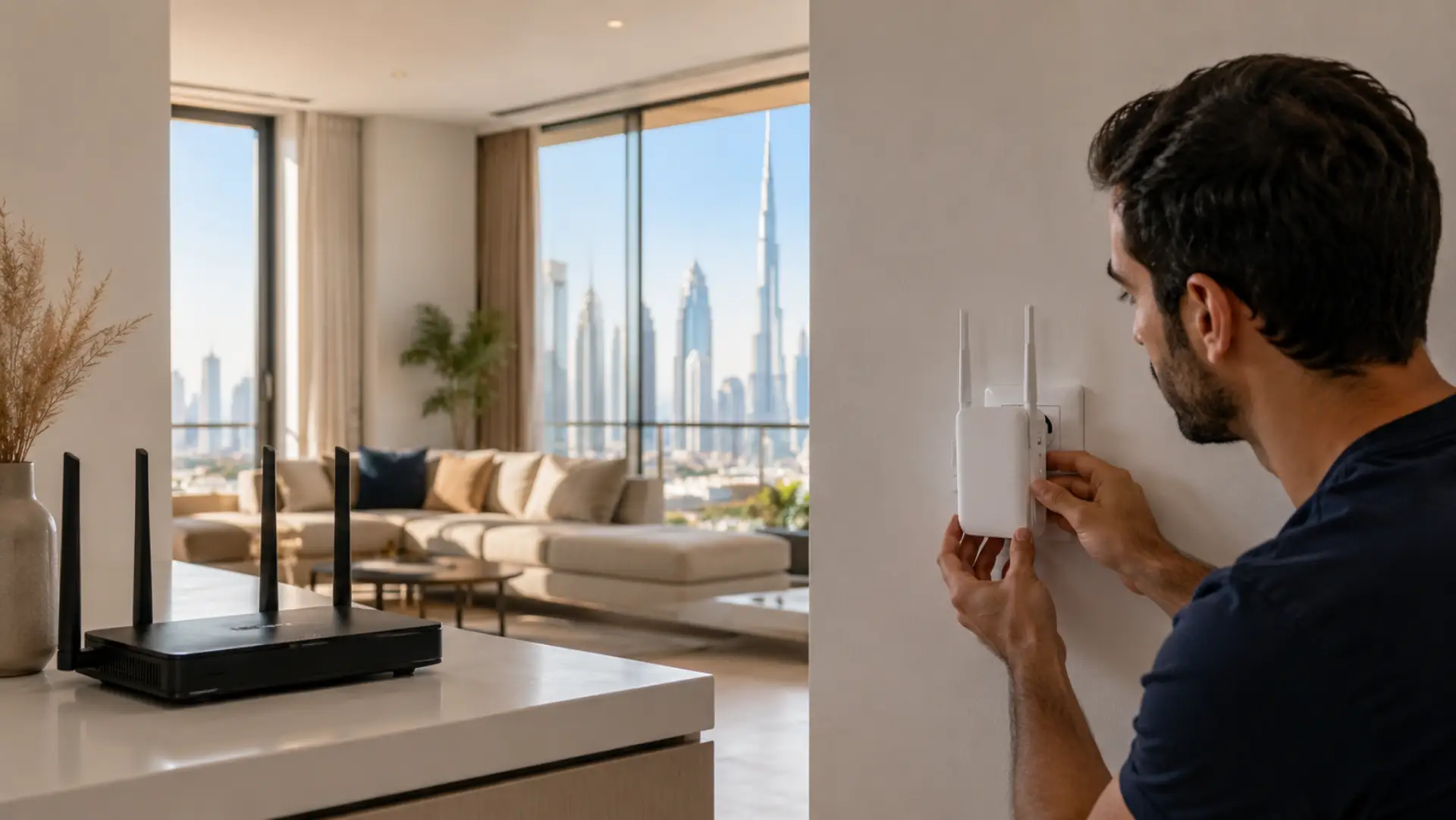
A correct Netgear WiFi extender setup helps Dubai homes improve weak wireless coverage in rooms where the router signal does not reach properly. It is useful for bedrooms, upper floors, balconies, majlis areas, home offices, and smart TV corners where the connection becomes slow or unstable. If the weak area is upstairs, you may need…
-
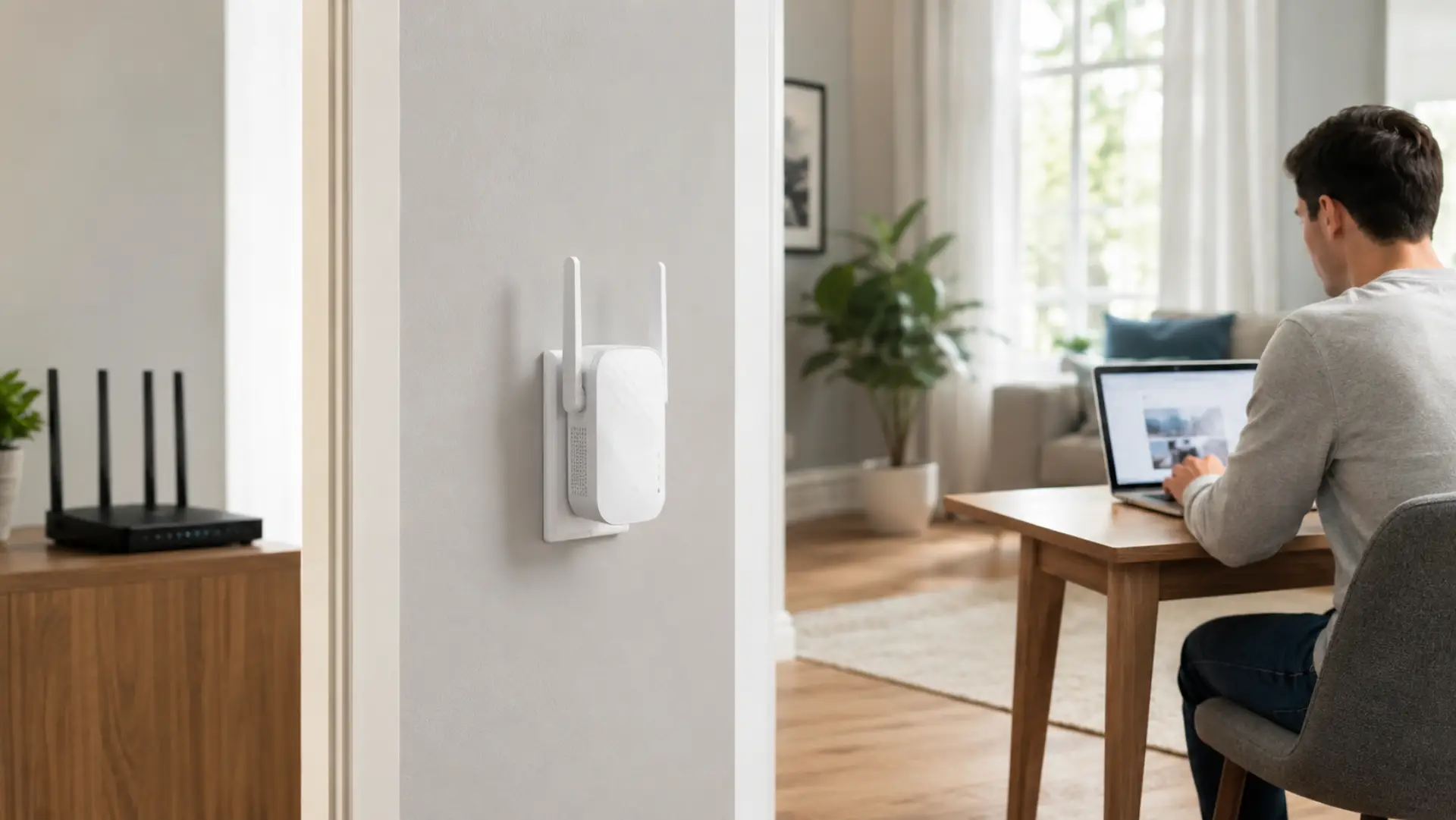
A TP-Link WiFi extender helps improve WiFi in rooms where the router signal becomes weak, slow, or unstable. It extends your existing network so devices can stay connected in areas with poor coverage. Poor coverage is often caused by WiFi dead zones where the router signal cannot reach properly. For the best result, the extender…
-
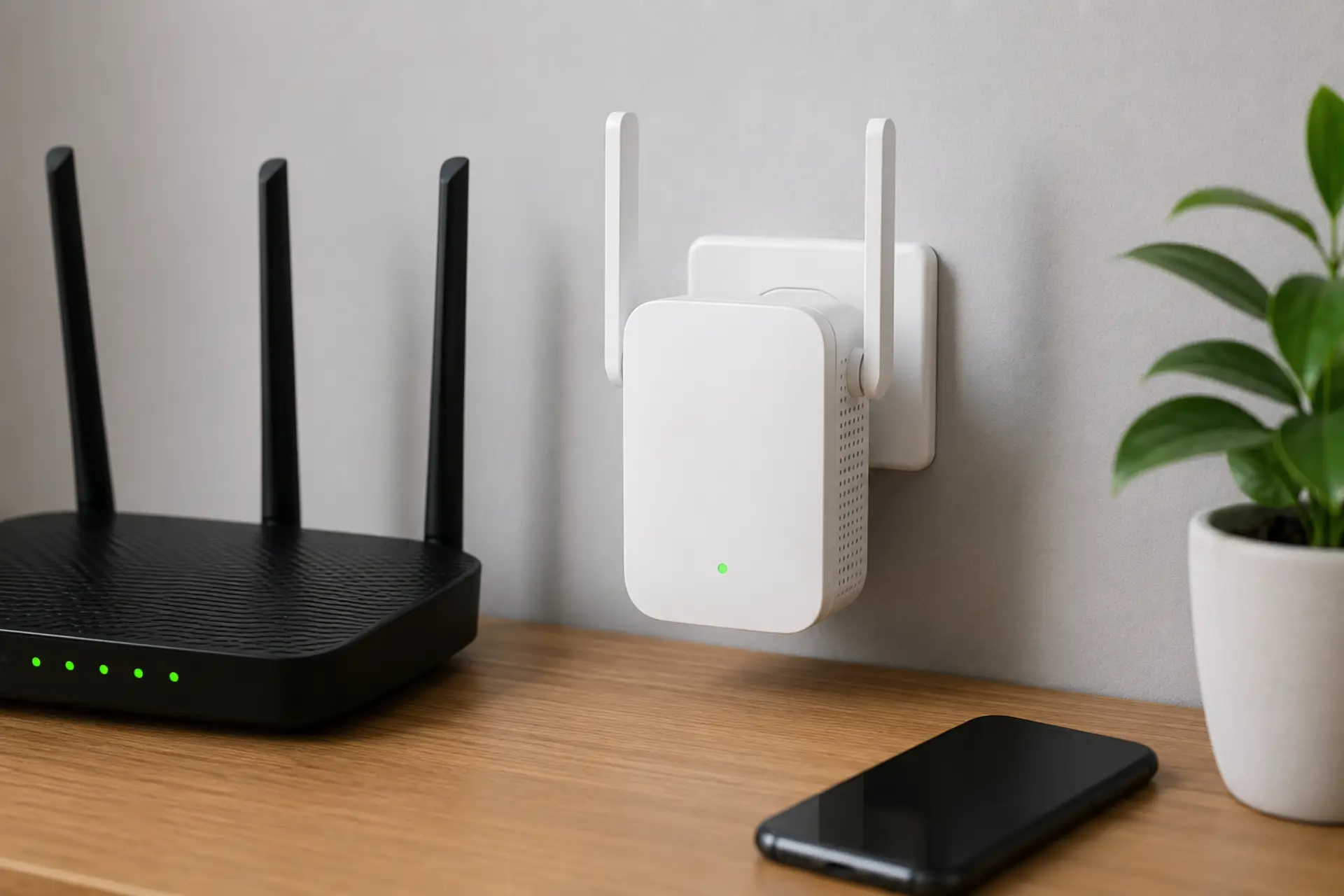
A WiFi extender without WPS can still be connected easily through manual setup using a browser, mobile app, or an IP address. A WiFi extender can still improve weak rooms when it is configured correctly and placed where the router signal is usable. Manual installation lets you choose the correct network, enter the password safely,…
-
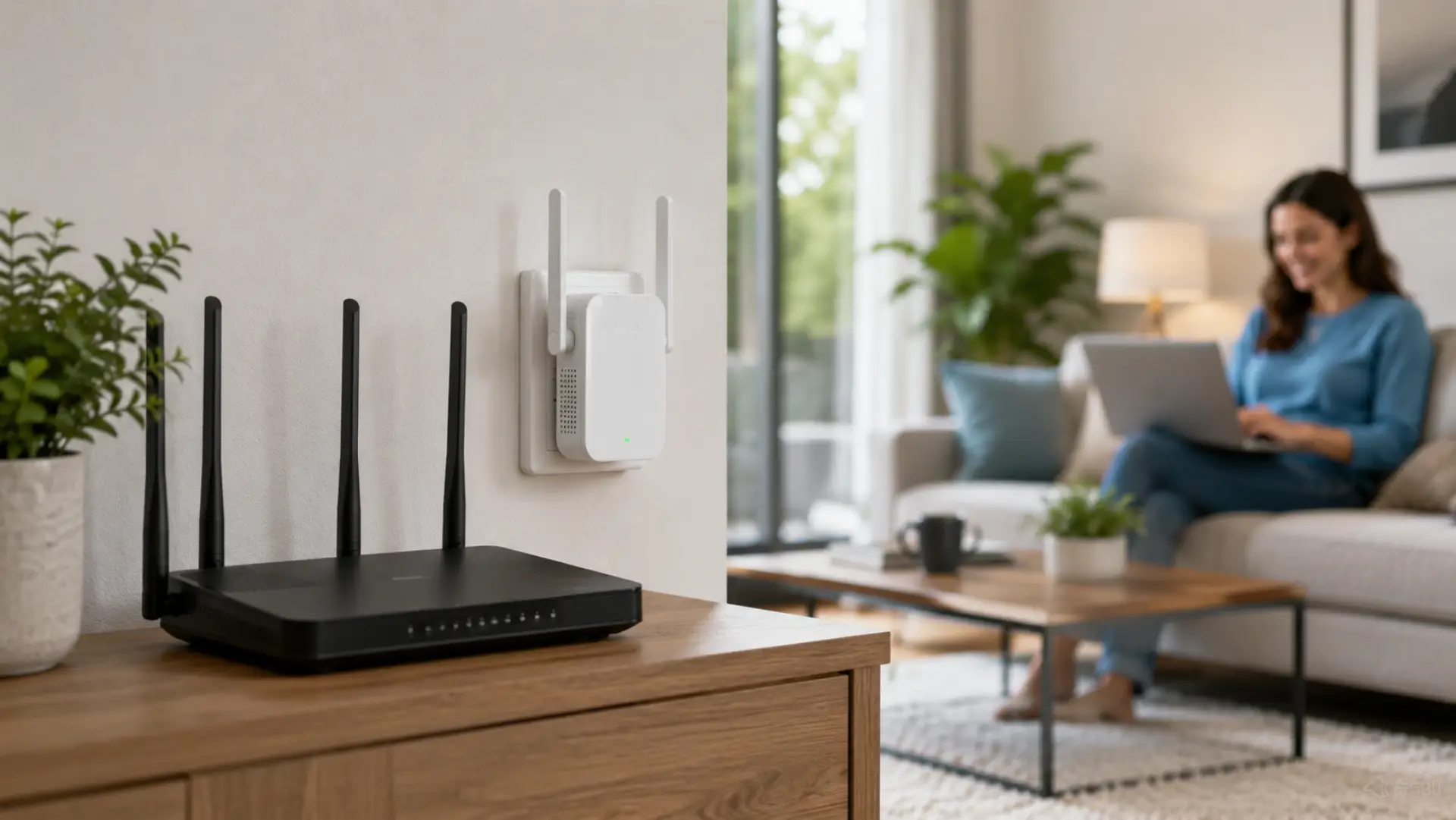
A WiFi extender helps carry your existing wireless network farther into rooms where the connection is weak, unstable, or unavailable. To set it up correctly, place it near the router first, pair it using WPS or the setup page, move it to the right midpoint location, and test the connection before using it permanently. A…
-
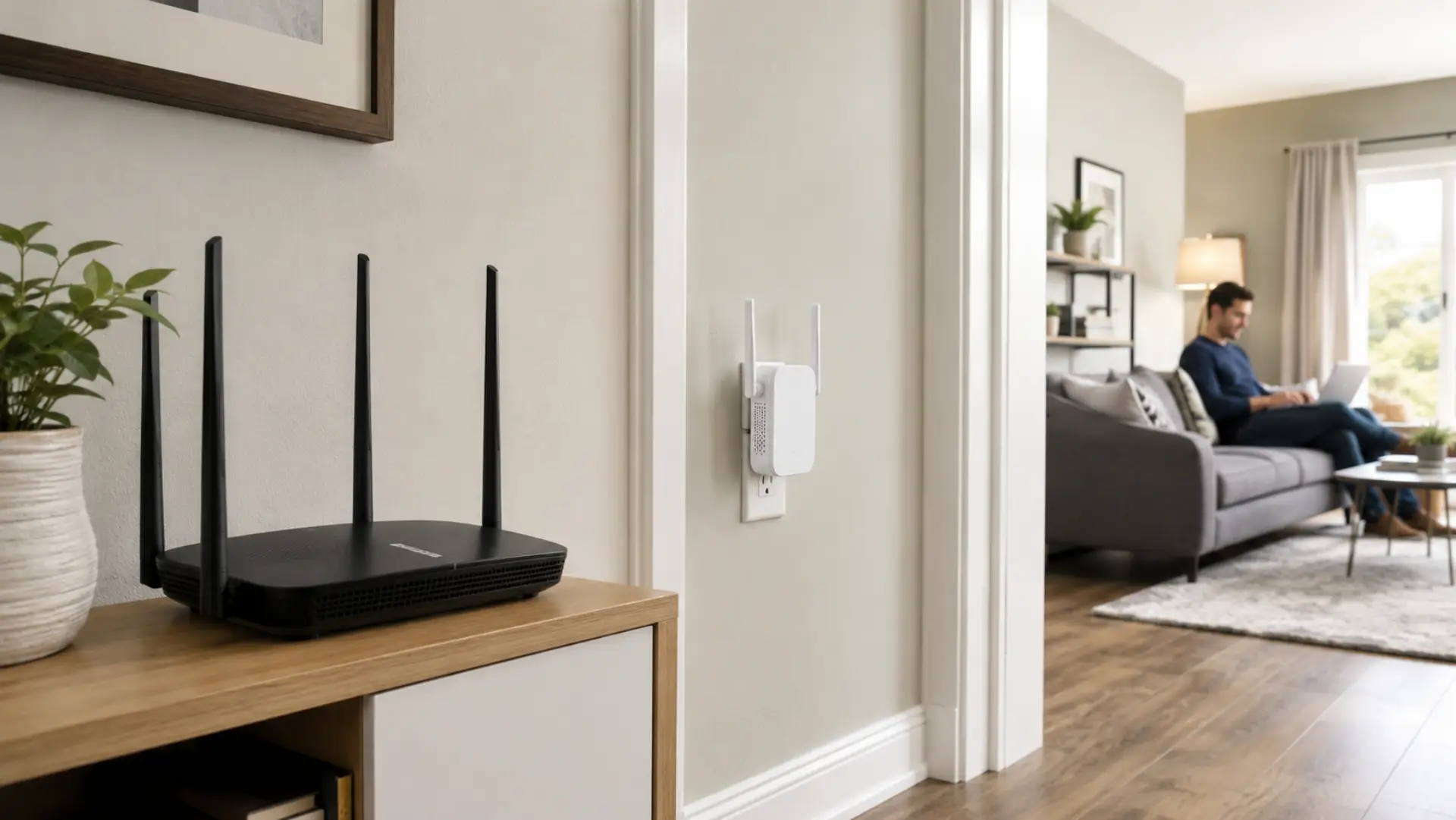
A proper WiFi extender setup helps your home get a stronger connection in rooms where the router signal becomes weak, unstable, or too slow for normal use. A WiFi extender can help weak rooms only when it is connected and placed correctly. The setup only works well when the extender is placed in the right…
-
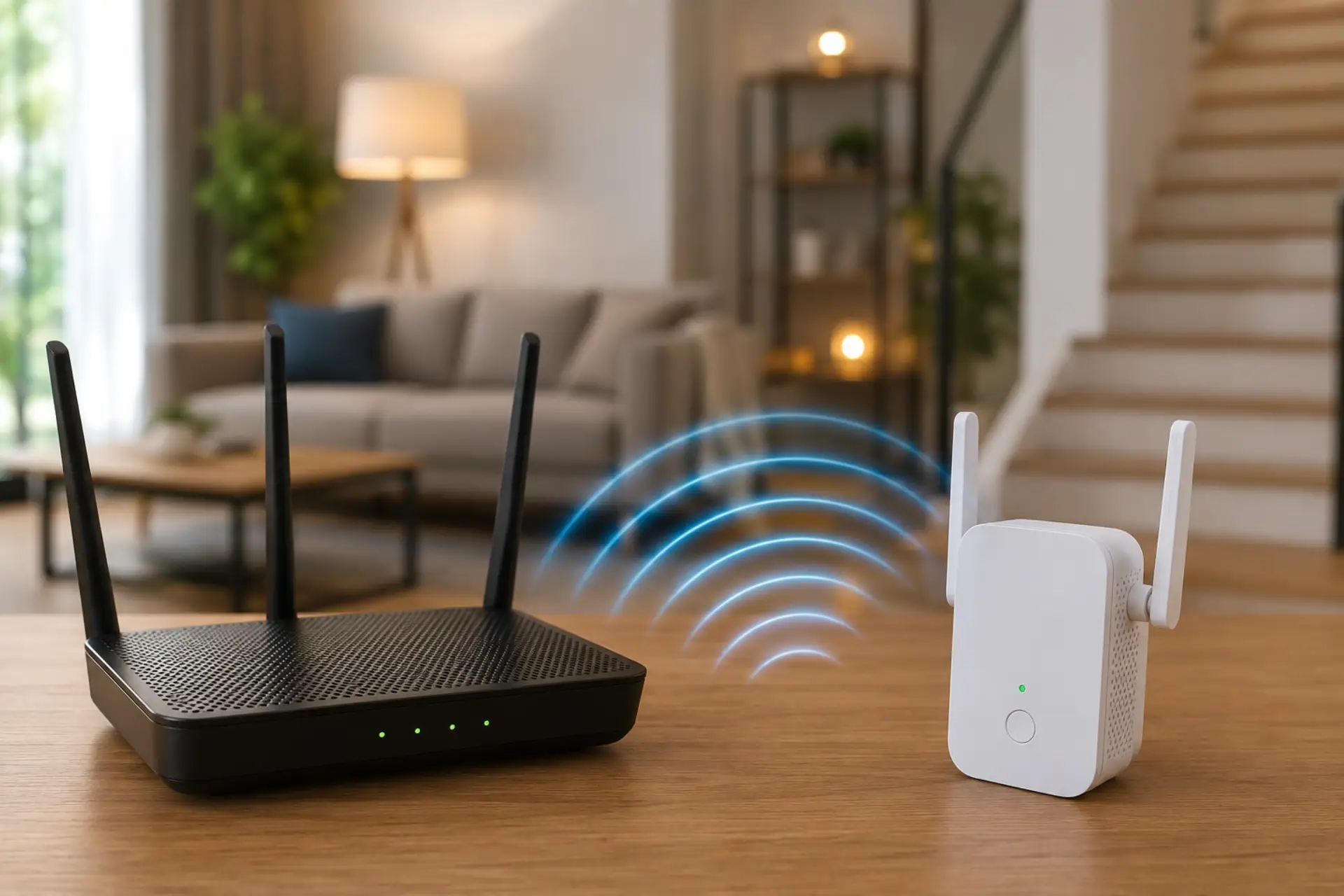
A WiFi signal booster can help Dubai homes get stronger internet coverage in rooms where the connection drops, videos buffer, or calls keep freezing. Before buying a booster, it is better to boost your WiFi signal through basic placement and coverage checks first. In many apartments and villas, weak coverage is not caused by the…
-
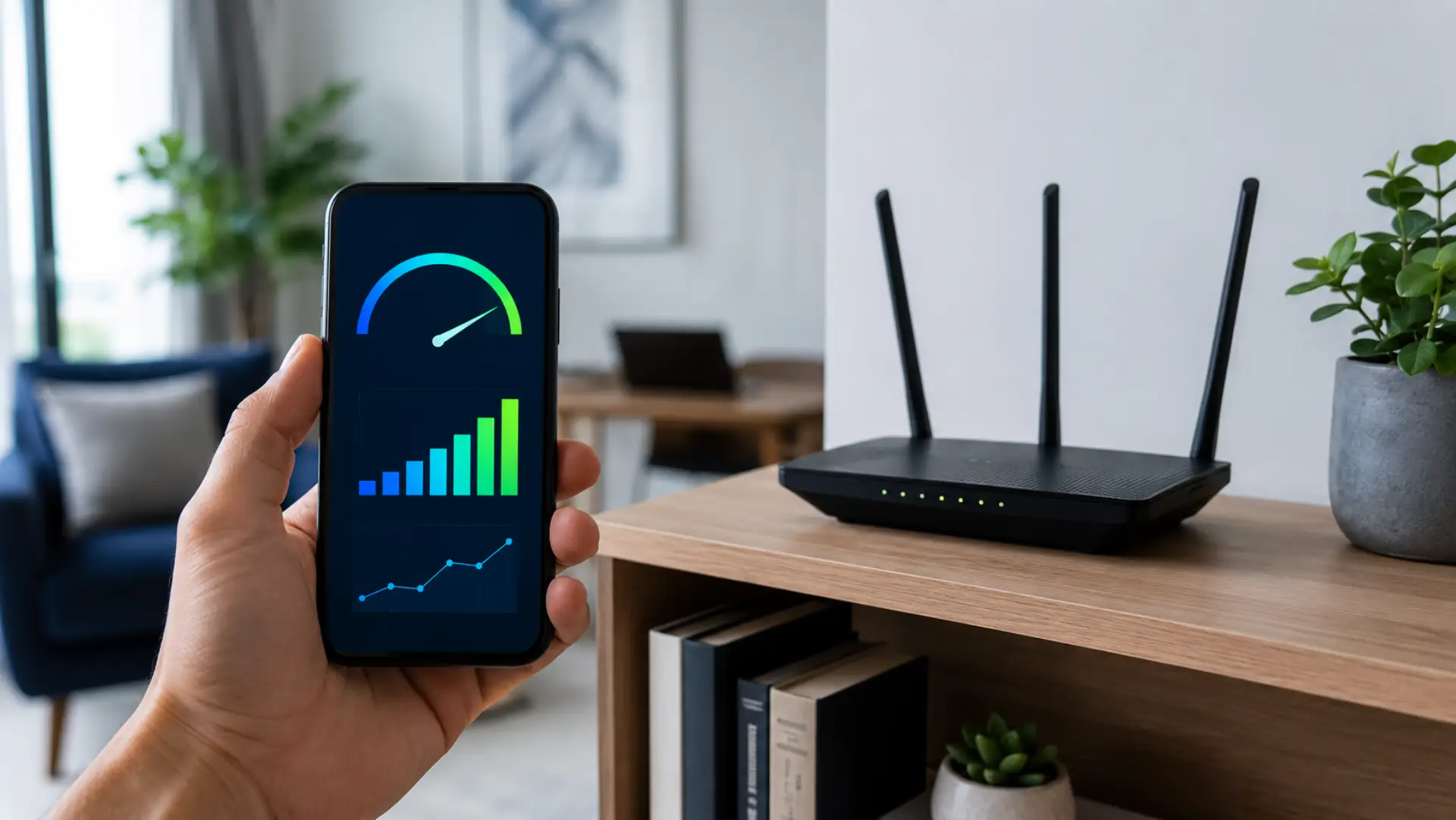
A WiFi signal strength meter helps you understand how strong or weak your wireless connection is in different parts of your home, apartment, villa, or office. It works well with a WiFi coverage checker when you want to compare signal strength across different rooms. When you read WiFi signal strength correctly, you can identify poor…