
-
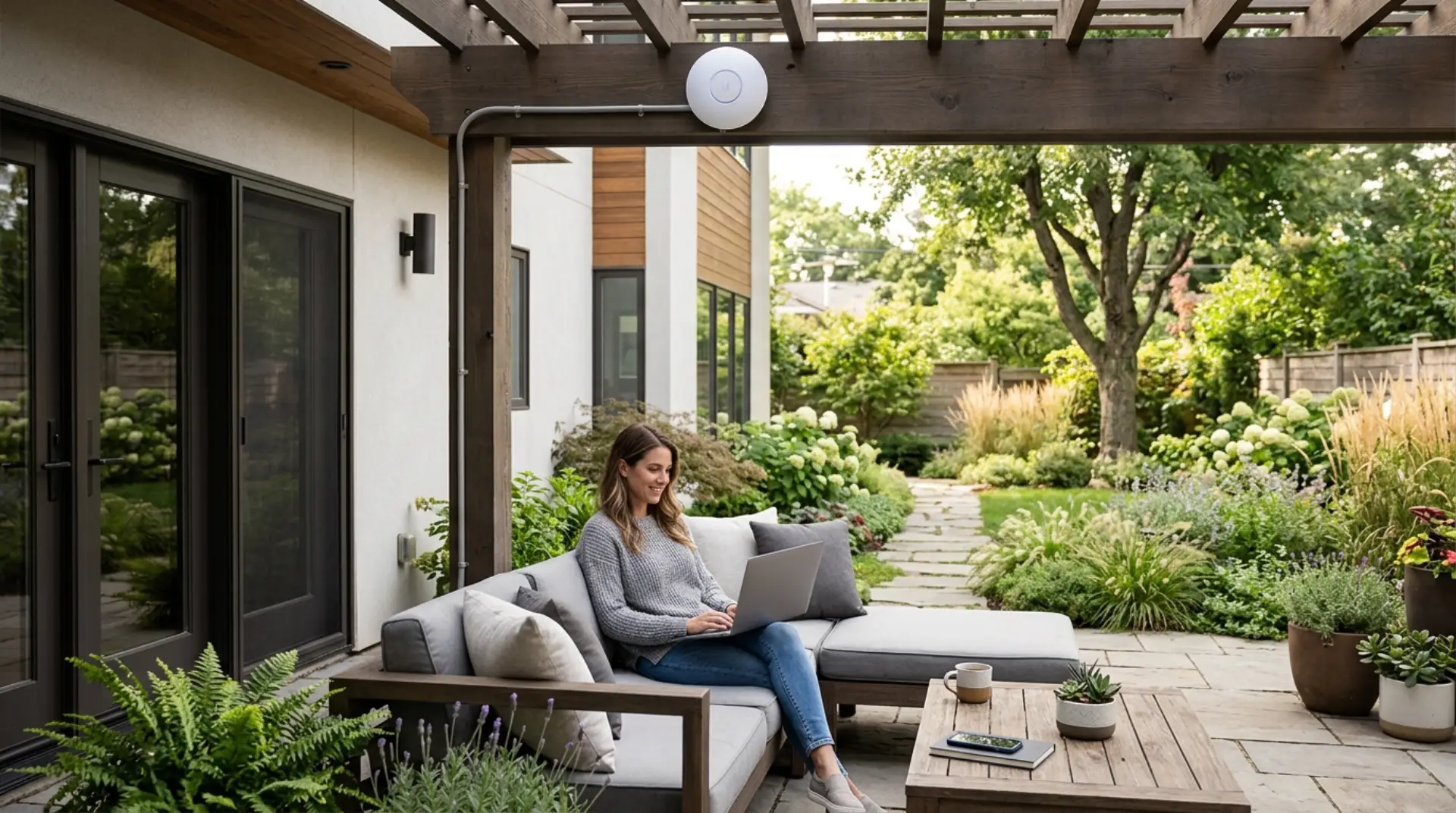
Reliable outdoor WiFi helps you use the internet in your garden, patio, backyard, pool area, balcony, terrace, or outdoor seating space without weak signals or frequent disconnections. A standard indoor router often cannot cover open outdoor areas properly because walls, glass doors, distance, weather, and interference can reduce signal strength. Thick walls may need steps…
-
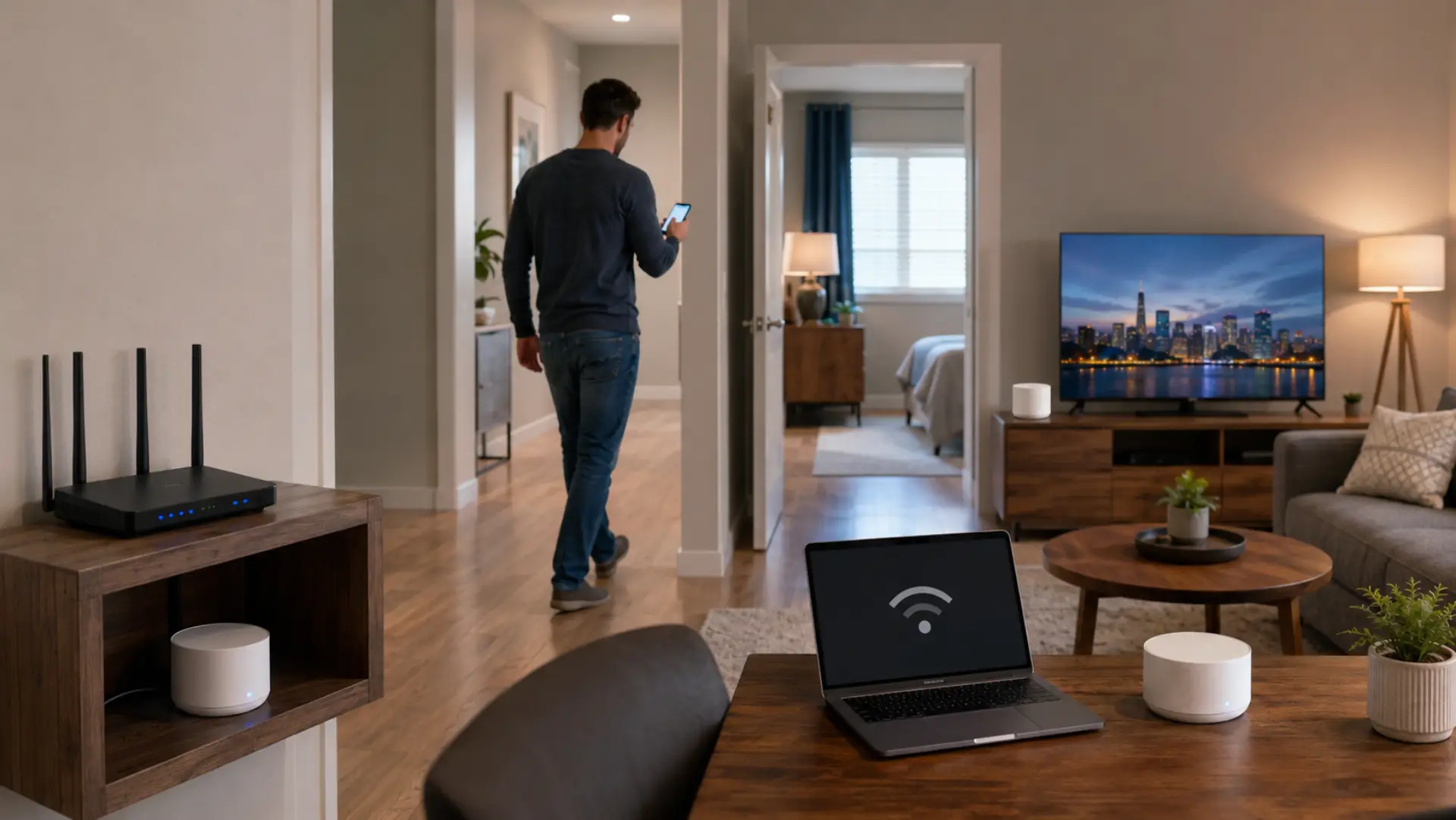
WiFi roaming happens when your phone, laptop, tablet, or smart device moves between a router, mesh node, extender, or access point while staying connected to the same home network. Device-specific WiFi problems can also affect how phones, laptops, TVs, printers, and cameras move between wireless points. When this process does not work properly, you may…
-
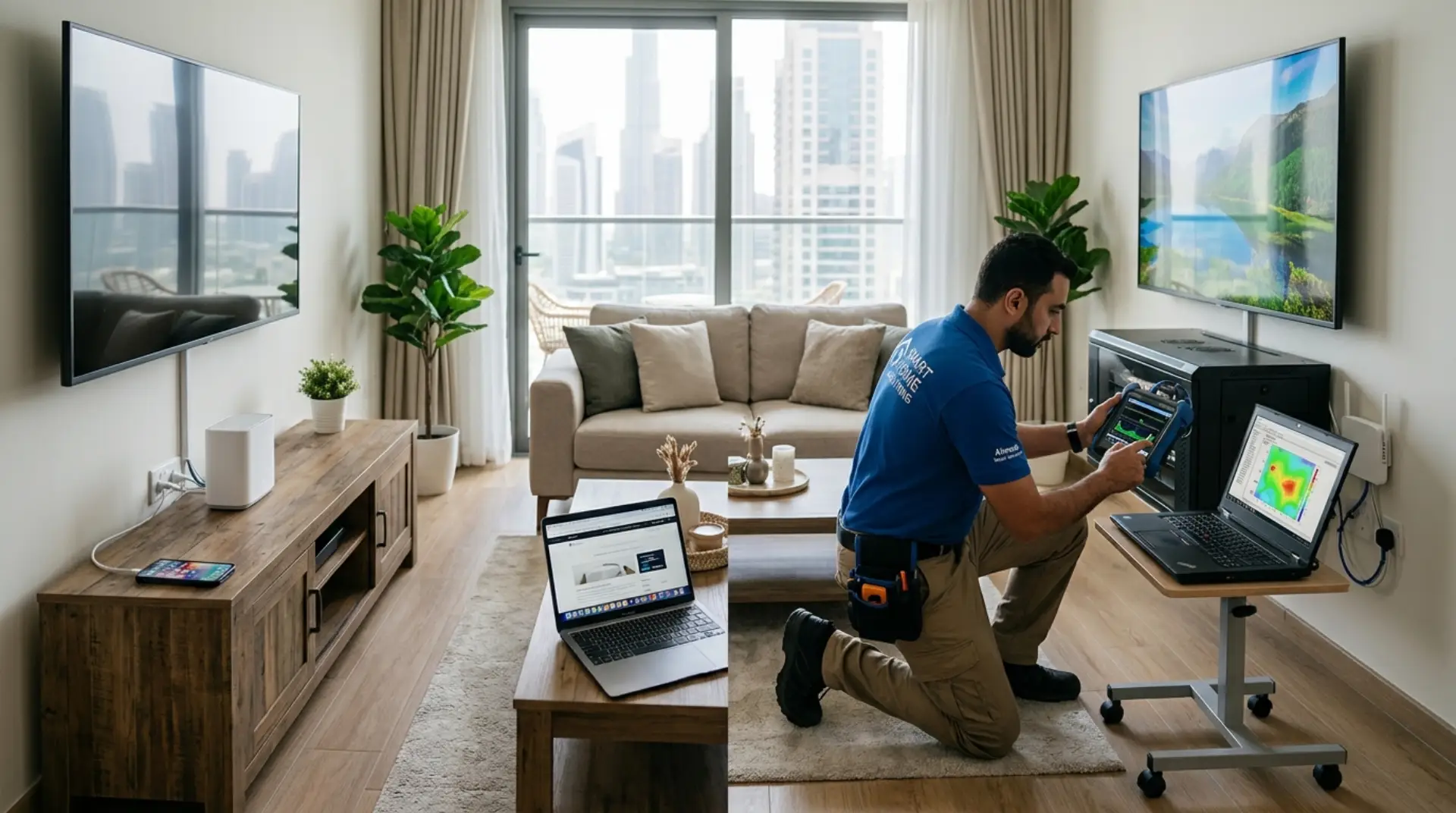
Choosing between a WiFi Installation Service and a DIY setup depends on the size of your home, number of devices, wall layout, internet speed, and how reliable you need the connection to be. DIY can work for small spaces with simple needs, but professional help is better when you need stable coverage, correct router placement,…
-
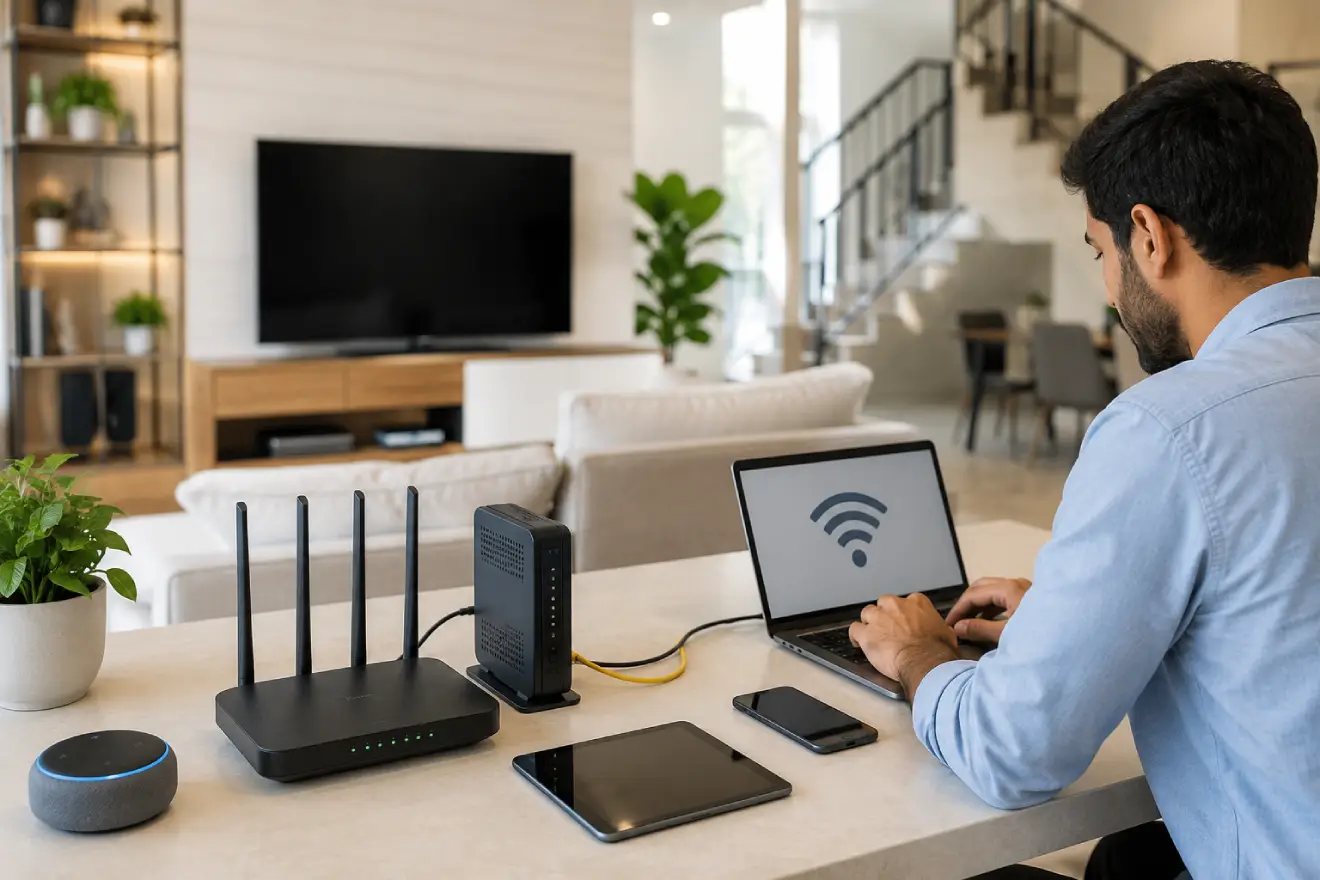
A proper WiFi setup in a new house helps every room get stable internet, better speed, and fewer connection problems from the beginning. A router setup Dubai checklist can help confirm the basic setup steps before connecting all home devices. The best way to set up WiFi is to choose the right internet plan, place…
-
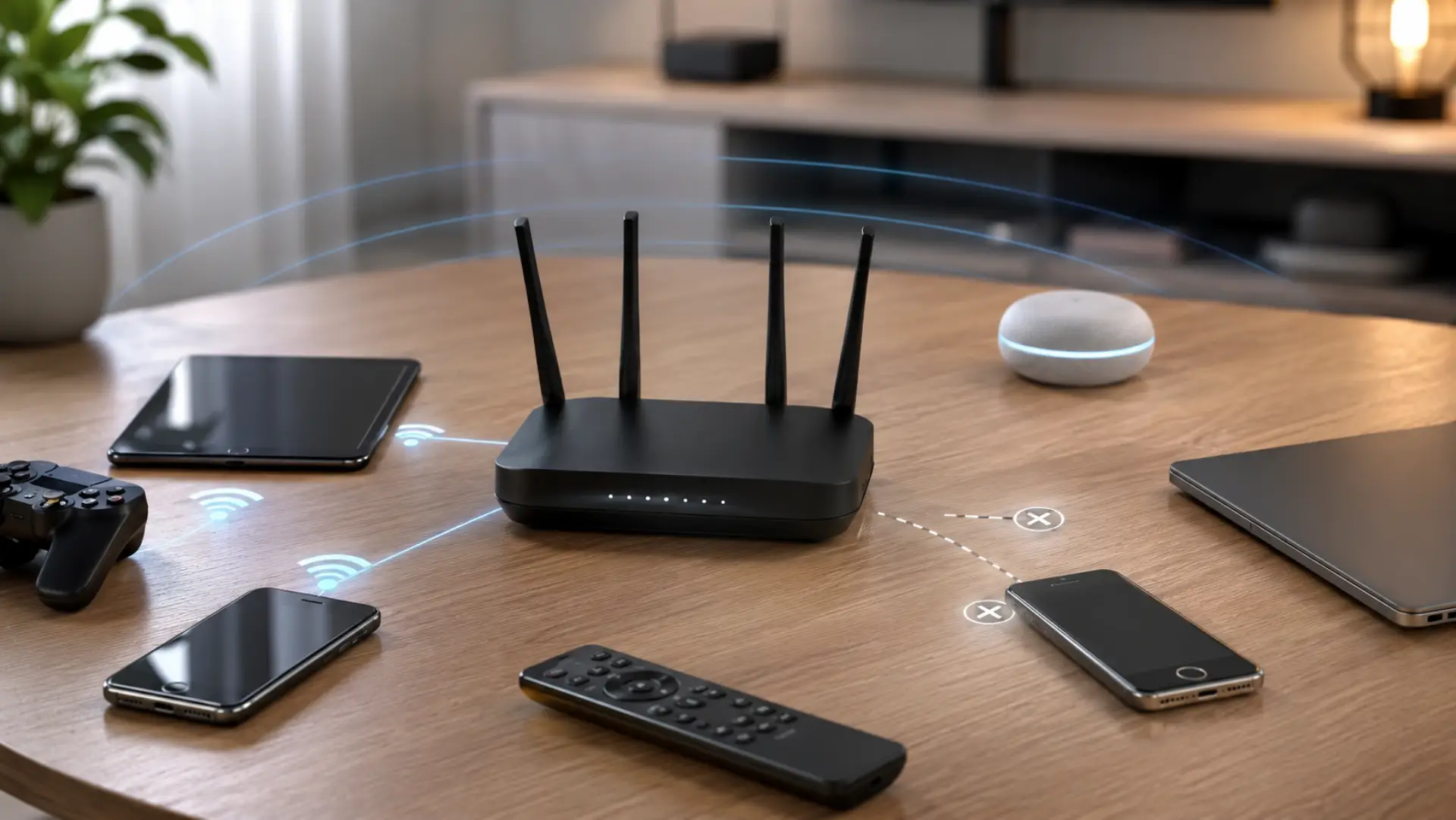
How to remove Old devices from Router settings helps keep your home network cleaner, safer, and easier to manage. Safe router settings help you manage old devices without breaking the main WiFi connection. Over time, phones, laptops, tablets, smart TVs, cameras, and guest gadgets may stay saved on your router even after they are no…
-
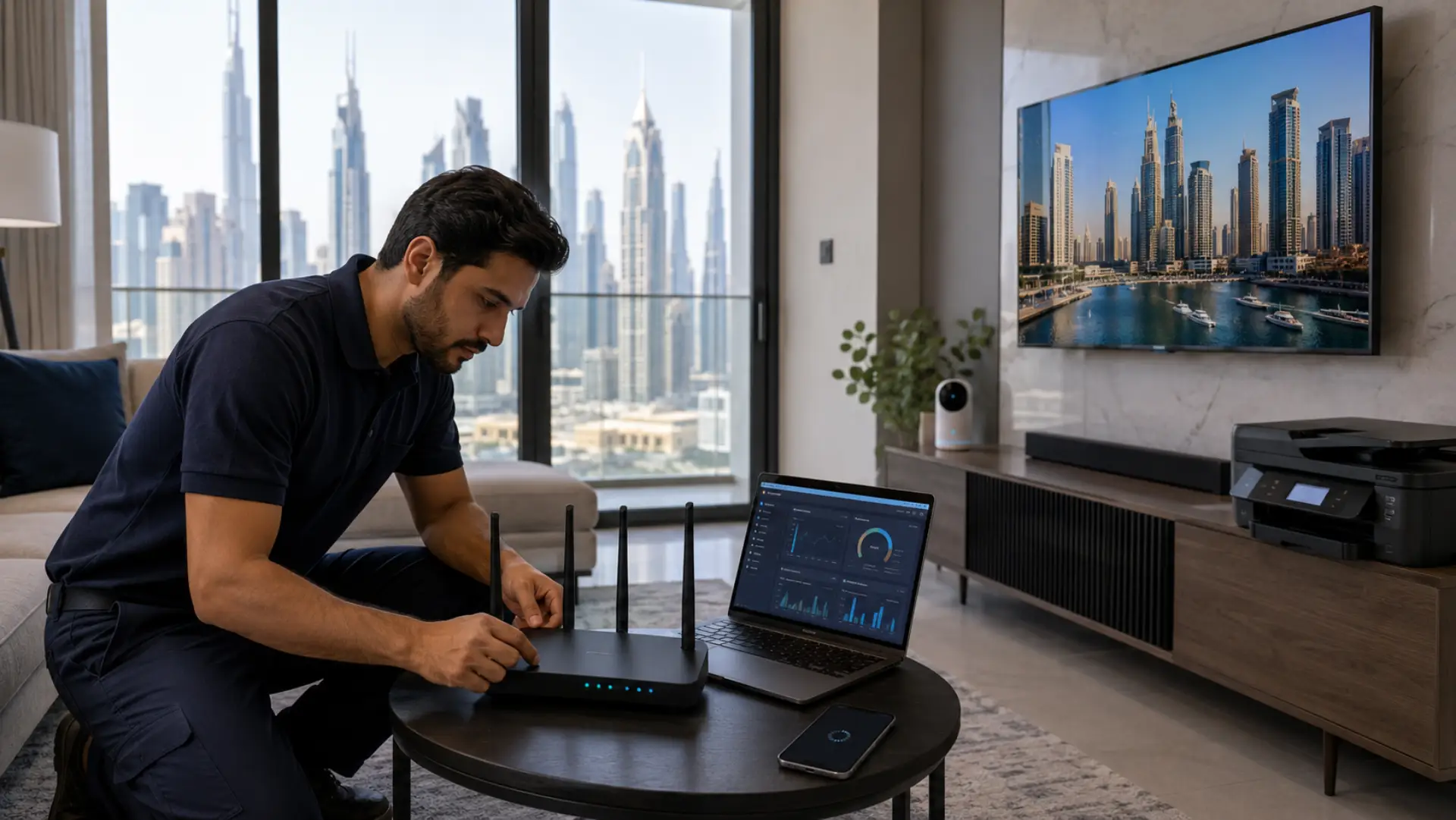
Device-specific WiFi problems happen when one phone, laptop, smart TV, printer, camera, or gaming console struggles online while other devices work normally. Sometimes the cause is simple, such as outdated software, saved network errors, or poor placement. But when the same WiFi issue keeps coming back after basic checks, a technician may be needed to…
-

A WiFi authentication error happens when your device cannot verify the login details needed to join a wireless network. This is different from WiFi connected but no internet, where the device joins the network but still cannot browse. This problem usually appears when the saved password is wrong, the router security mode has changed, the…
-
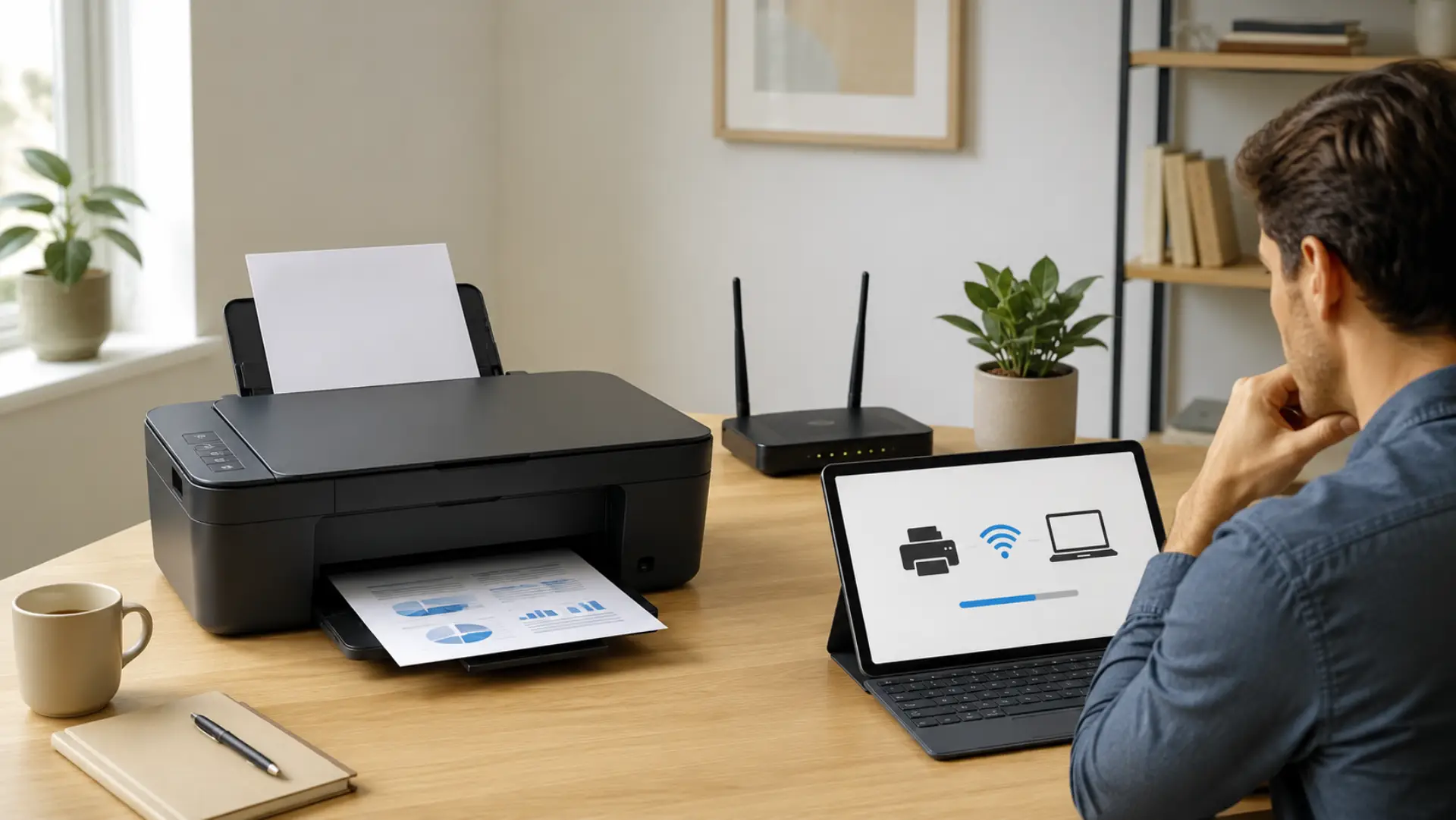
A stable printer wifi connection lets you print from laptops, phones, tablets, and office devices without using cables. When a printer does not connect, the issue is usually linked to weak signal, wrong WiFi details, outdated saved networks, router changes, or a missed setup step. A stable WiFi connection also depends on correct router settings,…
-
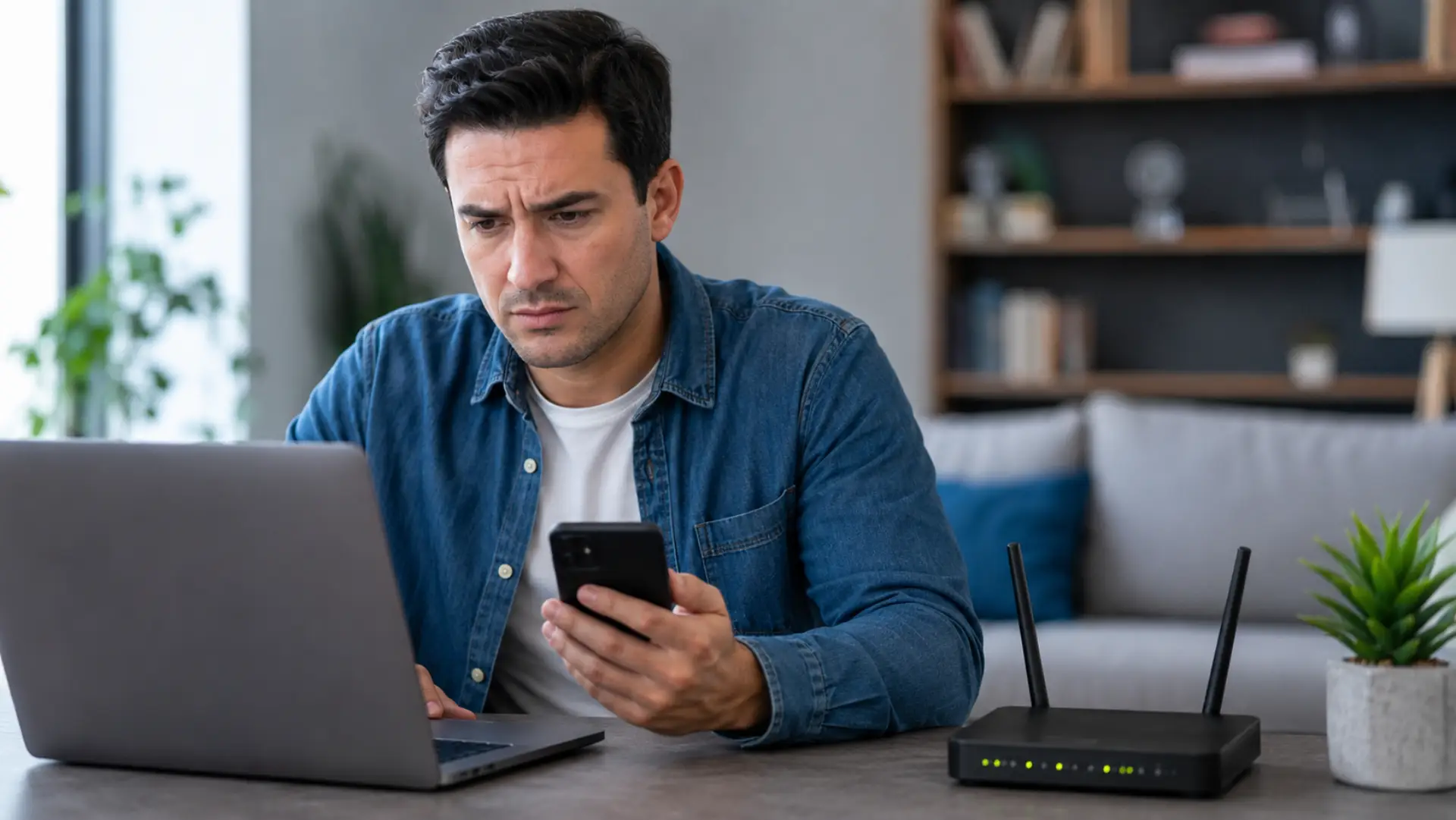
When WiFi not showing on your phone, laptop, smart TV, or other device, the problem is usually caused by router settings, device settings, weak signal reach, disabled wireless adapters, outdated software, or a temporary connection fault. Common causes of slow WiFi should also be checked when the network appears weak, unstable, or missing. In most…
-

The right number of mesh nodes depends on your home size, layout, wall materials, internet speed, and where you place each unit. A mesh WiFi system works best when the number of nodes matches your home layout, not just the total area. Most homes need two to three units for reliable coverage, while larger or…