
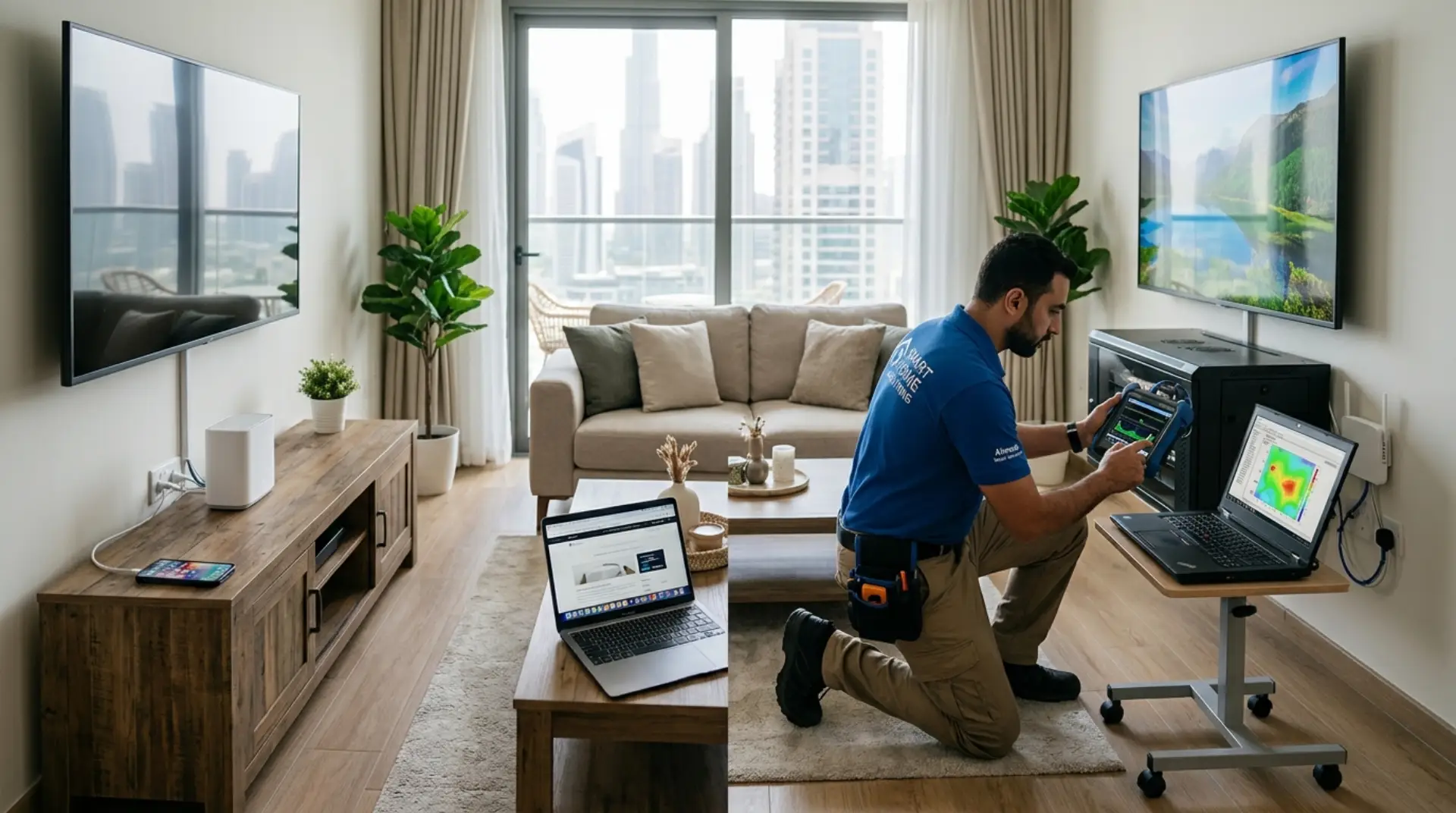
Choosing between a WiFi Installation Service and a DIY setup depends on the size of your home, number of devices, wall layout, internet speed, and how reliable you need the connection to be. DIY can work for small spaces with simple needs, but professional help is better when you need stable coverage, correct router placement, secure configuration, and fewer connection problems. A router installation service in Dubai can help plan placement, access points, mesh nodes, and cabling correctly.
A basic WiFi setup may only require plugging in a router and connecting devices. A proper WiFi installation focuses on coverage, speed, security, signal strength, and long-term performance across the full property.
What Is a WiFi Installation Service?
A professional WiFi Installation Service is a complete network setup handled by a technician. A professional WiFi technician in Dubai can handle complete network setup, placement, signal testing, and troubleshooting. It includes checking the home layout, placing the router correctly, configuring network settings, testing signal strength, and solving weak coverage areas.
This service is useful when your internet works near the router but becomes slow in bedrooms, upstairs rooms, balconies, offices, or villa corners. A technician can identify whether the issue is caused by poor placement, thick walls, interference, outdated equipment, or incorrect network settings.
Professional installation is not just about connecting the router. It is about making the network stable, secure, and suitable for daily use.
What Does DIY WiFi Setup Usually Include?
DIY setup usually means installing the router yourself using the instructions from your internet provider or router brand. You connect the cables, turn on the router, create a network name, set a password, and connect your devices.
This can be enough for a small apartment, light browsing, or a limited number of devices. It works best when the router is placed in a central area, and the home does not have many walls, floors, or signal-blocking materials.
DIY becomes difficult when the signal drops, speeds change from room to room, or some devices connect while others struggle. An unstable internet connection should be checked if drops happen across several rooms and devices.
WiFi Installation Service vs DIY Setup: Main Difference
The main difference is testing and accuracy. DIY setup connects the internet, while professional service checks whether the connection actually performs well in every important area.
A technician can test signal strength, reduce interference, adjust router settings, and recommend the right solution if the router alone is not enough. This may include better placement, an access point, mesh system, cable routing, or upgraded equipment.
DIY is usually faster at the start, but professional installation often saves time when problems appear later.
When DIY Setup Is Enough
DIY setup is enough when the space is small, the router is new, and all devices are close to the main internet point. It is also suitable when you only use the internet for browsing, messaging, streaming on one TV, or basic work tasks.
You can choose DIY if your connection is stable in all rooms and you do not experience frequent buffering, disconnections, or slow speeds. It is also practical when you are comfortable changing simple router settings.
DIY is not a bad option. It only becomes limited when the home layout or internet use becomes more demanding.
When You Need a Professional WiFi Installation Service
You need professional help when your WiFi is slow in some rooms, drops often, or does not cover the full property. Larger homes, villas, offices, multi-floor spaces, and smart homes usually need more than a basic router connection.
A technician can also help when you have many connected devices, such as phones, laptops, smart TVs, printers, cameras, gaming consoles, and smart home systems. More devices can create performance issues if the network is not planned properly.
Professional installation is also better when you need reliable video calls, online gaming, business use, security cameras, or uninterrupted streaming.
Coverage and Router Placement Matter More Than Many People Think
Router placement has a major effect on performance. A router placed inside a cabinet, near thick walls, behind a TV, or at one end of the home can create weak coverage and slow speeds.
A professional technician checks where the signal needs to reach and places equipment based on real coverage needs. In some homes, moving the router a few meters can improve performance. In others, extra equipment may be required.
Good placement reduces dead zones, improves signal quality, and makes the internet more consistent across rooms.
Security and Network Settings
A secure home network should use a strong password, updated router firmware, and correct encryption settings. Many DIY users leave default settings unchanged, which can make the network weaker or harder to manage.
Professional setup can include changing the network name, securing the password, separating guest access, checking admin login safety, and making sure the router is configured correctly.
Security matters especially when you use work devices, cameras, smart locks, or shared internet in a family home.
Speed Problems Are Not Always Internet Provider Issues
Slow internet is not always caused by the service provider. The problem may come from weak signal, interference, old routers, overloaded networks, poor placement, or devices connected too far from the router.
A professional service can test whether the issue is coming from the internet line, router, device, or wireless coverage. This avoids unnecessary upgrades when the real problem is inside the home network.
DIY users often replace routers or upgrade plans without checking the actual cause.
Cost: DIY May Be Cheaper, but Not Always Better
DIY setup usually costs less because you are doing the work yourself. It is a good choice when the network is simple, and you do not need advanced coverage.
A professional service costs more upfront, but it may prevent repeated issues, wrong equipment purchases, and wasted time. It can also improve performance without forcing you to upgrade your internet plan.
The better choice depends on whether you need a basic connection or a reliable whole-home network.
Best Option for Apartments, Villas, and Offices
For small apartments, DIY setup may be enough if the router is placed correctly and all rooms receive a strong signal. For large apartments, villas, and offices, professional installation is usually the better option.
Villas and multi-floor homes often have thick walls, long distances, staircases, and outdoor areas that weaken signal quality. Offices may need stable coverage for multiple users, video calls, printers, shared devices, and secure access.
The larger and more complex the space, the more useful professional planning becomes.
Quick Comparison
| Factor | DIY Setup | Professional Service |
| Best for | Small spaces and basic use | Larger homes, offices, and weak coverage |
| Setup quality | Depends on user knowledge | Based on testing and experience |
| Router placement | Often guessed | Planned for better coverage |
| Security settings | Basic or unchanged | Properly configured |
| Troubleshooting | Trial and error | Diagnosed with tools and experience |
| Long-term reliability | May vary | More stable when installed correctly |
Final Recommendation
Choose DIY if your home is small, your router is easy to place, and the connection works well in every room. It is suitable for basic use and simple device needs.
Choose a professional WiFi Installation Service if you have weak coverage, slow speeds, multiple floors, many connected devices, smart home equipment, or work-from-home needs. A technician can plan the network correctly, reduce signal problems, and make the connection more reliable.
The right choice is not only about setup cost. It is about how stable, secure, and usable your internet needs to be every day.
FAQs
Is a professional WiFi Installation Service worth it?
Yes, it is worth it when your home has weak signal areas, multiple floors, or many connected devices. A technician can test coverage and fix problems that DIY setup may miss. It is especially useful for stable work, streaming, gaming, and smart home use.
Can I install WiFi myself?
Yes, you can install it yourself if the space is small and the router instructions are simple.
DIY works when all rooms get a stable signal after setup. If the connection drops or becomes slow in certain areas, professional help may be better.
Why is my WiFi slow after DIY setup?
Your WiFi may be slow because of poor router placement, interference, weak signal, or outdated equipment. The internet plan may be fine, but the wireless coverage may not be reaching properly. Testing signal strength helps identify the real cause.
Does router placement affect internet speed?
Yes, router placement can strongly affect speed and stability. Walls, cabinets, appliances, mirrors, and distance can weaken the wireless signal. A central, open position usually gives better performance.
Do I need a mesh system for better coverage?
You may need a mesh system if a single router cannot cover your entire home. This is common in villas, large apartments, and multi-floor properties. A technician can check whether mesh, access points, or repositioning is the better solution.
Is DIY setup safe for home internet?
DIY setup can be safe if you use a strong password and secure router settings. Problems happen when default passwords, weak encryption, or outdated firmware are left unchanged. Security settings should be checked after installation.
What is included in professional WiFi service?
Professional service usually includes router setup, placement advice, signal testing, security configuration, and troubleshooting. It may also include recommendations for extenders, mesh systems, or access points. The goal is to make the network stable across the full property.
Which is better for a large home?
A professional service is usually better for a large home. Large spaces often have dead zones, thick walls, and distance-related signal loss. Proper planning helps create stronger and more reliable coverage.
Leave a Reply