
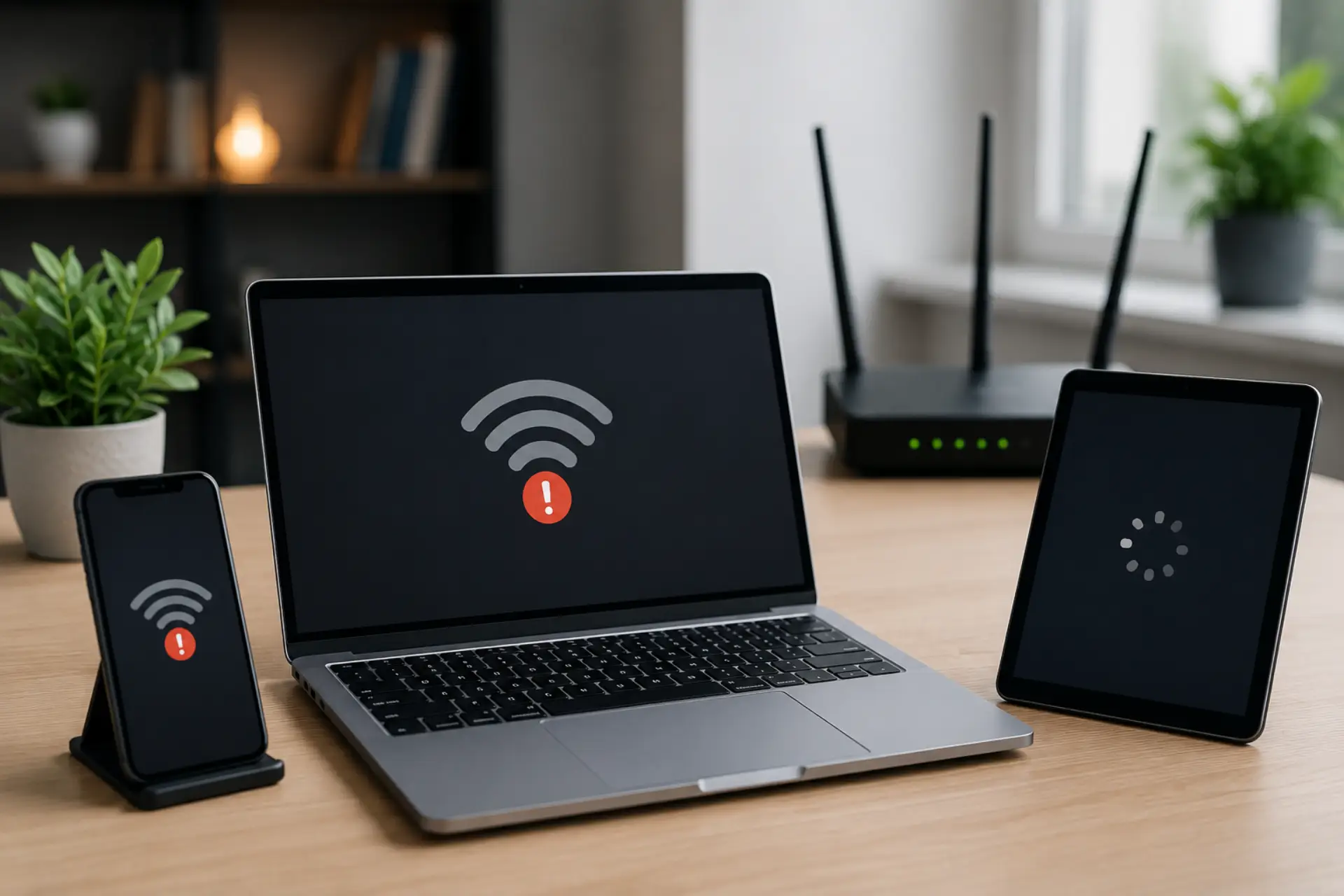
If your internet slow on one device but other phones, laptops, tablets, or computers work fine, the issue is usually inside that specific device, not the whole internet line. It may be caused by a weak signal, outdated software, background apps, wrong network settings, VPN use, browser problems, or a device hardware limitation.
This guide explains the most common reasons a device becomes slow and gives simple steps to fix it without changing advanced router settings too early.
Quick Checklist
Use this simple checklist:
- Restart the slow device.
- Move closer to the router.
- Turn off VPN.
- Try another browser.
- Forget and reconnect to WiFi.
- Stop background downloads.
- Update software and drivers.
- Reset network settings.
- Test the device on another WiFi network.
If only one device has the internet slow issue after all these steps, it may need a deeper device check or hardware repair.
Common Causes of Slow Internet on One Device
The main causes of slow internet on a single device are usually simple and fixable. Start with these checks before assuming your router or provider is faulty.
1. The Device Is Too Far from the Router
If one phone, laptop, tablet, or computer is in another room, behind thick walls, or far from the router, it may receive a weak signal. This can reduce wifi speed and make websites, videos, and apps load slowly.
Move the device closer to the router and test again. Better router placement and fewer signal barriers can help boost your WiFi signal across weak areas.
2. The Device Is Connected to the Wrong WiFi Band
Many routers offer 2.4 GHz and 5 GHz bands. The 2.4 GHz band covers more distance but is usually slower. The 5 GHz band is faster but works best near the router.
If your device has a slow WiFi connection, check whether it is connected to 2.4 GHz while other devices are using 5 GHz. Switching bands can often improve performance.
3. Background Apps Are Using Data
Background downloads are also a common reason for sudden internet speed drops on one device. This can make the internet speed slow on one device only.
Check the task manager, data usage, or battery settings to see which apps are using the most network activity.
4. VPN or Proxy Is Slowing the Device
Many users ask, does using vpn slow down internet? Yes, it can. A VPN sends your traffic through another server, which may increase delay and reduce speed.
Turn off the VPN and test again. If the speed improves, choose a closer VPN server or use the VPN only when needed.
5. Browser Cache or Extensions Are Causing Slow Browsing
A browser full of cache, cookies, toolbars, or heavy extensions can cause slow browsing even when the connection itself is fine.
Browser or DNS issues can make the internet feel slow, even when the speed test is fast. You can also clear the cache, disable extensions, and update the browser.
6. The Device Has Outdated Software or Drivers
Old operating systems, outdated WiFi drivers, or pending updates can create a WiFi issue on only one laptop, phone, tablet, or computer.
Update the device software. A damaged driver can leave the WiFi adapter not working properly even when other devices connect normally.
7. The Device Has a Network Settings Problem
Sometimes one device keeps old DNS, IP, or saved WiFi settings that no longer work properly. This can create a network issue while other devices stay normal.
Forget the WiFi network, reconnect with the password, and restart the device. If needed, reset network settings.
8. The Device Hardware Is Older or Weak
Older phones, laptops, or tablets may not support faster WiFi standards. A weak wireless adapter can make slow wifi happen on that device only.
If the same device is always slow on every network, the device hardware may be the limitation.
How to Test the Problem Correctly
Do not test only one website. Use these simple checks:
- Restart the slow device.
- Test near the router.
- Compare speed with another device in the same spot.
- Turn off VPN.
- Try another browser.
- Forget and reconnect to WiFi.
- Run a speed test on both devices.
- Check for updates.
If one device shows slow internet speed but other devices show normal results, the fault is likely inside that device.
How to Fix Slow Internet on One Device
Here is how to fix slow internet when only one phone, laptop, tablet, or computer is affected.
Restart the Device First
A restart clears temporary glitches, stuck apps, and network errors. This is the easiest first step and often fixes the problem.
Forget and Reconnect to WiFi
Go to WiFi settings, forget the saved network, then reconnect with the password. This refreshes the saved network profile.
Turn Off VPN, Proxy, or Private DNS
Disable VPN, proxy, or private DNS settings and test again. These tools can sometimes slow down one device.
Update the Device
Install system updates, browser updates, and WiFi driver updates. Updates often fix connection bugs.
Check Background Data Usage
Stop large downloads, cloud syncing, game updates, and video backups. These can reduce the available internet speed for normal browsing.
Reset Network Settings
If the problem continues, reset network settings. This removes saved WiFi networks, Bluetooth settings, DNS settings, and old network profiles.
Scan for Malware
On computers, malware or unwanted browser extensions can use bandwidth in the background. Run a trusted security scan.
Test Another Network
Connect the same device to another WiFi network or mobile hotspot. If it is still slow, the device is the problem. If it becomes fast, your home router settings may need checking.
When the Problem May Be Your Router
Although one slow device usually means a device-side problem, the router can still be involved. Your router may give poor performance to older devices, block one device, assign a weak band, or create an IP conflict.
After a power cut, your router or modem may restart incorrectly and cause internet slow after power outage, so check cables, lights, WiFi signal, and device connection first.
If many devices become slow, then it may be a larger WiFi problem or service issue.
For example, users searching for internet slow in UAE should first compare multiple devices before calling the provider. If all devices are slow, the issue may be with the router, wiring, package speed, or ISP line. If only one device is slow, fix the device first.
When Should You Call a WiFi Technician?
Call a WiFi technician if one device remains slow after restarting, reconnecting, updating drivers, resetting network settings, and testing it near the router. A technician can check whether the issue is coming from the device, router settings, a weak signal area, or interference.
You should also get help if multiple devices start slowing down, WiFi drops often, or speed tests are poor across your home. In that case, the issue may be router placement, cabling, signal coverage, or a service line problem.
Final Thoughts
If only one device is slow, avoid changing advanced router settings immediately. First check the device’s WiFi signal, VPN, browser, updates, background apps, and saved network settings. In most cases, the fix is simple and does not require replacing your router or changing your internet plan.
FAQs
Why is my internet slow on only one device?
Your internet may be slow on only one device because that device has weak WiFi signal, outdated software, background apps, VPN settings, browser issues, or old network settings. If other devices are working fine, check that device first.
Can a weak WiFi signal affect only one device?
Yes, a weak signal can affect only one device if it is farther from the router, blocked by walls, or has a weaker WiFi adapter. Test the device near the router to confirm the issue.
Can background apps make one device’s internet slow?
Yes, background apps can use data for updates, cloud backups, downloads, and syncing. This can make one device feel slow even when the main internet connection is working fine.
Can an outdated WiFi driver slow down one laptop?
Yes, an outdated or faulty WiFi driver can reduce speed on one laptop only. Updating the wireless adapter driver can improve connection stability and speed.
Should I reset network settings if only one device is slow?
Yes, resetting network settings can help if the device has saved WiFi errors, DNS problems, or old network profiles. This is useful when restarting and reconnecting do not fix the issue.
Can a VPN make only one device slow?
Yes, a VPN can make only one device slow because it routes that device’s traffic through another server. Turn off the VPN and test the speed again.
Why is my laptop slow on WiFi but fast with cable?
If your laptop is fast with Ethernet but slow on WiFi, the issue is likely the wireless signal, WiFi driver, router band, or laptop wireless adapter.
What should I check before calling for help?
Before calling for help, restart the device, test near the router, turn off VPN, update software, forget and reconnect to WiFi, and compare the speed with another device in the same location.
Leave a Reply