
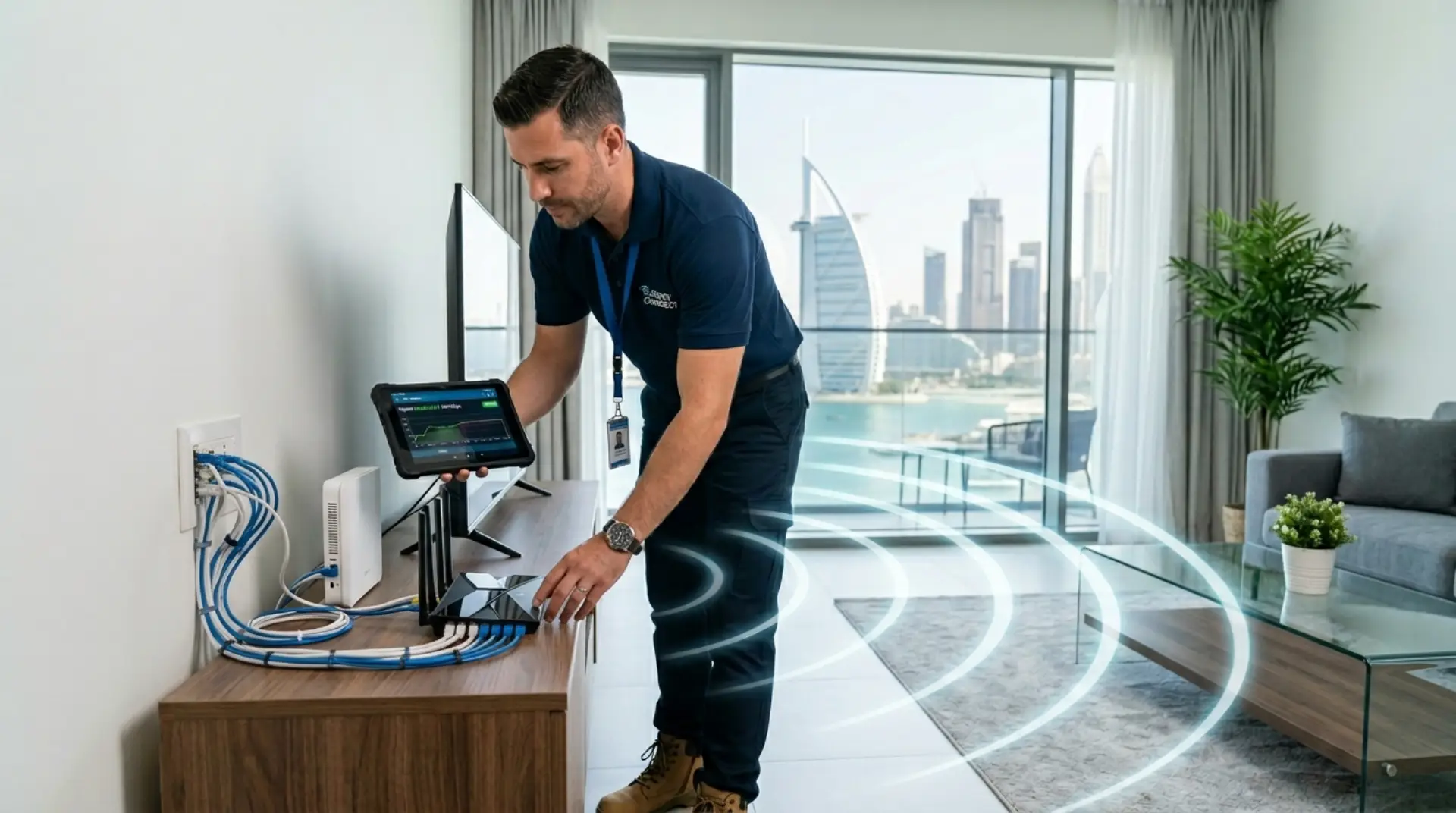
Internet setup in Dubai depends mainly on the type of connection you are using. Some connections are simple enough to set up yourself, while others need a technician for activation, wiring, or proper WiFi coverage.
If you are using a basic 5G home wireless router, you may not need professional installation. But if you have fiber internet, weak WiFi signals, or coverage issues in your home or office, hiring a technician can save time and prevent connection problems.
5G Home Wireless Internet: Can You Install It Yourself?
A 5G home wireless router is usually plug-and-play. The router works with a SIM card, so setup is similar to using mobile internet, unlike setups where you need to install modem and router together. You place the router in a good signal area, turn it on, and connect your devices through WiFi.
This type of internet is often suitable for users who want a quick connection without cable work. For a small apartment or temporary setup, DIY installation may be enough.
However, if the signal is weak, speed keeps dropping, or the router does not cover all rooms, a technician can help with better placement and network setup.
Fiber Internet: Why a Technician Is Usually Needed
Fiber internet is different because it uses a physical cable connection.It may require activation through the correct wall port, ONT device, and router setup, which is why a proper router setup in Dubai checklist can be useful. In many buildings, the connection also needs to be properly linked from the telecom room.
This is not something most users can fix on their own. A technician can check the connection, activate the right port, configure the router, and test whether the internet is working correctly.
For fiber internet, professional installation is usually the safer and more reliable option.
ISP Technician vs Private WiFi Technician: What’s the Difference?
An ISP technician usually handles the main internet activation, while a private technician can focus on your indoor WiFi setup and secure network setup for Dubai homes. Their job is to make sure the internet connection reaches your router or ONT device. Once the service is active, their basic task is usually complete.
A private WiFi technician focuses more on your indoor WiFi performance. This includes router placement, signal strength, dead zones, mesh WiFi setup, access points, LAN cabling, and device connectivity.
This difference matters because your internet can be active but still not work well in every room. For example, your provider may activate the connection near the main router, but your bedroom, kitchen, office room, or upper floor may still have weak signals. In that case, a private technician can improve the actual WiFi experience inside your home or office.
Activation Is Not the Same as Good WiFi Coverage
Many people think the job is complete once the internet is active, but activation does not always fix problems like WiFi connected but no internet. But activation only means the internet is reaching the router. It does not always mean the WiFi signal will be strong in every room.
In Dubai apartments and villas, thick walls and building layouts can block WiFi signals. You may get full speed near the router, but slow speed in bedrooms, kitchen areas, or upper floors.
This is where a technician can help with WiFi optimization, better router placement, mesh WiFi, or access points.
Signs Your WiFi Setup Is Not Correct
Sometimes the internet works, but the setup is still poor. You may not notice the issue until you start using more devices or moving around the house.
Here are common signs:
- Full internet speed near the router but poor speed in other rooms
- Video calls freezing often
- WiFi disconnects when doors are closed
- Smart TV buffers even with a good internet package
- Router placed inside a cabinet, which is one of the common router setup mistakes that causes weak WiFi
- Extenders connected but speed is still weak
- Devices keep switching between networks
- Office users complain about random disconnections
If these problems happen often, the solution is usually not just restarting the router. The setup needs proper checking.
Router Placement Matters More Than You Think
Router location has a big impact on WiFi performance. Many people place the router wherever the cable point is available, but a better router setup in Dubai may need better positioning or extra access points. However, that location may not be best for signal coverage.
Avoid placing the router:
- Inside cabinets
- Behind TV units
- Near thick walls
- On the floor
- Near metal objects
- In a far corner of the home
- Beside too many electronic devices
A technician can test signal strength and suggest a better location. If the router cannot be moved easily, they may recommend additional access points or mesh WiFi.
When Should You Call a Technician?
You should call a technician when your fiber internet needs setup, your router is not configured properly, your WiFi signal is weak, or your internet speed is good near the router but poor in other rooms.
You may also need help when moving to a new apartment or villa, because the new location may require port activation or fresh router setup.
Contact Us
Get quick WiFi, router, and network support in Dubai
What a Technician Can Do for You
A technician can install and configure your router, test the internet speed, check WiFi coverage, improve signal strength, secure your network, and connect your devices properly.
For larger homes or offices, they can also recommend a mesh WiFi system or wired access points to remove dead zones and keep the connection stable.
FAQs
Do I need a technician to install my WiFi router?
If your setup is simple, you may install it yourself. However, if the router settings, cable points, weak signal, or device connections are confusing, a WiFi technician can set it up correctly and test everything.
Why is my WiFi slow after internet installation?
Slow WiFi can happen because of poor router placement, weak signal, old router hardware, crowded WiFi channels, or too many connected devices. A technician can test the speed and find whether the issue is WiFi or the provider connection.
Can a technician improve WiFi in all rooms?
Yes, in most cases. The technician may adjust router placement, install mesh WiFi, add access points, or use LAN cabling. The right solution depends on your home layout and where the weak signal appears.
What should I do before calling an internet technician near me?
Check if the router is powered on, restart it once, and confirm whether the issue affects all devices or only one. Also, note where the WiFi is weak so the technician can diagnose the problem faster.
Can a WiFi technician set up internet for an office?
Yes. A technician can install office routers, access points, network switches, cabling, guest WiFi, and shared devices such as printers. Business setups need stable coverage because many users connect at the same time.
Is mesh WiFi better for villas in Dubai?
Mesh WiFi is often useful for villas because one router may not cover multiple floors or outdoor areas. However, mesh units must be placed correctly, and larger villas may need wired access points for stronger performance.
Can a technician connect my smart TV, CCTV, or printer?
Yes. Many internet technicians can connect smart TVs, CCTV cameras, printers, laptops, and other devices to the network. They can also fix common connection problems caused by wrong WiFi bands or weak signal.
Leave a Reply