
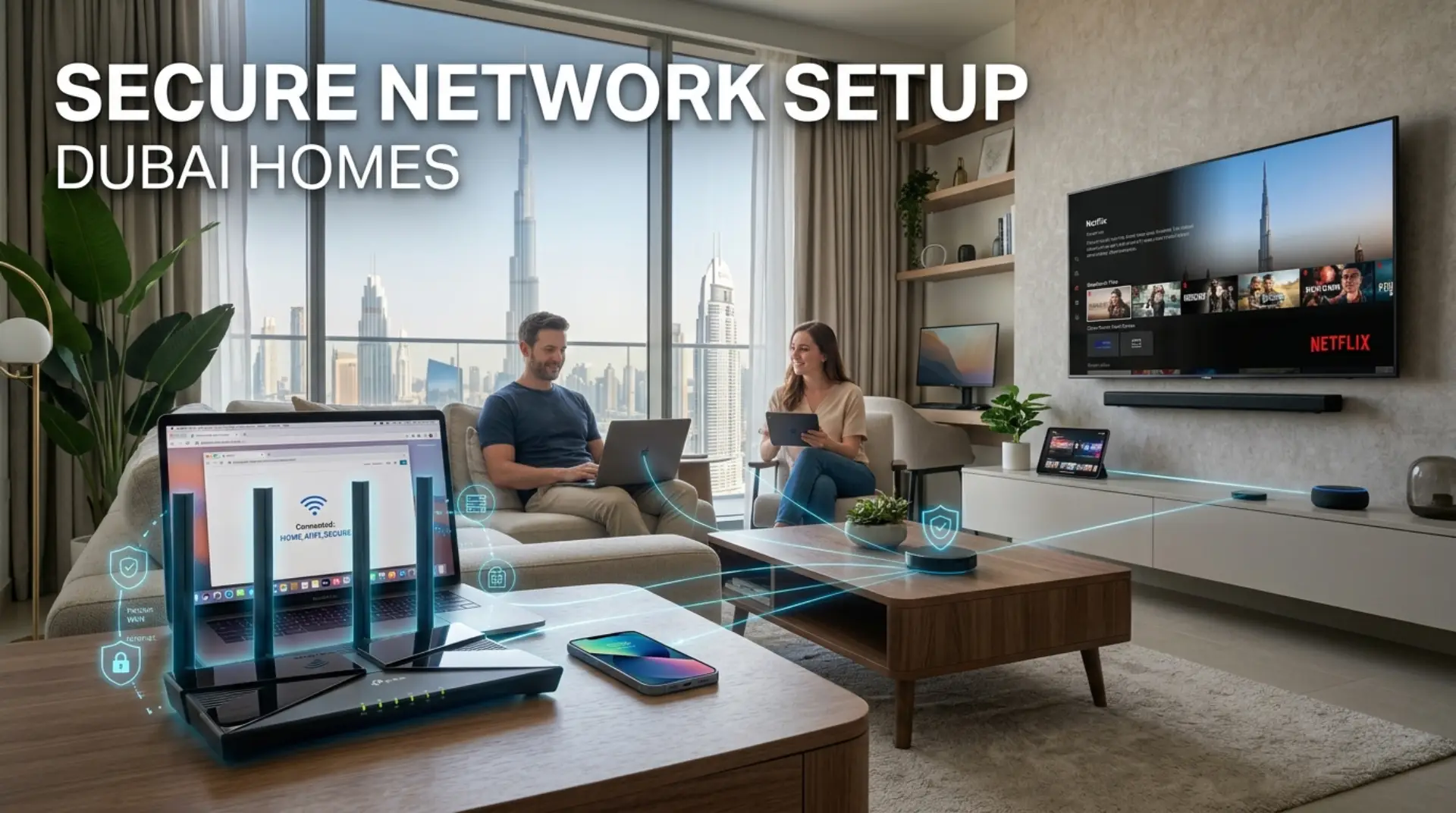
A weak WiFi signal is annoying, but an unsafe home network is a bigger problem because it can expose your family devices, work laptop, smart cameras, payment apps, and business data without you noticing. A properly secured network in Dubai homes helps homeowners, tenants, families, remote workers, gamers, and small businesses protect privacy while improving internet speed, WiFi performance, and daily reliability.
Why Your Home WiFi Needs More Than Just a Password
Many people think their WiFi is secure because it asks for a password. That is only the first layer. A secure network also depends on router settings, encryption, firmware updates, connected devices, signal strength, and how visitors access the internet.
In Dubai apartments, signal interference is common because many nearby routers operate simultaneously. In villas, weak signals often happen because the router is too far from bedrooms, majlis areas, outdoor seating, or home offices. Small businesses may face network congestion when staff, customers, POS systems, cameras, and laptops all use the same WiFi.
A better setup protects your network and keeps performance stable. It also helps reduce common problems like:
- Slow WiFi during video calls
- Internet drops in certain rooms
- Smart devices disconnecting
- Gaming lag or high latency
- Unknown devices using bandwidth
- Router login issues
- Weak signal on upper floors or far rooms
Latency simply means delay. For gaming, video calls, and streaming, lower latency gives a smoother experience.
Guest WiFi: A Simple Feature That Protects Your Main Network
A guest WiFi network is a separate WiFi name created for visitors, customers, workers, or temporary users. It lets them use the internet without giving them access to your main home network.
For example, your family may use:
Home_Private_WiFi
And visitors may use:
Home_Guest_WiFi
This matters because your main WiFi may connect to private devices such as laptops, phones, printers, smart TVs, security cameras, storage devices, and office systems. If everyone gets the same WiFi password, your network becomes harder to control.
Guest WiFi helps with privacy, security, and bandwidth control. You can give internet access to guests while keeping your personal devices separated. Some routers also allow you to limit guest speed, set usage time, or block guests from seeing other connected devices.
For a Dubai home office, this is useful when clients, staff, helpers, or visitors need WiFi. For a small shop, salon, clinic, or studio, guest WiFi keeps customer access separate from business devices.
How to Create a Guest WiFi Network Through Router Settings
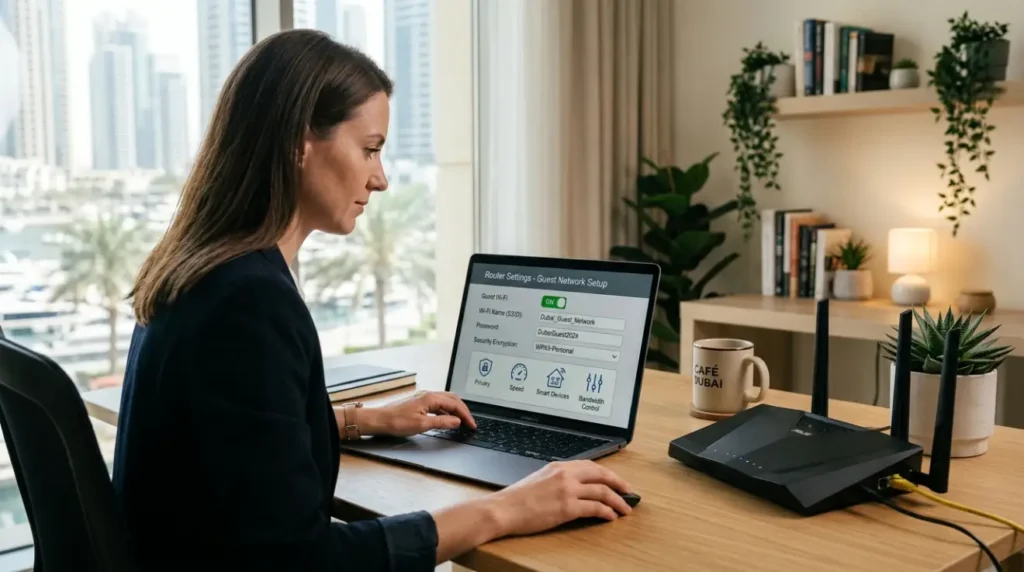
Most modern routers support guest WiFi. The exact steps may vary by brand, but the basic process is usually similar.
Start by connecting your phone or laptop to your home WiFi. Then open a browser and enter the router login address. Common router login addresses include:
- 192.168.1.1
- 192.168.0.1
- 192.168.100.1
You may also find the router login details on a sticker under the modem or router. After logging in, look for sections such as Wireless, WiFi Settings, Guest Network, or SSID Settings.
Basic steps:
- Log in to the router settings page.
- Find the Guest Network option.
- Turn guest WiFi on.
- Create a clear WiFi name.
- Add a strong guest WiFi password.
- Choose WPA2 or WPA3 encryption if available.
- Disable access to local network devices if the option exists.
- Save settings and test the connection.
Encryption is the protection method that scrambles your WiFi data so outsiders cannot easily read it. WPA2 and WPA3 are safer choices than older security modes.
Do not disable firewall, encryption, or security options unless you understand what they do. These settings protect your network from unwanted access.
Safe Password Practices for Your WiFi Network
A strong WiFi password should not be your phone number, villa number, business name, child’s name, or a simple word with 123 at the end. These are easy to guess.
Use a password that is long, mixed, and not personal. A good WiFi password can include uppercase letters, lowercase letters, numbers, and symbols.
Example style:
PalmHome@2026SecureNet
Avoid using the same password for your main WiFi and guest WiFi. Your main network should be private. Guest WiFi can be changed more often, especially after parties, short-term tenants, workers, or customer use.
For better security:
- Change the default router admin password.
- Use a different password for guest WiFi.
- Update passwords after sharing them widely.
- Do not keep old passwords printed in public areas.
- Avoid sending main WiFi details in group chats.
If your router still uses the default admin login, anyone connected to the network may be able to enter the router settings. That can create serious security problems.
Better WiFi Performance Starts With Smart Device Control
A secure network setup is not only about blocking threats. It also helps improve internet speed and WiFi performance by controlling how devices connect.
Many homes now have smart TVs, cameras, Alexa devices, gaming consoles, phones, tablets, laptops, printers, and smart lights. When too many connected devices use the same network, bandwidth can get crowded.
Bandwidth means the amount of data your internet connection can handle at one time. If multiple people stream, download, game, and attend video meetings together, slow WiFi can happen even with a good internet package.
You can improve performance by separating devices:
- Keep work laptops and phones on the main WiFi.
- Put smart TVs and gaming consoles on the faster band if available.
- Use guest WiFi for visitors.
- Place smart cameras and IoT devices on a separate network if your router allows it.
- Remove unknown connected devices from router settings.
Some routers support bandwidth optimization. This means the router manages internet usage more intelligently, so important activities, like calls or gaming, get smoother performance.
Dubai Apartment and Villa WiFi Problems to Watch For
Dubai homes often face different WiFi issues depending on building type.
In apartments, nearby routers can create signal interference. This happens when many WiFi networks overlap and disturb each other. You may notice full WiFi bars but poor internet speed. Changing the WiFi channel or switching between 2.4GHz and 5GHz can help.
In villas, the main issue is distance and walls. Thick walls, staircases, closed rooms, and outdoor spaces can weaken signal coverage. A single router may not cover the whole villa properly. In this case, a mesh WiFi system or a carefully placed wifi booster can help.
For home offices, internet drops can happen because of old routers, weak modem signals, loose cables, outdated firmware, or poor placement. Firmware is the router’s internal software. Keeping it updated can improve stability and security.
Small businesses may need stronger network troubleshooting because they often use more devices at once. POS systems, CCTV, staff phones, customer WiFi, printers, and office computers should not all depend on a poorly configured single network.
Practical Ways to Increase WiFi Signal and Reduce Slowdowns
Before buying a new router, check the basics. Many causes of slow wifi can be fixed with better placement and cleaner settings.
Place the router in an open area, not inside a cabinet or behind a TV. Keep it away from thick walls, metal objects, microwaves, cordless phones, and large mirrors. For apartments, a central location usually works best. For villas, the router may need support from mesh nodes.
Useful performance steps:
- Restart the modem and router properly.
- Update router firmware.
- Remove unknown devices.
- Change weak WiFi passwords.
- Use 5GHz for speed and 2.4GHz for longer range.
- Place mesh nodes where the signal is still strong.
- Avoid placing a wifi booster in a dead zone.
- Check cables between the modem and router.
- Use wired Ethernet for gaming, workstations, or CCTV where possible.
A wifi booster can help, but only if placed correctly. If it receives a weak signal, it will repeat a weak signal. Mesh WiFi is often better for larger homes because it creates smoother coverage between rooms.
What You Can Safely Do Yourself
Most users can handle basic secure network setup if they are comfortable with router login and simple settings.
You can safely change:
- WiFi name
- WiFi password
- Guest WiFi password
- Guest WiFi access
- Router admin password
- Device names
- Basic parental controls
- Firmware updates from official router settings
Be careful with advanced settings such as firewall rules, DNS changes, port forwarding, bridge mode, DHCP, and IP conflicts. Wrong changes can break internet access or weaken security.
If you are unsure, take screenshots before changing settings. This helps you restore the previous setup if something stops working.
Call a WiFi Repair Technician
Some WiFi problems need professional support, especially when the issue is not just the password or router placement.
Call a wifi repair technician or professional wifi service if:
- Internet drops continue after restarting the router.
- Router login details do not work.
- You cannot access router settings.
- WiFi is strong in one room but dead in others.
- Smart devices keep disconnecting.
- Mesh WiFi setup is confusing.
- Guest WiFi is not separating devices properly.
- Your small business needs customer WiFi and private office WiFi.
- Gaming or video calls still suffer from high latency.
- You suspect unknown users are connected.
A technician can test signal strength, check modem health, review router settings, inspect cable quality, find interference, configure secure network access, and recommend the right router, mesh system, or booster based on your home layout.
Contact Us
Get quick WiFi, router, and network support in Dubai
A Secure Setup Is a Habit, Not a One-Time Fix
A good home network should be reviewed from time to time. New devices, guests, firmware updates, router changes, and internet package upgrades can all affect security and speed.
Once your main WiFi and guest WiFi are set up properly, keep an eye on connected devices. Change guest passwords when needed. Update your router when official updates are available. Avoid sharing your main WiFi password casually.
If your Dubai home, villa, apartment, or small business still has weak signals, slow browsing, or repeated internet drops, professional network troubleshooting can save time and prevent bigger issues. A secure network should feel simple for users, private for your family, and stable enough for work, streaming, gaming, and smart devices.
FAQs
What is a guest WiFi network?
A guest WiFi network is a separate WiFi connection for visitors or temporary users. It allows internet access without giving them direct access to your main devices, printers, cameras, or private network.
Why should Dubai homes use guest WiFi?
Guest WiFi is useful in Dubai homes because families, visitors, tenants, workers, and home offices often share the same internet. It improves privacy, protects connected devices, and helps control bandwidth usage.
Can guest WiFi improve internet speed?
Guest WiFi does not automatically increase internet speed, but it helps manage users better. When paired with bandwidth limits and proper router settings, it can reduce network congestion and improve overall WiFi performance.
How do I access my router login page?
Connect to your WiFi, open a browser, and enter your router IP address, such as 192.168.1.1 or 192.168.0.1. The username and password may be on the router label unless they were changed earlier.
What is the best WiFi password practice?
Use a long and unique password with letters, numbers, and symbols. Do not use names, phone numbers, apartment numbers, or the same password for both main WiFi and guest WiFi.
Why does my WiFi keep dropping in some rooms?
Internet drops can happen because of a weak signal, thick walls, poor router placement, signal interference, modem problems, old firmware, or too many connected devices. Villas and large apartments may need mesh WiFi or a professional setup.
Is a WiFi booster enough for a large villa?
A wifi booster can help small weak spots, but it may not be enough for a large villa. Mesh WiFi is often better because it gives smoother coverage across floors, bedrooms, lounges, and outdoor areas.
When should I contact a professional WiFi service?
Contact a professional wifi service when router settings are confusing, internet drops continue, guest WiFi does not work correctly, or your home or business needs secure coverage across multiple rooms and devices.
Leave a Reply