
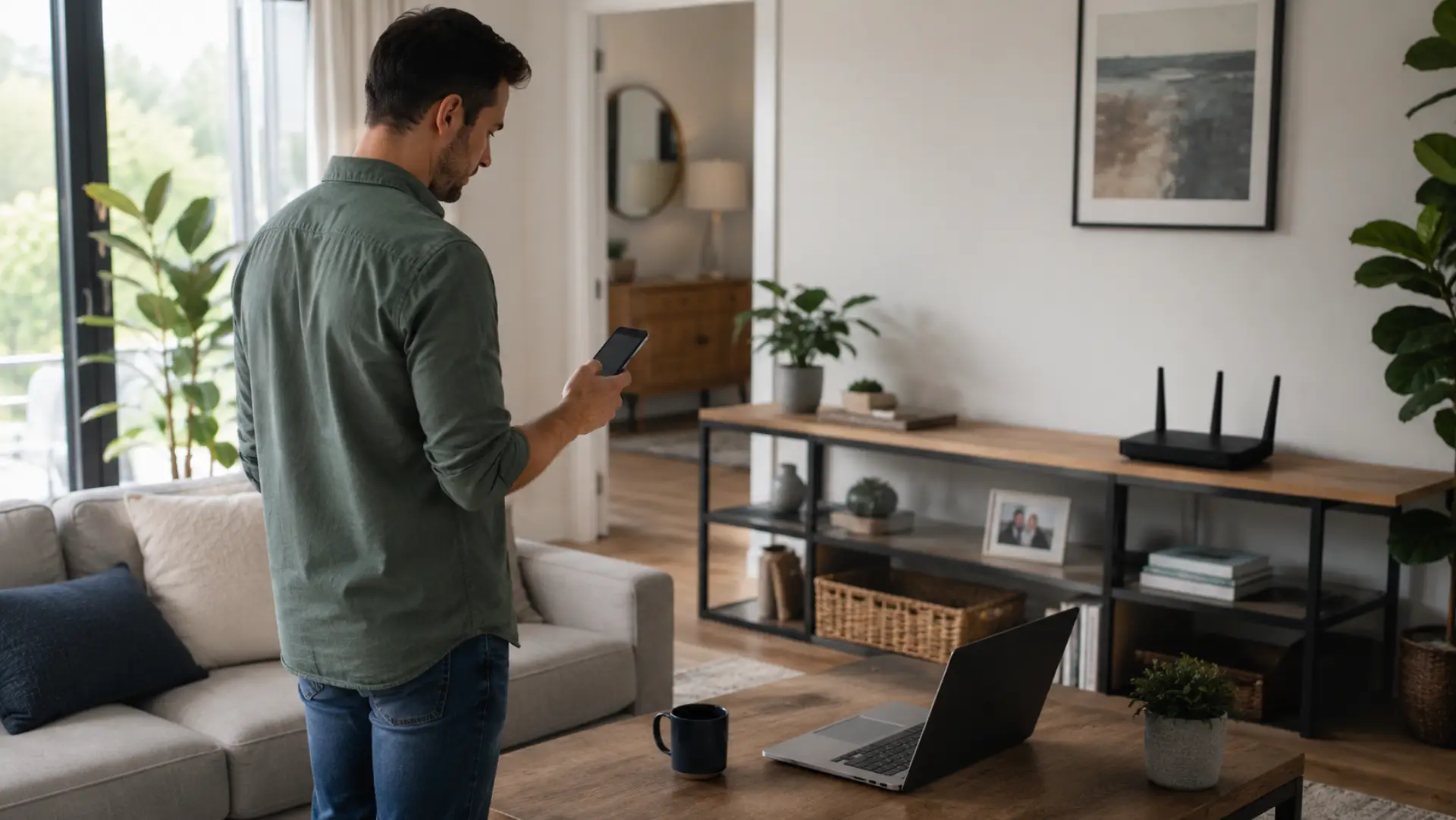
A WiFi coverage checker helps you test where your home network is strong, weak, or unstable. Instead of guessing why a room has buffering, dropped calls, or slow loading, you can measure the real WiFi signal in different areas and find the cause. These symptoms often match common causes of slow WiFi, such as weak signal, interference, router load, or poor placement. A proper check looks at signal quality, speed, router position, interference, and device performance so you can improve your home network with the right fix.
Common Signs Your Home Network Has Weak Areas
Weak coverage usually appears as buffering, dropped video calls, slow browsing, smart TV disconnections, or phones switching to mobile data indoors. The same symptoms can also appear when internet speed drops during busy hours or heavy device usage. These problems often happen in rooms far from the router, behind thick walls, near appliances, or in corners where the signal cannot reach properly.
A weak WiFi signal can also make devices reconnect again and again, even when your internet package is fast. If the issue happens only in one room, the problem is usually poor WiFi coverage. If every room has the same issue, the router, modem, service line, or network settings may need checking.
Why Testing Your WiFi Matters
Testing your home network helps you understand whether the issue is caused by your internet provider, router, device, or room layout. Understanding the modem vs router difference can also help separate provider-line issues from router-side problems. Many people upgrade their internet plan when the real problem is poor wireless reach inside the home.
A simple WiFi checker can show where the signal drops, while a speed tool can show whether your connection is stable enough for streaming, video calls, gaming, and work. This makes it easier to fix the right problem instead of making random changes.
How to Test Coverage in Every Room
Start your test near the router, then move to each important area of the home. Check bedrooms, workspaces, living areas, kitchen, balcony, upstairs rooms, and any place where the internet feels unstable. If the weak area is on another floor, you may need to get WiFi upstairs with better placement, mesh, or an access point. Use the same phone or laptop for every test so your results stay consistent.
Stand in one place for a short time before testing. If wifi strength drops sharply in one room, the signal may be blocked by walls, furniture, mirrors, doors, or distance. Testing room by room gives you a clear map of where your home network needs improvement.
Run a Speed Test Near and Away From the Router
A proper WiFi test should start close to the router. This gives you a baseline result for the best possible wireless performance in your home. After that, run the same test in weak rooms and compare the results.
Use a WiFi speed test to check download speed, upload speed, and ping. Use a WiFi speed test to check download speed, upload speed, and ping. If the speed is strong near the router but poor in another room, the problem is likely wireless coverage. If the speed is poor even beside the router, run an internet speed test on a wired connection, if possible, to check whether the issue comes from the internet line or router.
Check Signal Strength, Not Speed Only
Speed results are useful, but they do not show everything. You should also check WiFi signal strength because a device can show decent speed for a moment but still drop connection when the signal is unstable.
Signal readings are often shown in dBm. Around -30 dBm is excellent, -50 dBm is strong, -67 dBm is usually usable, and below -75 dBm may cause poor performance. If your router signal strength is weak even nearby, the router may be old, blocked, overheating, or poorly positioned.
Use a WiFi Analyzer for Deeper Testing
A WiFi analyzer can help you see signal levels, crowded channels, and nearby networks. Advanced router settings should be changed carefully so that channel, band, or DNS changes do not create new problems. This is useful in apartments, where many routers may be using the same channel and creating interference.
If several nearby networks are competing with yours, changing the router channel may improve stability. A tool like this is especially helpful when your signal bars look normal but the connection still feels slow or unstable.
Test the Stability of Your Connection
A WiFi connection test checks more than speed. It helps you understand whether your network stays stable during browsing, streaming, video calls, and gaming. A connection may look fast but still perform badly if ping is high or the signal keeps dropping.
If your WiFi connection disconnects often, check whether the problem happens on one device or all devices. If only one phone, laptop, or TV is affected, it may be an internet slow on one device issue. One-device issues may be related to that device’s settings or hardware. Whole-home issues are more likely linked to router placement, interference, or network setup.
Find the Real Cause Before Buying Equipment
Before buying new equipment, complete a basic network coverage check in all weak areas. Move the router to a central, open, raised position and test again. Avoid placing it inside cabinets, behind TVs, near metal objects, or close to microwaves. These are common router setup mistakes that can reduce coverage even with a strong internet plan.
If performance improves after moving the router, the issue was placement. If there is still slow internet in far rooms, your home may need better coverage support, a stronger router, or a different setup.
How to Improve Weak WiFi Areas
Place the router in an open central location so the signal can spread more evenly. Keep it away from thick walls, closed cabinets, large appliances, mirrors, and metal objects. A raised position often works better than placing the router on the floor.
Use 5 GHz for faster speed near the router and 2.4 GHz for better reach through walls. Restart the router if performance suddenly drops, update firmware if available, and remove unknown devices from the network. After every change, test again in the same spots to confirm whether the fix worked.
When a WiFi Extender Helps
A WiFi extender can help when one or two rooms have a poor signal, and the router cannot be moved. It should be placed between the router and the weak area, not inside the dead zone. If the extender receives a poor signal, it will repeat poor performance.
For larger homes, villas, or multi-floor spaces, mesh WiFi or wired access points may work better than a basic extender. These options create stronger coverage across wider areas and reduce drops between rooms.
When to Call a WiFi Technician
Call a WiFi technician if multiple rooms have weak coverage, speed drops suddenly, devices disconnect often, or basic fixes do not improve performance. A technician can check router placement, interference, modem health, cabling, channel congestion, and coverage gaps with proper tools.
Professional testing is also useful for large apartments, villas, home offices, gaming setups, security cameras, and smart home devices. A correct setup can improve long-term stability and reduce repeated network problems.
FAQs
What does a WiFi coverage checker do?
A WiFi coverage checker helps you find where your home signal is strong, weak, or unstable. It checks how well the wireless network reaches different rooms and corners. This helps you choose the right fix instead of guessing.
How can I test WiFi coverage at home?
You can test coverage by checking speed and signal in every important room. Start near the router, then test bedrooms, work areas, living rooms, and weak spots. Compare the results to see where performance drops.
Why is my WiFi good in one room and weak in another?
This usually happens because of distance, walls, furniture, appliances, or poor router placement. The internet plan may be fine, but the wireless signal may not reach that room properly. Moving the router or adding coverage support can help.
Is a WiFi speed test enough to find coverage problems?
A speed test is helpful, but it is not enough on its own. You should also check signal strength, ping, stability, and room-by-room performance. This gives a clearer view of whether the issue is coverage, speed, or interference.
What is a good WiFi signal strength?
A signal around -30 dBm is excellent, while around -50 dBm is strong for normal use. Around -67 dBm is usually acceptable for streaming and video calls. Anything below -75 dBm may cause slow speed, drops, or unstable performance.
Why does my WiFi slow down at certain times?
WiFi can slow down when more devices are connected, nearby networks are crowded, or household usage increases. Evening hours are often busier in apartments and shared areas. Testing at different times helps confirm whether congestion is part of the problem.
Can moving the router improve coverage?
Yes, router placement can make a big difference. A central, open, raised position usually provides better coverage than a corner, cabinet, or floor-level location. Keep the router away from thick walls, metal objects, and electronic interference.
Should I use an extender or mesh WiFi?
Use an extender for one or two weak rooms if the router signal can still reach that area. Choose mesh WiFi for larger homes, villas, or multi-floor coverage problems. Mesh systems usually provide smoother performance across many rooms.
Leave a Reply