
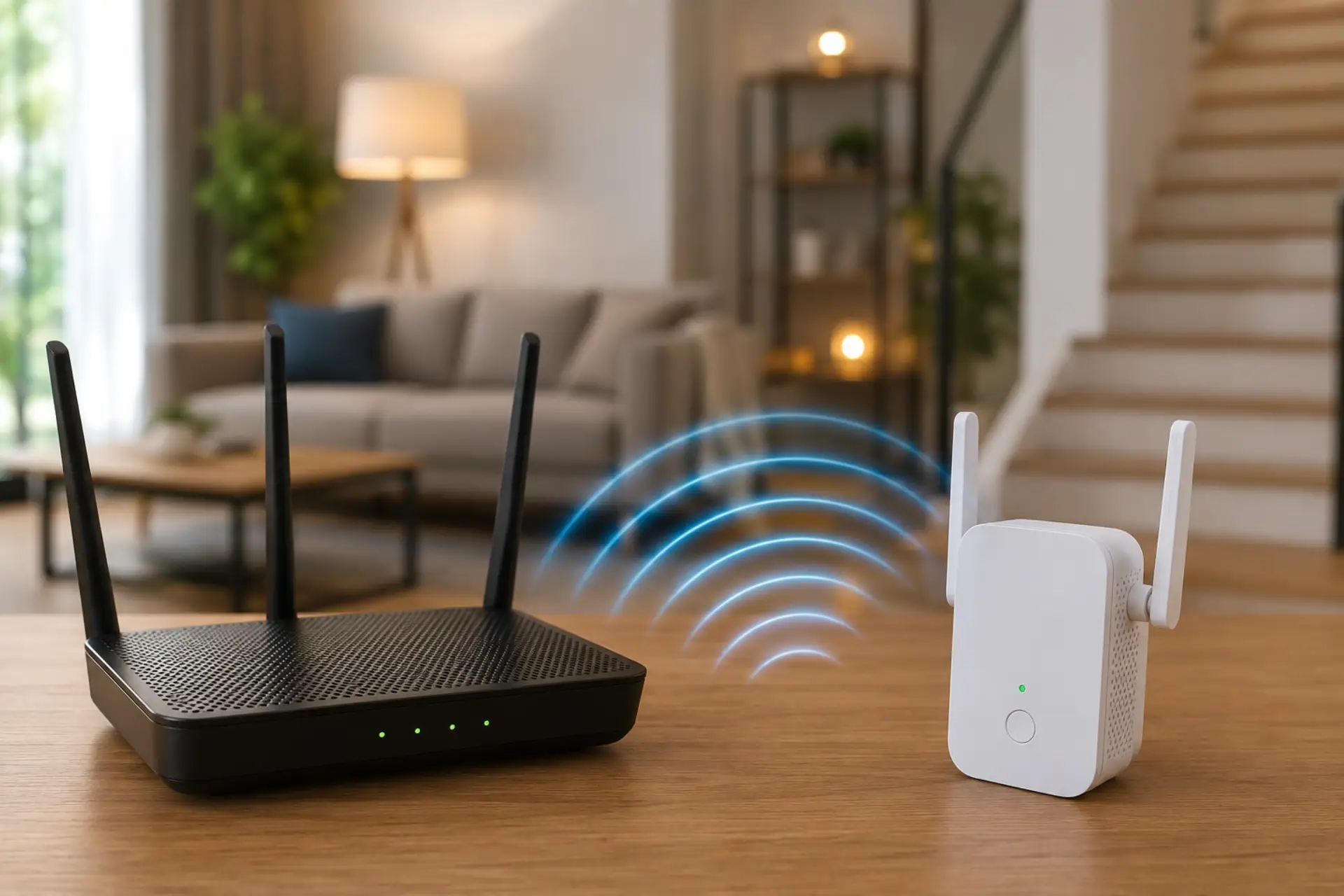
A WiFi signal booster can help Dubai homes get stronger internet coverage in rooms where the connection drops, videos buffer, or calls keep freezing. Before buying a booster, it is better to boost your WiFi signal through basic placement and coverage checks first. In many apartments and villas, weak coverage is not caused by the internet plan alone. It often comes from router placement, thick walls, long layouts, too many connected devices, or poor signal distribution.
Experts usually recommend testing the home first before buying any device. A booster can improve coverage, but only when it is matched to the home size, router location, wall layout, and actual signal problem. For some homes, a simple plug-in device is enough. For larger villas, a mesh WiFi system or access point setup may work better.
Why Dubai Homes Often Have WiFi Signal Problems
Dubai homes often include concrete walls, glass partitions, large living areas, maid rooms, balconies, and upstairs bedrooms. These areas can reduce the strength of the wireless connection before it reaches every room.
A weak WiFi signal usually appears as slow loading, video buffering, dropped Zoom calls, smart TV disconnections, or poor coverage in bedrooms. In villas, the problem is often the distance from the router. This is common with WiFi dead spots in Dubai villas where one router cannot cover every room and floor.
A WiFi booster can help when the router signal is still available but not strong enough in certain areas. However, if the router itself is outdated, overloaded, or placed badly, adding a device may not fully solve the problem.
What Experts Check Before Recommending a Booster
Before choosing any device, experts first check where the signal becomes weak. They test near the router, in bedrooms, upstairs areas, corners, outdoor spaces, and rooms behind thick walls.
A WiFi checker can help measure signal quality in different rooms. It shows whether the problem is poor coverage, interference, or low speed from the main connection. Checking wifi strength before installation helps avoid buying the wrong device. A WiFi signal strength meter can show whether the weak room has a usable signal or needs a stronger setup.
Experts also check:
- Router age and wireless standard
- Number of connected devices
- Internet plan speed
- Router placement
- Wall thickness and room layout
- Dead zones and signal drop areas
- Whether the issue happens on one device or all devices
This step matters because a booster cannot create strong internet from a poor source. It can only extend or repeat the available connection.
Best Booster Type for Different Home Needs
A WiFi extender is suitable for small apartments or single weak areas, such as a one-bedroom or a study room. It picks up the router signal and rebroadcasts it farther into the home.
A WiFi signal extender may help when the main router is strong in the middle of the home but weak at the far end. It should be placed between the router and the weak area, not inside the dead zone.
A WiFi extender is not always the best option for large villas because distance, floors, and concrete walls can reduce performance. In bigger homes, mesh WiFi usually gives better results because multiple nodes work together under one network name.
When choosing a WiFi extender Dubai homes need a device that supports modern speeds, dual-band or tri-band performance, and enough coverage for the property size. Cheap or outdated models may connect but still fail to deliver stable performance.
Expert Recommendation by Home Type
For a small apartment, a compact extender may solve coverage issues if the router is already placed in a central area. It can help improve signal in one weak room without changing the full setup.
For a medium apartment, experts often recommend improving router placement first, then adding a suitable WiFi booster for home use only if one side of the apartment still has poor reception.
For large villas, a single plug-in booster is usually not enough. A better setup may include wired access points, mesh nodes, or a professional router configuration to provide stable WiFi coverage across all rooms and floors.
For home offices, gaming rooms, and smart TV areas, experts often prefer a wired backhaul or access point where possible. This gives better stability than relying only on repeated wireless signals.
Where to Place a Booster for Better Results
Placement decides whether the device improves the connection or makes it worse. The booster should be placed where the router’s WiFi signal is still strong enough to repeat. If it is installed too far away, it may only repeat a poor connection.
A good position is usually halfway between the router and the weak area. Avoid placing it behind thick walls, inside cabinets, near microwaves, beside cordless phones, or close to large metal objects.
To improve WiFi range, keep the router high, open, and central. If the router is hidden near the floor or inside a TV cabinet, even a good booster may not perform well.
Common Mistakes to Avoid
Many users buy a booster without testing the real cause of the issue. This often leads to poor results because the problem may be router overload, bad placement, interference, or an old device.
Another mistake is expecting a booster to remove every WiFi limit. A booster cannot increase the speed beyond the internet plan, fix a faulty router, or overcome heavy wall blockage without proper placement.
Some users install the device inside the dead zone. This is one of the most common reasons boosters fail. The device needs a usable signal from the router before it can extend anything.
When a Signal Booster Is Not Enough
A booster may not be enough if the home has multiple floors, thick concrete walls, outdoor areas, or many smart devices. It may also fail if the main router is too old or cannot handle the number of devices connected.
If the issue feels like slow internet across the whole home, test the speed near the router first. If the speed is already low near the router, the problem may be with the internet plan, modem, router, or service provider connection.
For larger homes, experts may recommend access points, mesh nodes, Ethernet cabling, or router replacement instead of adding more repeaters. The goal is not just stronger bars, but stable speed, lower delay, and reliable coverage.
What Experts Recommend Before Buying
Experts recommend checking the home layout before choosing any device. A small apartment may need one extender. A villa may need a complete coverage plan. A home office may need a wired connection. A gaming setup may need lower latency more than stronger signal bars.
The best choice depends on the actual issue. If one room has weak coverage, a booster may help. If every room has speed problems, the router or main internet connection should be checked first. If upstairs and outdoor areas are affected, a stronger network design is usually required.
A good setup should provide stable coverage, smooth video calls, better streaming, strong smart TV performance, and fewer device dropouts. The right solution is the one that fixes the cause, not just the symptom.
FAQs
Does a WiFi signal booster really improve internet speed?
A booster can improve speed in weak areas if poor signal is the main problem. It does not increase the speed of your internet plan. It helps devices receive a stronger and more stable connection.
Where should I place a booster in my home?
Place it between the router and the weak area, where the router signal is still strong. Do not place it inside a dead zone. Keep it away from thick walls, metal objects, and closed cabinets.
Is a booster better than a mesh system?
A booster is better for one small weak area. A mesh system is better for large apartments, villas, and multi-floor homes. Experts usually recommend mesh when several rooms have weak coverage.
Why is my WiFi still weak after installing a booster?
The booster may be too far from the router, the router may be outdated, or the home layout may block the signal. Interference from nearby networks can also reduce performance. Testing the signal helps find the real cause.
Can one booster cover a full villa in Dubai?
One booster is usually not enough for a full villa. Large homes often need mesh nodes, wired access points, or a planned setup. Villas with thick walls and multiple floors need a stronger network design.
Should I upgrade my router before buying a booster?
Yes, if the router is old, slow, or cannot handle many devices. A booster depends on the router’s original signal. If the main router is weak, extending that signal may not solve the problem.
What is the best option for upstairs WiFi coverage?
For upstairs rooms, mesh nodes or wired access points usually work better than a basic plug-in extender. A booster may help only if the router signal reaches the staircase or nearby area strongly enough.
How do I know if I need professional WiFi support?
You may need professional help if multiple rooms have poor coverage, devices keep disconnecting, or boosters do not fix the issue. A technician can test signal strength, interference, router performance, and the best placement plan.
Leave a Reply