
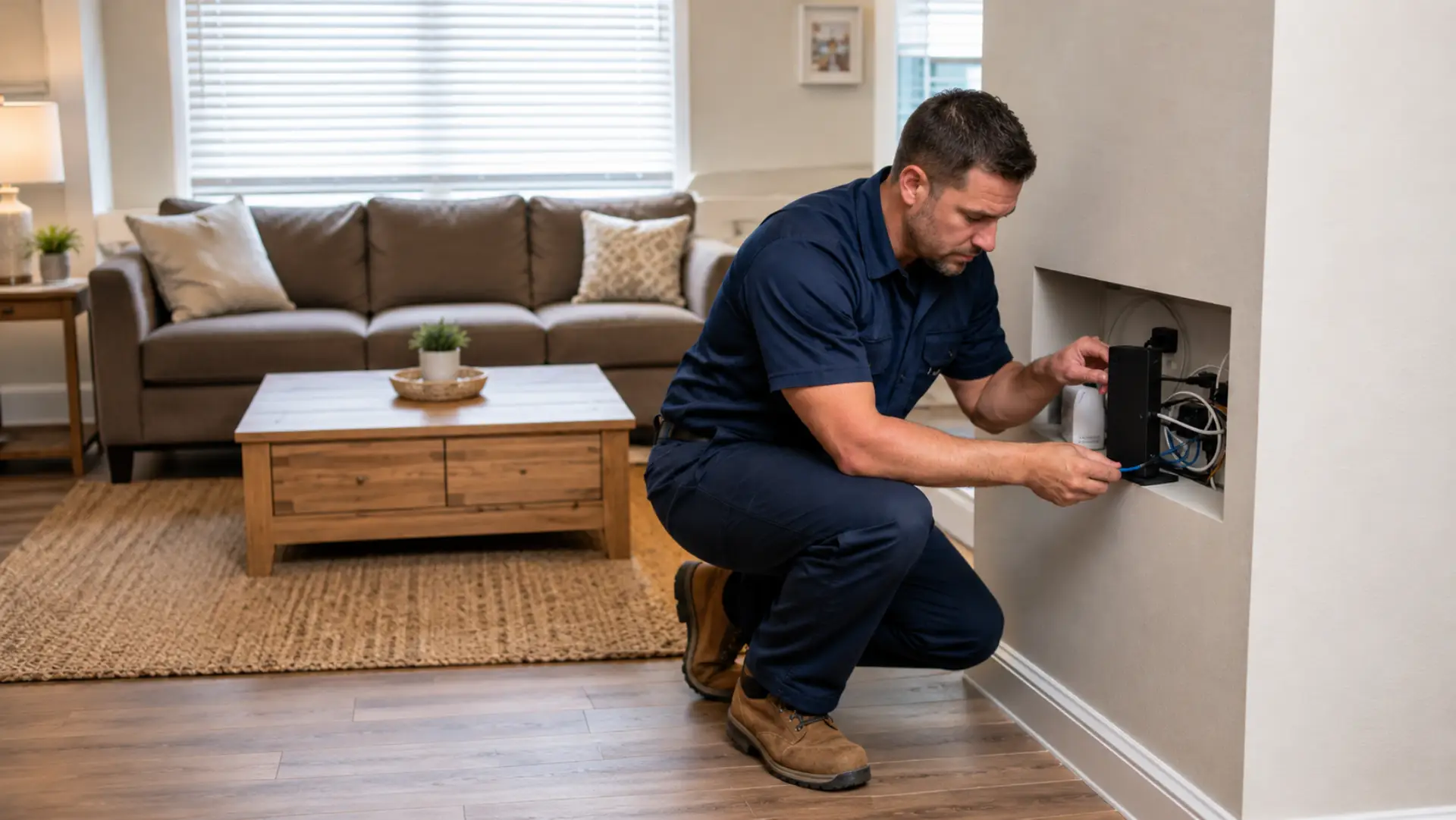
A WiFi technician can help when your internet stays slow, unstable, or unreliable even after basic troubleshooting. If the same issue affects several rooms or devices, a WiFi technician in Dubai can inspect the router, cabling, signal coverage, and device load properly. Many users restart the router, move closer to it, or run a speed test, but the real cause may be hidden in router settings, cable quality, signal coverage, device overload, or service equipment.
Slow internet does not always mean your provider is the only problem. In many homes, the issue comes from poor router placement, old hardware, weak coverage, wrong configuration, or damaged wiring. This guide explains when you can fix the issue yourself and when a professional visit becomes the better option.
Signs Your Slow Internet Needs Expert Help
Basic internet problems often improve after a restart or router repositioning. But if the same issue keeps coming back, it may need proper inspection.
Common warning signs include:
- Internet slows down across the whole house, especially when the unstable internet connection keeps returning after basic fixes.
- WiFi works in one room but fails in others
- Router lights keep changing or blinking strangely
- Speed is much lower than your paid plan
- Devices disconnect without clear reason
- Online calls, gaming, or streaming keep failing
- The issue returns after every temporary fix
- Internet is slow even when only one or two devices are connected
If these problems continue, a WiFi expert can check whether the issue is coming from the router, modem, cabling, wireless coverage, or provider line.
When Do You Need a Technician?
You may need an expert WiFi technician when your internet stays slow on multiple devices, WiFi works in some rooms but not others, video calls keep freezing, streaming keeps buffering, or speed remains low even near the router. A professional can test the modem, router, cables, signal strength, and full network setup to find the exact cause instead of guessing.
What You Should Check Before Calling
Before booking a visit, try a few simple checks. These steps help rule out common causes and may save time.
Restart your modem and router in the correct order. Turn both off, wait around 30 seconds, turn on the modem first, then turn on the router. After a few minutes, test the connection again.
Move close to the router and test the connection. If performance improves near the router but becomes poor in another room, the problem is likely wireless coverage, not the internet plan.
Check all visible cables. A loose, bent, or damaged wire can create a serious connection issue even when the router lights look normal.
Disconnect extra devices for a short test. Smart TVs, cameras, phones, laptops, and gaming consoles can overload an older router.
Run one speed test near the router and one from the problem room. If there is a big difference, the issue is usually related to WiFi coverage or interference.
Check Whether the Problem Is on One Device or All Devices
This is one of the most important checks. If only one phone, laptop, or tablet is slow, the problem may be inside that device. It could be outdated software, background apps, poor WiFi adapter performance, VPN settings, or saved network errors. If the issue happens mainly on a laptop, a WiFi adapter not working problem may also reduce speed or stability.
If all devices are affected, the issue is more likely related to the router, modem, wiring, coverage, or provider service. This is when professional testing becomes more useful because the fault is probably not limited to one device.
A technician can compare results from different devices and rooms to confirm whether the fault is device-based or network-wide.
When Slow Internet Is Not a Simple Router Problem
Slow internet can come from several hidden causes. A weak router is only one possibility.
A technician may check:
- Router age and performance
- Modem signal levels
- Cable quality and connector condition
- Interference from walls, appliances, or nearby networks
- Router channel and band settings
- Device congestion
- Network security problems
- Poor router placement
- Overheating router or modem
- Incorrect DNS or firmware settings
For example, a weak wifi signal may be caused by thick walls, metal doors, distance, poor router height, or interference from nearby electronics. Restarting the router may help for a short time, but it will not solve the root cause.
When to Call an Internet Technician
An internet technician is useful when your modem, service line, or provider equipment may be involved. If your internet is slow even with a wired cable connection, the problem may not be WiFi at all.
Call for help when:
- Wired speed is also poor
- The modem loses signal often
- Internet works for a few minutes and then stops
- Router shows no internet connection
- Your provider says the plan is active but performance is still bad
- Internet became unstable after a power outage
- A new router or modem was recently installed
- Speed drops at the same time every day
These issues need proper testing because the fault may be outside basic home settings.
Contact Us
Get quick WiFi, router, and network support in Dubai
WiFi Coverage Problems Inside the Home
Many homes have rooms where the connection feels weaker. This is common in large apartments, villas, multi-floor homes, and spaces with thick walls.
A home WiFi problem often appears as poor performance in specific areas instead of the entire house. For example, your living room may work fine, but the bedroom, office, or upstairs area may struggle.
In this case, a technician may improve router placement, adjust settings, recommend mesh WiFi, or install access points. A wifi booster may help in some cases, but it is not always the best fix if placed in the wrong location.
Router Setup and Network Configuration Issues
Incorrect settings can make a good internet plan feel slow. Poor channel selection, outdated firmware, wrong band usage, or overloaded router memory can reduce performance.
A proper wifi setup includes choosing the right router location, using secure settings, updating firmware, checking connected devices, and selecting the best WiFi band for your home. These details can make a major difference in daily performance.
If your router was installed quickly without testing coverage, a professional visit can help optimize the full network.
When Installation Quality Causes Long-Term Problems
Poor installation can create repeated internet trouble. Loose cable ends, low-quality connectors, damaged splitters, and badly placed equipment can reduce stability.
Professional wifi installation is important when setting up a new home, office, villa, or multi-room network. Good installation includes correct router position, clean cable routing, coverage checks, and device testing before the job is finished.
If your internet became slow after moving equipment or installing a new router, the setup may need adjustment.
When slow Wi-Fi affects work or Daily Use
Internet problems become more serious when they affect online meetings, remote work, school tasks, security cameras, smart TVs, or business operations. In these cases, waiting too long can create daily frustration.
You should consider support when:
- Work calls freeze or disconnect
- Uploads take too long
- Smart devices stop responding
- Security cameras go offline
- Streaming fails during peak hours
- Gaming becomes laggy or unstable
- Printers or smart home devices keep losing connection
When internet drops happen repeatedly, the issue should be inspected instead of ignored.
What a Technician Usually Does During a Visit
A professional visit usually includes a full network check. The goal is to find the real cause, not just apply a temporary fix.
A technician may:
- Test modem and router performance
- Check cable and connector condition
- Measure WiFi coverage in different rooms
- Review connected devices
- Update router settings
- Remove interference where possible
- Suggest better equipment if needed
- Test wired and wireless performance separately
- Confirm the final internet speed after changes
A reliable repair service should explain the problem clearly and recommend only what is necessary.
Can Better Equipment Fix Slow Internet?
Sometimes yes, but not always. A new router can help if your current one is old, weak, overheating, or unable to handle many connected devices.
However, buying expensive equipment without testing can be a mistake. A professional can check whether the router is really the problem or whether the issue is placement, wiring, interference, or provider performance.
This helps you spend money only where it actually improves results.
When WiFi Service Is Better Than DIY Fixes
A professional wifi service is useful when the issue is complex, repeated, or affecting multiple rooms. DIY fixes can work for simple problems, but they may not solve deeper network faults.
Professional help is worth considering when your home needs better coverage, safer settings, stronger stability, or support for many connected devices. This is especially helpful in larger homes or places where the internet is used for work.
When You Need Ongoing Support
Some users need more than a one-time fix. If you use smart TVs, cameras, printers, laptops, gaming devices, and office equipment, home it support can help keep everything connected correctly.
This may include device setup, router optimisation, printer connection fixes, smart device troubleshooting, and network security checks.
If the same problems keep returning, regular wifi support may be more effective than repeating the same temporary fixes.
How to Prepare Before the Technician Arrives
Before the visit, note where the issue happens most often. Write down which rooms are affected, which devices disconnect, and when the problem usually starts.
You can also save recent speed test results, check your internet plan details, and keep router login information available if you have it. This helps the technician diagnose the issue faster.
Also mention any recent changes, such as a new router, power outage, provider upgrade, cable movement, or new smart devices added to the network.
FAQs
When does slow internet need a technician visit?
Slow internet needs a technician visit when it affects many devices or keeps returning after basic fixes. It may also need help if speed is poor near the router. A proper inspection can find the real cause faster.
Can I fix slow internet myself first?
Yes, restart the modem and router, check cables, and test speed near the router. Also disconnect unused devices for a short test. If nothing improves, expert support may be needed.
Why is WiFi weak in only one room?
The room may be too far from the router or blocked by thick walls. Interference from appliances or nearby networks can also reduce coverage. A technician can test the area and suggest the right fix.
Is my router causing the problem?
Your router may be the cause if it is old, overloaded, overheating, or placed badly. It may also have outdated settings or firmware. Testing helps confirm whether replacement is necessary.
Should I buy a new router before calling someone?
Not always. A new router will not fix bad wiring, poor placement, or provider-side faults. Testing the network first can save money. Buy new equipment only when the cause is confirmed.
Why does my internet keep dropping?
Dropouts can happen because of weak coverage, modem faults, cable issues, router overload, or provider instability. The pattern of the problem matters. A technician can test where the drop starts.
Why is speed good near the router but poor in another room?
This usually means the internet plan is working, but wireless coverage is weak in that area. Walls, distance, floors, and interference can reduce signal strength. Router placement or access point planning may solve it.
What should I tell the technician?
Tell them when the issue started, which rooms are affected, and which devices have problems. Share any speed test results if available. This helps them diagnose the issue faster.
Final Verdict
Slow internet does not always mean you need a faster plan. Many problems come from router placement, weak coverage, bad cables, overloaded devices, poor installation, or incorrect settings.
Start with simple checks, but if the issue keeps returning, a professional visit can save time and prevent repeated frustration. A skilled technician can test the full network, explain the cause, and recommend a practical fix based on your home, devices, and internet usage.
Leave a Reply