
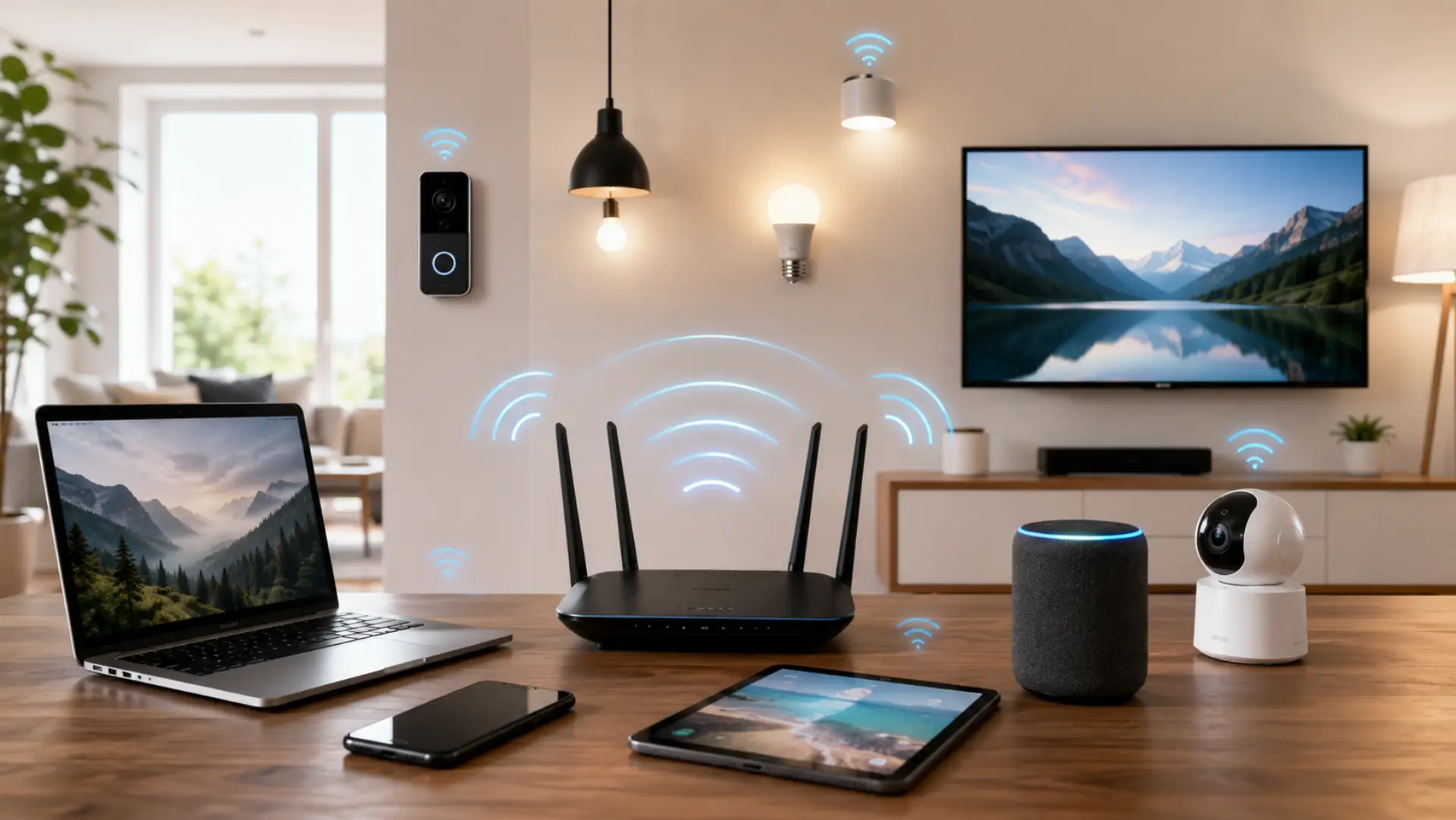
If you are asking how many devices can WiFi handle, the direct answer is that most home networks can support many devices, but smooth performance depends on your router, internet plan, signal strength, and how active each device is. The right number also depends on choosing a good internet speed for Dubai homes based on users, rooms, and daily online activity.
A phone checking messages uses very little data, but a smart TV streaming in 4K, a gaming console, or a laptop on a video call can use much more. So, the real question is not only how many devices are connected, but what those devices are doing.
Too Many Devices Can Slow Down Your WiFi
Every device on your network shares the same internet bandwidth. When one important phone, laptop, or TV needs better stability, you can prioritize a device on WiFi through supported router settings. When several people stream, download, game, or attend video calls at the same time, the router has to manage all that traffic.
This can reduce wifi speed, cause buffering, increase lag, or make pages load slowly. If the router is old or the signal is weak, the slowdown can happen even faster.
Count the Devices in Your Home
Start by counting every WiFi device in your home. Many people only count phones and laptops, but many other items also connect to the router.
Common devices include:
Smartphones
Tablets
Laptops
Desktop computers
Smart TVs
Streaming boxes
Gaming consoles
Printers
Security cameras
Smart speakers
Smart lights
Video doorbells
Once you count your connected devices, it becomes easier to understand whether your router is handling a light, medium, or heavy load. If unwanted users appear in the device list, blocking unknown devices from your WiFi can improve security and reduce extra network load.
Common Home Devices and Their WiFi Use
Not all devices use the same amount of internet. Some devices stay connected but use very little data. Others need a strong and steady connection.
Phones and tablets usually use moderate data. Smart TVs, gaming consoles, cameras, and work laptops use more. Smart bulbs, plugs, and sensors usually use less.
This is why 25 small smart gadgets may not slow your network as much as 5 heavy streaming and gaming devices. For homes with many mixed devices, better WiFi performance depends on router quality, placement, bandwidth, and device activity.
Smart Home Devices Add More Load
A modern smart home WiFi setup can include lights, plugs, cameras, speakers, thermostats, doorbells, and appliances. These devices may stay online all day.
Most smart devices use low data, but cameras and video doorbells can use more because they send or receive video. If you have many smart cameras, your router needs to handle constant network activity.
How Many Devices Is Too Many?
There is no fixed number for every home. A basic router may work well with 8 to 15 active devices. A stronger router may support 25, 40, or more devices, depending on the internet plan and usage.
The WiFi limit is not only about how many devices can connect. A proper router setup Dubai checklist can help match device load, coverage, and router settings. It is also about how much bandwidth those devices use at the same time.
Home Size Also Matters
A small apartment may work fine with one router. A larger villa, multi-floor house, or thick-wall home may need better coverage.
Even if your internet plan is good, a weak signal can make home WiFi feel slow in far rooms. In this case, the problem is not always the internet plan. It may be router placement or coverage.
Do WiFi Boosters Help?
A wifi booster device can help extend the signal to weak areas. It can be useful when one room has poor coverage.
However, a booster does not always increase the total number of devices your router can handle. If your home has many active users, a mesh WiFi system or a stronger router is usually a better option.
Heavy Internet Devices Need More Bandwidth
Some internet devices need more speed and stability than others. Smart TVs, gaming consoles, security cameras, and office laptops are heavy-use devices.
Basic browsing, messaging, smart plugs, and smart lights use less. If your home needs fast internet for work, gaming, streaming, and video calls, your router and internet plan should match that usage.
Why Only One Phone, Laptop, Tablet, or Computer Is Slow
If only one device is slow while other devices work fine, the issue is usually with that device, not the full network.
A phone may be slow because of a weak signal, old network settings, background apps, VPN use, or outdated software. A laptop may be slow because of old WiFi drivers, browser cache, malware, background updates, or power-saving settings. A tablet or computer can also slow down if too many apps are running.
If one device has a poor WiFi connection, restart it, forget the network, reconnect, update the system, and test it near the router. If other devices are fast in the same spot, that device likely has the problem.
How to Check Your Network
Open your router app or router admin page and check the list of active devices. Remove unknown devices and disconnect gadgets you do not use.
Then run an internet speed test near the router. Test again in another room. If speed is good near the router but slow far away, the issue is coverage. If speed is poor everywhere, your router, modem, or internet plan may need attention.
How to Support More Devices
Place the router in a central open area. Keep it away from thick walls, metal objects, cabinets, and microwave ovens.
Use 5 GHz for nearby high-speed devices and 2.4 GHz for longer range. Update router firmware, restart the router when needed, and remove unused devices.
Better router hardware can improve wifi performance when many users are online at the same time.
Global Device Use Is Increasing
The global wifi device trend shows that homes now use more connected gadgets than before. Phones, laptops, smart TVs, cameras, and smart appliances are now part of daily life. That means your router should be ready for your current devices and future upgrades.
When Is It a WiFi Issue?
It may be a wifi issue if several devices are slow, the signal drops often, the speed is weak near the router, or your router cannot cover the full home.
If only one device is slow, fix that device first. If the whole home is slow, check the router, modem, coverage, and internet plan.
FAQs
How many devices can WiFi handle in a normal home?
A normal home router may handle 8 to 15 active devices. A stronger router can support more devices with better stability. The real number depends on usage, speed, and coverage.
Can too many devices slow down WiFi?
Yes, too many active devices can slow down WiFi. Streaming, gaming, downloads, and video calls use more bandwidth. Light devices like smart bulbs use much less data.
Why is my phone slow but other devices are fine?
Your phone may have weak signal, VPN issues, or old WiFi settings. Background apps or outdated software can also slow it down. Restart the phone and reconnect near the router.
Why is my laptop slow but my phone is fast?
Your laptop may have outdated WiFi drivers or background updates. Browser cache, malware, or power-saving mode can also affect speed. Update drivers and test the laptop close to the router.
Does a WiFi booster increase device capacity?
A WiFi booster mainly improves coverage in weak areas. It does not always increase router capacity. For many devices, mesh WiFi is usually a better option.
Do smart TVs use more WiFi than phones?
Yes, smart TVs can use more bandwidth, especially for HD or 4K streaming. Phones usually use less power unless streaming or downloading. Heavy video use can slow the network.
How do I know if my router is overloaded?
Check your router app for active devices. Disconnect unused devices and test the speed again. If speed improves, your router may be overloaded.
Should I upgrade my router for more devices?
Upgrade your router if speed drops often or coverage is weak. A newer router can manage more traffic better. For larger homes, a mesh system may be the best choice.
Final Verdict
A home WiFi network can support many devices, but the real performance depends on router strength, internet speed, signal coverage, and device activity. Count your devices, check which ones use heavy data, test your speed near the router, and upgrade your setup if your home has many active users.
Leave a Reply