
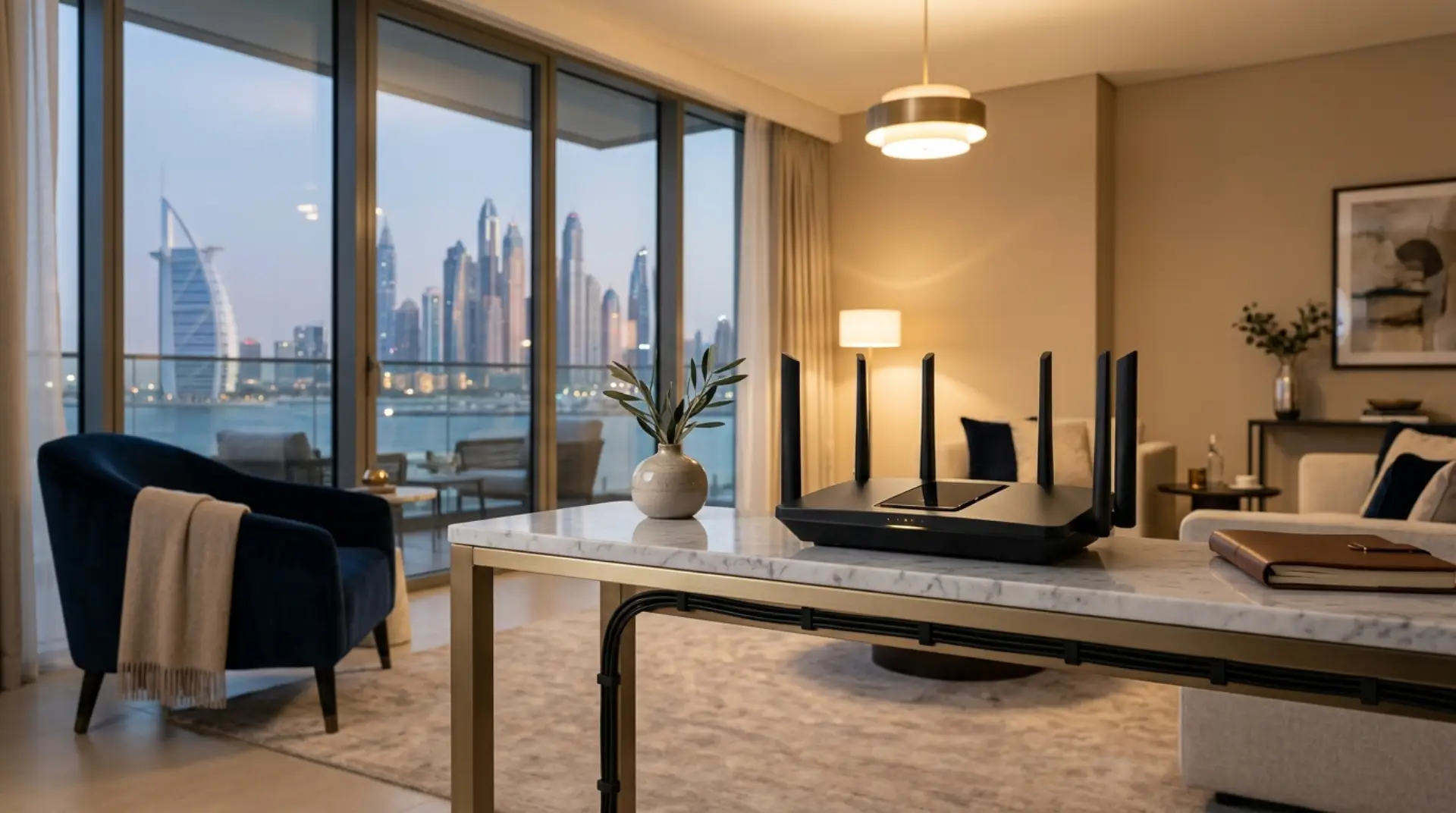
A new router should make your WiFi better, not more confusing. However, many Dubai home users buy a Linksys router, connect the cables, and still face a weak signal, no internet, wrong settings, or login problems.
Linksys Router Setup usually means connecting the router to your modem, opening the Linksys app or web setup page, creating a WiFi name and password, configuring internet settings, and testing coverage. In Dubai homes, correct placement and configuration are important because thick walls, large villas, and ISP equipment can affect WiFi performance.
This guide explains Linksys Router Setup in simple steps for apartments, villas, and home offices in Dubai. It also helps you understand when a quick fix is enough and when a proper setup by a technician can save time.
Before You Start
Before starting your router installation, keep your router, modem, cables, power adapter, and login details ready. This helps avoid setup errors, weak signals, and repeated restarts. For TP-Link Router Setup, proper preparation makes the installation smoother and improves home WiFi performance. You should have:
- Linksys router and power adapter
- Internet modem or ISP router
- Ethernet cable
- WiFi name and password you want to use
- Mobile phone or laptop
- Internet account details if required by your provider
Also, make sure your internet service is active. A router cannot fix a disconnected or unpaid internet line.
Linksys Router Setup Steps
Most Linksys routers can be set up through the Linksys app or a browser. The app is easier for non-technical users, while browser setup gives more control.
1. Connect the Router
First, switch off your modem or existing ISP router. Connect one end of the Ethernet cable to the modem LAN port and the other end to the Linksys internet or WAN port.
Then, power on the modem first. Wait for it to become stable. After that, turn on the Linksys router.
This order matters because the router needs to receive a proper internet signal.
2. Open Setup
Next, connect your phone or laptop to the default Linksys WiFi name. You can usually find it on the sticker under the router.
Then open the Linksys app or visit the router setup page through a browser. Follow the setup screen carefully.
If the page does not open, restart the router and check that your device is connected to the Linksys network, not mobile data or another WiFi.
3. Create WiFi Details
Choose a simple WiFi name and a strong password. For example, avoid names that include flat numbers, personal names, or building details.
For better security, use a password with letters, numbers, and symbols. Also, avoid using the default password long-term.
This step is important for every Home WiFi setup Dubai project because nearby apartments may have many overlapping networks.
4. Configure the Internet
In most cases, Linksys router configuration works automatically with DHCP. However, some UAE internet connections may need specific settings depending on your ISP router, modem, or existing network.
If the router says “no internet,” the issue may be with cabling, IP conflict, bridge mode, or ISP settings.
At this point, do not keep changing random options. Wrong settings can make the connection worse.
Best Placement in Dubai Homes
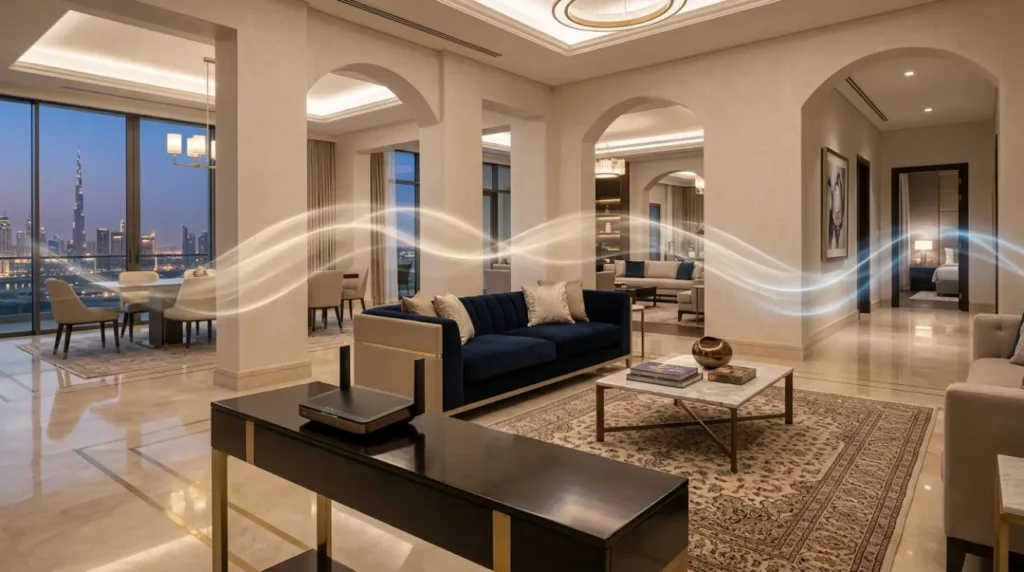
Router placement is just as important as setup. Many users place the router inside a cabinet, behind a TV, or near electrical devices. As a result, the WiFi becomes weak even when the internet speed is good.
For apartments, place the Linksys router near the center of the home. Keep it open and away from thick walls.
For villas, one router may not cover every room. You may need mesh WiFi, extra access points, or wired network points for better coverage.
This is where Linksys WiFi installation for homes should be planned properly, not guessed.
Common Setup Problems
Even with a good router, users may face issues during or after setup.
Common problems include:
- The router light stays red or orange
- WiFi appears but the internet does not work
- Setup page does not open
- The password is not accepted
- Slow speed in bedrooms
- Frequent disconnection
- Smart TV or cameras will not connect
- Old router and new router create a network conflict
Sometimes the problem is not the Linksys router itself. It may be the ISP modem, cable, poor location, interference, or incorrect configuration.
Simple Fixes to Try
Before calling a technician, try a few safe checks.
Restart the modem and router in the correct order. First, turn off both devices. Then turn on the modem, wait two minutes, and turn on the Linksys router.
Also, check the Ethernet cable. A loose or damaged cable can cause no internet, even when the WiFi signal looks strong.
In addition, test the router near the modem first. If it works there but not in another room, the issue is likely cabling or coverage.
Finally, make sure your device is connected to the correct WiFi name. Many homes in Dubai have old network names still saved on phones and laptops.
Mistakes to Avoid
One common mistake is using the same settings from an old router without checking if they still apply. Another mistake is placing the router in the far corner of the flat or villa.
Also, avoid using weak passwords or leaving the default admin login unchanged. This can create security risks.
On the other hand, do not reset the router again and again unless necessary. A reset removes settings and may require full setup from the beginning.
When to Call a Technician
You may need a Linksys router technician in Dubai if the router setup fails repeatedly or if the WiFi works in one room but not the rest of the home.
Professional help is also useful when you have:
- Large villa coverage issues
- Multiple routers or mesh nodes
- Home office connection problems
- Gaming or streaming lag
- CCTV, smart locks, or smart home devices
- Business WiFi setup for staff or guests
A technician can check signal strength, router placement, cable quality, IP settings, and device compatibility. Therefore, the final setup is more stable.
How WiFiFix Can Help
WiFiFix.ae helps Dubai home users with Linksys WiFi setup, router installation, troubleshooting, and complete home WiFi planning.
The service can include router setup, WiFi name and password configuration, mesh installation, dead zone checks, speed testing, and device connection support.
If the problem keeps coming back, WiFiFix can inspect your setup and help you choose the right solution without overcomplicating the network.
FAQs
Can I set up a Linksys router myself?
Yes, many users can complete basic Linksys Router Setup using the app. However, if your internet does not connect, your ISP router has special settings, or your home has weak coverage areas, a professional setup may be better.
Why does my Linksys router show WiFi but no internet?
This usually means your device is connected to the router, but the router is not receiving internet from the modem. Check the Ethernet cable, restart both devices, and confirm that your internet service is active.
Is one Linksys router enough for a Dubai villa?
In many villas, one router is not enough because walls, floors, and distance weaken the signal. A mesh system or additional access points may be needed for stable coverage across all rooms.
What is the best place to install a Linksys router?
Place it in an open, central location away from cabinets, mirrors, cordless phones, and thick walls. For apartments, the living area often works well. For villas, proper network planning is usually needed.
Can WiFiFix configure my old Linksys router?
Yes, if the router is still working and supports your internet needs, it can often be configured. However, very old routers may give slow speed or poor coverage compared to newer models.
Do I need a technician for Linksys router configuration?
You may not need one for a basic setup. However, a technician is helpful if you have no internet after setup, IP conflicts, weak signals, mesh nodes, smart devices, or business WiFi requirements.
Conclusion
A proper Linksys Router Setup can improve your home WiFi speed, coverage, and reliability. However, the setup must be done carefully, especially in Dubai apartments and villas where walls, ISP routers, and device load can affect performance.
Start with the basic steps, check placement, and avoid random settings changes. If the issue continues, WiFiFix.ae can help set up, configure, and troubleshoot your Linksys router for a smoother home WiFi experience.
Leave a Reply