
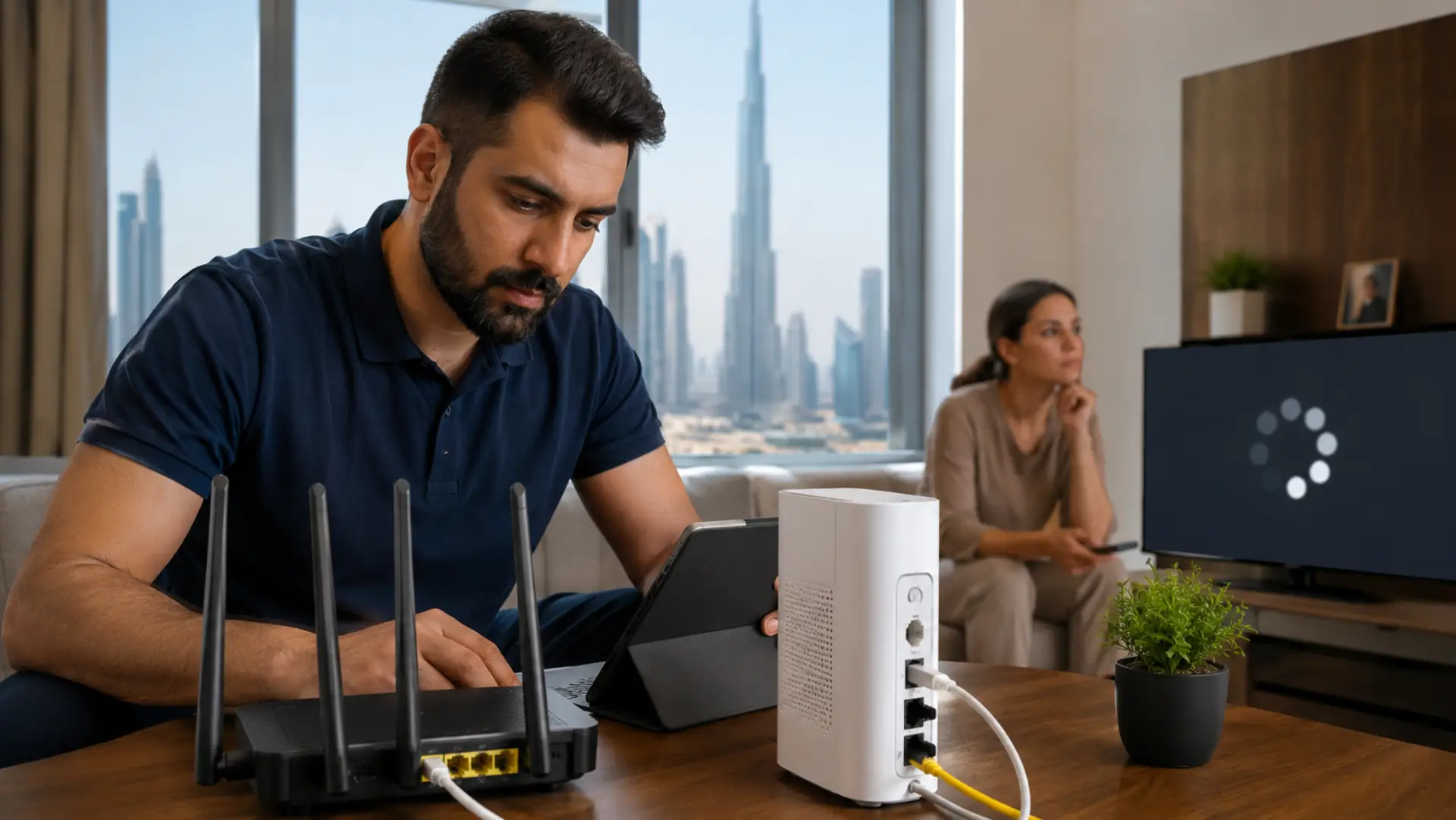
If you are dealing with slow internet in UAE, the problem may not always come from your service provider. Many cases stem from common causes of slow WiFi, such as weak coverage, router overload, poor placement, or interference. In many Dubai homes, offices, apartments, and villas, internet speed problems are often caused by router placement, weak indoor coverage, overloaded devices, old cables, poor setup, or interference from walls and nearby networks.
Slow internet in Dubai can affect video calls, online work, smart TVs, gaming, CCTV, POS systems, and daily browsing. The right solution depends on finding where the connection starts failing: the modem, router, WiFi setup, device, cable, or service line.
Key Takeaways
- The cause of slow internet should be checked step by step before changing equipment.
- A weak router location can create slow wifi even when the service line is active.
- Testing near the router helps confirm whether the issue is with internet speed or indoor wireless coverage.
- A single WiFi problem can affect multiple rooms if the router is blocked by walls, cabinets, or appliances.
- Poor router settings, old hardware, and interference can reduce wifi speed across the home.
- Better placement, mesh systems, and clean channel settings can improve WiFi performance.
- If speed is fine near the router but weak in other rooms, the cause is usually coverage, not the provider.
- A professional technician can test the full setup and fix hidden issues without guesswork.
Why Internet Becomes Slow in UAE Homes and Offices
Internet service in the UAE is generally strong, but indoor setup makes a big difference. Many users pay for a high-speed plan but still face buffering, call drops, weak browsing, and unstable video meetings because the router cannot distribute the connection properly inside the property.
A high-speed package does not guarantee strong, slow WiFi recovery in every room. Large apartments, thick walls, villas, multiple floors, closed cabinets, and crowded buildings can reduce wireless strength. Thick walls and long distances can create WiFi dead spots in Dubai villas where one router cannot cover every room. The issue often appears worse during evening hours when more people are streaming, gaming, and using smart devices at the same time.
Common Causes of Dubai Internet Speed Issues
One common reason for poor performance is router placement. If the router is inside a cabinet, behind a TV, near a wall corner, or close to electrical equipment, the WiFi signal may not spread evenly. This creates strong speed in one room and weak access in another.
Another reason is limited WiFi coverage. Villas, duplex homes, warehouses, and offices often need more than one access point. A single router may not be enough to cover bedrooms, majlis areas, outdoor spaces, upstairs rooms, or office cabins.
Device overload can also affect Dubai internet usage. Smart TVs, phones, laptops, cameras, tablets, gaming consoles, and smart home devices all share the same connection. If too many devices are active at once, the router may struggle to manage traffic properly.
Old routers, damaged Ethernet cables, loose fiber connections, and outdated firmware can also reduce UAE internet quality inside the property. In some cases, the provider line is working correctly, but the home network is not set up to handle the plan’s speed.
How to Check the Issue Before Calling Support
Start by testing your speed near the router. Connect one phone or laptop close to the router and run a speed test. Then test again from the room where the connection feels weak. If the result drops heavily in another room, the problem is likely inside the WiFi setup.
Restart the modem and router in the correct order. Turn both off, wait for about one minute, turn on the modem first, wait until the lights become stable, then turn on the router. This simple step can clear temporary errors and fix an unstable internet problem.
Check whether the issue happens on all devices or only one. If only one phone, laptop, or TV is affected, the device may have a software, adapter, or settings issue. If every device has the same problem, the fault is more likely with the router, modem, cable, or provider line.
Signs the Problem Is Inside Your WiFi Setup
If your WiFi connection works well beside the router but becomes weak in bedrooms, balconies, kitchens, or upper floors, the issue is usually coverage. This is common in large Dubai homes where walls, doors, mirrors, and concrete structures block wireless signals.
A poor connection may also appear when the router is outdated or placed too far from daily-use areas. You may notice buffering on smart TVs, freezing on video calls, slow downloads, or apps taking too long to load.
Another sign is speed dropping at specific times. Speed changes during the day may also match internet speed fluctuations caused by congestion, router load, or background activity. If performance becomes worse only when many people are home, the router may be overloaded. In that case, upgrading the router, adding access points, or creating a better network layout may solve the issue.
Expert Solutions for Slow Internet in UAE
Fixing slow internet in UAE starts with checking whether the issue is coming from the service line, modem, router, cables, device load, or indoor WiFi coverage. Test the speed near the router first, then test again in the weak room. If the speed drops heavily away from the router, the issue is usually poor placement, weak coverage, or signal blockage.
Keep the router in an open, central location and avoid cabinets, corners, thick walls, mirrors, and large electronics. For villas, offices, and larger apartments, mesh WiFi or wired access points may be needed. If basic checks do not resolve the issue, a professional WiFi technician can test the entire network setup and identify the exact cause.
When You Should Call a Professional WiFi Technician
You should call a professional WiFi technician when speed remains low after restarting the modem and router, multiple rooms have weak service, online meetings keep freezing, or smart TVs buffer even with a high-speed plan.
A technician can test signal strength, router health, modem status, cable condition, and full property coverage. This helps identify the real cause and avoids unnecessary router upgrades, repeated complaints, or random setting changes.
FAQs
Why is my internet slow in UAE, even with a high-speed plan?
Your internet plan may be fast, but the indoor setup may not be delivering that speed properly. Router placement, weak coverage, old equipment, and too many connected devices can reduce performance inside the home or office.
Why does internet work in one room but not another?
This usually happens when the WiFi signal becomes weak because of walls, doors, distance, or poor router placement. Large apartments, villas, and offices often need better router positioning, mesh WiFi, or wired access points for stable coverage.
Can a router cause slow internet?
Yes, an old, overloaded, or poorly placed router can slow down the whole connection. If the router cannot handle your speed plan or connected devices, you may face buffering, weak browsing, and unstable performance.
Is a WiFi extender enough for a Dubai villa?
A WiFi extender may help in one small weak area, but it is not always enough for a full villa. Larger homes usually need mesh WiFi or wired access points to improve coverage across rooms, floors, and outdoor areas.
Why does my internet become slow at night?
Internet may become slow at night because more people are streaming, gaming, working, and using smart devices at the same time. This can overload the router and reduce speed across connected devices.
How can I test whether the provider or router is the issue?
Test the speed close to the router first, then test again in the room where the connection feels weak. If the speed is strong near the router but poor in other rooms, the issue is usually with indoor WiFi coverage or router placement.
Should I upgrade my internet package first?
You should not upgrade your package before checking the router, modem, cables, and WiFi coverage. A higher-speed plan will not fix weak signal areas, poor router placement, or outdated network equipment.
When is expert help needed?
Expert help is needed when basic checks do not solve the issue or when the connection stays weak in multiple rooms. A professional WiFi technician can test the modem, router, cables, signal strength, and full network setup to find the real cause.
Summary
Slow internet issues in UAE homes and businesses should be checked carefully before buying new equipment or upgrading the package. Start with simple tests, check router placement, confirm device behavior, and compare speed in different rooms.
If the problem continues, expert testing can save time and prevent repeated frustration. A proper setup gives better stability, stronger coverage, and smoother daily internet use across the full property.
Leave a Reply