
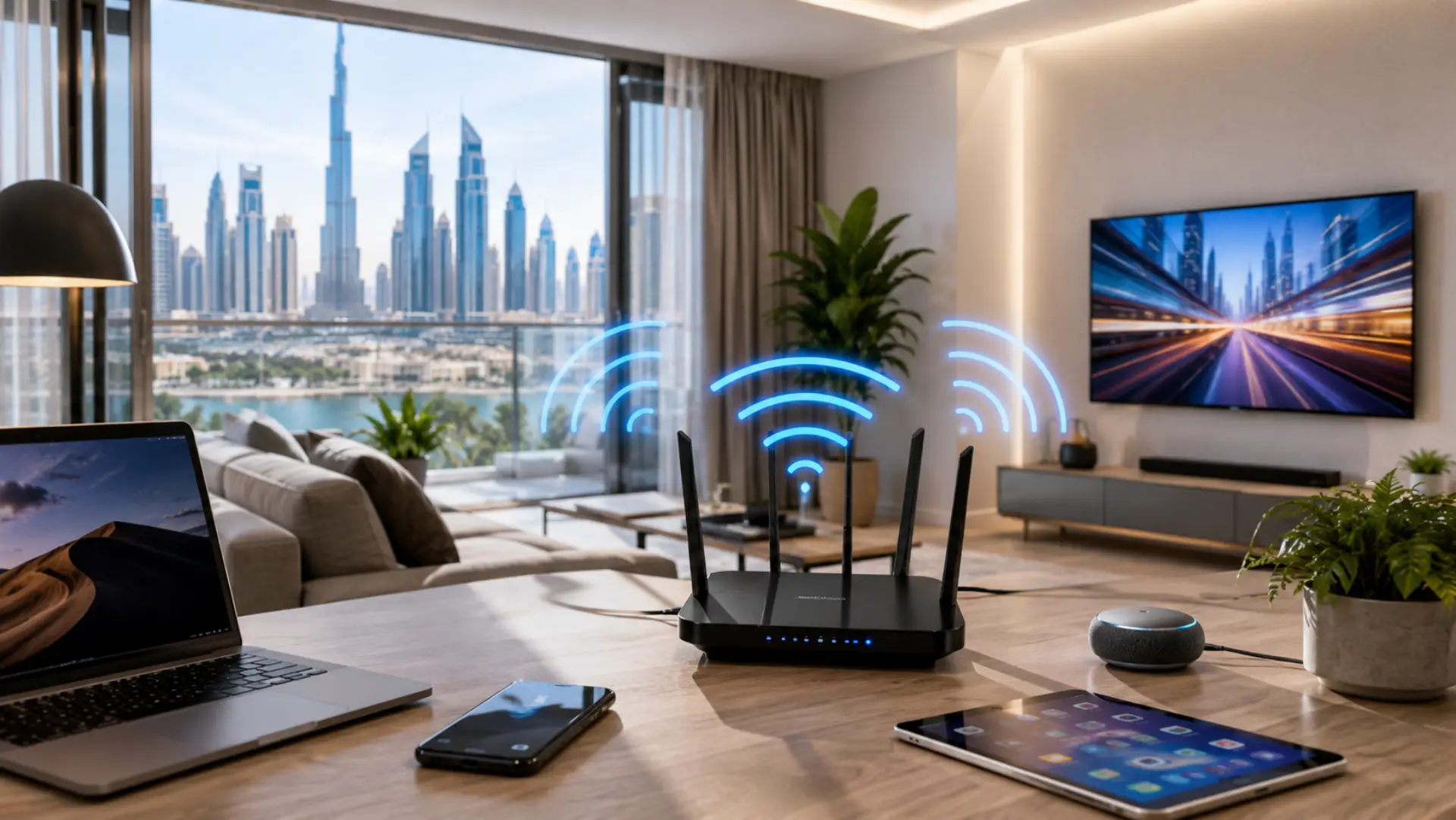
Choosing a good internet speed for Dubai homes depends on how many people live in the house, how many devices are connected, and what you do online every day. A small apartment may work well with a basic plan, while a villa with smart TVs, gaming consoles, cameras, phones, laptops, and smart home devices may need a stronger connection.
Many people look only at the advertised internet speed. Real performance depends on package speed and local WiFi performance inside the home. But real performance also depends on router quality, WiFi coverage, device condition, network congestion, and the location of your router. That is why two homes with the same package can have very different online experiences.
What Is a Good Speed for a Dubai Home
A good internet speed for most Dubai homes usually starts from around 100 Mbps for light use and can go up to 500 Mbps or more for larger families, heavy streaming, online gaming, and work-from-home needs.
For simple browsing, emails, WhatsApp, and social media, you do not need the highest package. For 4K streaming, video meetings, cloud backups, gaming, and multiple users at the same time, a stronger plan is better. The goal is not just fast internet, but stable performance in every room. If speed is strong near the router but weak in bedrooms or offices, the issue may be linked to WiFi dead zones.
Recommended Speeds for Home Use
For 1 to 2 people, 100 Mbps can be enough if the usage is light. This works well for browsing, video calls, and HD streaming.
For 3 to 5 people, 250 Mbps is a safer choice. It can handle streaming, online classes, work calls, and daily browsing on multiple devices.
For large families, villas, gamers, smart homes, or heavy 4K users, 500 Mbps or higher is usually more suitable. This gives better support for many connected devices and stronger network speed during busy hours.
Why Dubai Homes May Need Better WiFi Coverage
Many apartments and villas in Dubai have thick walls, long layouts, multiple floors, closed rooms, and modern interiors that can weaken wireless signals. Even with a strong internet package, poor router placement can reduce dubai wifi quality inside bedrooms, offices, and majlis areas.
A proper router setup Dubai checklist should place the router in a central location, away from metal cabinets, mirrors, cordless phones, and thick walls. For larger homes, a mesh system can provide better coverage than a single router.
Speed Is Not the Same as WiFi Quality
A high package does not always mean perfect home WiFi. Your provider may deliver strong speed to the router, but your phone or laptop may still get weak signals in another room.
This usually happens when the router is old, the device is far away, the wrong WiFi band is used, or too many devices are active at the same time. Good wifi performance comes from both the internet plan and the local wireless setup inside your home.
Why Internet Can Be Slow on Only One Device
Sometimes only one phone, laptop, tablet, or computer has a slow speed while other devices work fine. In that case, the main connection is usually not the problem. The issue is often with that specific device.
A phone may have background apps using data, outdated software, a weak WiFi antenna, VPN problems, or incorrect network settings. Phone-specific problems can also appear as slow WiFi on phone even when the home internet plan is strong. A laptop may be slow because of old drivers, browser extensions, malware, a full system, or poor WiFi adapter performance.
If only one device has slow internet in Dubai, restart that device, forget and reconnect to the WiFi network, turn off VPN, update the system, and test it near the router. If the speed improves near the router, the problem may be signal coverage. If it stays bad, the device may need deeper checking.
Common Reasons for Slow Speed at Home
You may face slow internet even with a good plan if your router is placed in a corner, hidden inside a cabinet, or surrounded by walls. Your speed can also drop when many people stream, download files, attend video calls, or play games at the same time.
Other common causes include an old router, weak signal, damaged cables, too many connected devices, outdated firmware, and interference from nearby networks. In busy buildings, Dubai WiFi speed can also be affected by overlapping wireless channels from nearby apartments.
How to Test Your Speed Properly
To get accurate results, run an internet speed test near the router first. Close heavy apps, stop downloads, and test one device at a time. Then test again from the room where you usually face problems.
If you want to know how to test internet speed, compare three results: one near the router, one far from the router, and one on another device. If the speed is good near the router but poor in another room, the issue is WiFi coverage. If all devices are slow, the router or provider connection may need checking.
When Do You Need High-Speed Internet?
You may need high speed internet if your home has multiple people streaming 4K videos, working remotely, gaming online, using cloud storage, and running smart devices at the same time.
A high speed wifi setup is also useful for villas, home offices, and families with many connected devices. For the best result, your router, mesh system, and package should all support the speed you are paying for.
How to Improve Internet Speed at Home
Start by restarting the router and checking where it is placed. Keep it in an open area, away from walls and metal objects. Use the 5 GHz band for nearby devices and 2.4 GHz for longer-range connections.
If your home is large, a high-speed network may need mesh WiFi instead of one router. You should also remove unused devices, update router firmware, change weak passwords, and check for background downloads.
When to Get Professional Help
If you still face a wifi issue after testing different devices, rooms, and router settings, the problem may be with coverage, cabling, router configuration, or device compatibility.
Professional WiFi setup Dubai support can help check weak spots, router placement, signal strength, device load, and mesh coverage. This is especially useful for villas, offices, and homes where one room gets strong speed while another room gets slow wifi.
FAQs
What is the best internet speed for a normal Dubai home?
For normal daily use, 100 Mbps to 250 Mbps is enough for many homes. This supports browsing, video calls, and streaming. Larger families should choose a faster speed.
How much speed do I need for working from home?
Most work-from-home users need a stable speed more than the highest package. Video calls, file sharing, and cloud tools work better with 100 Mbps or above. A strong router setup is also important.
Why is my laptop fast but my phone slow?
Your phone may have a weak signal, old software, VPN issues, or background apps. The WiFi connection may be fine if other devices work well. Restart the phone and reconnect to the network.
Why is my computer slow but other devices are fine?
The computer may have outdated drivers, malware, or a weak WiFi adapter. Try testing it near the router first. If speed stays low, update the system and network driver.
Do smart TVs need high speed?
Smart TVs need a stable speed, especially for 4K streaming. One TV may work fine on a moderate speed. Multiple TVs streaming together need a stronger plan.
Can too many devices slow the connection?
Yes, many connected devices can reduce performance. Phones, cameras, tablets, TVs, and smart home devices all use bandwidth. Disconnect unused devices to improve stability.
Should I upgrade my router or internet plan?
Upgrade the router if coverage is weak or the device is old. Upgrade the plan if all devices are slow, even near the router. Testing first helps you avoid wasting money.
Is mesh WiFi useful for Dubai villas?
Yes, mesh WiFi is useful for large villas and multi-floor homes. It helps spread the signal into rooms where one router cannot reach well. It is often better than using random extenders.
Final Verdict
The right speed depends on your home size, number of users, connected devices, and daily online habits. For many Dubai homes, 100 Mbps to 250 Mbps is enough for normal use, while larger families, villas, gamers, and 4K users may need 500 Mbps or more.
Before upgrading your plan, test your router location, device performance, and coverage in different rooms. Many speed problems are caused by WiFi setup, not the actual connection package.
Leave a Reply