
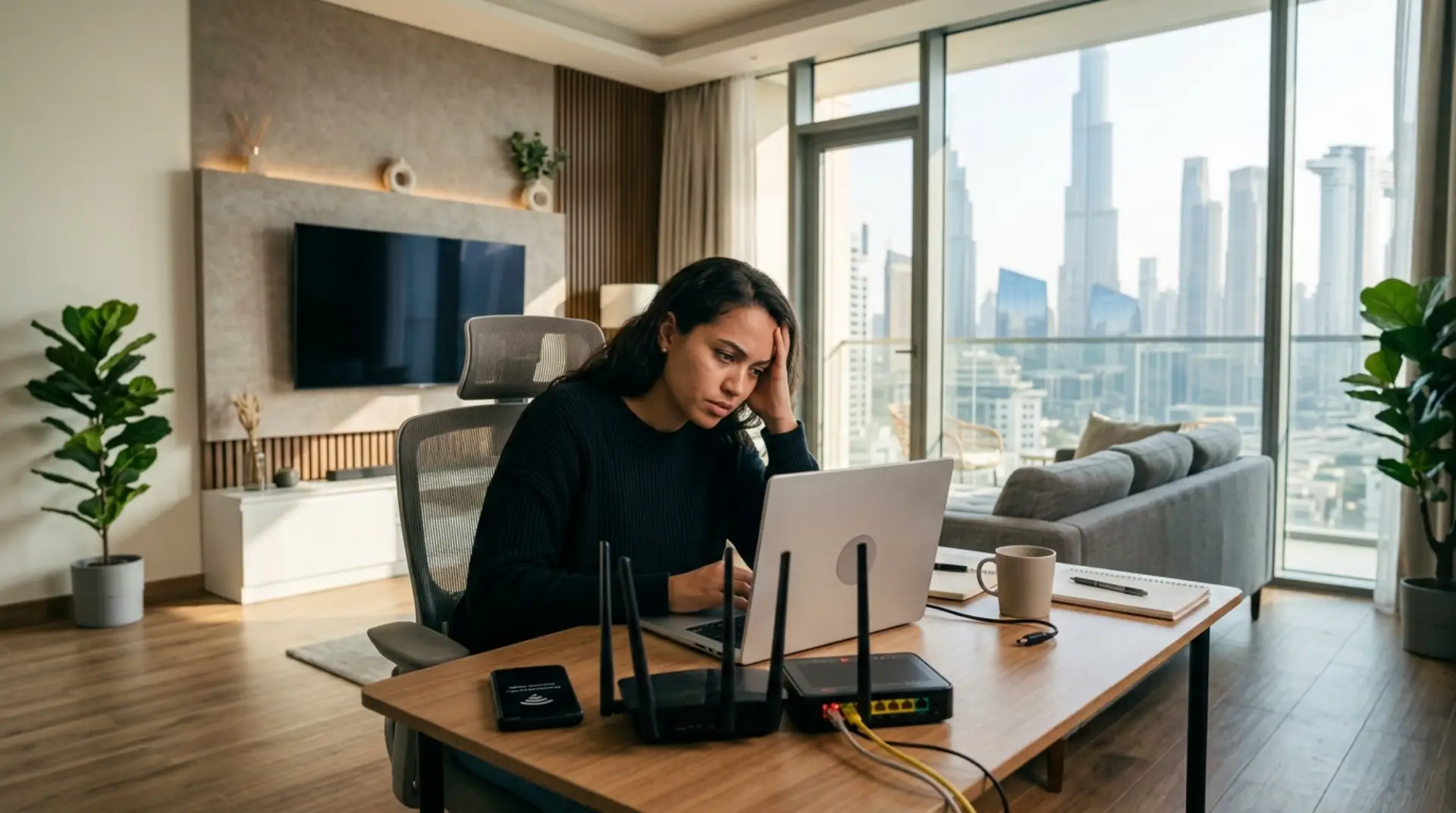
You are getting ready for a work call in your Dubai apartment, the kids are opening Netflix on the smart TV, and someone is about to start an online gaming session. Suddenly, everything stops. The WiFi icon is still showing, but pages will not load. When your router is not connecting to the Internet, the problem appears at the worst time. The first concerns are usually the same: internet speed, privacy, security, weak signals, and too many connected devices fighting for bandwidth.
Before you assume the router is damaged or call your internet provider, there are several safe checks you can do at home or in the office. In many Dubai homes, the issue is not always the internet line itself. It could be router placement, signal interference, network congestion, loose cables, outdated router settings, or devices using too much bandwidth in the background.
Check Whether the Problem Is the Router, Modem, or Internet Line
Start by identifying where the connection is failing. Your router shares the internet across WiFi and wired devices, while the modem connects your home or office to the internet service provider. Before you change router setting, check the basic connection points first.
- Make sure the modem and router are powered on.
- Look for red, orange, or blinking warning lights.
- Confirm the internet cable is firmly connected.
- Check if the WAN or internet port on the router is plugged in properly.
- Test the internet on more than one device.
- Try connecting a laptop directly to the router with an Ethernet cable.
If all devices have no internet access, the issue may be with the modem, provider line, or router. If only one phone or laptop is affected, the issue is more likely with that device’s WiFi settings.
Restart Your Router and Modem the Right Way
A restart sounds simple, but it fixes many home router internet issues. Routers can overload when families use smart TVs, tablets, phones, cameras, gaming consoles, and smart home devices all day.
Use this safe restart method:
- Turn off the router.
- Turn off the modem.
- Wait 60 seconds.
- Turn on the modem first.
- Wait until the modem lights become stable.
- Turn on the router.
- Wait two to three minutes before testing again.
Restarting clears temporary errors and refreshes the connection. However, avoid pressing the reset button unless you know what it does. A factory reset can erase your router settings, WiFi password, network name, and custom security setup.
Check Cables, Power Adapters, and Router Lights
Dubai apartments and villas often have routers placed near TV cabinets, behind furniture, or inside utility boxes. Over time, cables can become loose or bent.
Inspect the power cable, Ethernet cable, and fiber or modem connection. If a cable looks damaged, replace it with a good-quality cable. Also, check whether the router feels unusually hot. Poor ventilation can affect wifi performance, especially if the router is inside a closed cabinet.
Router lights can tell you a lot. A stable power light is good. A missing internet light usually means the router is not receiving internet from the modem. A blinking WiFi light is usually normal, but a red internet light often means the router is connected but there is no internet access.
Review Router Placement in Dubai Apartments and Villas
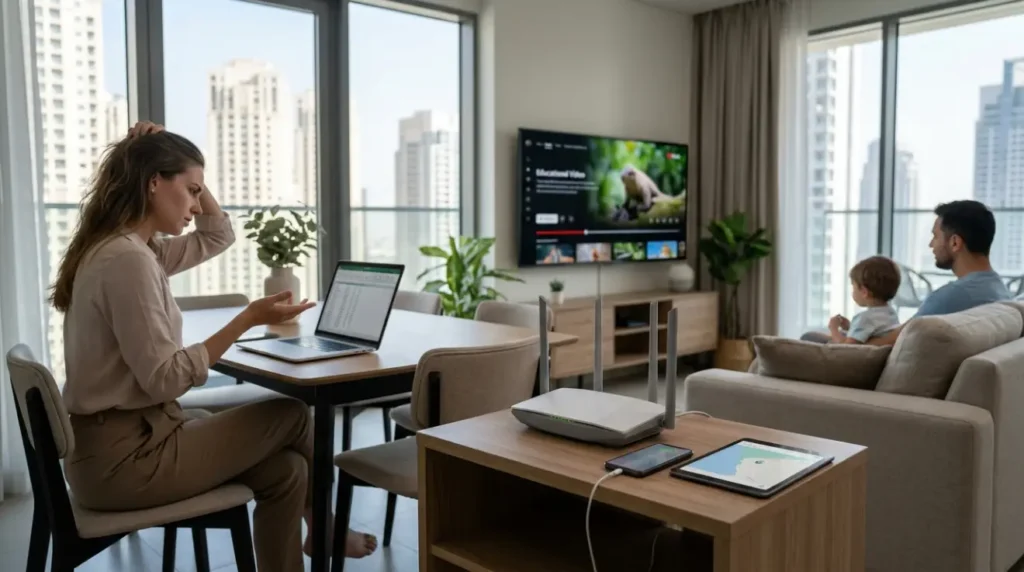
Many Dubai apartments have several nearby WiFi networks from neighboring units. This creates signal interference, especially in buildings with many floors and shared walls. Your WiFi may be connected, but the signal quality can still be poor.
Place the router:
- In a central, open location
- Away from thick walls and metal cabinets
- Away from microwaves, cordless phones, and large appliances
- Not directly behind a TV
- Higher than floor level
- Away from closed electrical or utility boxes where possible
In villas, a weak signal between floors is common. A single router downstairs may not cover bedrooms, majlis areas, garden spaces, or home offices upstairs. In that case, a wifi booster, mesh WiFi system, or professional wifi signal increase service may be more effective than simply buying a stronger router.
Check How Many Devices Are Connected
Too many connected devices can slow down or disrupt your router. Families often have phones, laptops, tablets, smart TVs, gaming consoles, security cameras, smart speakers, and doorbells connected at the same time. Each device uses bandwidth, even when no one is actively using it.
Log in to your router login page and check the connected devices list. Remove unknown devices and change your wifi password if you see anything suspicious.
This is especially important for tenants, shared apartments, and small offices where old guests, previous residents, or nearby users may still have the WiFi password. A secure network protects your privacy and helps improve internet speed by keeping unwanted users out.
Look at Basic Router Settings Without Weakening Security
Some basic router settings are safe to review. You can check the WiFi name, password, connected devices, and whether your router is using both 2.4 GHz and 5 GHz bands.
In general:
- Use 2.4 GHz for a longer range.
- Use 5 GHz for faster speed in nearby rooms.
- Keep WPA2 or WPA3 encryption enabled.
- Use a strong admin password.
- Keep the router firmware updated when updates are available.
Do not disable firewall settings, encryption, admin protections, or security features just to “make the internet work.” These settings help protect your personal data, banking activity, work files, smart cameras, and business systems. If router login is confusing or the settings page looks unfamiliar, it is safer to contact a wifi repair technician.
Improve Stability for Home Offices and Video Calls
For remote workers and freelancers in Dubai, unstable WiFi can affect meetings, uploads, cloud apps, and client calls. If your video calls freeze even when the internet is technically working, the issue may be a weak signal, high latency, or network congestion.
Try these practical steps:
- Sit closer to the router during important calls.
- Use Ethernet for your work laptop where possible.
- Pause large downloads during meetings.
- Ask family members to avoid streaming in 4K during calls.
- Restart the router before a critical workday if it has been running for weeks.
For a dedicated home office, professional network troubleshooting can help identify dead zones, overloaded channels, and poor router placement.
Reduce Lag for Gaming and Streaming
Gamers need low latency, not just high internet speed. A connection can look fast in a speed test, but still lag during online gaming if the WiFi signal is unstable.
Use a wired Ethernet connection for consoles or gaming PCs whenever possible. If that is not practical, connect to the 5 GHz WiFi band and stay close to the router. Avoid placing the router behind thick walls or inside a TV cabinet.
For families streaming on multiple smart TVs, bandwidth management matters. Some routers allow quality-of-service settings, which can prioritize gaming, video calls, or work devices. Be careful when changing advanced router settings, and get help if you are unsure.
Set Up Safer WiFi for Small Businesses
Small businesses, salons, clinics, offices, cafés, and retail shops in Dubai should not use one shared WiFi password for staff, customers, payment devices, and office computers. This creates privacy and security risks.
A better setup includes:
- A private staff network
- A separate customer guest WiFi
- Strong wifi password rules
- Secure router admin access
- Proper coverage across reception, office rooms, and service areas
- Regular checks for unknown connected devices
Business WiFi needs more than a basic router setup. A professional Router Setup Dubai service can configure secure access, improve wifi performance, and reduce downtime during working hours.
Common Causes of Slow WiFi That Look Like Router Failure
Sometimes the router is working, but the WiFi feels broken. The most common causes of slow wifi include poor router location, old equipment, too many devices, weak signal, outdated firmware, network congestion, and interference from nearby networks.
In apartments, the problem is often crowded WiFi channels. In villas, it is usually distance and walls. In small offices, it may be too many users on one basic router. Matching the solution to the property type is the key.
FAQs
Why is my router connected but there is no internet?
This usually means your device is connected to the router, but the router is not receiving internet from the modem or provider line. Check the modem lights, cables, and restart both devices.
How do I fix WiFi connected but no internet?
Restart the modem and router, check cables, test another device, forget and reconnect to WiFi, and confirm your bill or provider service is active. If it continues, the issue may need deeper network troubleshooting.
Should I restart my modem or router first?
Turn both off, then restart the modem first. Wait until its lights are stable, then turn on the router. This helps the router receive a fresh connection from the modem.
Can too many devices slow down my router?
Yes. Phones, TVs, tablets, cameras, and smart devices all use bandwidth. Too many connected devices can reduce internet speed and make WiFi unstable.
Why does WiFi work in one room but not another?
The signal may be blocked by walls, distance, furniture, metal, or floor levels. This is common in Dubai villas, larger apartments, and homes where the router is placed in a corner or cabinet.
Do I need a wifi booster in my Dubai villa?
You may need a wifi booster or mesh WiFi system if the signal is weak between floors or far rooms. For larger villas, a planned WiFi coverage setup usually works better than one basic extender.
When should I call a wifi repair technician?
Call a wifi repair technician if internet drops continue, router login is confusing, business WiFi is needed, or your apartment or villa has coverage problems that basic steps do not fix.
How can I make my home WiFi more secure?
Use a strong wifi password, enable WPA2 or WPA3 encryption, change the default router admin password, update firmware, and remove unknown connected devices. Do not disable firewall or security features unless you understand the risks.
Get the Right Router Support for Your Dubai Home or Office
Many router problems can be fixed safely by checking cables, restarting the modem and router, improving placement, changing the WiFi password, and reviewing basic router settings. These steps are useful for apartments, family homes, home offices, gaming rooms, and small workspaces.
However, professional help is the better choice when the internet keeps dropping, the router login page is confusing, the Wi-Fi does not reach important rooms, or your business needs secure guest access. Dubai villas may need wifi signal increase planning, apartments may need interference checks, and offices may need separate networks for staff and customers.
A reliable wifi service can help with router setup, secure network configuration, wifi booster installation, network troubleshooting, and ongoing router internet problem support so your home or business stays connected, faster, and safer.
Leave a Reply